
PageCore
| 开发者 | mswebworld |
|---|---|
| 更新时间 | 2026年10月24日 20:50 |
| PHP版本: | 7.4 及以上 |
| WordPress版本: | 7.1 |
| 版权: | GPLv2 or later |
| 版权网址: | 版权信息 |
详情介绍:
安装:
- Upload the plugin to wp-content/plugins/pagecore, or install it through the Plugins screen.
- Activate it.
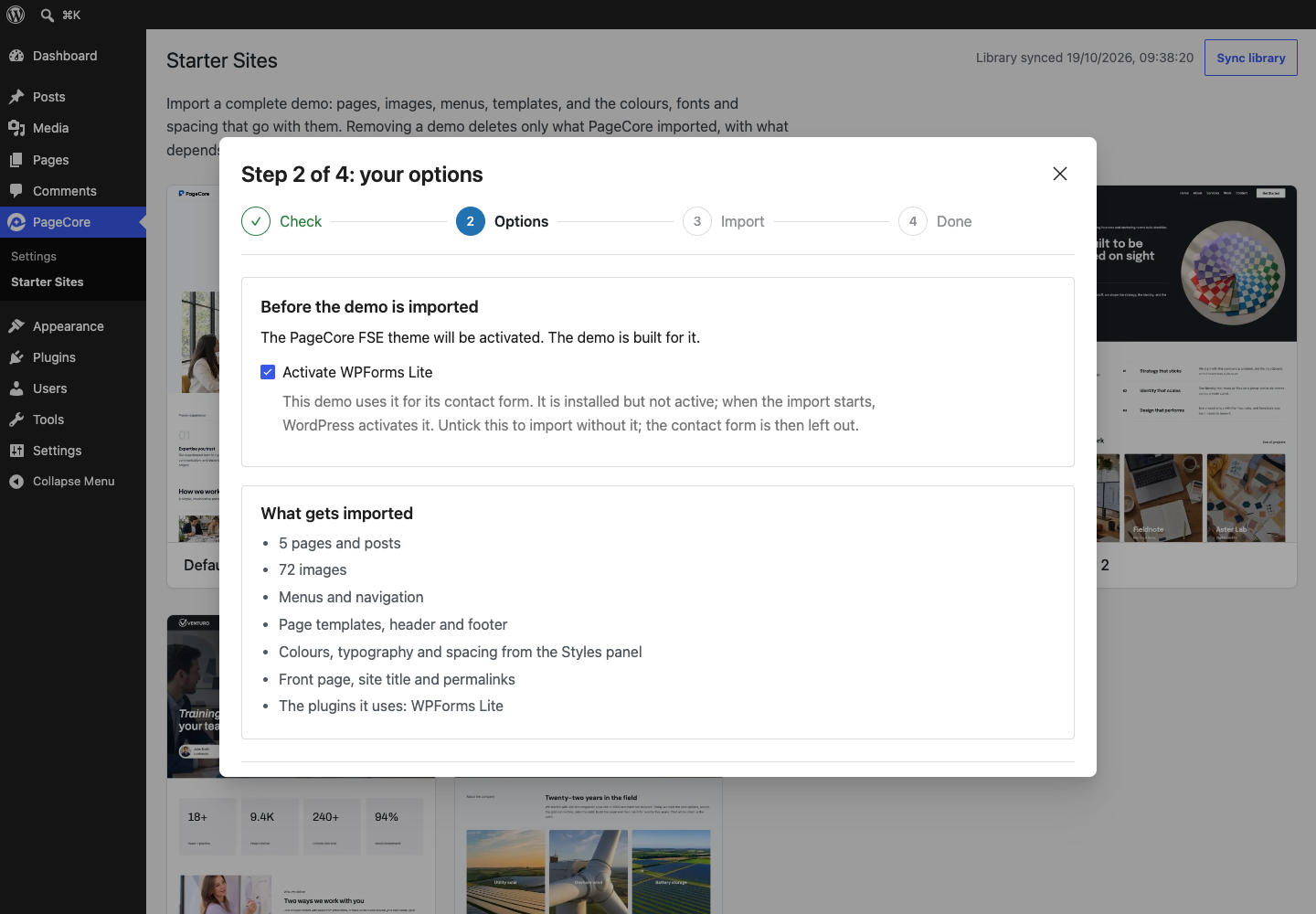
- Go to PageCore in the admin menu and switch on the modules you need.
屏幕截图:



常见问题:
Do I need any coding skills?
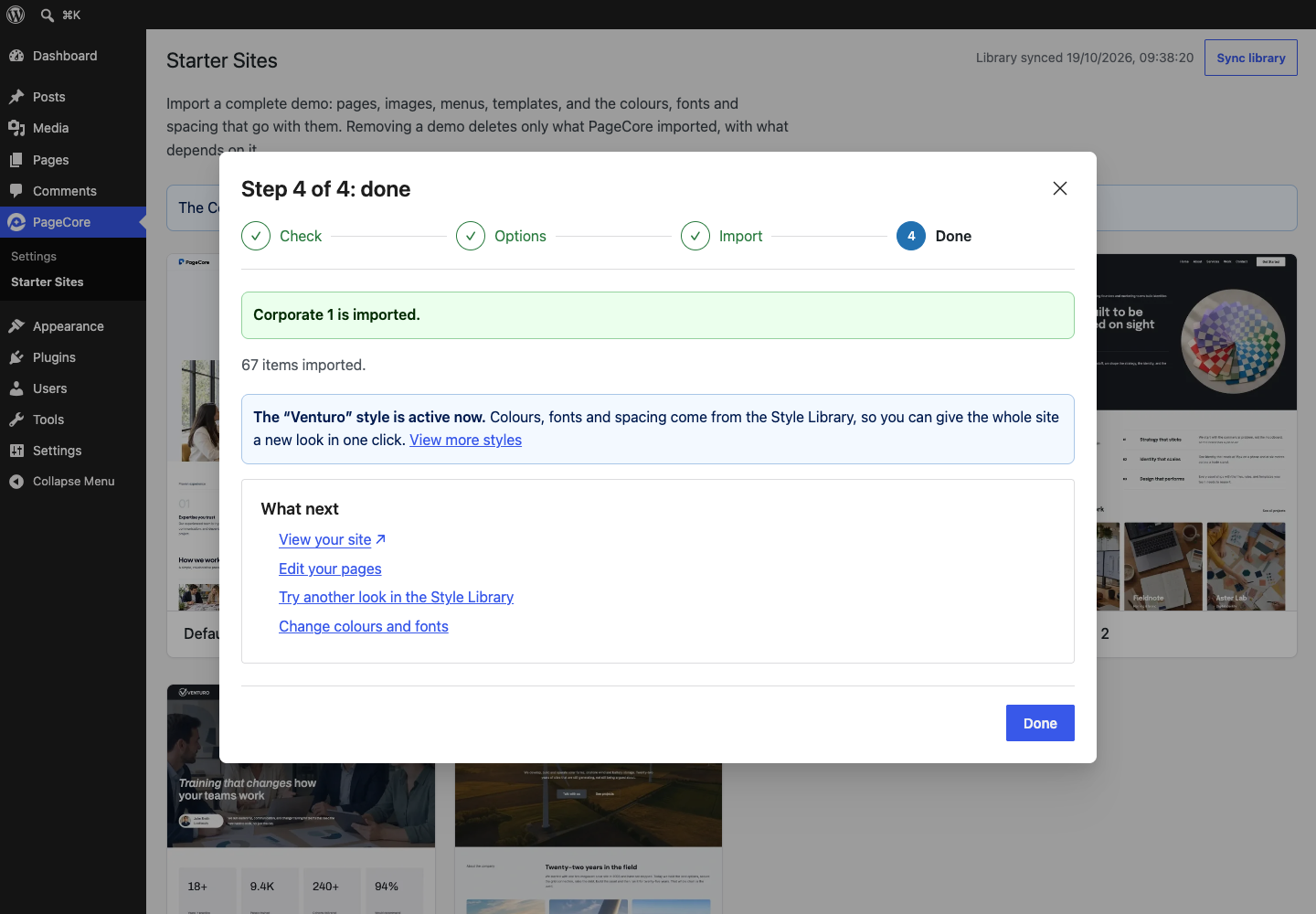
No. You choose a starter site, follow the four-step import wizard, and then change text, images and layout with blocks in the WordPress Site Editor. You never need to write code.
Which theme does PageCore need?
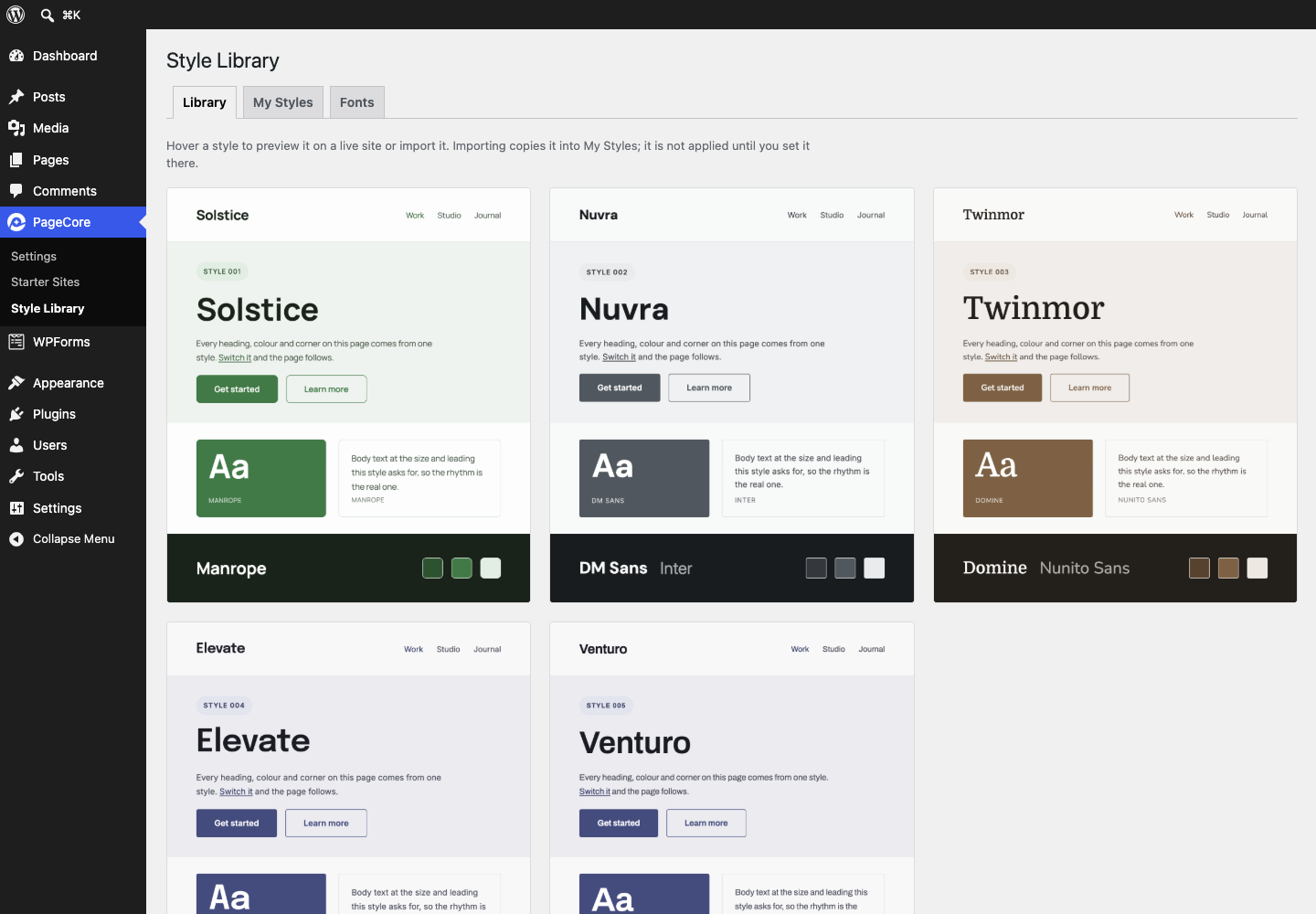
Starter sites are designed for the free PageCore FSE theme. If it is missing, the import wizard installs it from WordPress.org and activates it, after telling you. The Design Library also works with other block themes, although spacing and colours can look different from the previews. The Style Library appears only while PageCore FSE is active.
Is a page builder required?
No. PageCore works inside the block editor and Site Editor that come with WordPress. There is no separate builder to install, learn or pay for.
What is the difference between a starter site, a site kit and a pattern?
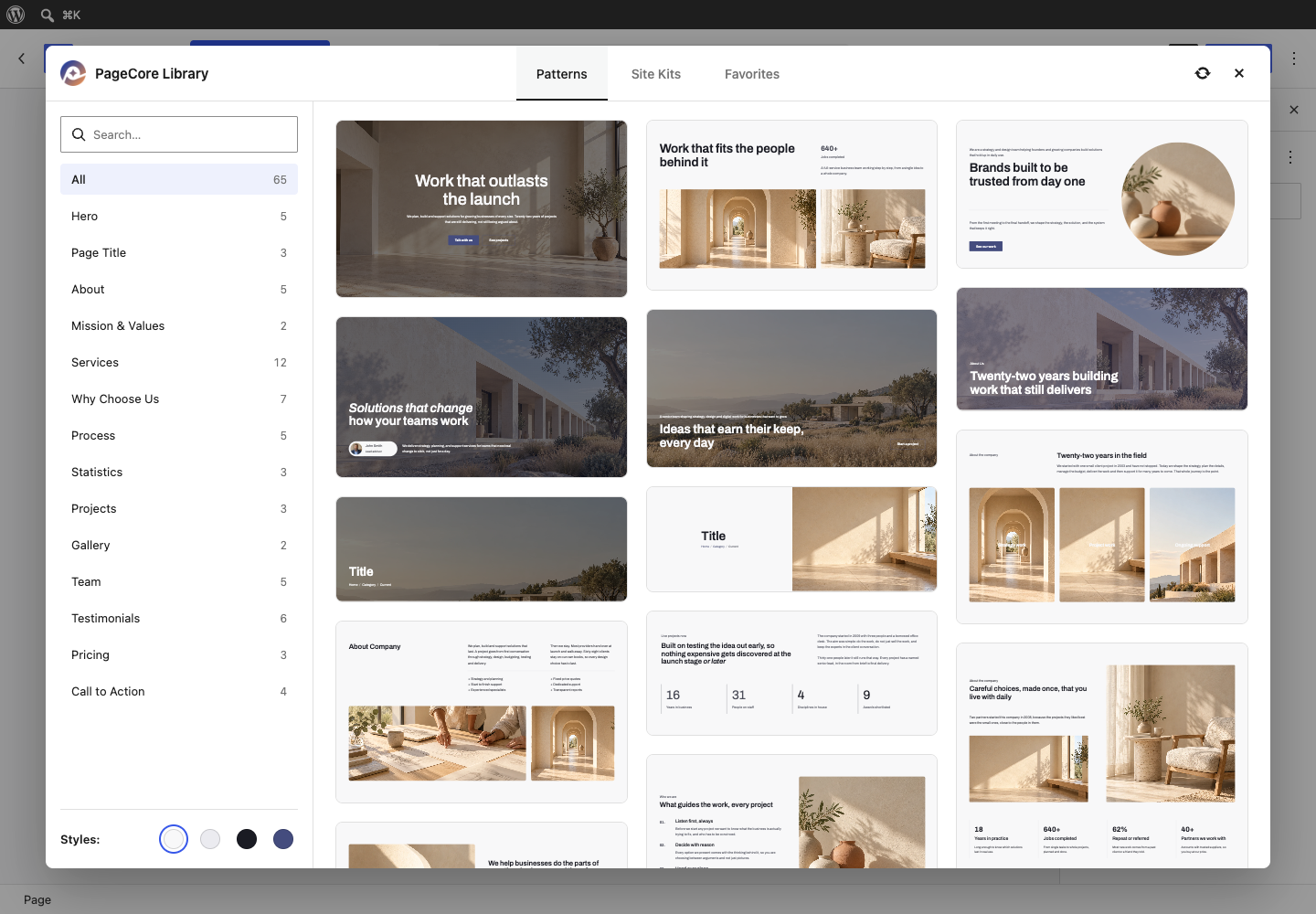
A starter site is a complete website: pages, images, menus, templates, forms and styles, imported together through the wizard. A site kit is the same starter site opened in the Design Library, where you can insert any one of its pages into the page you are editing. A pattern is a single ready-made section, such as a hero, a pricing table or a team grid.
Can I add a single page instead of a whole website?
Yes. In the editor, open the PageCore Library, go to Site Kits, pick a starter site and insert the page you want. Its images are copied to your media library. Nothing else from that starter site is imported.
Can I import a starter site into a site that already has content?
Yes. Your own pages, posts and forms stay. Before anything starts, the wizard lists what will be imported, including the front page, site title, permalinks and the site's colours and fonts. A site holds one starter site at a time, so importing a new one replaces the PageCore demo already there, and the wizard asks you to agree first.
Can I change everything after importing?
Yes, all of it. Edit pages, headers, footers and templates in the Site Editor. Adjust colours and fonts under Styles, or give the whole site a different look from the Style Library.
Do I need to keep PageCore active after an import?
Yes, we recommend it. Your pages are ordinary blocks and stay in place either way. Some sections use PageCore's colour schemes (Soft, Accent, Dark), and some blocks use its Tablet Navigation or Absolute Position options. With PageCore switched off, those parts lose that styling.
Will PageCore slow down my website?
PageCore does its work in the admin area. On the front end it adds one small stylesheet. Imported images are served from your own media library and fonts from your own site, so visitors' browsers load nothing from PageCore's servers.
Do I need an account or a licence key?
No. There is nothing to sign up for. PageCore reads public demo files and sends nothing about your site; the External services section lists exactly what it connects to.
What if an import stops halfway?
You can stop an import at any time. If one is interrupted, for example by a lost connection, the Starter Sites screen offers to carry on. A stopped or failed import can be removed completely, so nothing half-finished is left behind.
Does it work on WordPress multisite?
Yes. Each site in the network imports its own starter site and keeps its own styles and settings.
Are SVG files from a demo safe?
Every SVG PageCore brings in is rebuilt before it is stored, from a list of the elements, attributes and CSS properties that are safe in a static image. Anything not on that list goes, whether or not anyone has worked out what it could be used for: scripts, event handlers, embedded HTML, animation, links to other servers and stylesheets fetched from elsewhere. A file that has nothing left to draw afterwards is refused rather than stored.
What happens to SVG icons if my site does not allow SVG?
PageCore asks once. The first time a starter site or a design has SVG icons, it asks whether to use them. If you say yes, PageCore copies its own icons into your media library, each one cleaned first; it does not change which files your site accepts as uploads. If you say no, each icon is replaced: a starter site import uses the PNG version, and where there is none, or in the Design Library, a placeholder icon that ships with PageCore. Either way nothing on your pages is loaded from the demo site, and you can replace a placeholder with an icon of your own whenever you like. Your answer is remembered, and you can change it under PageCore > Settings > Advanced. A site that already accepts SVG uploads is not asked.
Does switching a module off delete anything?
No. Switching a module off only stops it running. Everything it created stays where it is.
What happens when I delete the plugin?
Nothing is removed, unless you switched on "Remove Data on Delete" (PageCore > Settings > Advanced) before deleting. That setting is off by default. With it on, PageCore's settings, saved favorites, imported demos (with their comments and form messages) and downloaded fonts are removed. Content PageCore did not import is not deleted. Imported contact forms are only ever deleted through WPForms, so one stays if WPForms is not running when PageCore is deleted. On a multisite network that happens when WPForms is active only on individual sites, rather than on the main site or across the network. Any form left behind can be deleted under WPForms > All Forms.
更新日志:
- Initial release.