
Password Protected Site and Store
| 开发者 | codenix |
|---|---|
| 更新时间 | 2026年10月8日 00:59 |
| PHP版本: | 6.3 及以上 |
| WordPress版本: | 7.0 |
| 版权: | GPLv2 or later |
| 版权网址: | 版权信息 |
详情介绍:
Documentation | Support
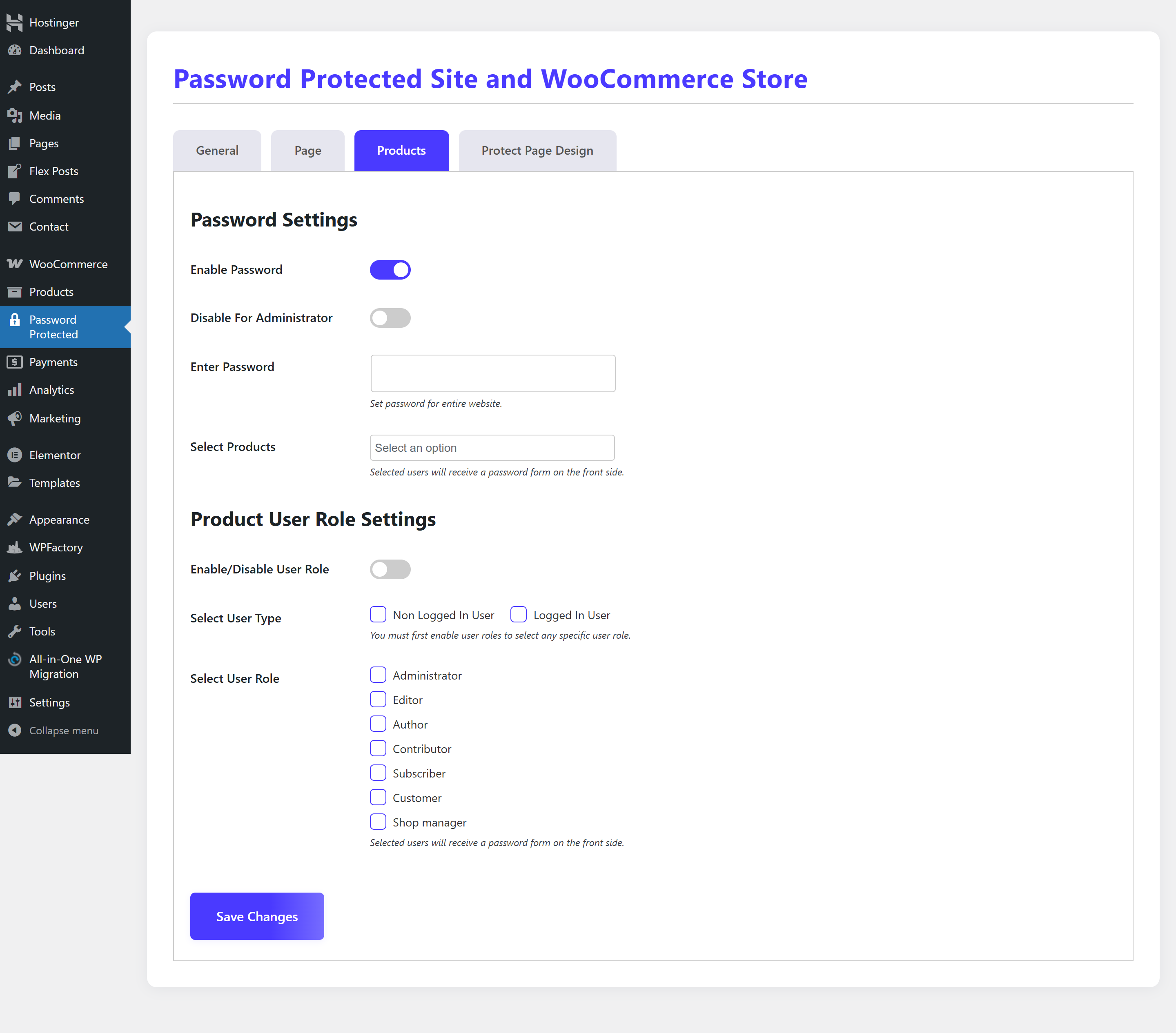
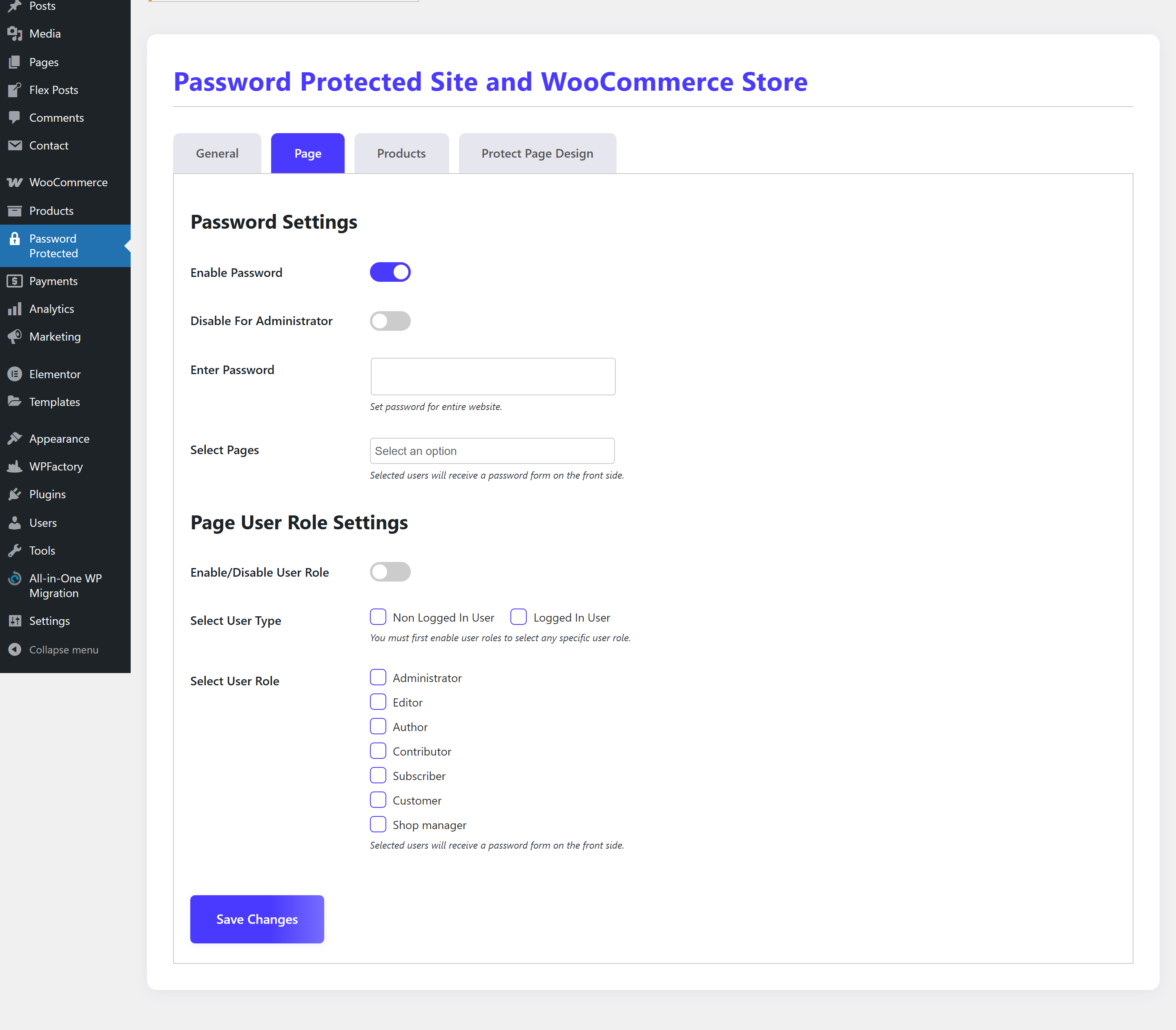
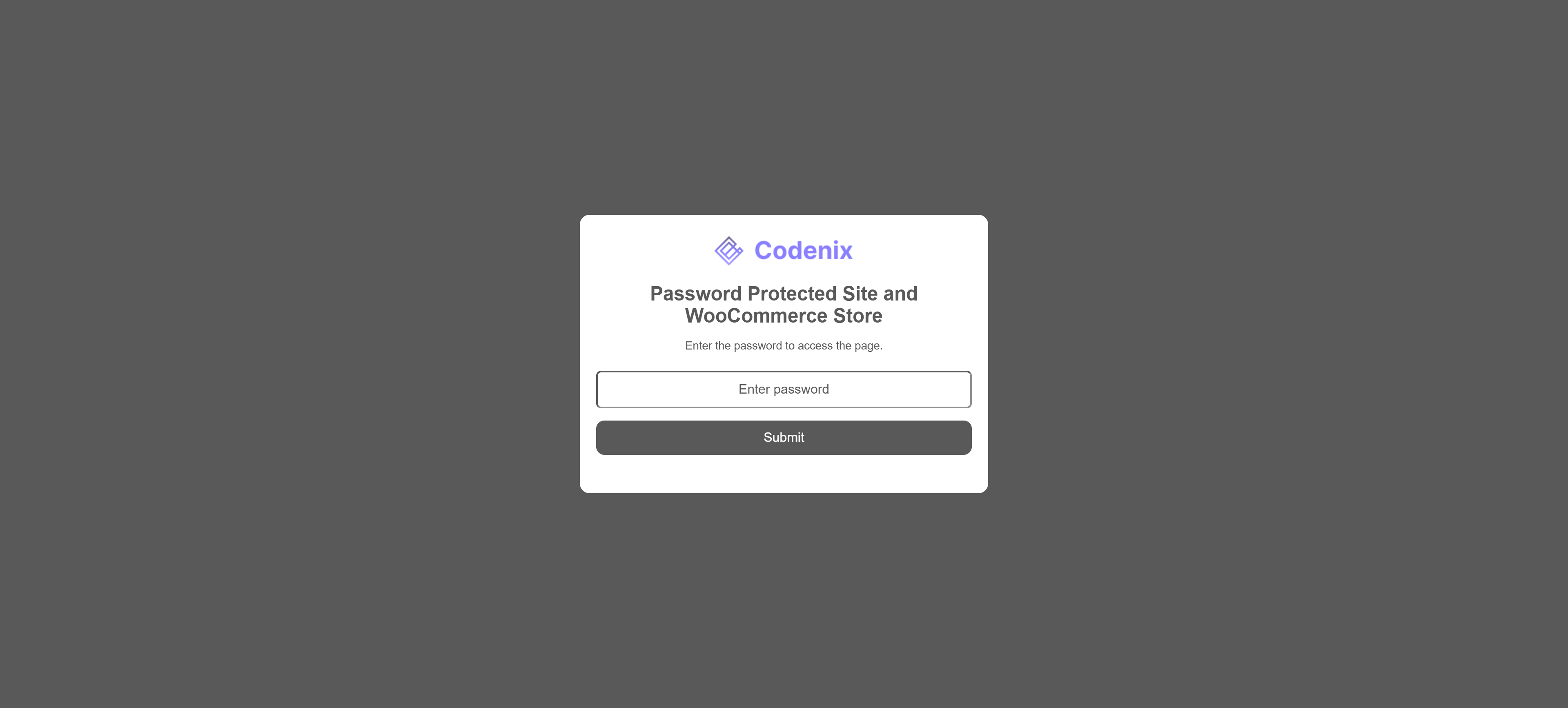
Want to make your WordPress site password protected? Need to create a protected WooCommerce store for select users or clients only? Our Password Protected Site and Store plugin is the ultimate all-in-one solution to restrict access and fully customize the experience – without touching any code.
Whether you're building a staging site, client preview, private membership area, or exclusive product showcase – this plugin gives you complete control over who can access your WordPress site or WooCommerce store.
安装:
- Upload the plugin folder to the
/wp-content/plugins/directory, or install the plugin through the WordPress plugins screen directly. - Activate the plugin through the 'Plugins' screen in WordPress.
- Use the 'Password Protected' menu in the WordPress admin sidebar to configure settings.
屏幕截图:

更新日志:
1.1.0
- SECURITY: Protected content was previously readable through RSS feeds and the REST API even while protection was enabled. Both are now blocked by default, with a setting for each. Existing sites are upgraded to the protected setting.
- Added login attempt limiting with a configurable lockout duration, applied to both the form and the REST endpoint.
- Added an IP allowlist supporting single addresses, CIDR ranges and wildcards.
- Added a configurable session length, plus an optional "Remember me" checkbox with its own duration.
- Added custom wording for the incorrect password and lockout messages.
- Added a page cache compatibility option for sites behind a full-page cache.
- Added drag and drop reordering of the password list, and a Duplicate action for copying a password's settings.
- And more..
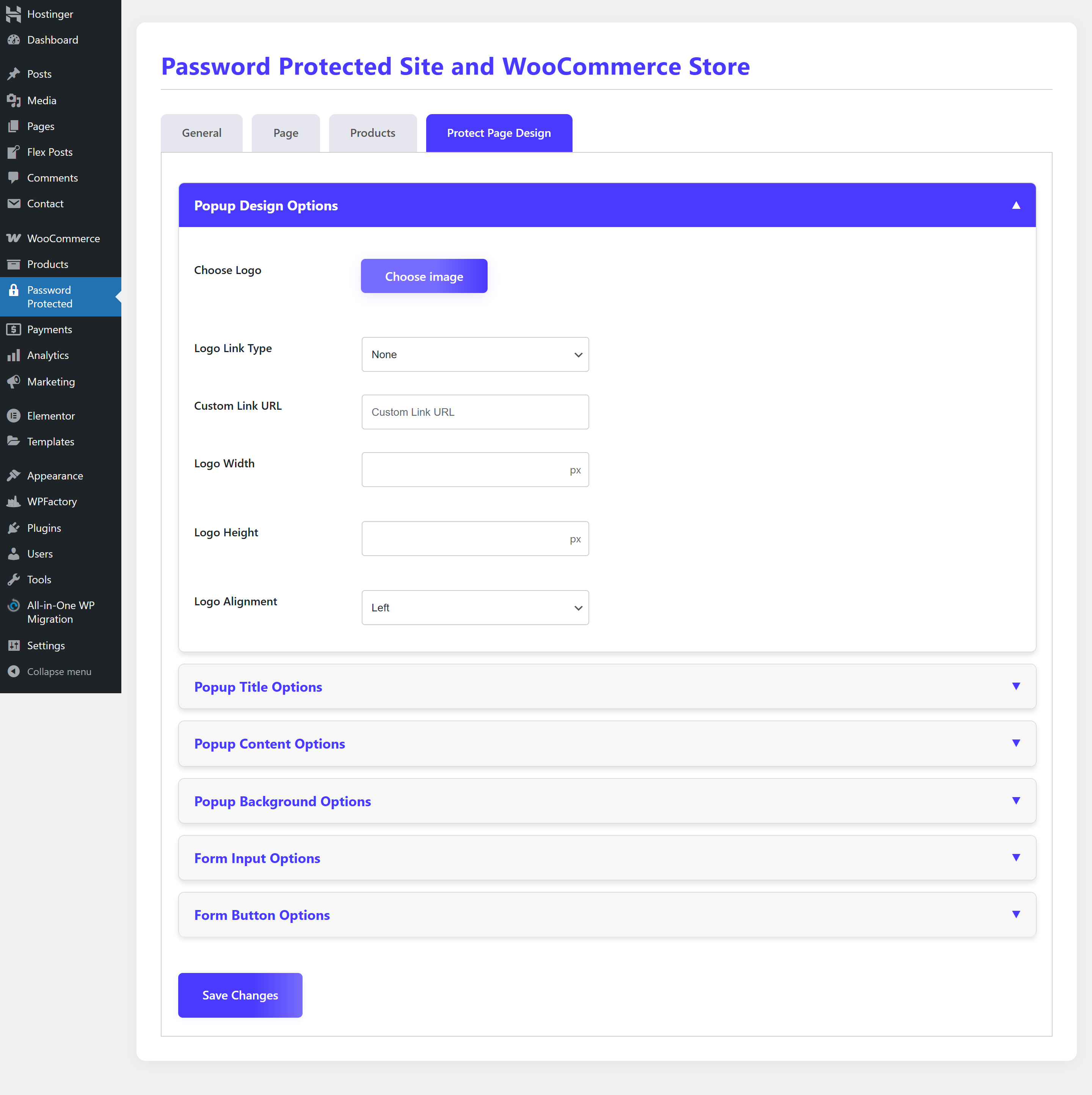
- Added a setting to isolate the password form from theme assets or include them for theme-based styling.
- Preserved the existing theme-asset behavior for upgraded installations.
- Added Multiple New Features according to users needs.
- Updated WordPress tested compatibility headers to version 7.0.
- Updated feature list and documentation in readme.txt.
- Fixed bugs
- Fixed bugs without woocommerce
- Improved User Interface
- Fixed bugs provided by WordPress Team
- Fixed bugs provided by WordPress Team
- Initial release