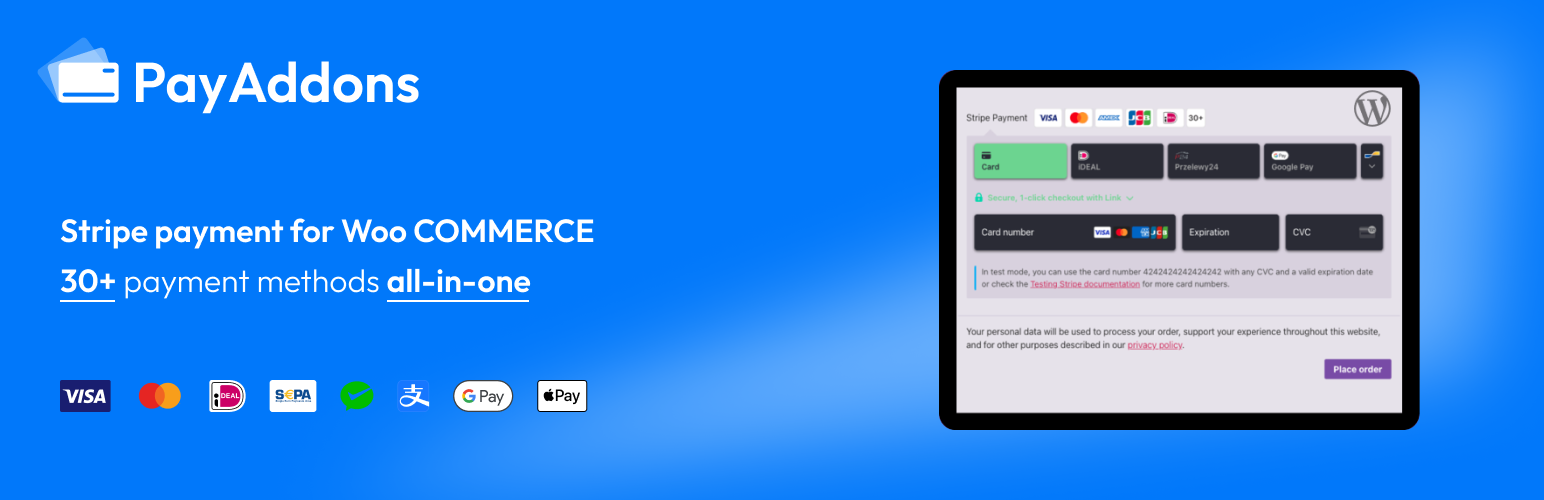
Payment Gateway for WooCommerce with Stripe - by Pay Addons
| 开发者 | payaddons |
|---|---|
| 更新时间 | 2026年10月15日 23:00 |
| PHP版本: | 7.4 及以上 |
| WordPress版本: | 7.1.3 |
| 版权: | GPLv3 |
| 版权网址: | 版权信息 |
标签
下载
详情介绍:
Payment Gateway for WooCommerce with Stripe allows you to easily accept payments on your WooCommerce store using Stripe.
With a single configuration, you can enable 30+ global payment methods including:
Credit Cards, Apple Pay, Google Pay, PayPal, Alipay, WeChat Pay, Klarna, Afterpay, ACH, iDEAL, FPX, GrabPay, OXXO, Multibanco, Bancontact, EPS, P24, Giropay, Affirm and more.
The plugin supports Stripe hosted checkout page redirection, express checkout buttons, and an all-in-one checkout form, helping WooCommerce stores accept global payments securely and efficiently.
Perfect for WooCommerce stores that want to:
- Accept Apple Pay and Google Pay
- Support global payment methods through Stripe
- Enable secure Stripe hosted checkout (SCA ready)
- Offer multiple payment options in a single checkout form
- Expand internationally with multi-currency support
安装:
- Install and activate the plugin.
- Go to WooCommerce → Settings → Payments.
- Enable Stripe Payment Gateway.
- Enter your Stripe API keys.
- Enable payment methods in your Stripe dashboard.
常见问题:
Does this require an SSL certificate?
Yes. In Live Mode, an SSL certificate is required to process payments with Stripe.
Does this support sandbox/testing mode?
Yes. You can switch between Test Mode and Live Mode in the plugin settings.
Does this support Apple Pay and Google Pay?
Yes. Apple Pay and Google Pay are supported through Stripe Express Checkout.
Does this support Alipay and WeChat Pay?
Yes. These payment methods can be enabled through your Stripe dashboard if supported in your region.
Where can I find documentation?
Documentation is available here: https://woo-docs.payaddons.com
Where can I get support?
Please contact: support@payaddons.com