
Payment Method Order Column
| 开发者 | alessio.rosi |
|---|---|
| 更新时间 | 2026年11月26日 19:17 |
| PHP版本: | 7.4 及以上 |
| WordPress版本: | 7.1.5 |
| 版权: | GPL2 |
| 版权网址: | 版权信息 |
详情介绍:
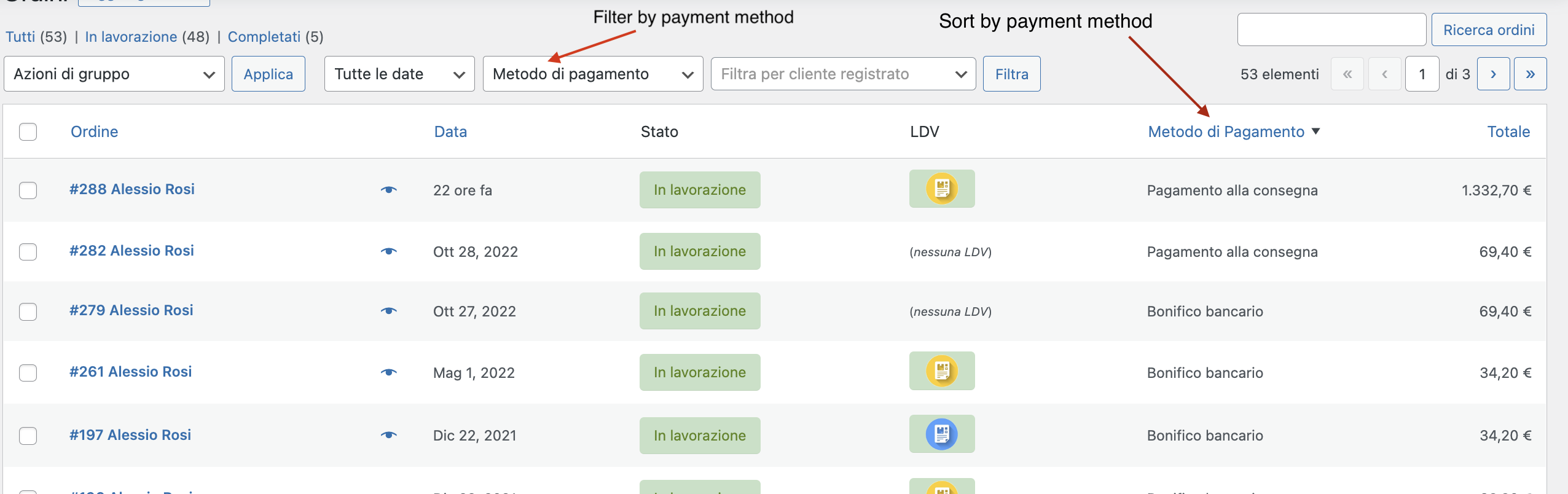
Payment Method Order Column adds a column to the WooCommerce orders list in the admin interface, showing an icon for the payment method used in each order. You can filter and sort orders by payment method.
Features
- Payment method column in the orders list, with a tooltip showing the method name
- Dropdown filter by payment method
- Sortable column
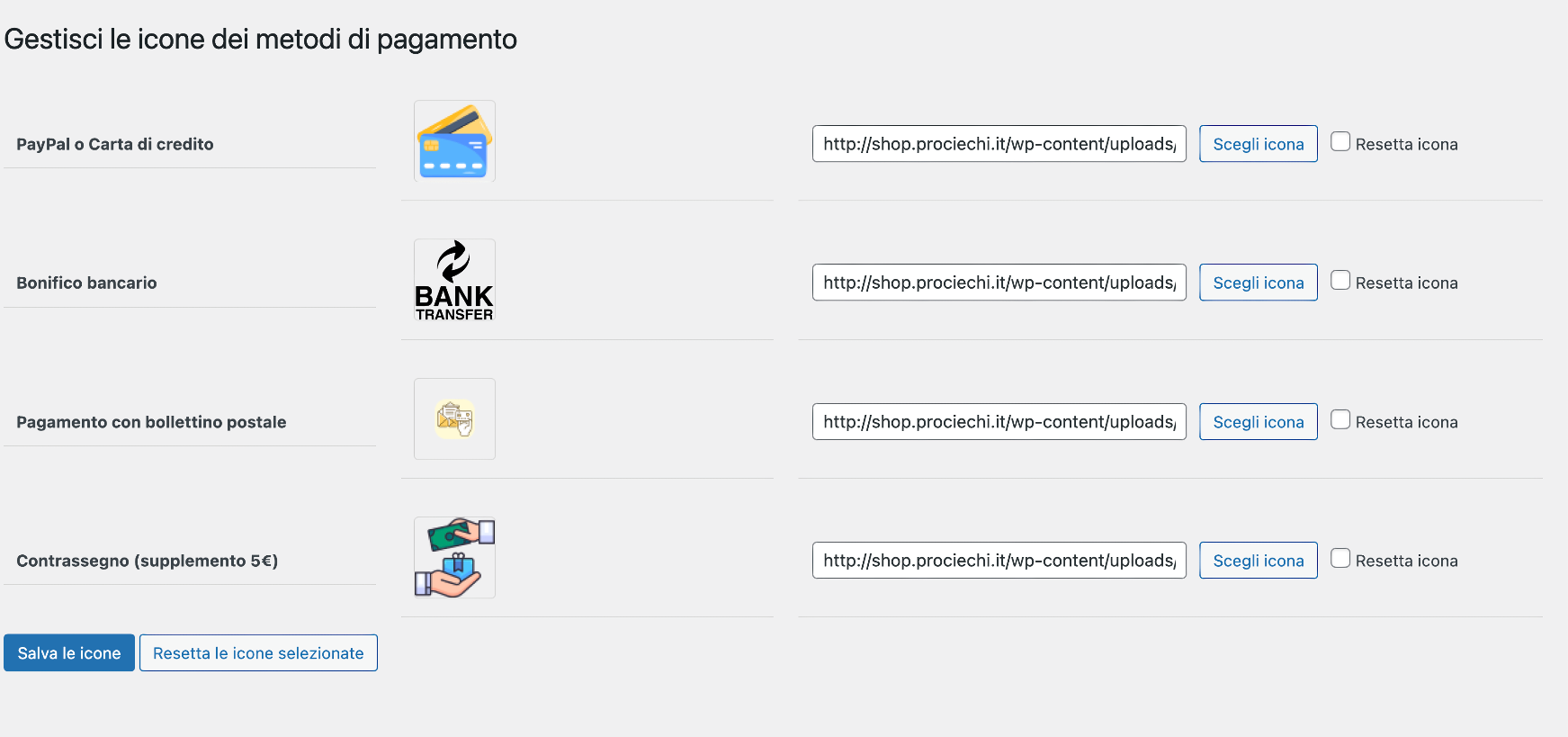
- Customizable icons for each payment method (WooCommerce > Payment Column)
- Compatible with High-Performance Order Storage (HPOS) and legacy order storage
- English interface, Italian translation included
- Pause Sales for WooCommerce - pause WooCommerce sales and show a custom banner message to your customers.
- Eraclito Limit Product Quantity - limit the maximum quantity of a product that can be purchased per order and warn customers when the limit is reached.
- Woocommerce Poste Delivery Business PRO - integrate Poste Italiane Delivery Business shipping and tracking into WooCommerce.
安装:
- Install the plugin from the WordPress plugin directory, or upload the plugin folder to
/wp-content/plugins/. - Activate the plugin from the Plugins menu.
- Open the WooCommerce orders list to see the new column and filter.
- Optional: go to WooCommerce > Payment Column to customize the icons.
屏幕截图:
常见问题:
Does it work with HPOS?
Yes. The plugin declares compatibility with High-Performance Order Storage and also works with legacy order storage.
Why don't I see a payment method in the filter?
The filter lists every registered payment gateway, including disabled ones, so older orders can still be filtered.
更新日志:
3.1.1
- Version bump.
- New settings page layout with banner, panel and Eraclito branding.
- Interface strings are now in English, Italian translation included.
- Verified compatibility with WordPress 7.1.5 and WooCommerce 11.3.1.
- Added uninstall routine that removes the plugin settings.
- Added icons, banner and screenshots for the plugin directory.
- Verified compatibility with WordPress 7.1.4 and WooCommerce 11.2.1
- Fix: sorting by payment method (HPOS and legacy order storage)
- Fix: filter by payment method with HPOS
- Fix: filter and settings now list disabled payment gateways too
- Fix: translation files (invalid .mo header, duplicated string)
- New: English (en_US) translation
- Minimum PHP version is now 7.4
- Full HPOS support
- Settings page to customize icons
- Translation system
- Code refactoring