Accept instant account-to-account payments with QR codes and payment links – with transaction fees starting at just 0.5% and no monthly costs.
payware Mobile Payments enables your WooCommerce store to receive payments outside traditional card networks. Customers pay directly from their bank accounts using any payware-enabled mobile payment app, eliminating card processing fees and chargeback risks.
Why Choose payware?
Lower costs, higher margins
Traditional card networks charge 2-3% per transaction. payware fees start at just 0.5% – that's up to 80% savings on payment processing fees.
Instant settlement
Funds transfer directly to your account in real-time. No more waiting 2-3 days for card settlements.
Minimal fraud risk
Bank-level authentication means virtually no chargebacks. Unlike card payments, customers authenticate directly with their bank.
No PCI compliance burden
Since no card data is stored or transmitted, you avoid complex PCI DSS compliance requirements.
How It Works
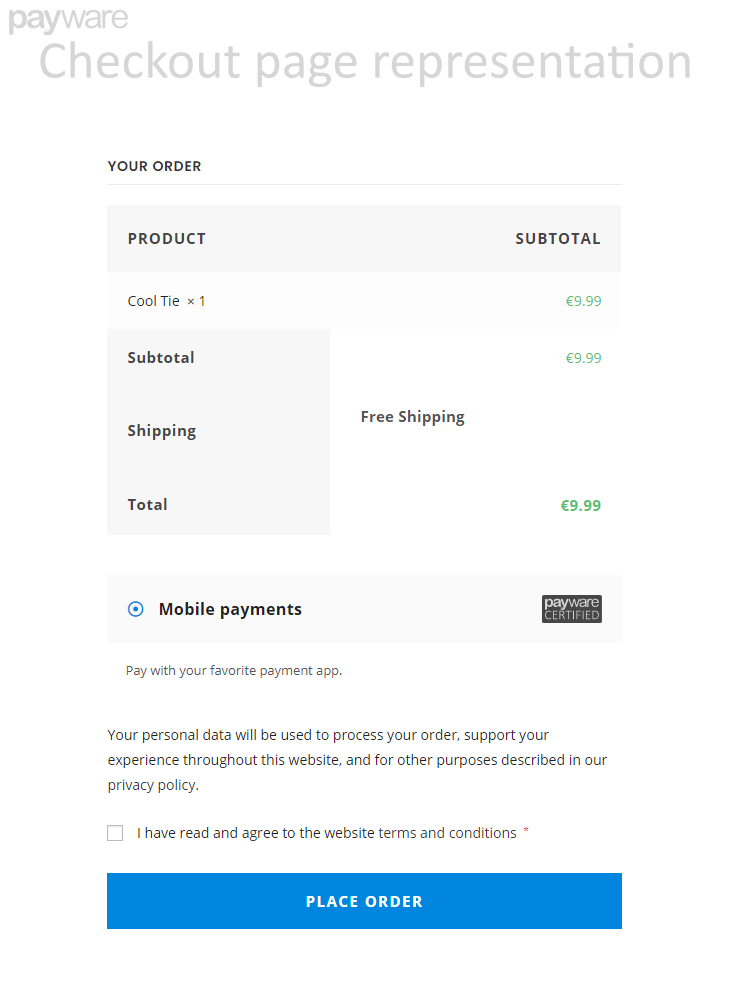
- Customer selects "Mobile payments" at checkout
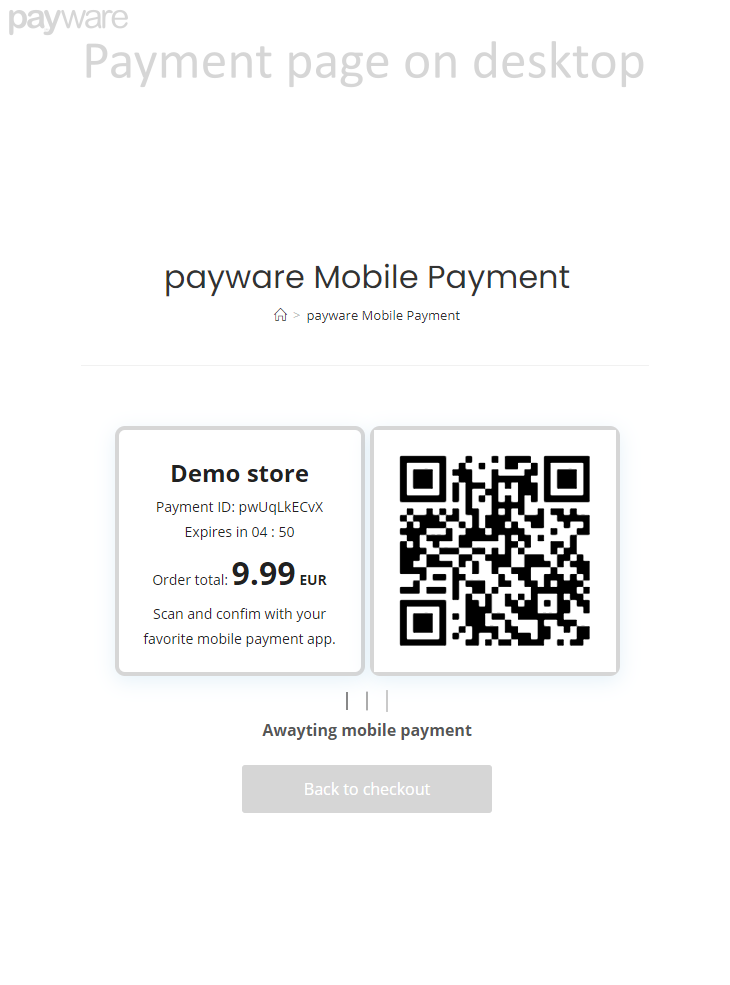
- A QR code and payment ID are displayed
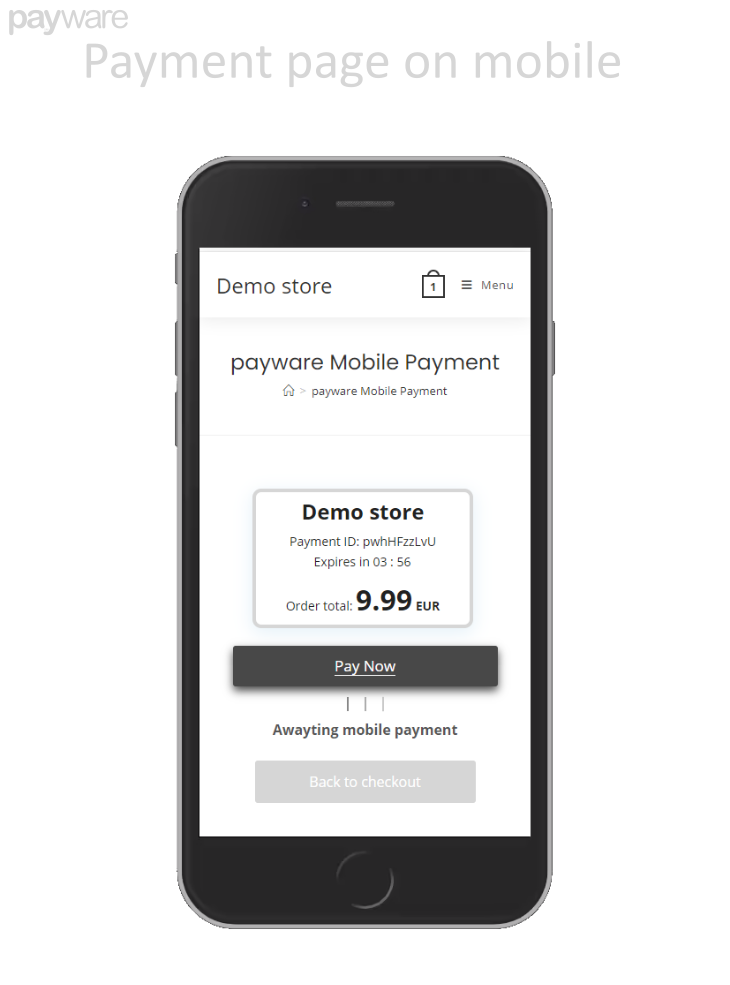
- Customer scans the QR code with their payment app (or taps "Pay Now" on mobile)
- Payment is authenticated through their bank
- Order is automatically confirmed upon successful payment
Features
- QR Code Payments – Generate secure QR codes for instant mobile scanning
- Payment Links – Support for payware:// deep links for seamless mobile checkout
- Real-time Status Updates – Live payment status monitoring on the checkout page
- Configurable Payment Period – Set payment timeout from 60 to 600 seconds
- Sandbox Mode – Built-in testing environment with demo credentials
- Multi-currency Support – Accept payments in any supported currency
- WPML Compatible – Full translation support for multilingual stores
- Mobile Optimized – Responsive payment page works on all devices
Getting Started
- Install and activate the plugin
- Go to WooCommerce > Settings > Payments
- Enable "Mobile payments" and click Set Up
- Enable Sandbox Mode to test with the payware e-wallet emulator
- When ready for production, obtain your credentials from payware
Documentation & Support
- Upload the plugin files to
/wp-content/plugins/payware-mobile-payments-for-woocommerce/ or install directly through the WordPress plugins screen
- Activate the plugin through the Plugins menu
- Navigate to WooCommerce > Settings > Payments
- Enable "Mobile payments" and click Set Up
- Configure your settings
Sandbox Mode (Testing)
Enable sandbox mode to test payments without processing real transactions. Use the
payware e-wallet emulator app to simulate payments.
Production Mode
Disable sandbox mode and enter your production credentials: