
PDFDraft – Drag & Drop PDF Builder, PDF Viewer, Embed & Download PDF, Certificate & Invoice Designer
| 开发者 | WPEverest |
|---|---|
| 更新时间 | 2026年7月24日 17:45 |
| PHP版本: | 7.4.0 及以上 |
| WordPress版本: | 7.0.2 |
| 版权: | GPLv3 or later |
| 版权网址: | 版权信息 |
详情介绍:
- Free-canvas drag & drop PDF builder: Place text, images, and tables anywhere on the canvas with pixel-perfect precision.
- Smart Tags and Dynamic Fields: Add dynamic fields to your PDF for WordPress data like post title, post meta, author, user details, site name, and site URL using smart tags.
- Typography controls: Customize font, size, weight, line height, and letter spacing for every text element.
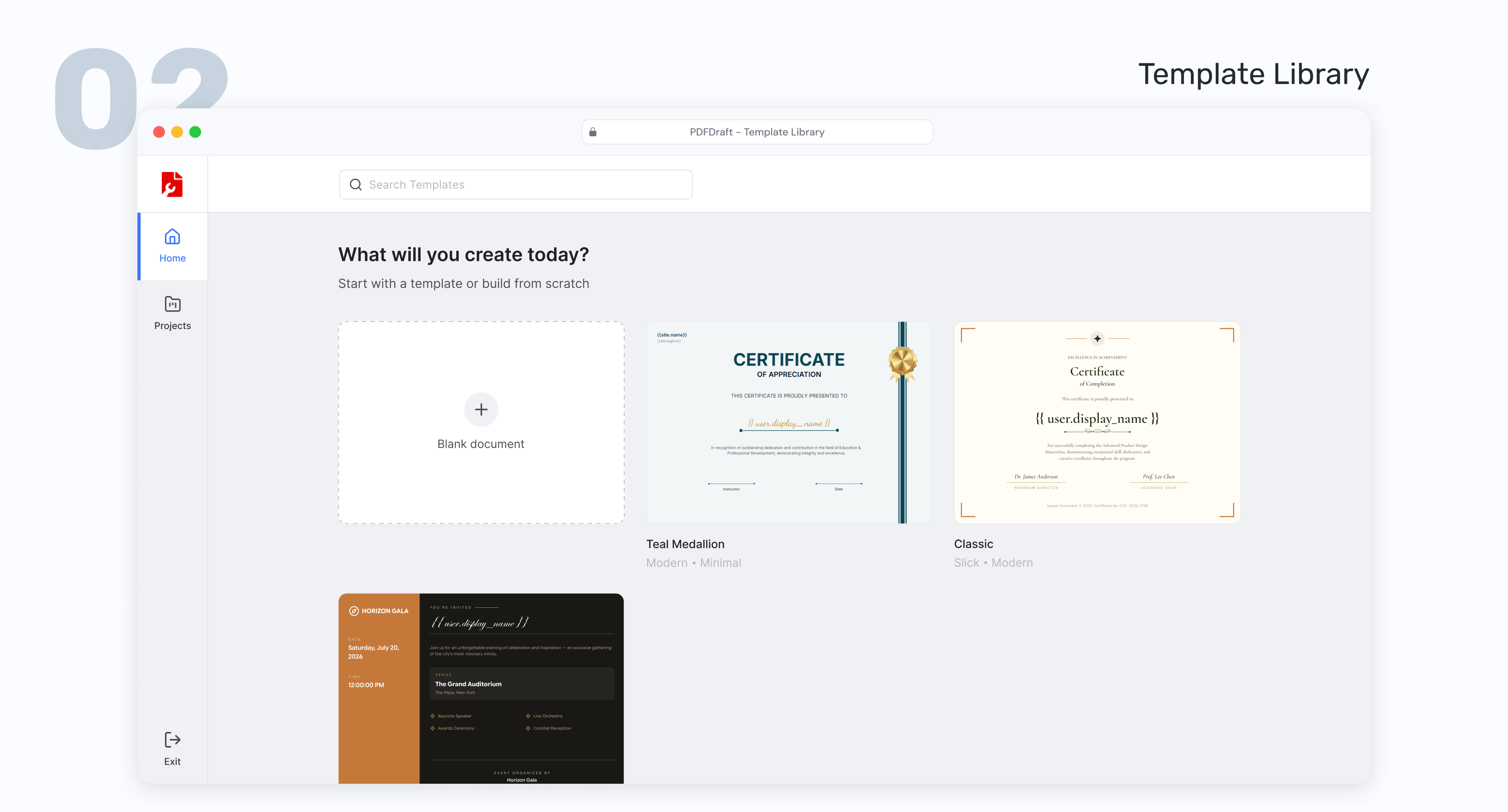
- Template Library: Start quickly with professionally designed PDF templates for certificates, invitations, invoices and more.
- Brand Customization: Control fonts, colors, backgrounds, and logo placement in the PDF.
- Print-Ready Output: Produce clean, crisp PDFs that look professional on screen and on paper.
- Instant PDF Generation: Generate PDFs immediately when content is ready, with no manual server setup.
- Dynamic Smart Tags: Pull any WordPress data field into any part of a PDF document automatically.
- Runs locally: All PDF generation happens on your WordPress server — no data is ever sent to third-party services.
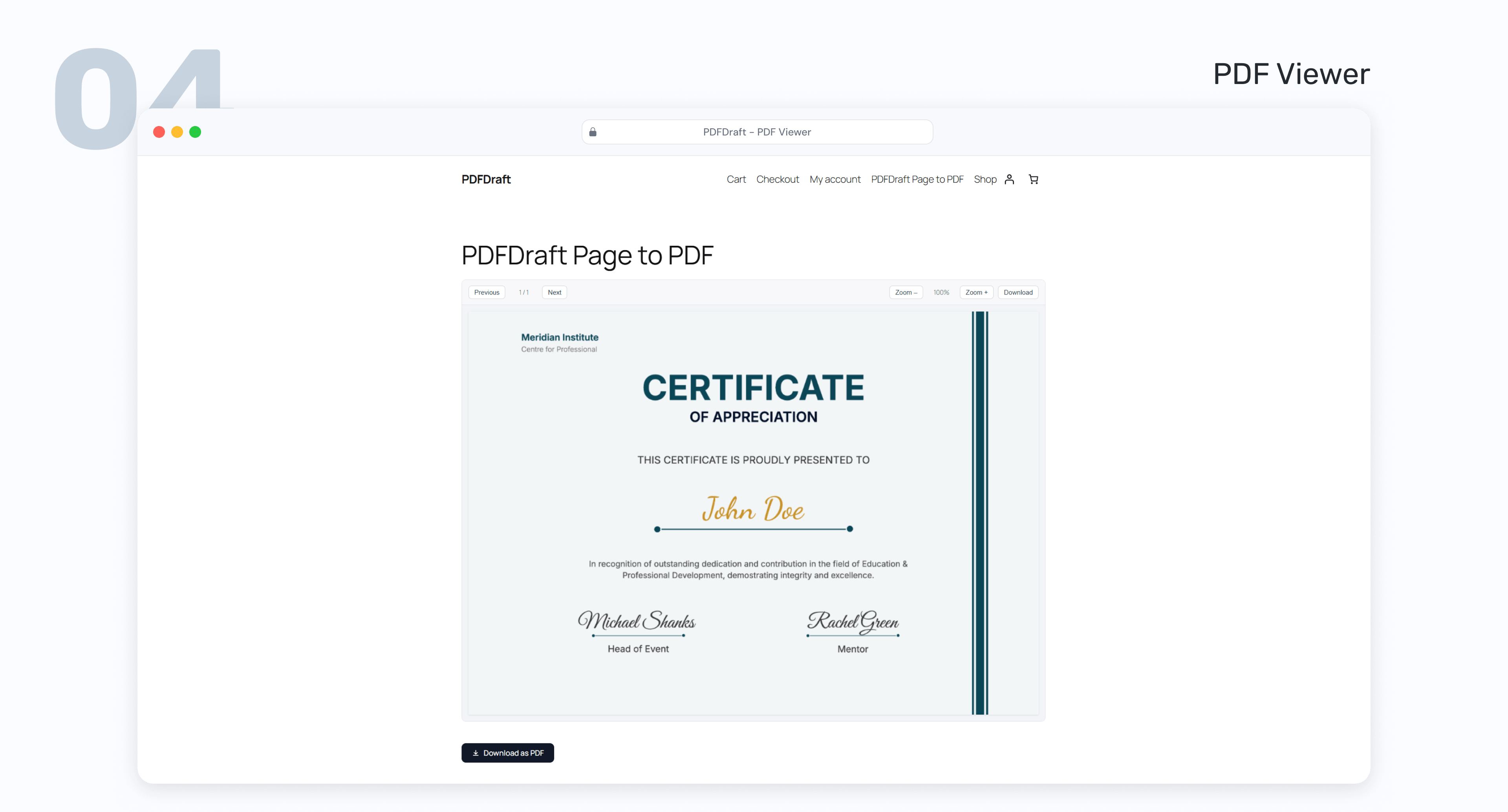
- Multiple Embed Options: Show PDFs with an inline viewer, download button, shortcode, or block.
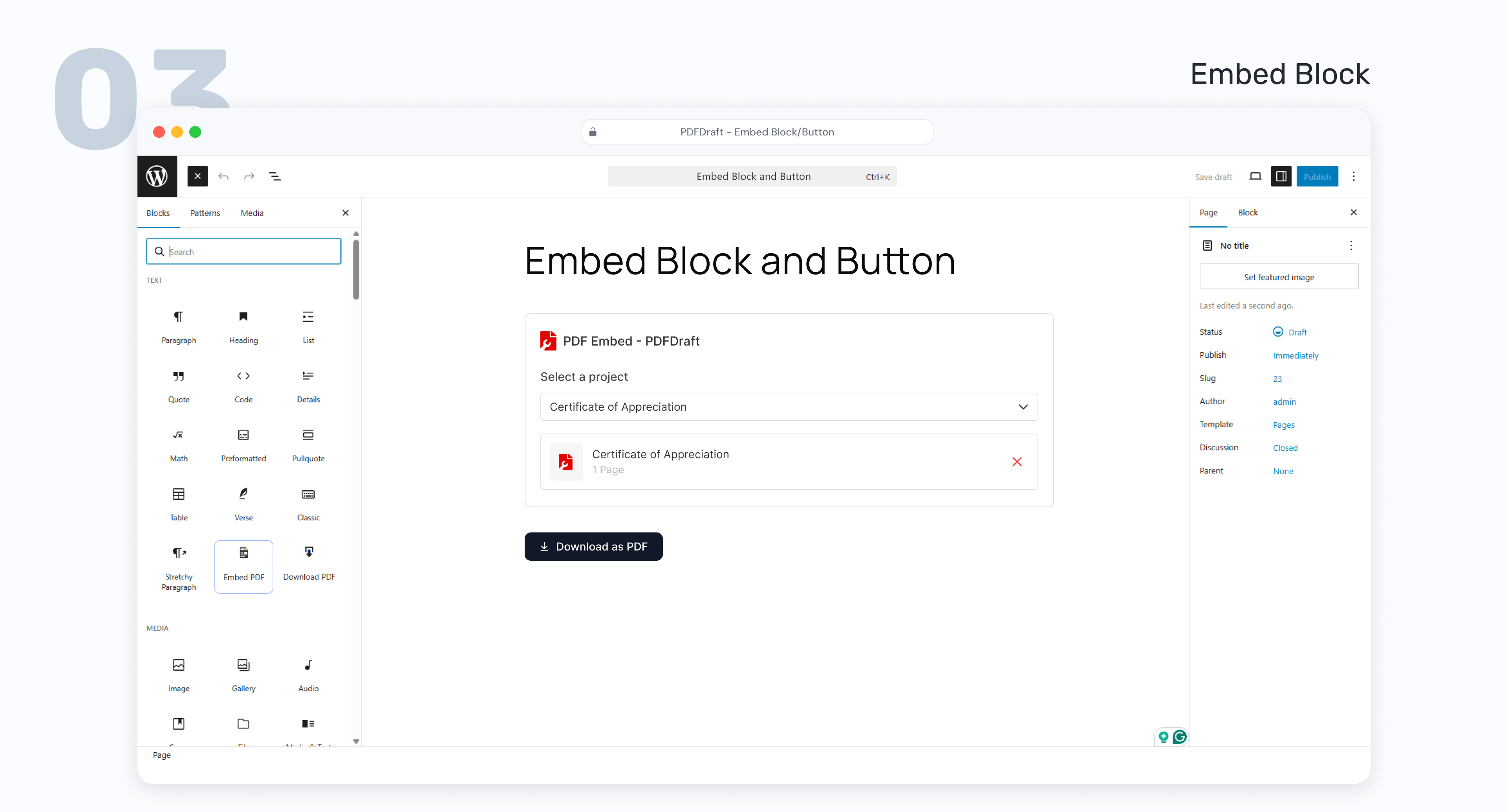
- Gutenberg blocks included: Embed a PDF inline viewer or add a download button anywhere in your content using native WordPress blocks.
- Shortcode support: Embed your PDF or download link anywhere shortcodes are accepted — no page builder required.
- Course Creators: Generate completion certificates with learner and course details
- Event Organizers: Create personalized invitation PDFs for each guest using dynamic smart tags
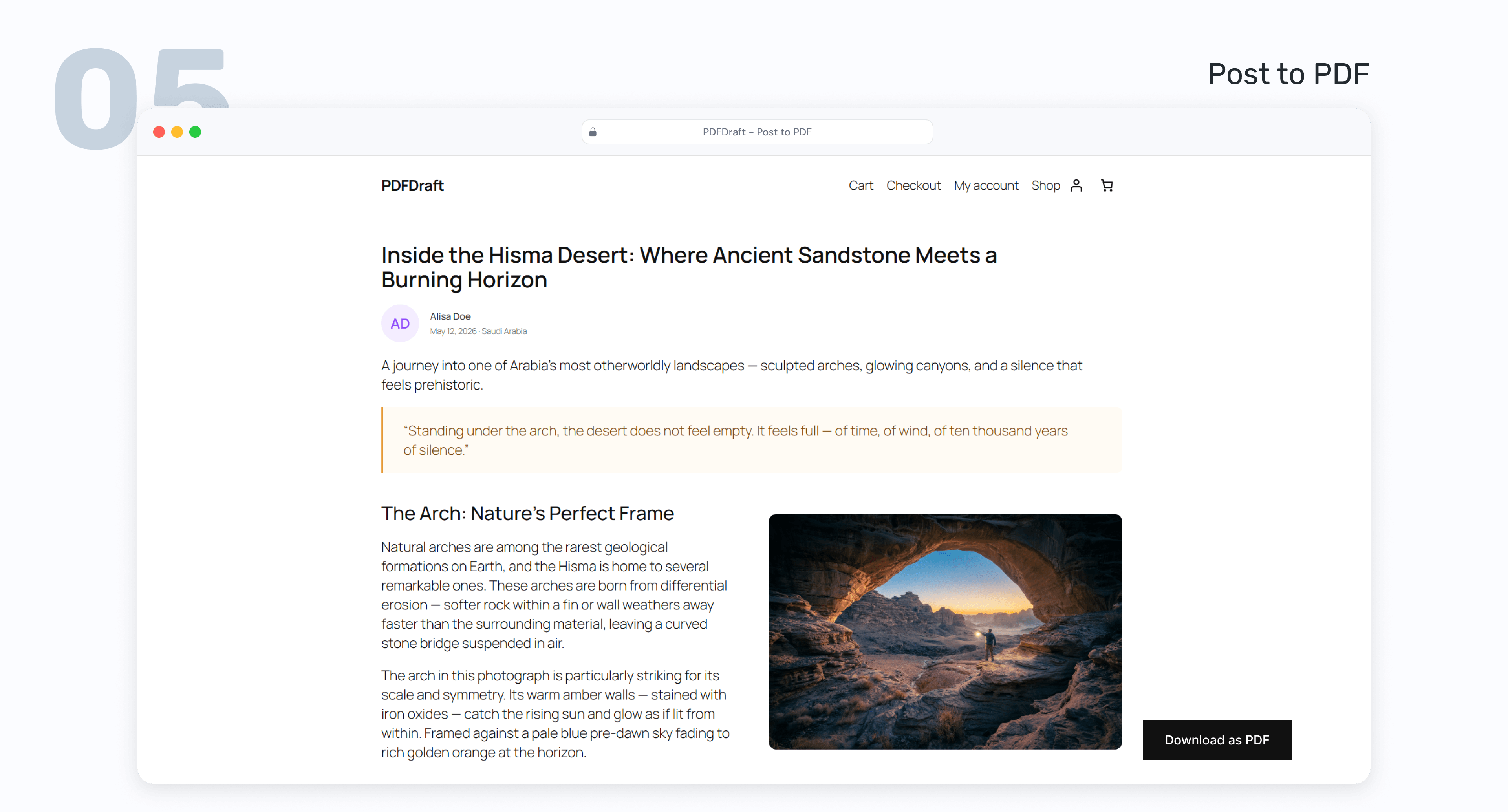
- Blogs and Content Sites: Convert posts and pages into branded downloadable PDFs
- Awards & recognition documents: One template, unlimited personalised outputs
- Anything you can design: The free canvas means no limits on what you build
- Install and activate PDFDraft from your WordPress dashboard.
- Choose a PDF template from the library or start from a blank canvas.
- Design your layout with the visual drag-and-drop builder.
- Add smart tags to auto-fill data from WordPress into your PDF.
- Publish and generate your PDF. External Services
屏幕截图:
常见问题:
Is there a limit on the number of designs?
No limit on the number of designs you can create.
Can I use dynamic WordPress data inside PDFs?
Yes. You can use smart tags to insert dynamic values such as post title, post meta, author data, user details, site name, and site URL.
How do I add a PDF to my posts or pages?
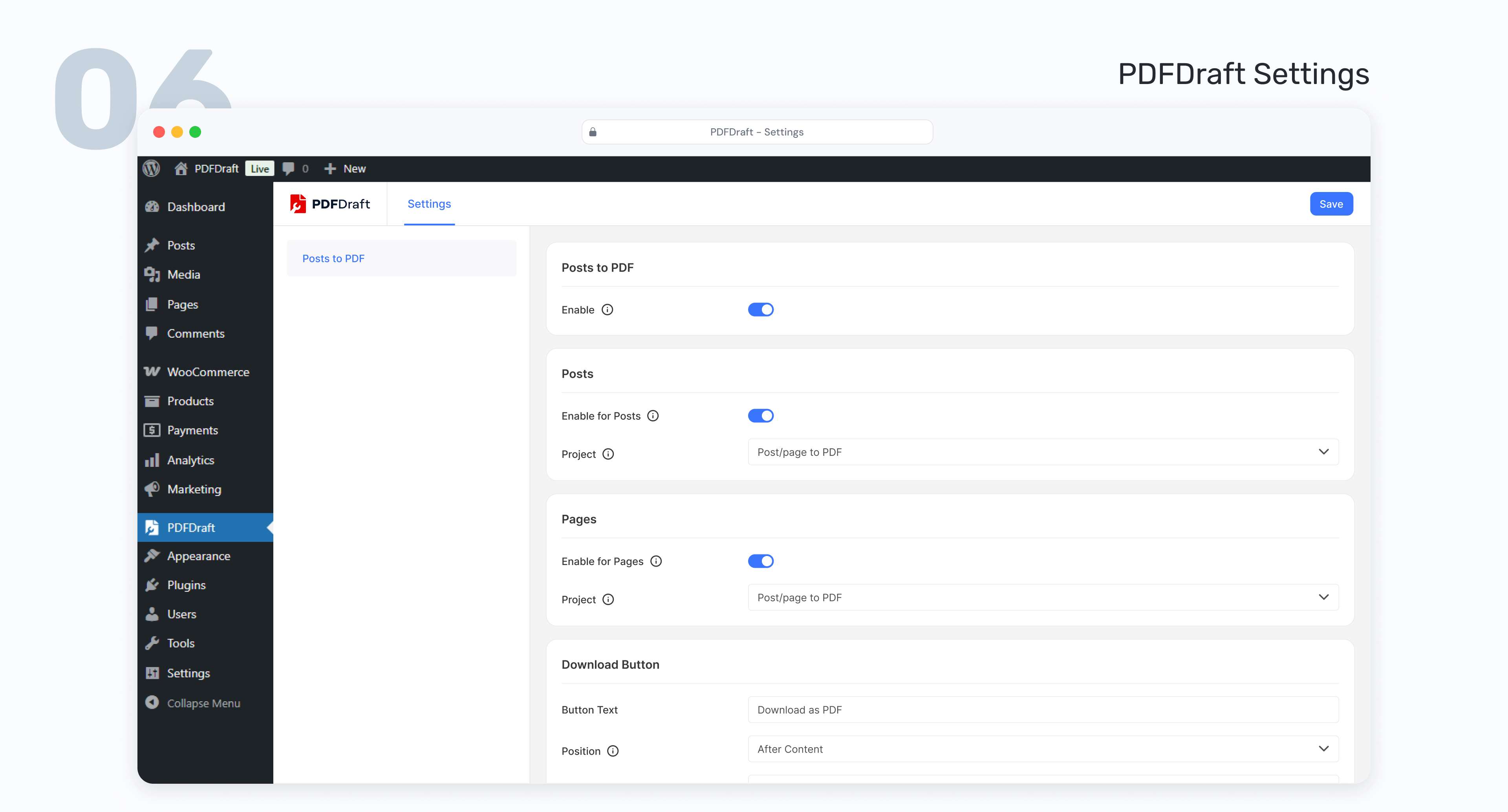
You can display PDFs using an inline viewer block, a download button block or by using shortcode
Does PDFDraft work with the WordPress Block Editor (Gutenberg)?
Yes. PDFDraft includes native Gutenberg blocks for embedding PDFs and adding download buttons anywhere in your content
Do I need to know how to code?
Not at all. PDFDraft is built for everyone. If you can click and drag, you can build a professional-looking PDF with dynamic data — no coding, no setup headaches.
Will there be WooCommerce support?
Yes — a WooCommerce addon for automated invoices and packing slips is currently in development and coming soon.
Does PDFDraft use external APIs or send user data to third parties?
No. PDFDraft processes PDF generation locally on your WordPress site and does not send data to third-party services.
更新日志:
- Fix - Sgned Urls for embed/download links.
- Fix - Missing Divider png for certificate.
- Fix - PHP 7.4 compatibility.
- Fix - Fixed shape rendering issues in the editor.
- Fix - Fixed inconsistencies in Settings page design.
- Fix - Fixed inconsistent loading behavior of download buttons.
- Fix - Fixed compatibility issues with Elementor and Divi builders.
- Fix - Fixed UI issues in template selection and “My Templates” sections.
- Fix - Removed unnecessary width and height constraints for custom templates.
- Fix - Fixed faded appearance of template dropdown when no option is selected.
- Fix - Fixed “Untitled Design” appearing as blank entries in template dropdowns.
- Fix - Fixed issue preventing posts from being exported to PDF without a template.
- Enhance - Added bulk delete functionality for My Templates.
- Enhance - Improved layer management and element connectivity.
- Enhance - Introduced a refreshed template system with improved usability.
- Enhance - Added embed PDF print and full-screen viewing options.
- Fix - Image field duplicate issue.
- Fix - Replace Text field default placeholder.
- Fix - Embed PDF and Download PDF wp data field support.
- Enhance - Home Menu for Main Plugin.
- Enhance - Open editor when clicking project directly from the projects list.
- Initial release