
Peak Publisher
| 开发者 | eHtmlu |
|---|---|
| 更新时间 | 2026年10月25日 01:39 |
| 捐献地址: | 去捐款 |
| PHP版本: | 8.1 及以上 |
| WordPress版本: | 7.1 |
| 版权: | GPLv2 or later |
| 版权网址: | 版权信息 |
详情介绍:
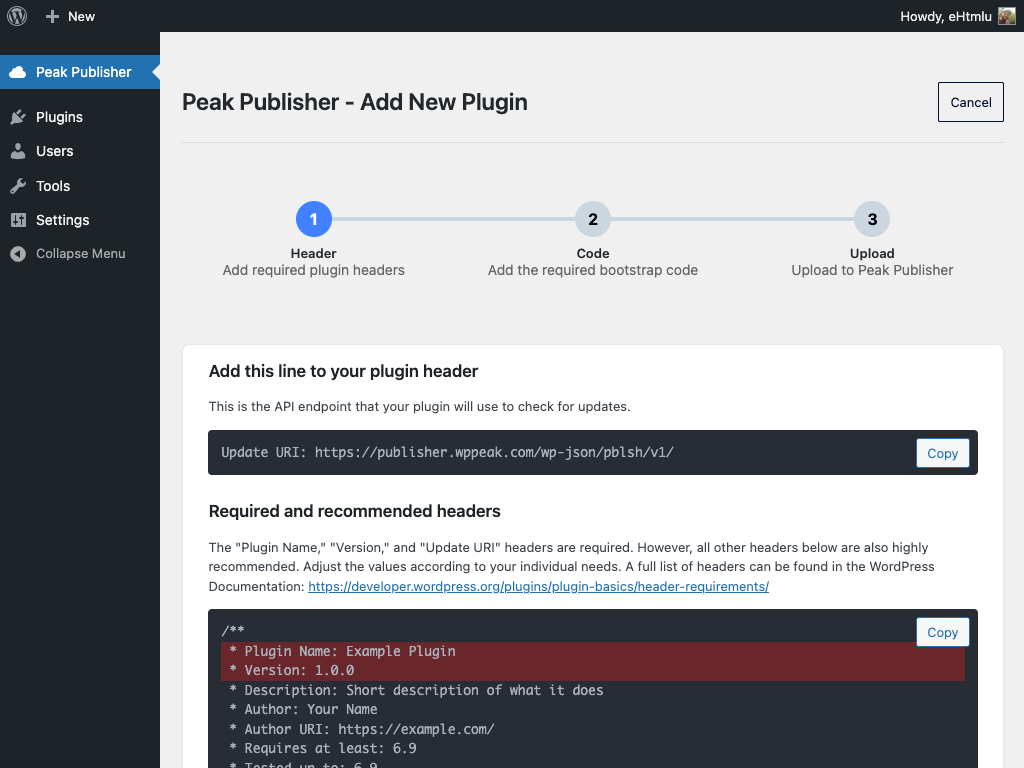
Update URI.
https://www.youtube.com/watch?v=HtbrkzKiIUE
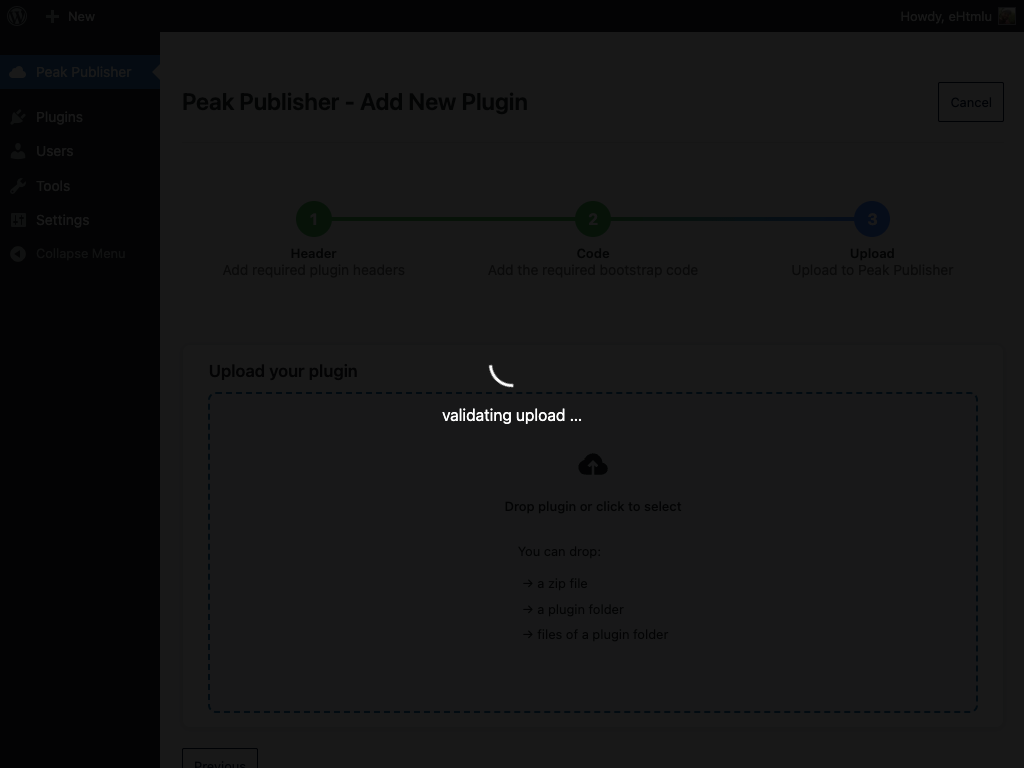
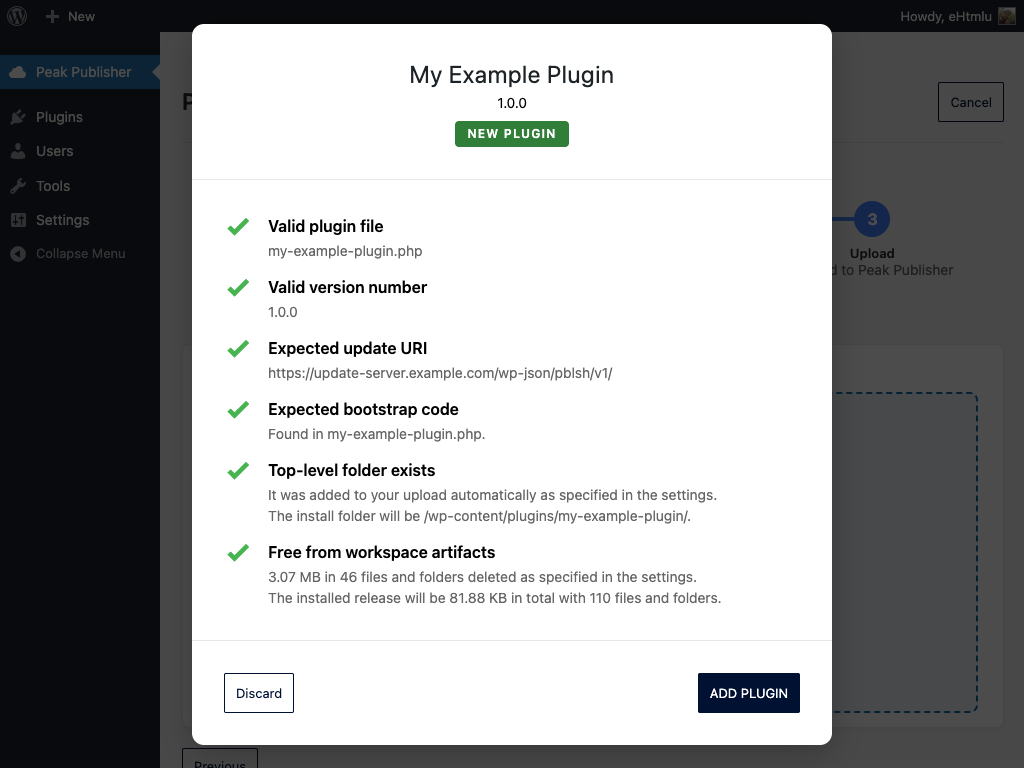
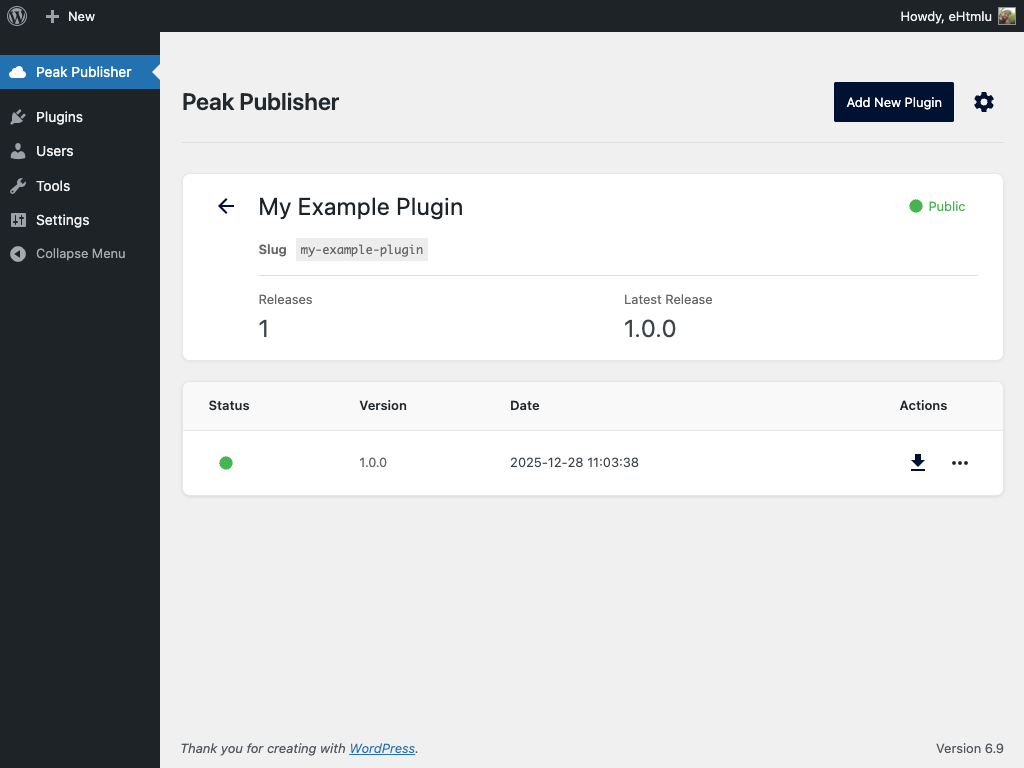
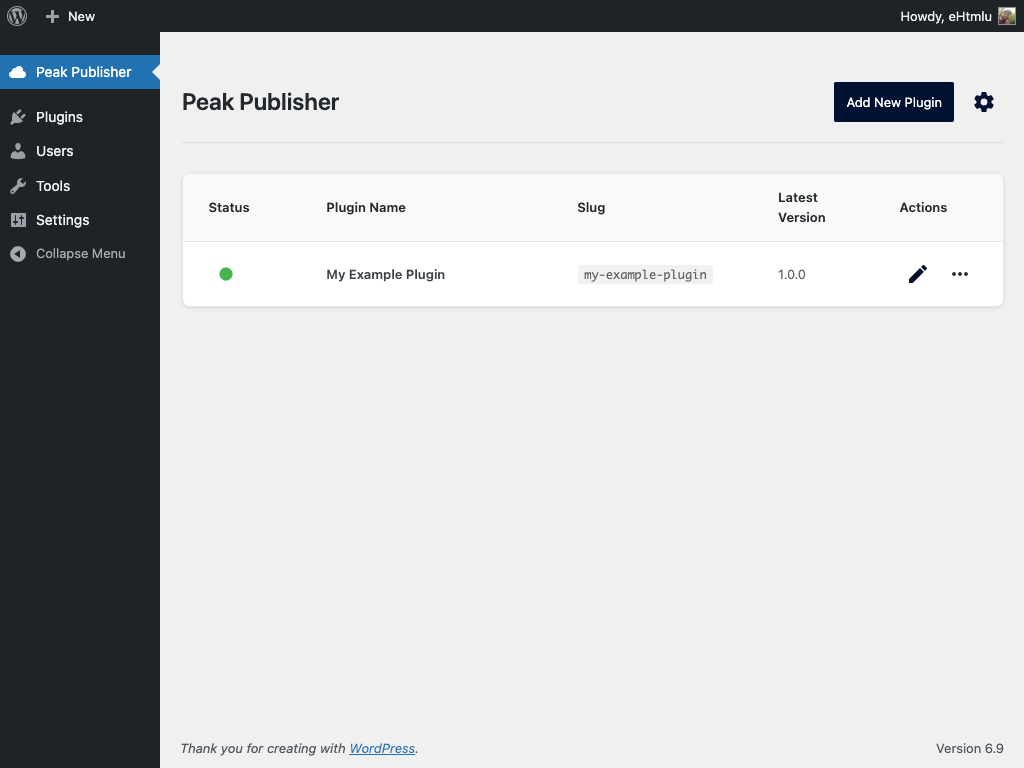
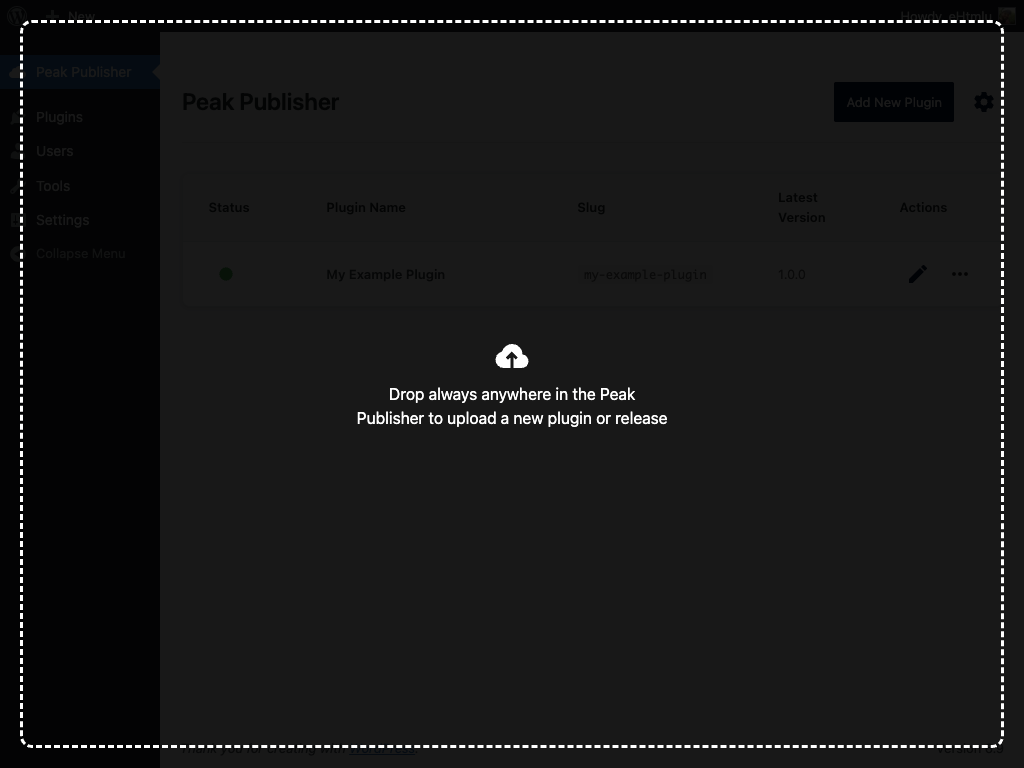
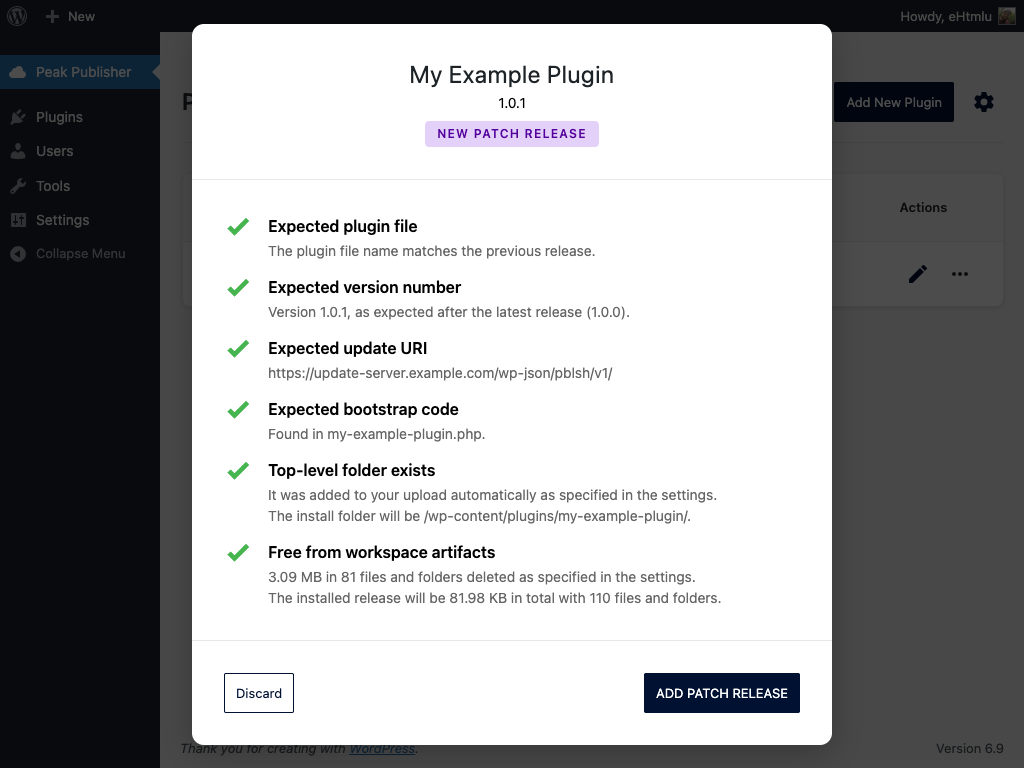
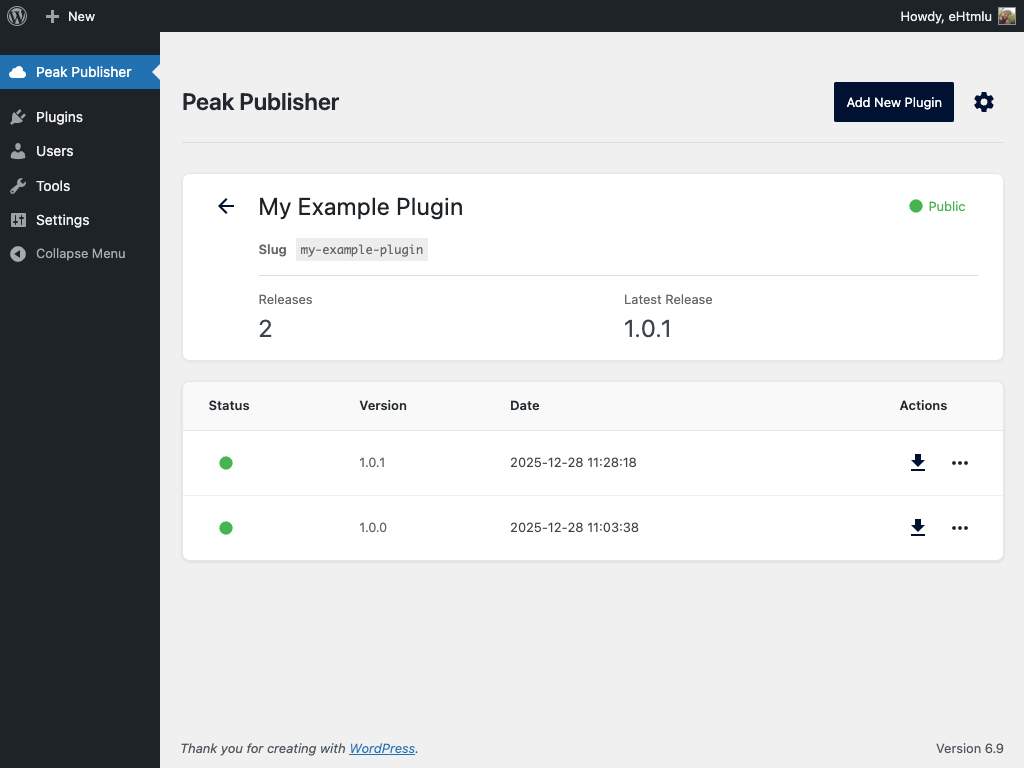
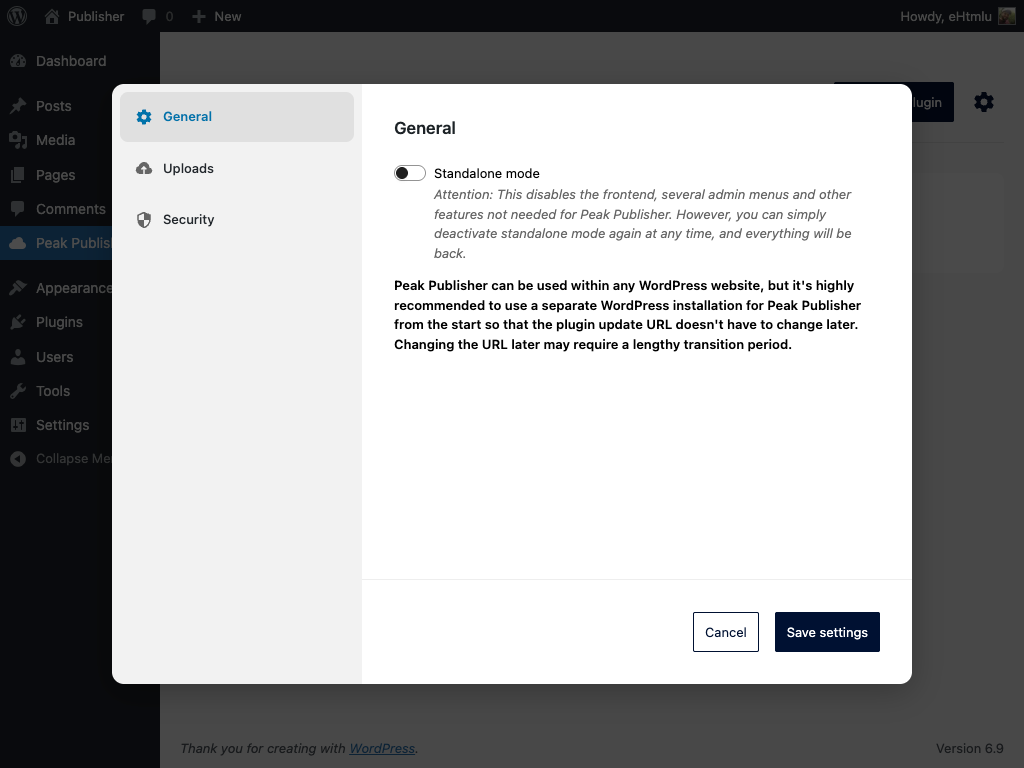
Both channels share one task‑focused admin UI: add plugins and releases via drag & drop, let every upload be validated, decide with one switch which release your sites receive, manage icons, banners, screenshots and the Live Preview, keep Tested up to current, and see installations, downloads and ratings in one list.
Publish your first plugin in minutes — to wordpress.org or to your own update server — and every next release with a single drop.
屏幕截图:




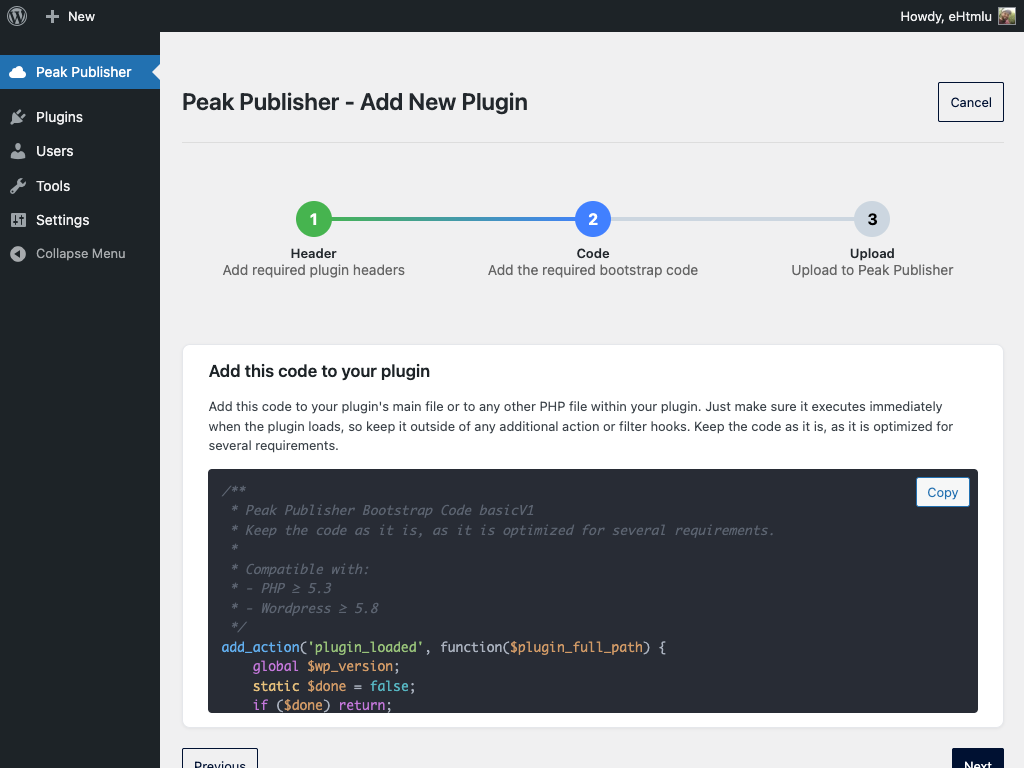
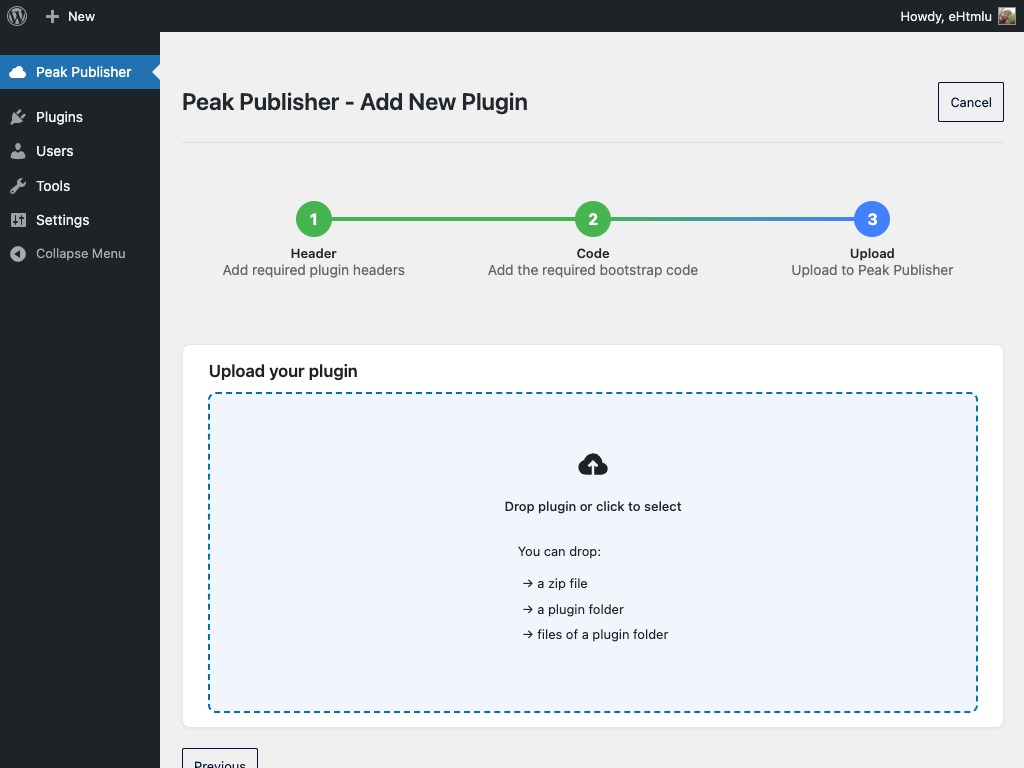
常见问题:
Does this replace wordpress.org?
No — it works with it. For plugins on wordpress.org, Peak Publisher is the SVN client you no longer need: it publishes, manages assets and the Live Preview and keeps the Stable tag right, while wordpress.org stays the update server. For plugins that do not belong on wordpress.org — client work, private or proprietary extensions — Peak Publisher is the update server itself.
How do client sites find updates?
Self‑hosted: your plugin includes an Update URI header that points to your Peak Publisher site, and the bootstrap code makes WordPress core ask its endpoints for update metadata and packages. wordpress.org: as always, through wordpress.org.
What does my server need?
PHP 8.1 and WordPress 5.8 or newer, and these PHP extensions:
- openssl — to connect a wordpress.org account; the SVN password is encrypted with it.
- xml with its dom and simplexml parts — for wordpress.org (the SVN listings) and for SVG assets on both channels.
- mbstring — for readme.txt; the parser reads multibyte text.
- curl — to publish to wordpress.org; the upload is streamed through it, reading works without.
- intl — for domain names in the whitelist; IP addresses need nothing.
- zip — releases are built with ZipArchive and can be edited after the upload (Tested up to); without it WordPress's own ZIP code builds them and the edit is refused.
- gd — for the banner color of generated icons.
What data is collected?
Nothing about people. Peak Publisher sends no telemetry, and its requests never carry your site's address. What it stores about the client sites of self‑hosted plugins and what it sends to wordpress.org is described under "Privacy" and "External services".
What is the current release?
The version sites receive. Releases have no status: every release is listed and downloadable by version, and the plugin points to the one that is current. Self‑hosted, Peak Publisher serves it; on wordpress.org it is the Stable tag in trunk/readme.txt, which Peak Publisher writes for you. Every upload decides with the switch "Set as current" — a higher version becomes current by default, a pre‑release or a hotfix of an older line does not — and "Make current release" in the release list changes it later, on both channels. The current release cannot be deleted; make another release current first.
What happened to my release drafts?
Peak Publisher 1.x used drafts to hold a release back. Since 2.0, every release is listed and downloadable by version, and only the current release is offered as an update. After the update, a notice names every former draft; if a version must not be reachable at all, download its ZIP and delete the release.
How do I update Tested up to?
In the editor, every release has a pencil in its Tested up to column. Self‑hosted, the readme.txt inside the release ZIP is updated in place; on wordpress.org, one commit writes the tag and, when trunk carries the same version, trunk — sites see the new value once wordpress.org has processed the commit. The next upload carries the highest known value — its own or the previous release's — into the readme line that already exists. readme.txt is the place for the value; if your main plugin file carries a Tested up to line as well, wordpress.org and Peak Publisher take that one, so keep both in step or leave the header line out.
What is the Live Preview?
A button on your plugin's wordpress.org page that opens WordPress Playground with your plugin installed and activated — a full WordPress in the visitor's browser. It is driven by assets/blueprints/blueprint.json, which Peak Publisher lets you edit with fields for the landing page, the theme and the plugins (or as JSON), test in Playground and commit together with the other assets. The preview installs the required plugins of the current release before your plugin, and a publish that changes the current release keeps them in step. Making the preview public is done on wordpress.org (Advanced View on the plugin page); Peak Publisher shows you whether it is.
What does Peak Publisher change in my upload?
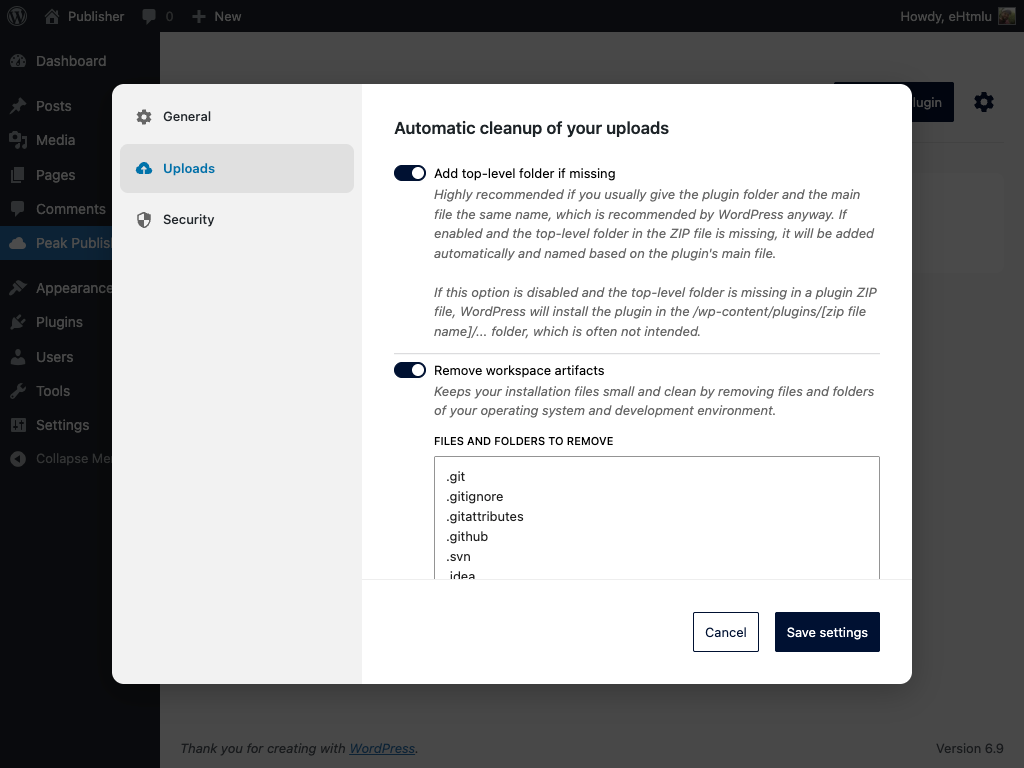
Only what the checklist tells you: workspace artifacts are removed by the patterns in the settings (optional), readme.txt is stored as UTF‑8 without a BOM, the release ZIP gets the plugin's slug as its top‑level folder, a lower Tested up to is raised to the highest known value in the lines that already carry one, and on wordpress.org the Stable tag in trunk/readme.txt is set when the release becomes current.
Can I restrict access to downloads?
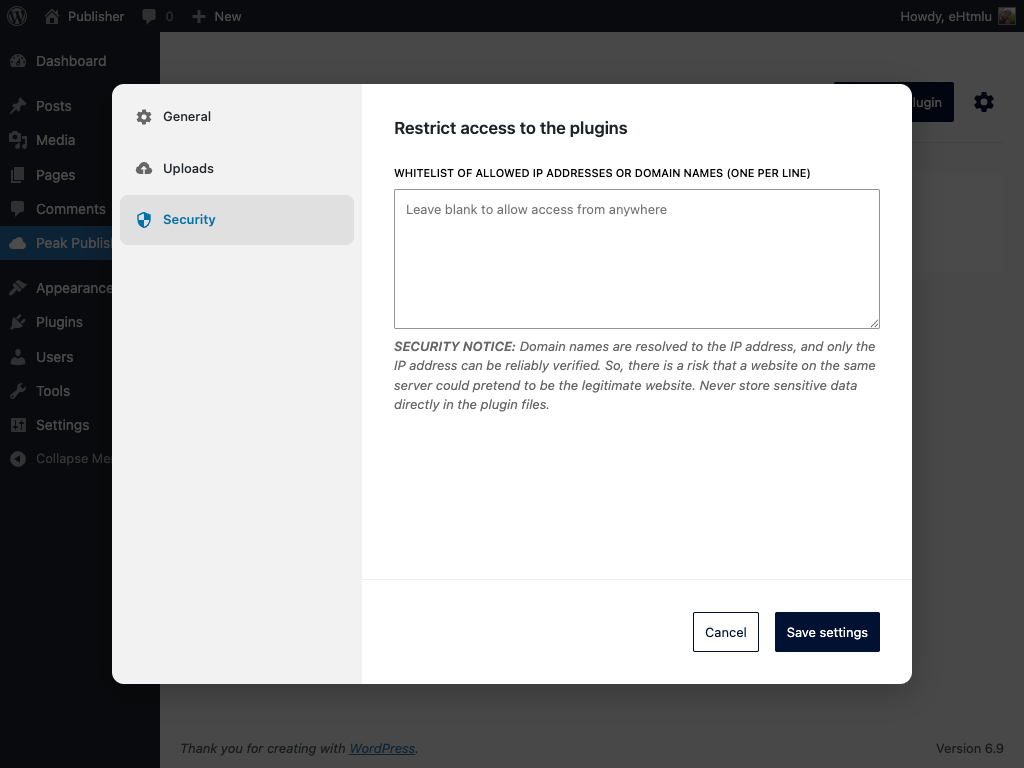
Yes. For self‑hosted plugins you can optionally configure a whitelist of IP addresses, CIDR ranges or domain names for the public endpoints. For stricter access control, consider placing your Peak Publisher site behind a VPN or a reverse proxy, or adding your own authentication layer.
The whitelist guards the API; the release ZIPs on disk are guarded by the .htaccess Peak Publisher writes into wp-content/uploads/pblsh-peak-publisher/, which Apache and LiteSpeed honor. On nginx, add a rule that denies direct access to that directory except for the images under plugins/*/assets/ and wporg-plugins/*/mirror/assets/, which are meant to be served directly.
Do you support semantic versioning?
Yes. The validator recognizes major/minor/patch increments and warns on unexpected jumps.
Which version numbers can I publish?
Digits and dots, optionally followed by -alpha, -beta or -RC and a number, for example 1.2.0 or 1.2.0-beta1. While wordpress.org does accept other arbitrary strings, it issues a warning if the format deviates from the one specified above. WordPress compares versions with PHP's version_compare(). Its documentation lists the order dev < alpha < beta < RC < number < pl, but not that every word is matched by its first letters: 1.0.anton counts as 1.0.alpha, 1.0.banana as 1.0.beta, and 1.0.patch sorts above 1.0.1, while words matching nothing sort even below dev. Since such results cannot be anticipated from the documentation, and wordpress.org has adopted the stricter format as well, Peak Publisher applies it to both channels.
Which distribution channel should I choose?
Choose wordpress.org if your plugin is free and open-source and you want it listed in the official WordPress plugin directory so that it can be easily found and installed by everyone — however, your plugin must first be reviewed and approved by the WordPress.org plugin team. Otherwise choose Self-hosted — releases are then distributed directly from your own server, without any review process, and go live instantly. Note that self-hosted plugins are also publicly accessible via the update API by default; you can restrict access with the whitelist in the settings.
Can I use both distribution channels for one plugin?
No. A plugin uses exactly one distribution channel — either wordpress.org or self-hosted — and this choice applies to all future releases.
Technically, the same code (apart from the Update URI header and the bootstrap code) could be shipped through both channels, but those would be two different plugins that merely share the same slug — a setup that is strongly discouraged.
The only sensible exception is a temporary overlap while migrating from self-hosted to wordpress.org (see the next question): during the transition, the same code with the same slug is published through both channels — although Peak Publisher still manages these as two separate plugins.
Can I switch the distribution channel later?
Switching away from wordpress.org is practically impossible, because wordpress.org's technical plugin requirements prevent redirecting installed copies to another update source.
Switching from self-hosted to wordpress.org, however, is possible, provided that your plugin has been approved by the WordPress.org plugin team under the same slug it already uses. Once approved, simply ship one last self-hosted release that removes the Update URI header and the bootstrap code — installed copies will then receive future updates from wordpress.org.
Warning: In theory, a migration under a different slug might also work, but it can result in installed copies no longer receiving updates or even being deactivated unintentionally. In short: Only do this if you enjoy taking big risks — even if you plan to test it extensively.
How are my wordpress.org credentials stored?
Your wordpress.org SVN password is encrypted with AES-256-GCM before it is saved to the WordPress database. The encryption key is generated automatically and stored as a protected file inside wp-content/uploads/ — so a database dump alone does not expose your password. Note that key and encrypted data still live on the same server, which is the common approach for WordPress plugins.
You can optionally harden this: define a PBLSH_ENCRYPTION_KEY constant in your wp-config.php and its key material is used in addition to the key file — an attacker then needs both locations. Generate a value with php -r "echo 'base64:' . base64_encode(random_bytes(32));" and add it as define('PBLSH_ENCRYPTION_KEY', 'base64:...');. Since this changes the key material, you will be asked to re-enter your password once afterwards. The same applies when you remove the constant again.
Deleting Peak Publisher from the Plugins screen in WordPress removes the stored credentials and the key file; your plugins and releases stay. Removing the plugin folder by hand leaves everything in place.
Why is an import needed to manage a wordpress.org plugin?
Peak Publisher caches information about plugins, releases, and assets to ensure fast and smooth operation. To minimize the load on the wordpress.org SVN server, the data is permanently cached and only updated selectively when changes are made to the SVN repository. Therefore, the cache needs to be built once for each new plugin. Of course, WordPress.org remains the update server and the primary data source. You can even manage the same plugin from multiple Peak Publisher instances and directly via SVN at the same time. Peak Publisher always retrieves the latest data automatically to display up-to-date information. Every commit it makes is marked "via Peak Publisher" in the SVN log.
Which filters are there?
pblsh_readme_oembed_providers— the video providers a readme may embed (default: wordpress.org's list, see "External services").pblsh_readme_shortcodes— the shortcodes a readme may use (default: youtube, vimeo).pblsh_enable_banner_svg— adds a slot for banner.svg; off by default because wordpress.org imports the file but never shows it.
更新日志:
- Connect a wordpress.org account (username and SVN password, stored encrypted) and import your published plugins with their releases, assets and figures
- Publish by drag & drop: the new tag is created as a copy of trunk or the previous tag plus what changed, trunk is updated and the Stable tag written — in one commit, large plugins in seconds
- "Make current release" and deleting a release work on wordpress.org too; the current release is protected from deletion
- Assets: icons, banners and screenshots mirrored from SVN, edited in a working copy and committed together; conflicts with changes made elsewhere are shown side by side
- Live Preview: edit the plugin's blueprint.json with fields for landing page, theme and plugins or as JSON, test it in Playground, see whether wordpress.org has imported it and whether the preview is public; the required plugins of the current release are kept in the preview
- Figures from the directory: active installs, downloads and rating, refreshed daily; the download history is kept beyond the directory's window
- Operations log: every commit Peak Publisher makes is recorded with its account and revision and links to its changeset on Trac
- The list and the editor follow changes made on wordpress.org through the directory, without touching SVN
- Publishing shows its steps and survives gateway timeouts; a second publish while one runs is refused and the running one followed instead
- Daily download counts, served as
downloadedby the public API - The whitelist of the public API takes CIDR ranges, e.g. 203.0.113.0/24 or 2001:db8::/32
- Release drafts are gone: every release is listed and downloadable by version; the current release — the one sites receive — is decided on every upload and changed with "Make current release" (see Upgrade Notice)
- Tested up to per release: shown in the list, the editor and the upload checklist, set with one click, carried to the highest known value at upload; the public API serves it
- Version numbers must follow the wordpress.org format: digits and dots, optionally -alpha, -beta or -RC with a number
- Assets follow wordpress.org's rules on both channels: slots, file names, byte limits; screenshot captions come from the current release's readme
- Requires Plugins: served by the public API in wordpress.org's format; a wordpress.org publish is refused when the import would reject the header
- The plugin's slug comes from the folder, ZIP or main file name; every release ZIP has the slug as its root (the setting "Add top-level folder if missing" is gone)
- readme.txt is always stored as UTF-8 without a BOM (the setting is gone)
- The readme parser and the icon generator are wordpress.org's current code: readmes render as the directory renders them, generated icons match its
- "Add New Plugin" starts with the channel and, for wordpress.org, with where the plugin stands; tips explain headers, review, captions, Live Preview and version numbers
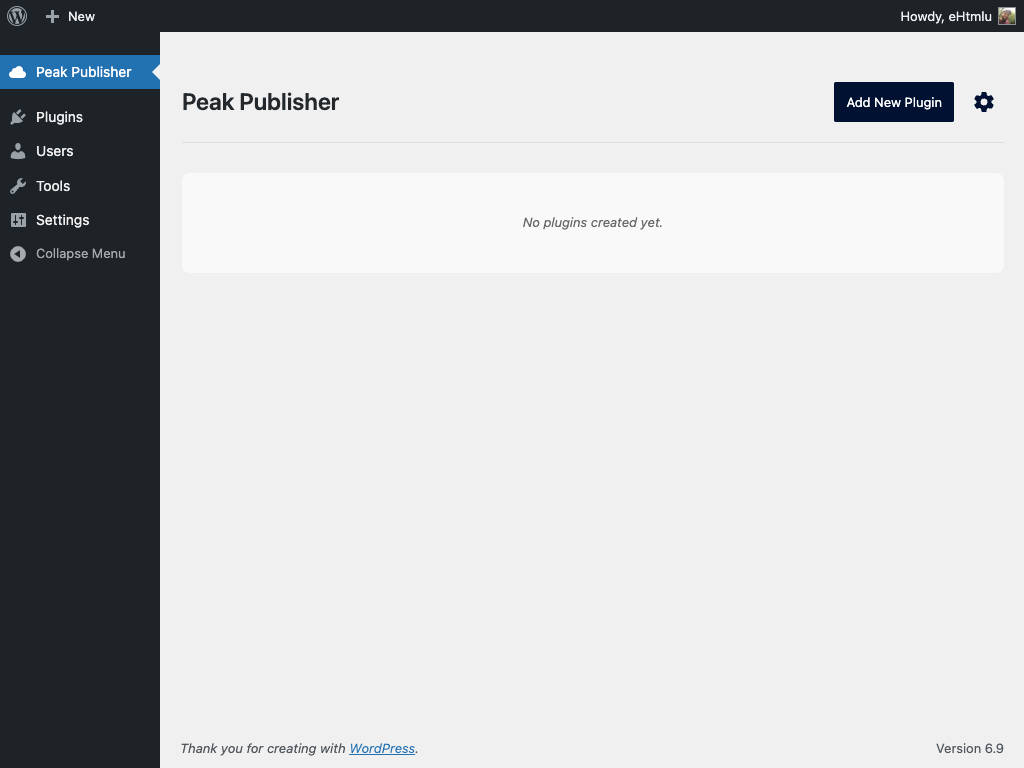
- Status column in the plugin list, the channel and slug of every plugin, figures aligned with the name, the list sorted by name
- New page header and footer, the logo in the admin menu, relative times, settings grouped into General, Uploads, wordpress.org and Self-hosted
- Deleting Peak Publisher from the Plugins screen removes the wordpress.org accounts and the encryption key; plugins and releases stay
- New filters:
pblsh_readme_oembed_providers,pblsh_readme_shortcodes,pblsh_enable_banner_svg
- A readme's content is never read as a path or URL (before, a readme that began with http(s):// was fetched, and one consisting of a single path line was read from disk)
- Readme sections are rendered under wordpress.org's limits: no oEmbed discovery (before, every URL alone on a line was fetched by the server), embeds only from the provider list, no shortcodes of the site
- SVG assets must be free of active content — scripts, event handlers, javascript: links — on both channels: an upload is refused, and a file on wordpress.org that fails the rule is kept off this site, which serves its assets from its own origin
- Installation count of self-hosted plugins
- Number of files and folders shown for an upload
- Release slug collisions between the two channels
- Plugin header lines crossing the 8 KB boundary are left alone
- curl_close(), deprecated in PHP 8.5, is no longer called; servers without curl_multi read wordpress.org one request at a time
- Release ZIPs keep empty folders
- Self-hosted releases can be built on WordPress before 6.4.4 again; since 1.3.1 the publish failed there
- An IPv6 client passes through a domain entry of the whitelist
- Fixed minor compatibility issues with WordPress 7.0
- Added standalone redirect URL setting for redirecting frontend visitors in standalone mode
- Added visual highlighting of the update notification icon in the admin toolbar in standalone mode
- Added asset management: upload, replace, reorder, and delete plugin icons, banners, and screenshots directly in the admin UI
- Icons, banners, and screenshots are served to client sites via the wordpress.org-compatible API
- Geopattern fallback icons for plugins without a custom icon (following the WordPress.org convention)
- Added permalink structure check: shows a notice when "Plain" permalinks are active (REST API requirement)
- New bootstrap code (basicV2): multisite support and safe handling when update transient has no response/no_update keys
- Upload workflow detects basicV1 vs basicV2 bootstrap and shows the matching recommendation
- Fixed description tab for plugins without a readme.txt (added previous solution as a fallback)
- Fixed small issue in version number validation logic
- Added Features:
- Installation count (and option to disable)
- Support for readme.txt files (to provide "view details" popup informations)
- Deep linking in the admin UI
- Added auto cleanup for temporary files
- Fixed a problem with the number of files when creating ZIP archives on the client side (there was an unintentional limit of 100 files per folder).
- Refactoring
- Fixed info about required PHP version
- Fixed small compatibility issue