Pebbls Travel Tracker Map Embed
| 开发者 | s_t_harvey |
|---|---|
| 更新时间 | 2026年11月5日 18:14 |
| PHP版本: | 7.4 及以上 |
| WordPress版本: | 7.1 |
| 版权: | GPLv2 or later |
| 版权网址: | 版权信息 |
详情介绍:
- Paste a link, get a map: paste a journey link into the editor (block editor, classic editor or page builders) and it becomes the map. Map, journal and flyby links all work.
- Pick from your journeys: type a Pebbls username in the block settings and choose from the list.
- Always your latest journey: one switch keeps the block showing your newest public journey.
- Journey stats: distance, days and countries under the map.
- Fast pages: "Load map on click" shows a photo from the journey and loads the live map only when a visitor clicks it.
- In your site's language: the map, stats and links in English, French, German, Spanish or Italian.
- Hub maps: paste the link to a public Pebbls hub (www.pebbls.com/community/…) and the map shows every public trip on it. New trips appear on it by themselves.
- Shortcode:
[pebbls url="https://www.pebbls.com/adventure-map/username/journey"],[pebbls user="username" latest="yes"]or[pebbls hub="hub-name"]. Options:height,stats="yes",click="yes",rounded="no",border="yes". - No API key and no account needed on your site. Blocks made with older versions keep working and upgrade themselves when you open them.
- Terms of Service
- Privacy Policy By using this plugin, users agree to these terms as outlined by Pebbls.
安装:
- Upload the plugin files to the
/wp-content/plugins/pebbls-journey-map-embeddirectory, or install the plugin through the WordPress plugins screen directly. - Activate the plugin through the 'Plugins' screen in WordPress.
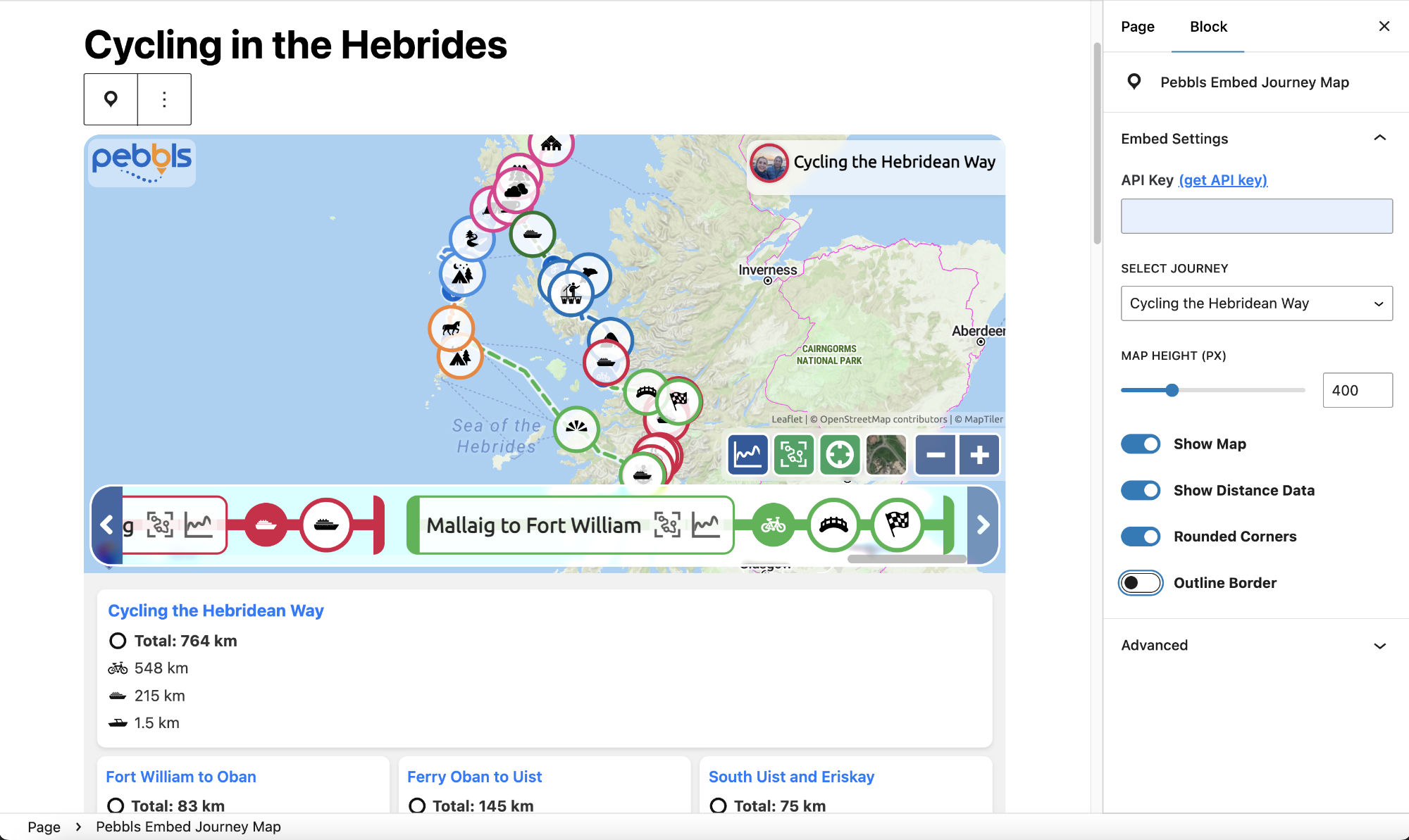
- Use the Pebbls Journey Map Embed block in your Gutenberg editor to add your journey map.
屏幕截图:

常见问题:
Do I need an API key?
No. Since version 2.0 you just paste the link to a public journey. Blocks made with version 1.x keep working without changes.
Which journeys can I embed?
Any public journey on Pebbls. Unlisted and password-protected journeys can't be embedded.
Which link should I paste?
Any link to the journey: its map (www.pebbls.com/adventure-map/…), its journal or its flyby page all work. For a hub, paste the hub's page (www.pebbls.com/community/…).
Can I show a hub's map?
Yes, if the hub is public. Paste its link into the block or on its own line, or use [pebbls hub="hub-name"], where hub-name is the last part of the hub's link. If the hub is private or not live yet, nothing shows.
Will my existing maps keep working?
Yes. Blocks from 1.x keep showing their map, including "Use latest journey" blocks, and "Show stats" comes back as the new stats line. Open a post in the editor to upgrade a block to the new settings.
Does the plugin track my visitors?
No. The plugin sends no data about your visitors. The map comes from pebbls.com; links to Pebbls carry utm tags so Pebbls can see that a visit came from an embed.
Can I customize the map height?
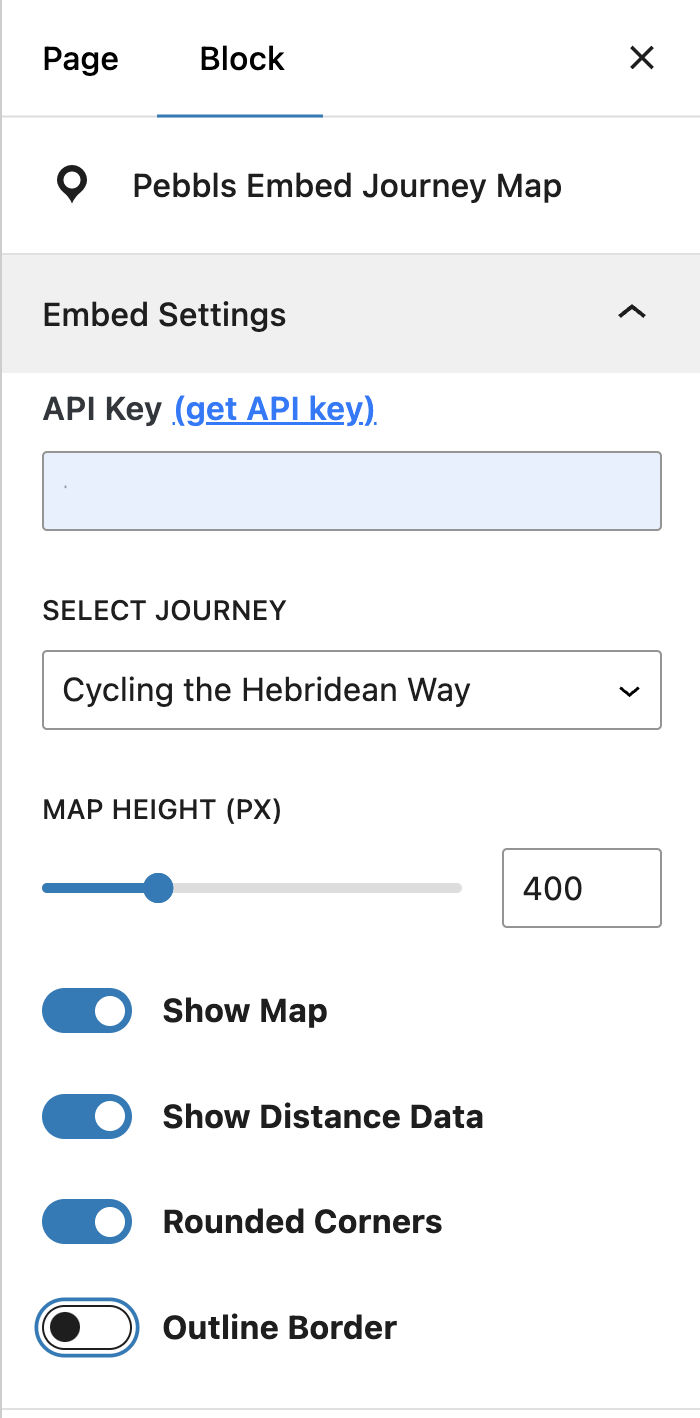
Yes, you can customize the map height directly from the block settings in the editor.
更新日志:
- Hub maps: paste a hub's link, or use [pebbls hub="…"], to show every public trip on the hub on one map, with a link to the hub underneath. Only public hubs show.
- The block takes a hub link in the same box as a journey link.
- Pebbls moved to www.pebbls.com: the link under each embedded map and all examples use the new address. Links pasted with the old app.pebbls.com address keep working.
- Complete redesign: no API key required.
- Users simply paste their public Pebbls journey URL to embed.
- Added "Always show latest journey" option per user.
- Removed map style picker and distance/stats panel.
- Cleaner, simpler block editor UI.
- Accepts any link to a journey (map, journal or flyby page, any language).
- Blocks from 1.x keep working, including "Use latest journey" blocks.
- "Always show latest journey" is cached for 10 minutes and keeps showing the last journey if Pebbls can't be reached.
- Journey picker: choose from an explorer's public journeys.
- [pebbls] shortcode for the classic editor and page builders; pasting a journey link also embeds the map.
- Journey stats line (distance, days, countries); 1.x "Show stats" blocks get it back.
- "Load map on click" for faster pages (on for new blocks).
- Map, stats and texts in French, German, Spanish and Italian when the site uses those languages.
- Blocks from 1.x upgrade themselves when opened in the editor.
- Block API version 3; tested with WordPress 7.1.
- Added map style selection with thumbnails and mapTypeId support.
- Fixed error message on plugin activation.
- Added 'Use Latest Journey' option. -- Thanks @Usadler for the suggestion.
- Updated journey distance display.
- Fixed bug causing map not to display correctly.
- Fixed bug caused by error in variable names.
- Updated the plugin to serve SVG files locally instead of from external URLs.
- Added proper documentation for the use of the Pebbls Core API.
- Improved security and compatibility by prefixing all custom functions and classes.
- Changed the way the API key is utilized to improve security and flexibility.
- Initial release of the Pebbls Journey Map Embed plugin.