
Peg FX
| 开发者 | jouh |
|---|---|
| 更新时间 | 2026年11月21日 06:22 |
| PHP版本: | 8.1 及以上 |
| WordPress版本: | 7.1 |
| 版权: | GPL-2.0-or-later |
| 版权网址: | 版权信息 |
详情介绍:
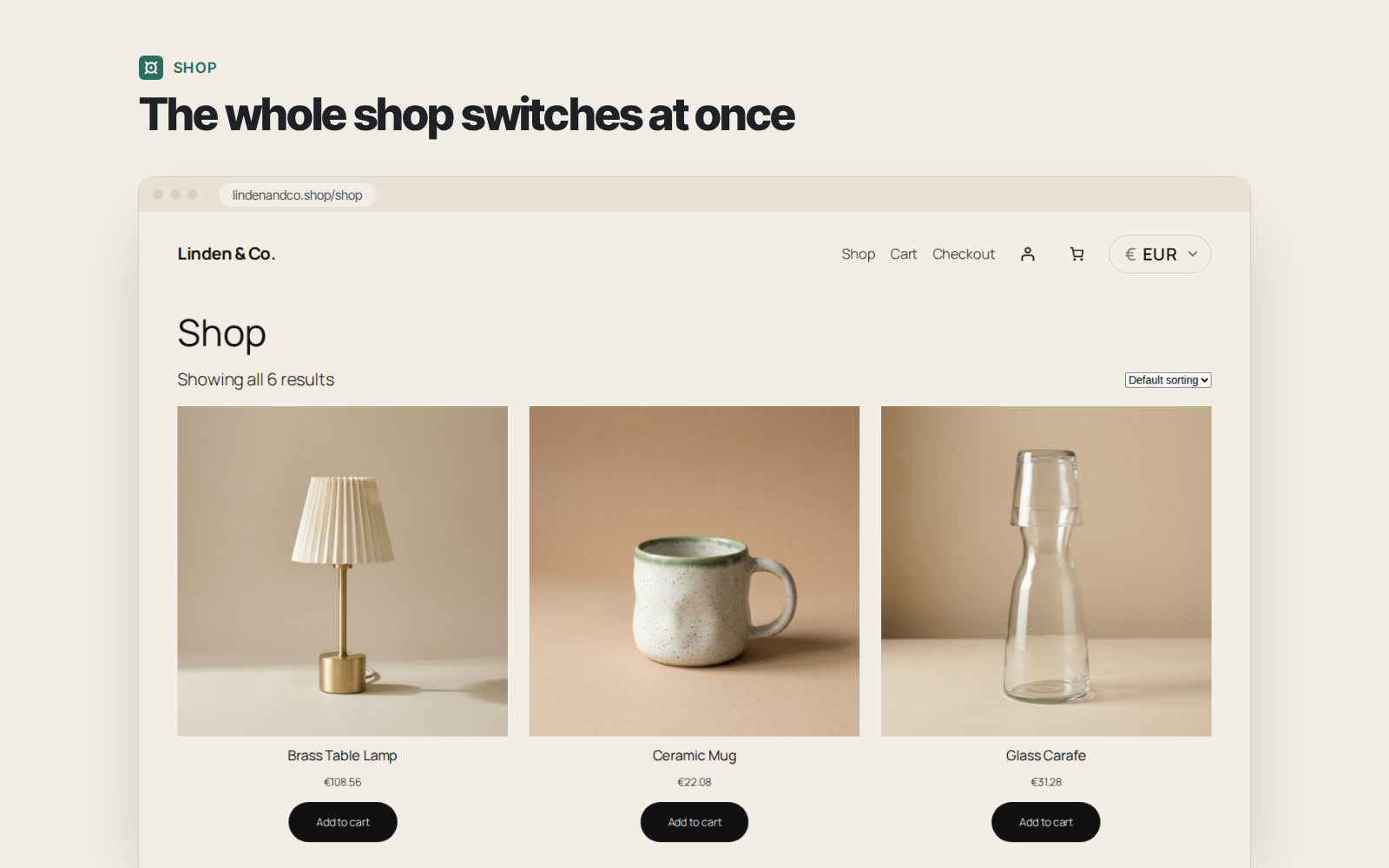
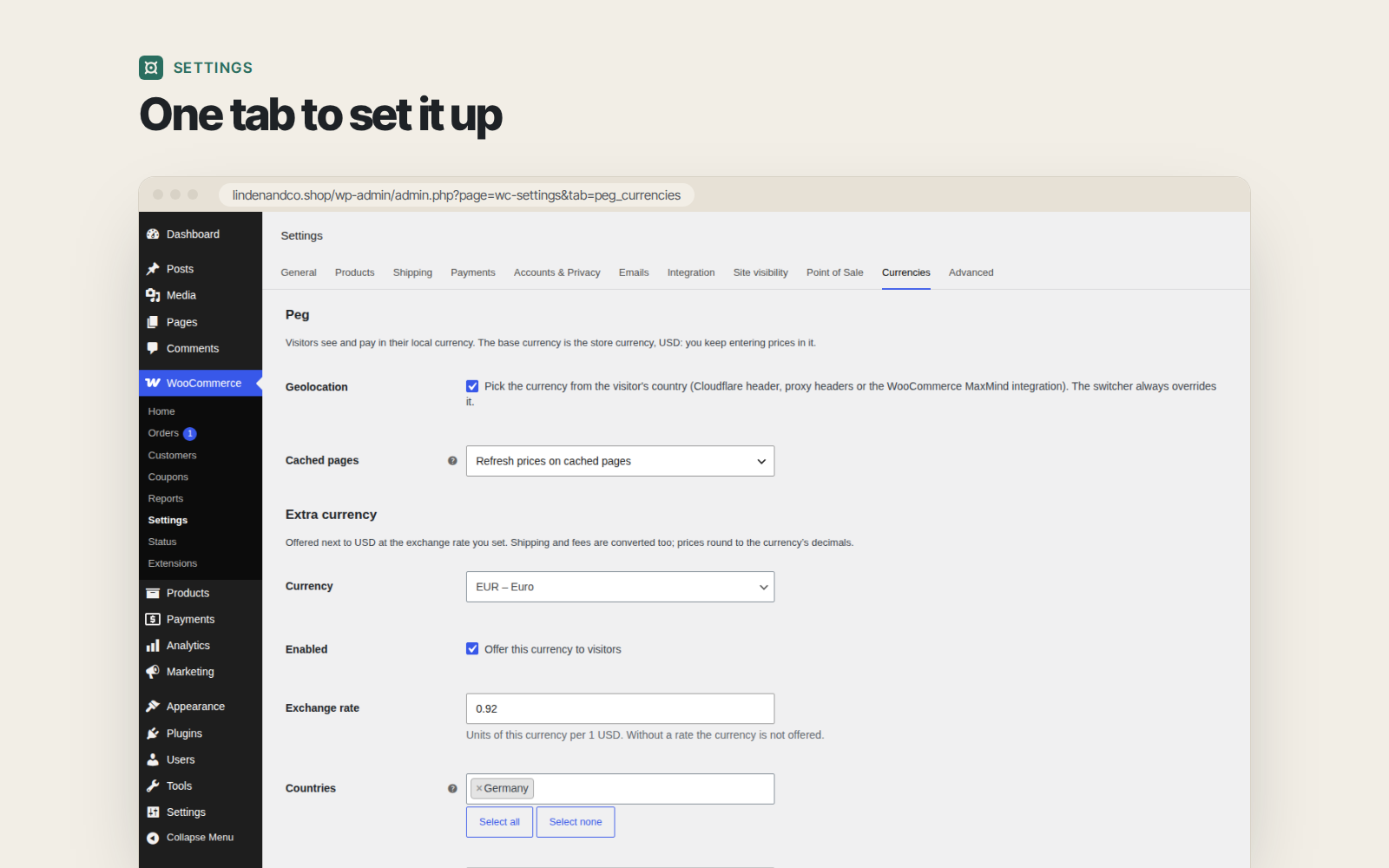
- One extra currency. Pick any currency WooCommerce supports and set its exchange rate yourself.
- Chosen by country. Peg FX can pick the currency from the visitor's country, using WooCommerce geolocation or Cloudflare's country header. Assign the countries that should see it.
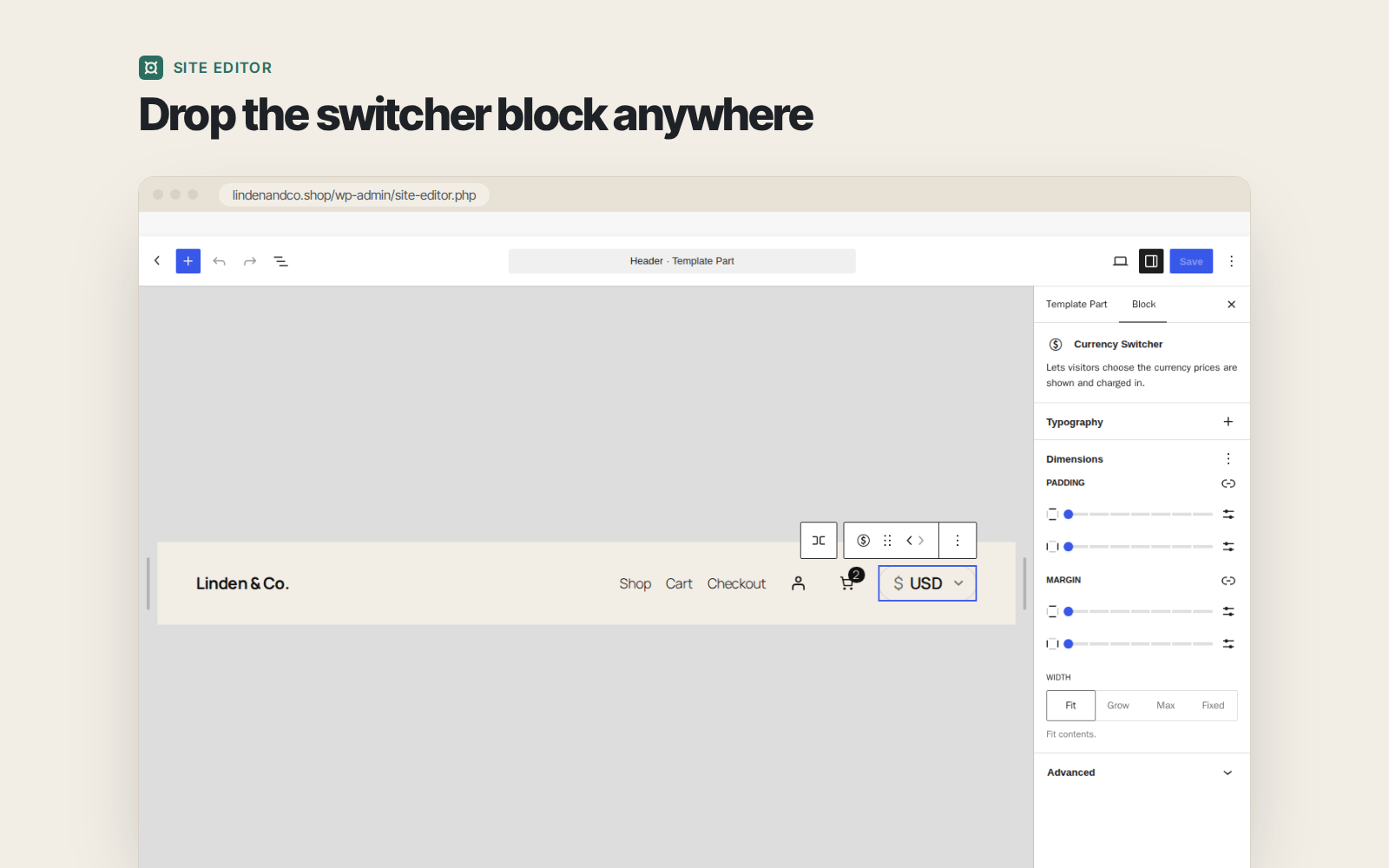
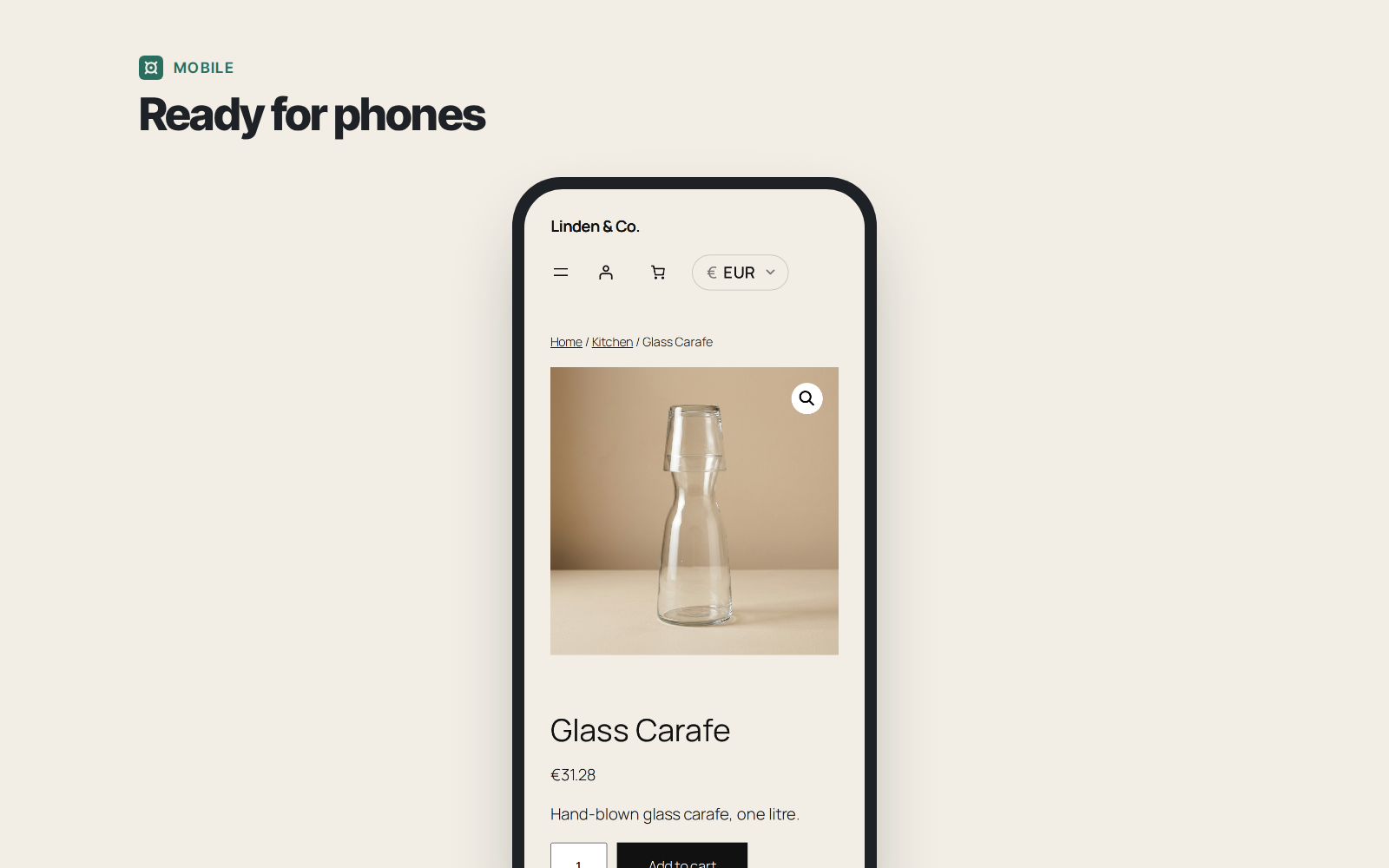
- A switcher for your shop. Add the Peg FX currency switcher block anywhere in the site editor, or use the
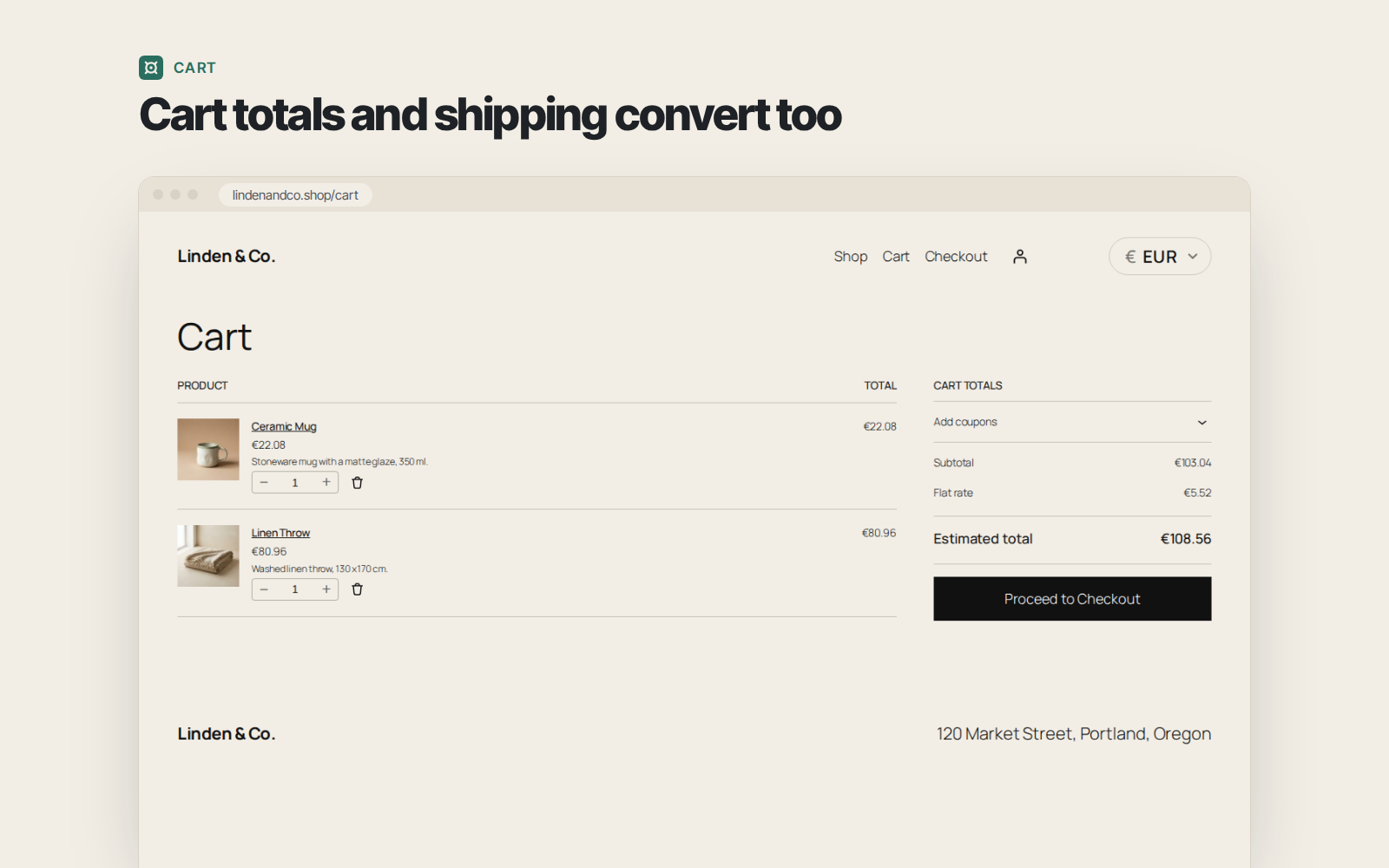
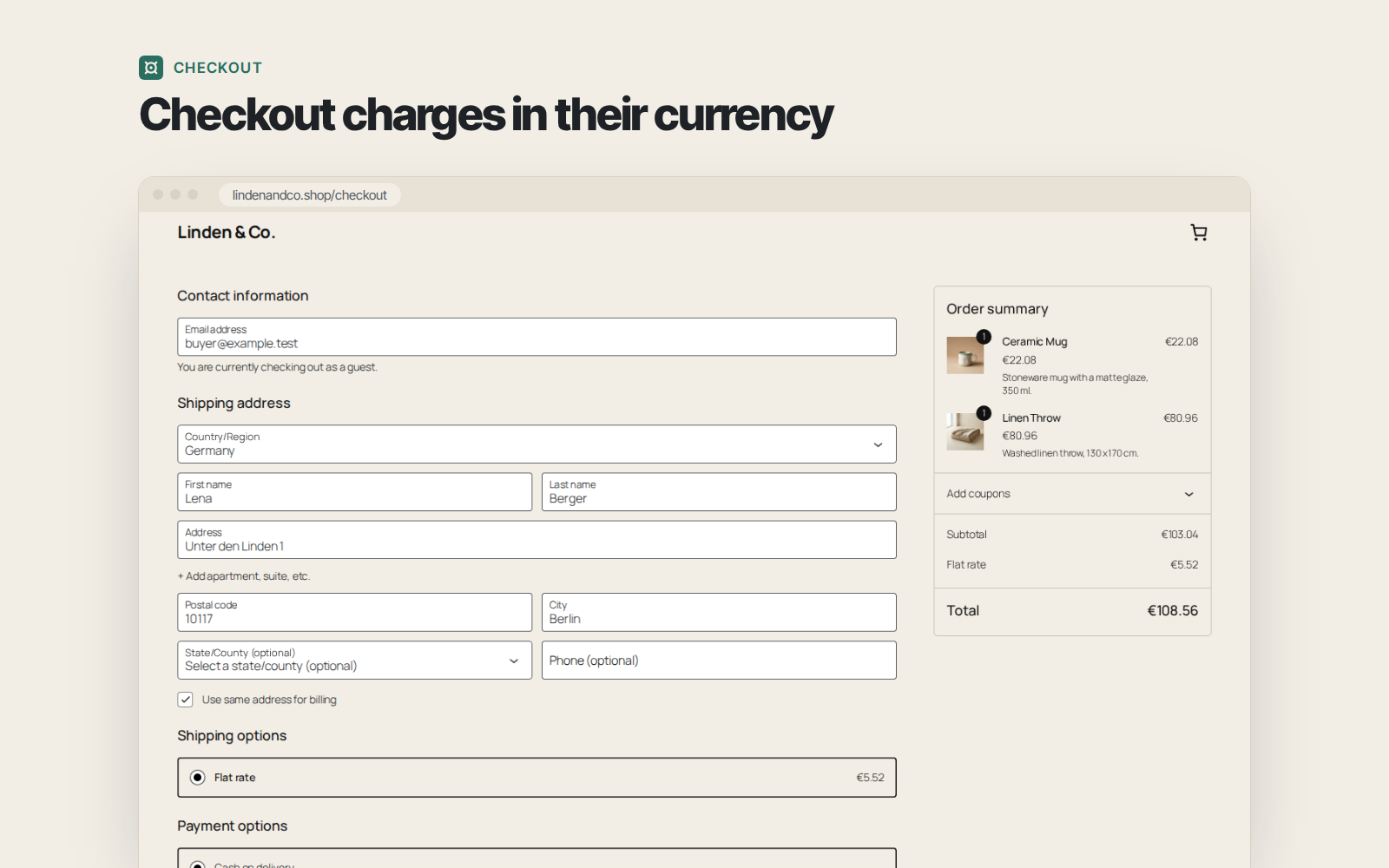
[pegfx_currency_switcher]shortcode. Shoppers can always switch. In checkout-only mode the switcher stays hidden, since every page is in your currency. - Checkout in the shopper's currency. Products, sale prices, shipping, taxes and coupons all use the selected currency. Prices round to that currency's decimals.
- Or only at checkout. Keep the whole shop and the payment in your currency, and let the cart and checkout show the shopper what the total comes to in theirs, with the exchange rate. Their bank or card converts the payment.
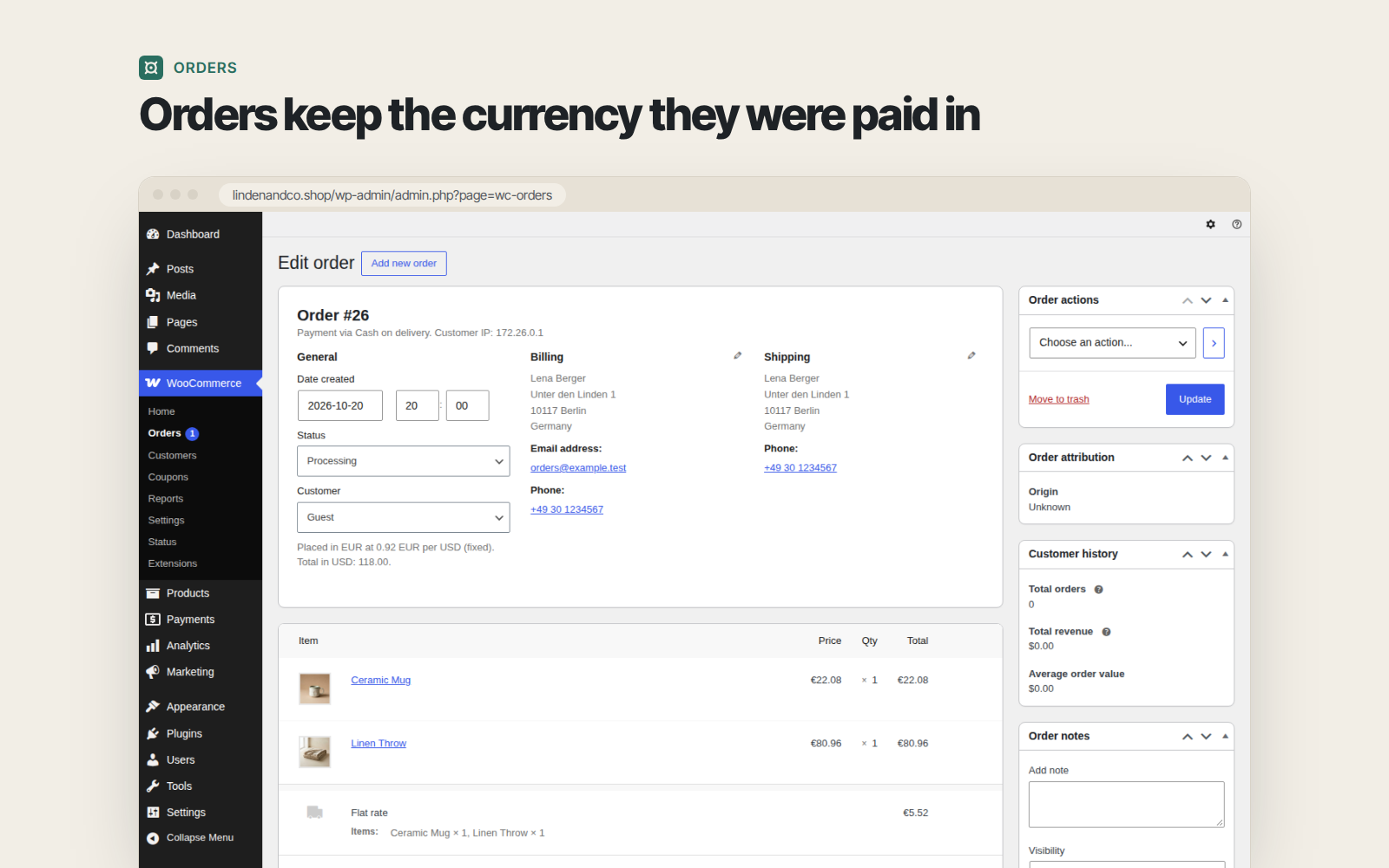
- Orders keep their currency. Every order records the currency it was placed in.
- Your prices stay as they are. Peg FX converts prices when they are shown and never saves converted prices to your products.
- Modern WooCommerce. Works with the block cart and checkout, the Store API and High-Performance Order Storage (HPOS).
- Page caches stay correct. Pages in the extra currency are never cached. On cached pages in your base currency, Peg FX refreshes the prices in the browser.
pegfx_currency cookie and the currency it resolved in the pegfx_resolved cookie. WooCommerce geolocation, if you enable it, follows WooCommerce's own privacy settings. Orders store their currency through WooCommerce.
安装:
- Install and activate WooCommerce.
- Install Peg FX from Plugins > Add New, or upload the pegfx ZIP with Upload Plugin, then activate it.
- Open WooCommerce > Settings > Currencies.
- Choose your extra currency, set a positive exchange rate, and pick the countries that should see it.
- Add the Peg FX currency switcher block to your header or shop, or use the
[pegfx_currency_switcher]shortcode.
屏幕截图:
常见问题:
Does Peg FX fetch exchange rates?
No. You set the rate by hand, and Peg FX makes no external requests. Peg FX Pro adds daily central-bank rates.
How many currencies can I use?
Your store's base currency plus one extra currency.
Does checkout charge in the displayed currency?
Yes, as long as your payment gateway accepts that currency. Check your gateway's supported currencies before you enable one. Existing orders keep their original currency.
Can I keep my prices in my currency and only help shoppers at checkout?
Yes. Under WooCommerce > Settings > Currencies, choose "Checkout only". Prices, the cart, the payment and the order all stay in your store's currency. The cart and checkout add a line with the total in the shopper's currency and the rate, so a shopper from Canada or New Zealand knows roughly what their bank will charge. The line appears for visitors located in a country you assigned to the extra currency. Shoppers can't pick a different currency for it in Peg FX, which offers one extra currency; with Peg FX Pro and two or more other currencies, the line has a currency picker.
Does Peg FX change my saved product prices?
No. Prices stay in your store's base currency. Peg FX converts them only when it shows them.
Does it work with page caching or a CDN?
Yes. Pages in the extra currency are never cached, and cached base-currency pages get their prices refreshed in the browser.
Does it work with the block checkout?
Yes. Peg FX supports the block cart and checkout, the classic checkout and the Store API.
What happens when I uninstall Peg FX?
Peg FX removes its settings. Currency cookies expire in the browser. Existing orders keep their currency.
更新日志:
- Free Peg FX offers a base currency plus one extra currency at a hand-set rate.
- Supports block checkout, HPOS and cached base-currency pages.