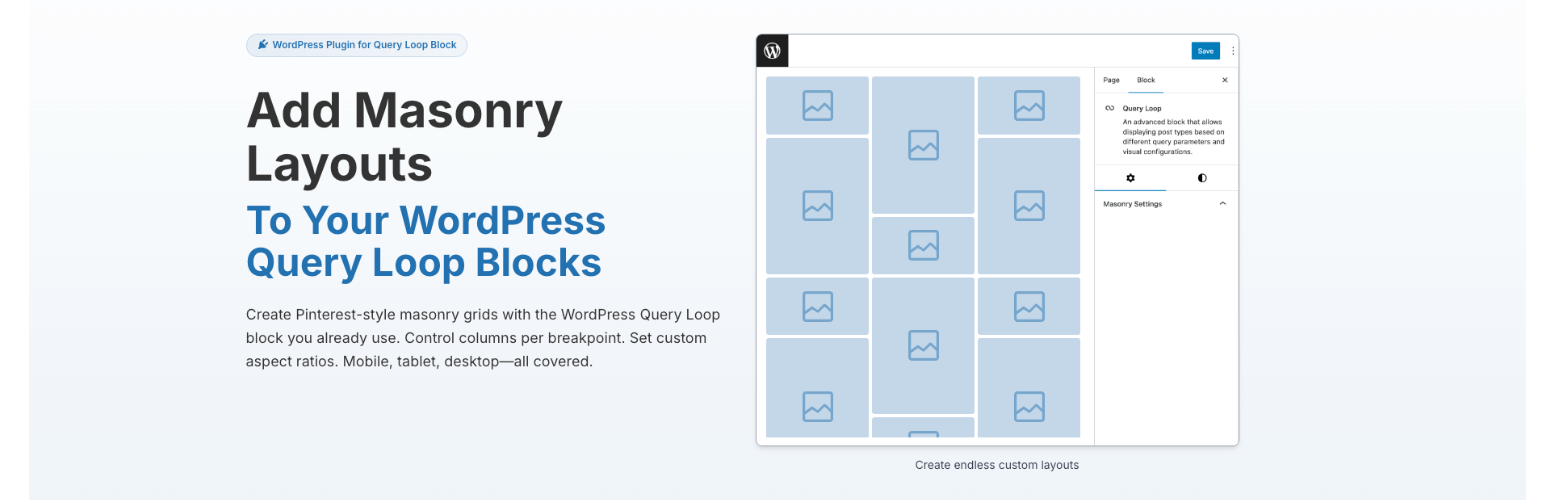
Query Loop Masonry Lite
| 开发者 | aidam11 |
|---|---|
| 更新时间 | 2026年1月13日 00:59 |
| PHP版本: | 8.0 及以上 |
| WordPress版本: | 6.8 |
| 版权: | GPLv2 or later |
| 版权网址: | 版权信息 |
详情介绍:
- Masonry Layout - Transform any Query Loop into a beautiful Pinterest-style grid
- Works with Core Blocks - Uses native WordPress Query Loop blocks
- No Vendor Lock-in - Standard WordPress markup, easy to switch or customize
- Lightweight - Optimized Masonry.js library with minimal footprint
- Responsive - Automatically adapts to different screen sizes
- Create or edit a Query Loop block
- Switch to Grid layout in the toolbar
- Set Grid Item Position to Manual
- Enable Masonry in the block sidebar
- Your posts now display in a beautiful masonry layout
安装:
- Upload the plugin files to the
/wp-content/plugins/ph-queryloop-masonry-litedirectory, or install the plugin through the WordPress plugins screen directly. - Activate the plugin through the 'Plugins' screen in WordPress.
- Create or edit a page with a Query Loop block.
- In the block toolbar, switch from List view to Grid view.
- In the block sidebar under Layout, set Grid Item Position to "Manual".
- In the Masonry Settings panel, check "Enable Masonry Grid".
- Your Query Loop now displays as a masonry layout.
常见问题:
What is masonry layout?
Masonry layout is a grid layout where items are arranged to fill available vertical space, similar to how a mason fits stones in a wall. Items of different heights flow together without gaps, creating a visually dynamic Pinterest-style layout.
Which blocks does this plugin work with?
Query Loop Masonry Lite works with the core WordPress Query Loop block (core/post-template). It extends the native block with masonry layout capabilities while maintaining full compatibility with WordPress.
Why do I need Grid layout with Manual positioning?
The plugin requires Grid layout with Manual positioning because masonry needs to know the intended column count. Manual positioning tells WordPress to use a specific grid structure that the masonry JavaScript can then enhance.
Does this work with Full Site Editing (FSE) themes?
Yes! Query Loop Masonry works with any theme that supports the block editor, including Full Site Editing themes. Use it in templates, template parts, or regular posts and pages.
Will my content still look good if I deactivate the plugin?
Yes. The plugin uses standard WordPress markup with no proprietary elements. If you deactivate the plugin, your Query Loop will simply display as a regular grid without the masonry effect.
What's the difference between Lite and Premium?
Lite version provides basic masonry layout functionality - enable masonry on any Query Loop block and it just works. Premium version adds advanced controls: 6 responsive breakpoints, per-breakpoint column settings, aspect ratio rules, column span, advanced targeting modes (Every/Only, Row/Grid), and priority support with lifetime updates.
How do I upgrade to Premium?
Visit wpqueryloopmasonry.com to purchase a lifetime license. Premium is a one-time payment with no subscriptions or recurring fees.
Where can I get support?
For Lite version support, please use the WordPress.org support forums. For Premium support, visit wpqueryloopmasonry.com.
更新日志:
- Initial release
- Basic masonry layout for Query Loop blocks
- Automatic responsive behavior
- Lightweight Masonry.js implementation