
PixelPair – Marketing Tracking
| 开发者 | arifhasnat |
|---|---|
| 更新时间 | 2026年10月21日 07:09 |
| PHP版本: | 7.4 及以上 |
| WordPress版本: | 7.1 |
| 版权: | GPL-2.0-or-later |
| 版权网址: | 版权信息 |
详情介绍:
- Meta Pixel and Conversions API.
- Google Analytics 4 and Google Tag Manager.
- TikTok Pixel and Events API.
- Shared event IDs for supported browser/server events.
- Encrypted credentials, retries and redacted logs.
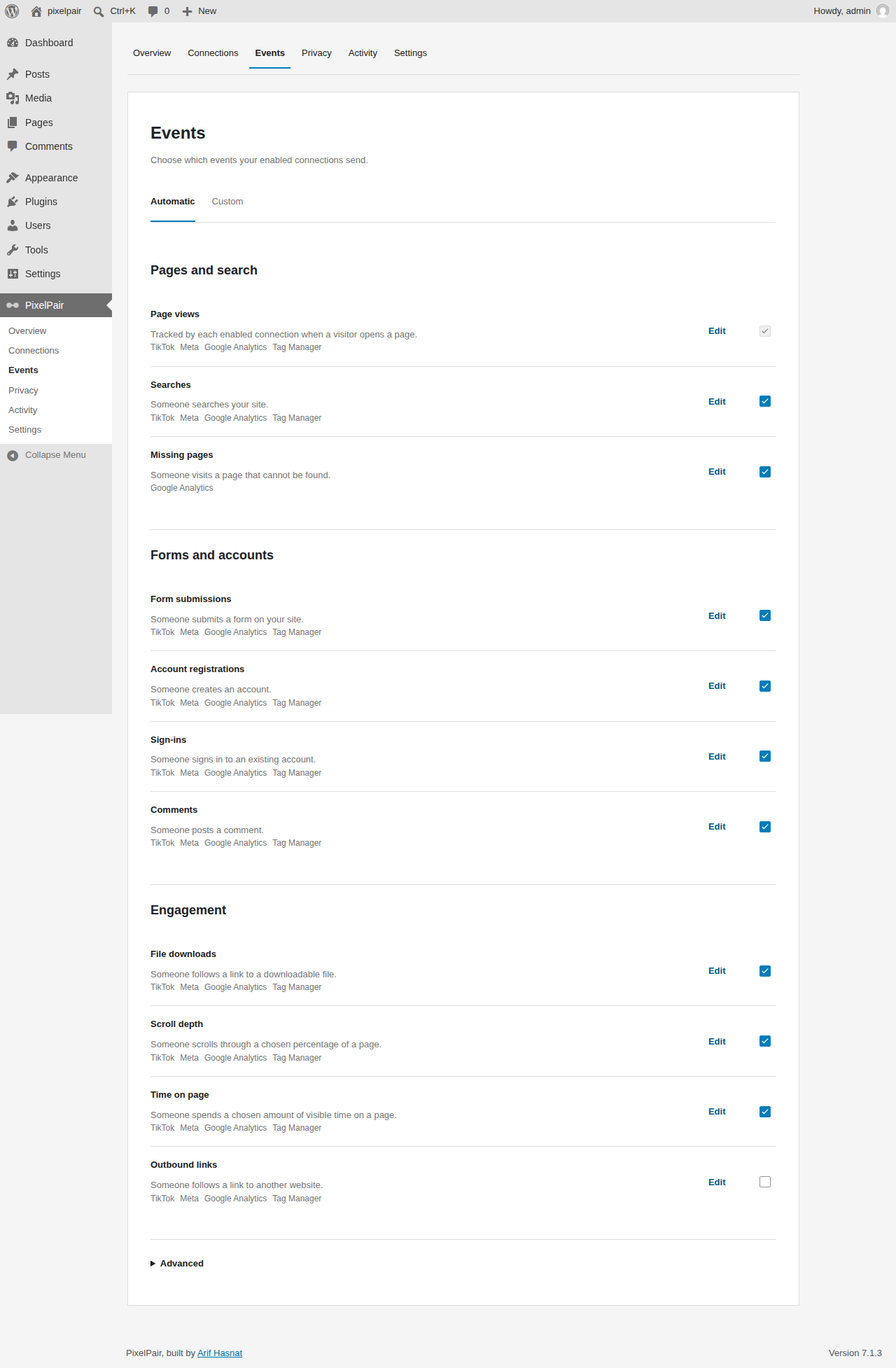
- Automatic event controls for pages, search, forms, accounts and engagement.
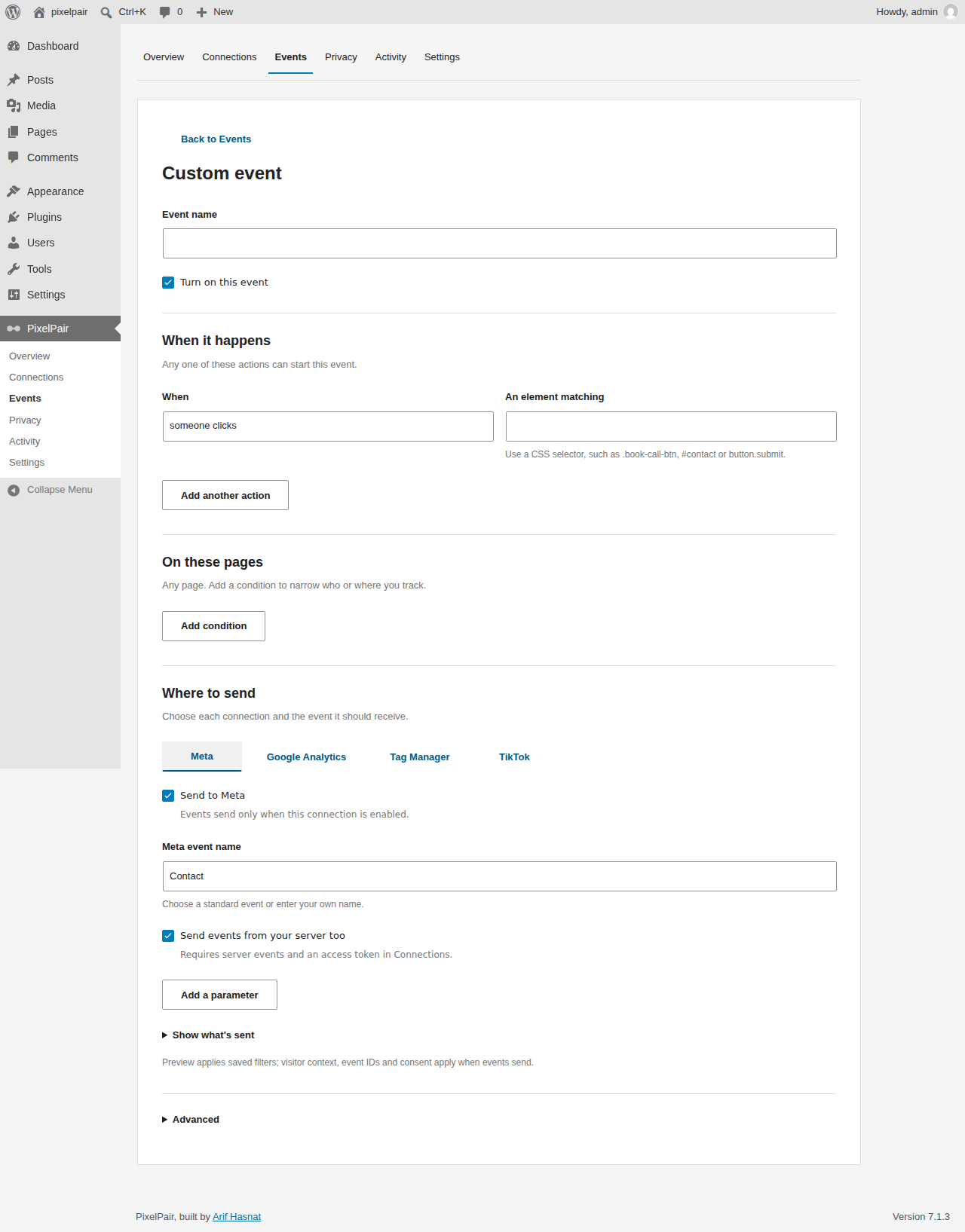
- Custom rules for button clicks, page visits, scroll depth and other supported triggers.
- Per-platform event mappings and payload previews.
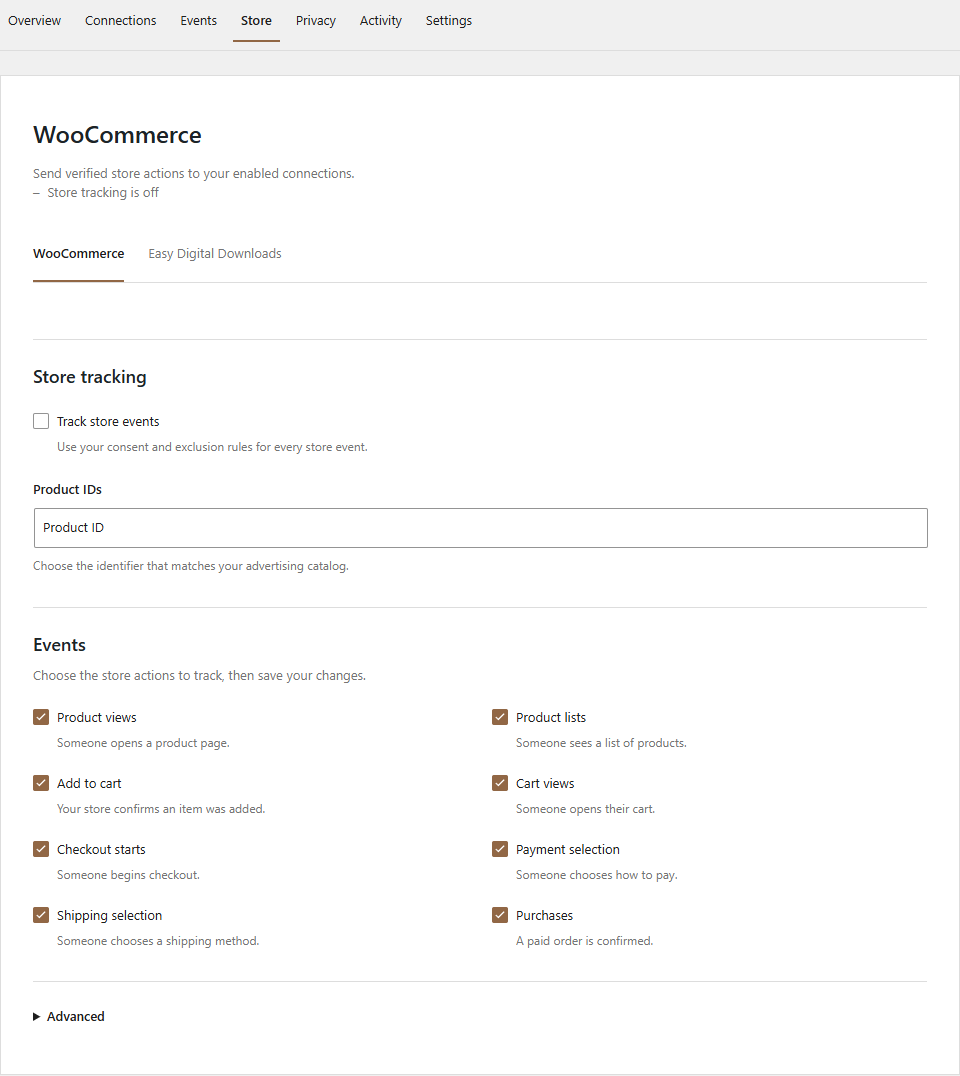
- WooCommerce product, cart, checkout and paid purchase tracking, including supported Blocks flows and HPOS.
- Easy Digital Downloads tracking for supported download, cart, checkout and purchase flows.
- Configurable product identifiers and purchase values.
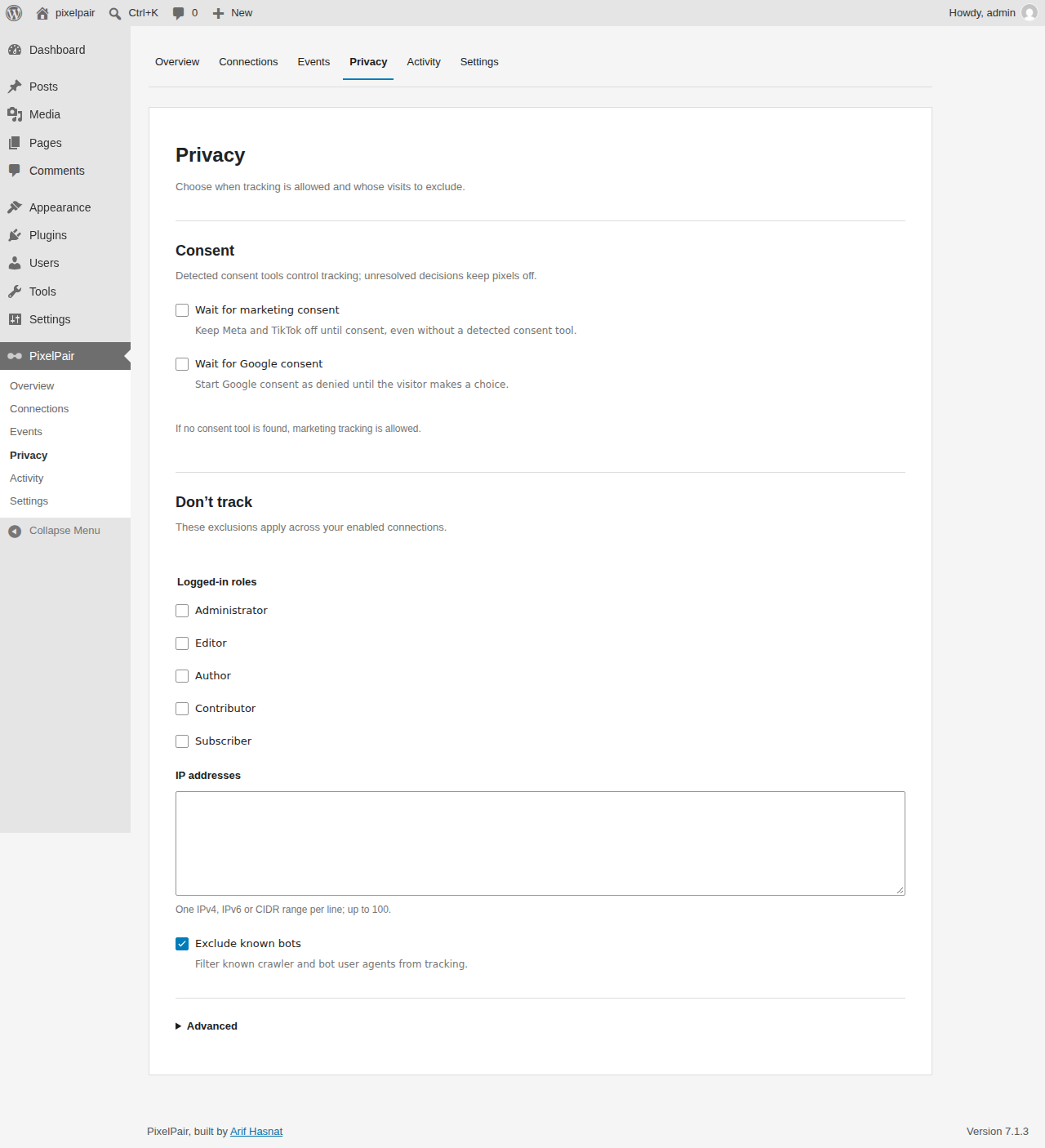
- Consent integrations and a setting to wait for explicit marketing consent.
- Role, IP address, CIDR and bot exclusions.
- Fast cache mode and optional strict visitor eligibility checks.
- Configuration import and export that never includes secrets.
- Per-site settings on WordPress multisite.
- Optional authenticated access for external AI tools through the WordPress MCP Adapter.
安装:
- Download the built pixelpair.zip release.
- In WordPress, open Plugins > Add New > Upload Plugin.
- Select pixelpair.zip, choose Install Now, then activate PixelPair.
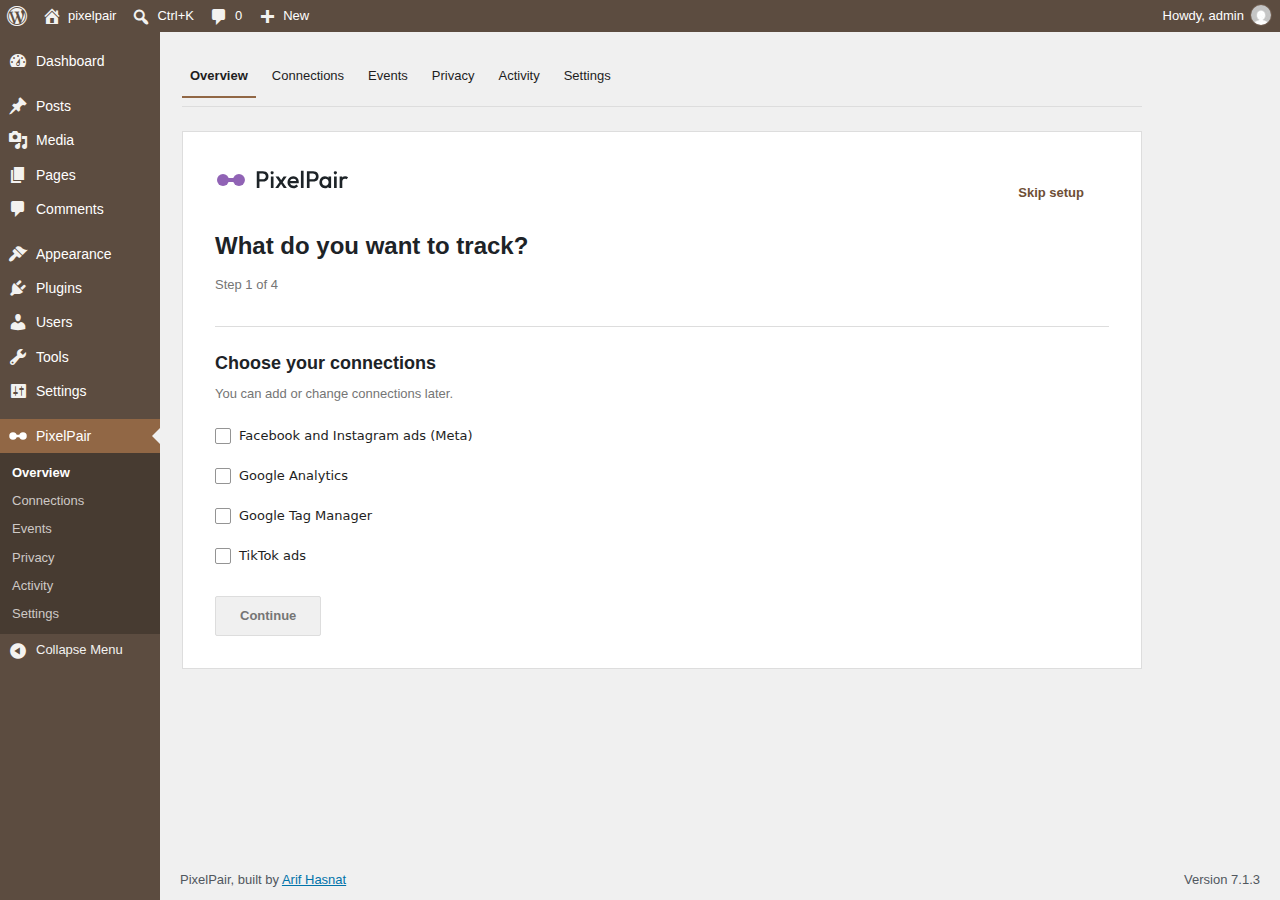
- Open PixelPair and follow the setup wizard.
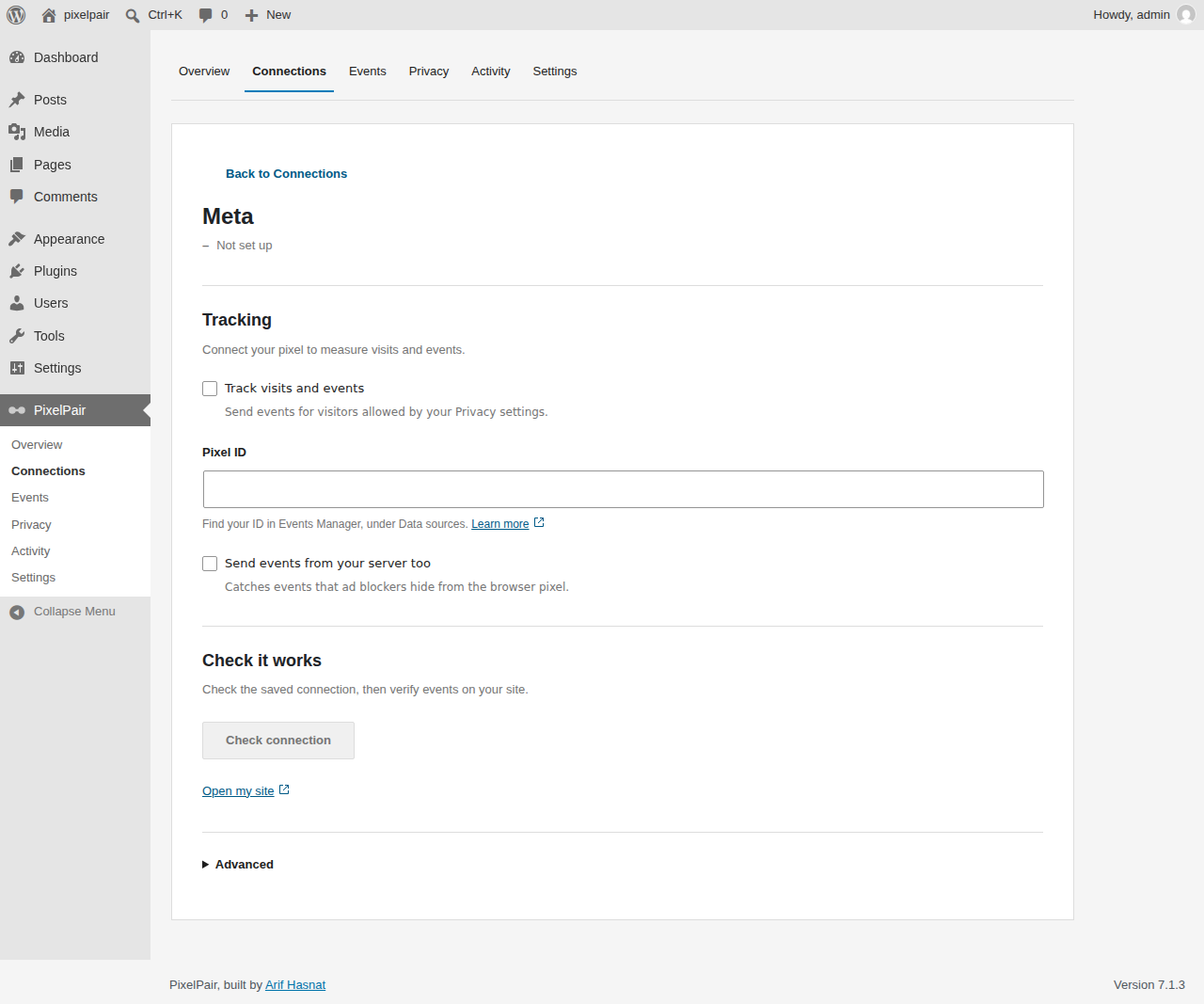
- Choose your connections, paste IDs and add server credentials if needed.
- Configure Privacy, enable your desired tracking and clear your page cache.
- Visit your site and verify events with the platform's tools.
屏幕截图:
常见问题:
Do I need WooCommerce?
No. Page, automatic and custom event tracking work without a store plugin. Store controls appear when WooCommerce or Easy Digital Downloads is active.
Does tracking start when I activate PixelPair?
No. Enable a valid connection first. Events also depend on eligibility checks and the connection's required consent categories. With no detected consent tool, marketing is granted by default unless you enable "Wait for marketing consent".
Which consent tools are supported?
WP Consent API, Cookiebot, Complianz, CookieYes, Borlabs Cookie v3 and Real Cookie Banner have adapters. Borlabs and Real Cookie Banner require the matching service identifiers. Verify the integration with your installed consent-plugin version before using it on a live site.
How do I know tracking works?
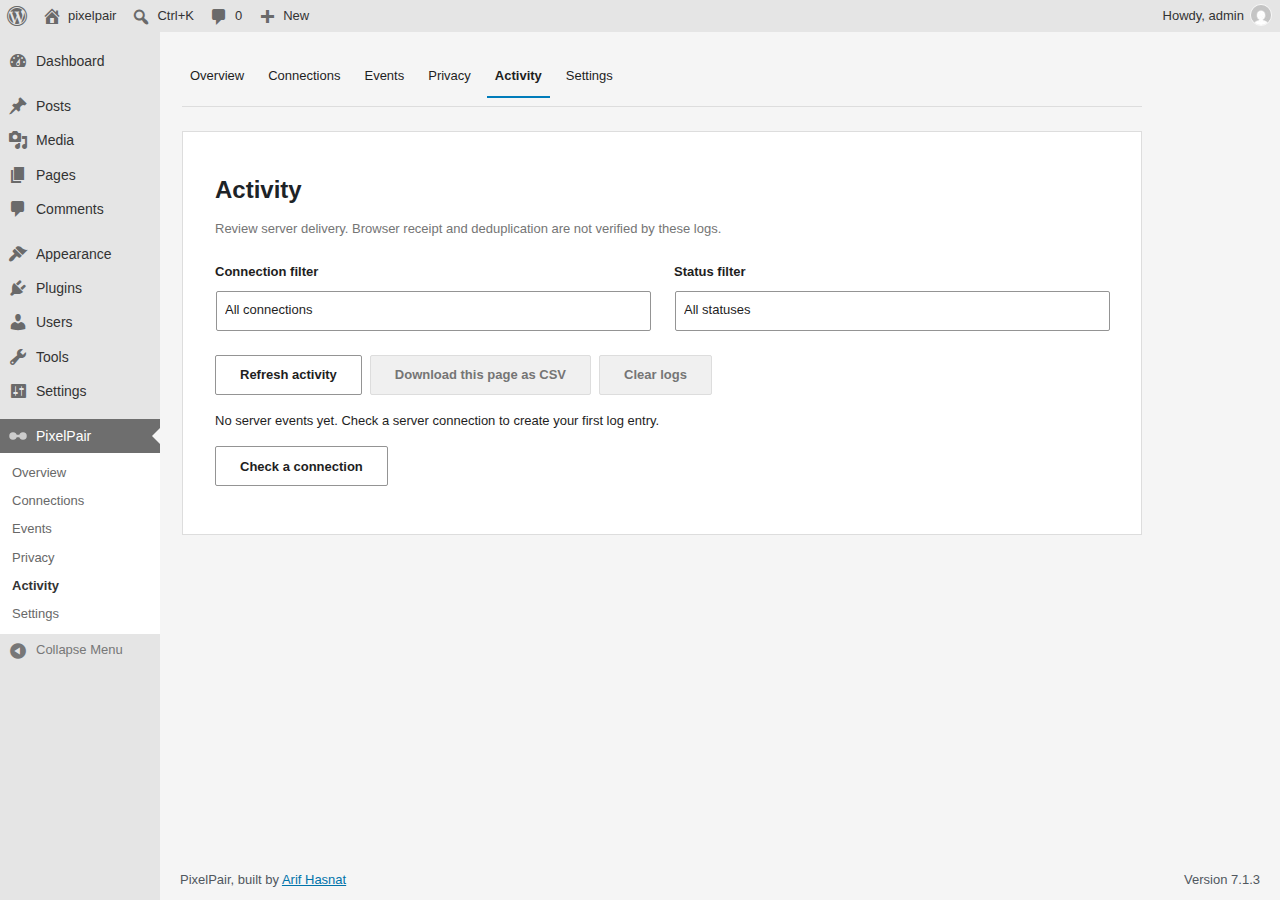
Overview shows connection configuration and warnings. Check connection reports the available test result. Activity shows enabled server diagnostics with redacted details. Verify browser events and server acceptance in Meta Events Manager, Google Analytics DebugView or TikTok Events Manager. A configured connection alone does not prove receipt.
Does PixelPair work with caching?
Fast mode checks roles and page context during page rendering and requests uncached eligibility only when IP exclusions are configured. Use Strict cache mode if your cache serves shared pages to logged-in visitors. Clear the page cache after changing tracking settings or consent integrations.
Are access tokens included in exports?
No. Configuration exports exclude secrets. Enter credentials separately after importing on another site.
What happens when I deactivate or delete the plugin?
Deactivation stops PixelPair jobs and keeps its data. Deletion removes its data unless "Keep settings on uninstall" is enabled. Multisite retention is handled separately for each site.
更新日志:
- Publish illustrated documentation on a dedicated public site and update documentation links.
- Check documentation pages, images and internal links automatically before publishing.
- Use PixelPair – Marketing Tracking as the product name without a personal-name prefix.
- Update the plugin title, directory banners, documentation and translation source.
- Clarify the independent project name and third-party service integrations.
- Limit consent recommendations to PixelPair screens and hide resolved recommendations.
- Limit migration errors to relevant management screens.
- Update documentation, translation source and directory graphics.
- Remove arbitrary script insertion and execution for the WordPress.org distribution.
- Add WooCommerce and Easy Digital Downloads tracking and TikTok browser/server events.
- Include the finalized WordPress.org readme and automatic translation loading.
- Add setup, secret-free configuration transfer, privacy tools and optional authenticated MCP access.
- Introduce focused connection screens, a sentence-style event builder and unsaved-change protection.
- Add store controls and HPOS-safe purchase attribution with persistent purchase claims.