PlugInspired Login Customizer
| 开发者 | rbcummings |
|---|---|
| 更新时间 | 2016年5月14日 07:39 |
| 捐献地址: | 去捐款 |
| PHP版本: | 3.8 及以上 |
| WordPress版本: | 4.5.2 |
| 版权: | GPLv2 or later |
| 版权网址: | 版权信息 |
详情介绍:
What PlugInspired Login Customizer Can Do
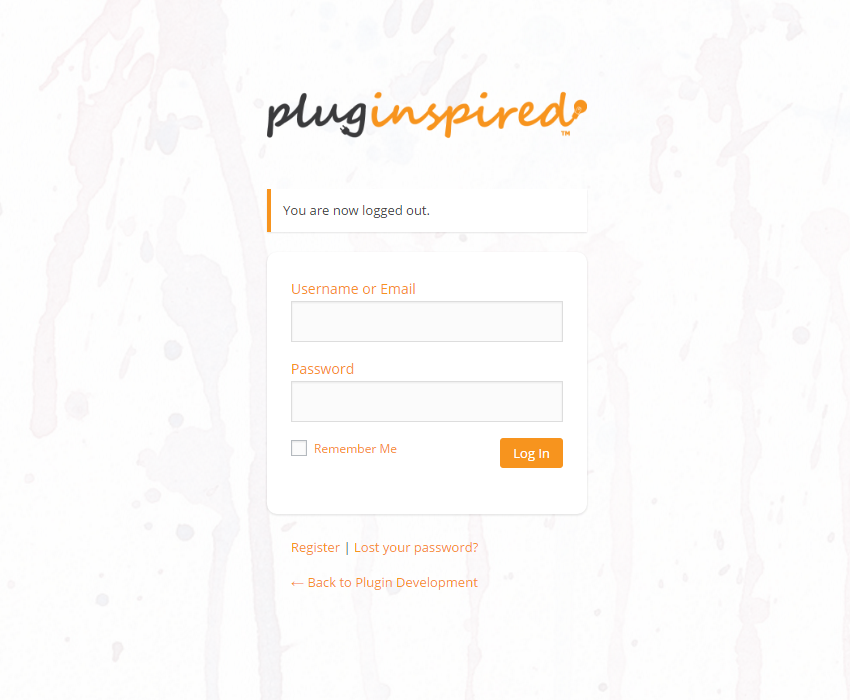
PlugInspired Login Customizer allows you to easily customize the default WordPress login, registration and forgot password pages for your site or blog. Including the colors, logo, and background.
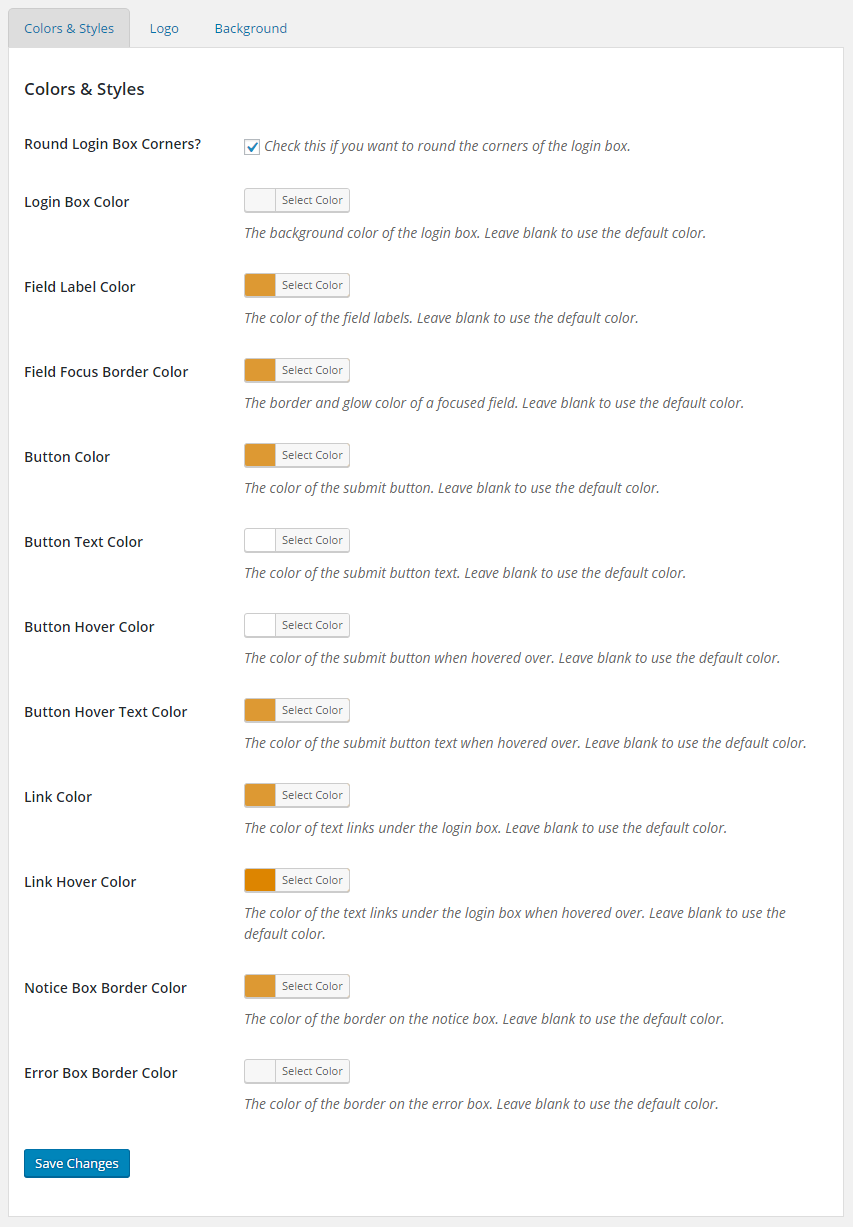
The Colors & Styles options allow you to change the colors of the login box, field labels, buttons, links and more.
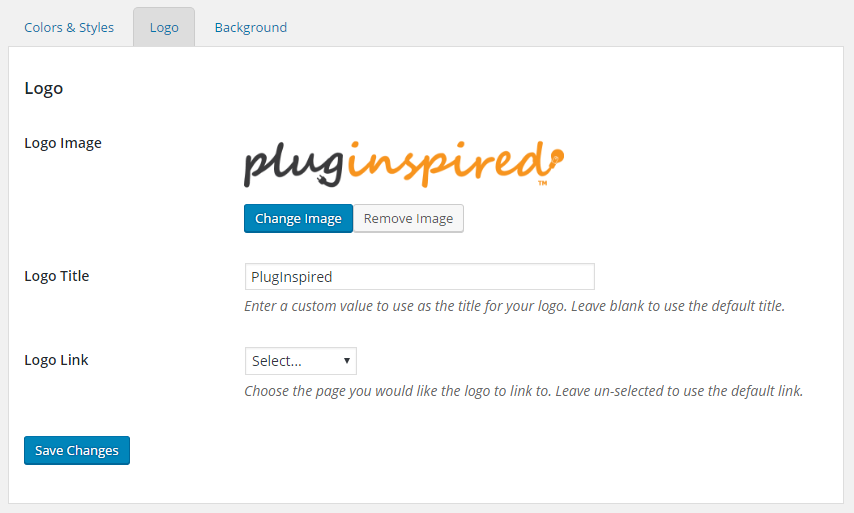
The Logo options include a field to upload a new image or select an image from the WordPress media library, a field that allows you to change the link title (seen on mouse-over), and the logo link.
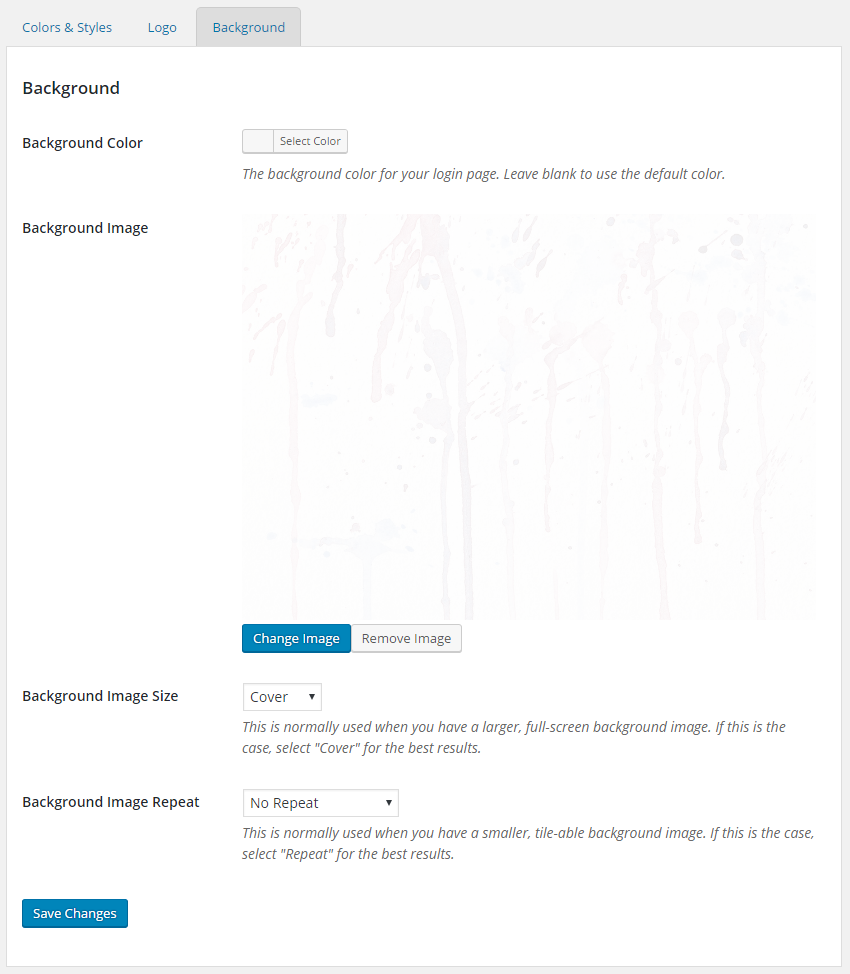
The Background options include the ability to change the background color, add a background image, set the background image size, and control whether or not the background repeats (great for smaller, tiled backgrounds).
Having Trouble?
If you have any trouble at all, please submit a support ticket. We always try to promptly resolve any usability or compatibility issues you may encounter.
安装:
Installing PlugInspired Login Customizer
From your Dashboard
- Go to Plugins > Add New.
- Search for
PlugInspired Login Customizer. - Locate
PlugInspired Login CustomizerbyPlugInspiredin the list. - Click Install and wait for the installation to finish.
- If the installation is successful, click the
activate pluginlink.
- Download PlugInspired Login Customizer from the WordPress Plugin Repository
- Extract the ZIP archive somewhere on your computer that you can find easily
- Upload the extracted
pluginspired-login-customizerdirectory to your site's/wp-content/plugins/directory - Activate the plugin on the 'Plugins' page in your WordPress Dashboard
- By clicking the
Settingslink on the Plugins page in your Dashboard - By clicking the
Loginlink on the menu in your Dashboard
屏幕截图:
常见问题:
I've installed PlugInspired Login Customizer. Where are the settings?
After installing PlugInspired Login Customizer, you can access the plugin's settings two ways.
- By clicking the
Settingslink on the Plugins page in your Dashboard - By clicking the
Loginlink on the menu in your Dashboard
更新日志:
1.0.4
- Changed the banner and go pro links for Login Customizer Pro
- Changed plugin description
- Added support, donate and rating links to the plugin meta
- Added notice with rating and donate links to the settings pages
- Added banners for pro version and premium support to the settings page
- Added screenshots to plugin assets and readme.txt