
Jovvie Point of Sale POS for WooCommerce
| 开发者 | bizswoop |
|---|---|
| 更新时间 | 2026年10月22日 23:55 |
| PHP版本: | 7.4 及以上 |
| WordPress版本: | 7.1.3 |
| 版权: | GPLv2 or later |
| 版权网址: | 版权信息 |
标签
下载
详情介绍:
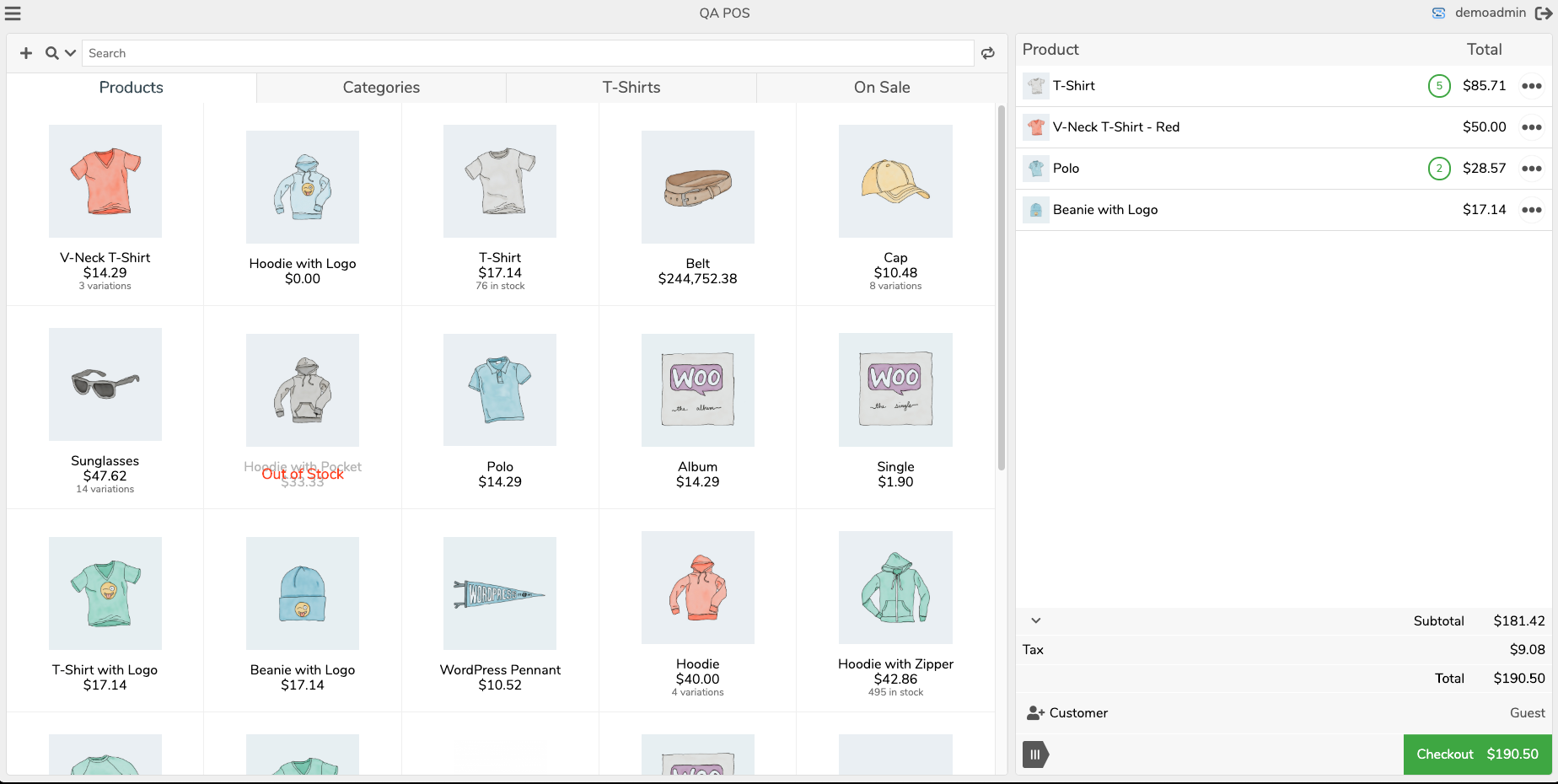
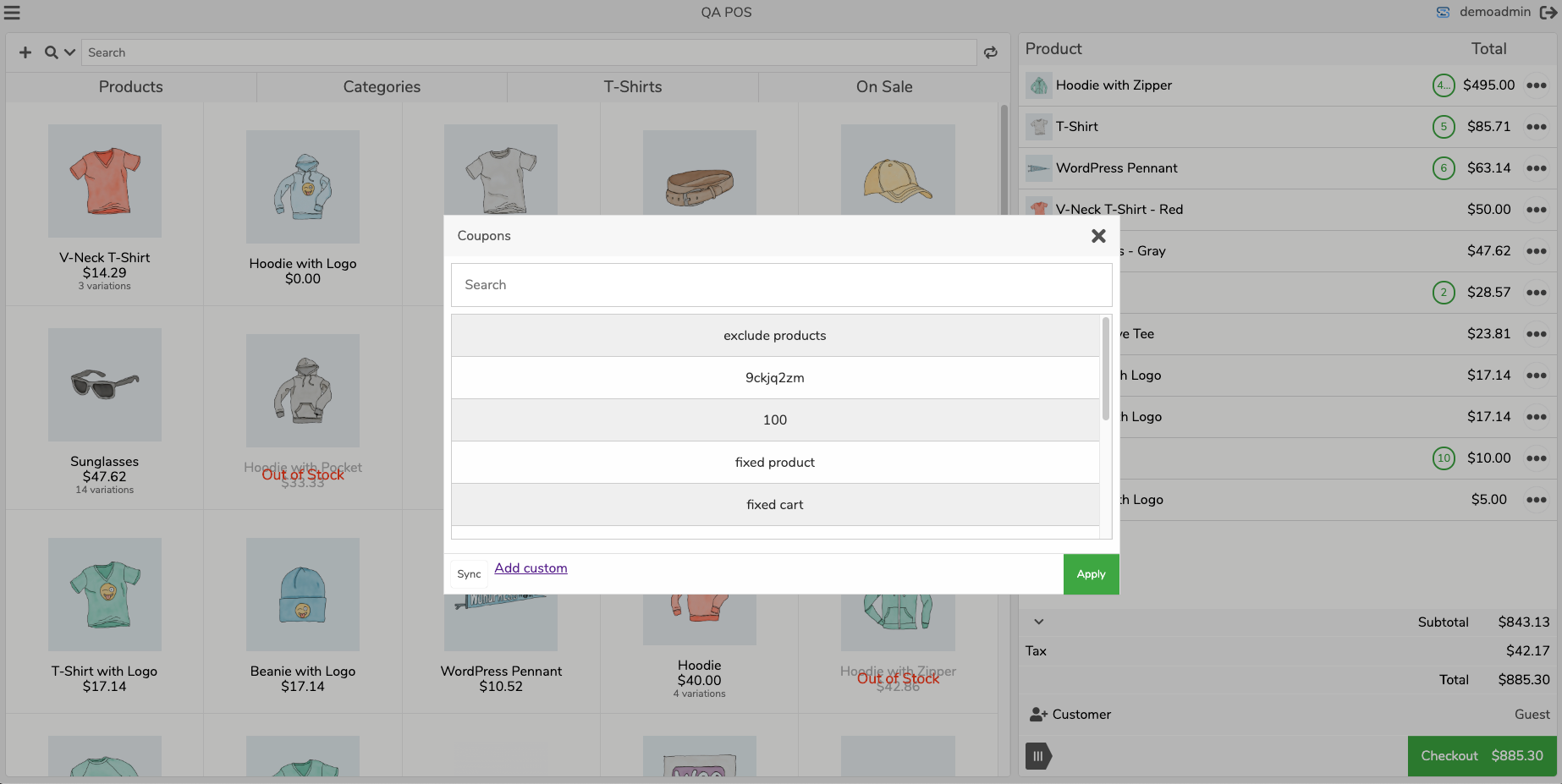
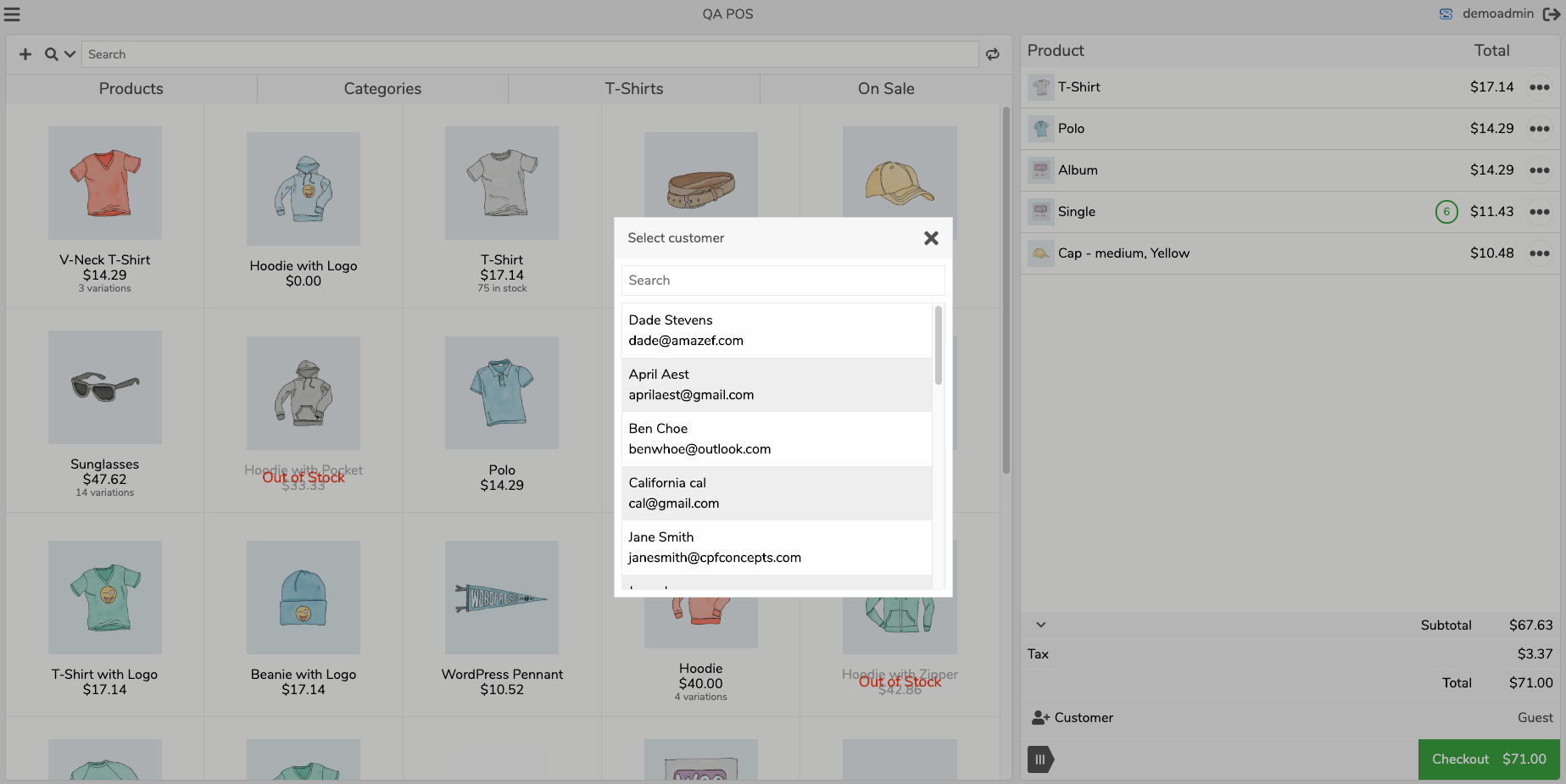
- One store, two channels - Products, prices, stock, customers, coupons and orders are shared with your online store in real time. Sell a unit in the shop and the website is updated instantly, so you never oversell.
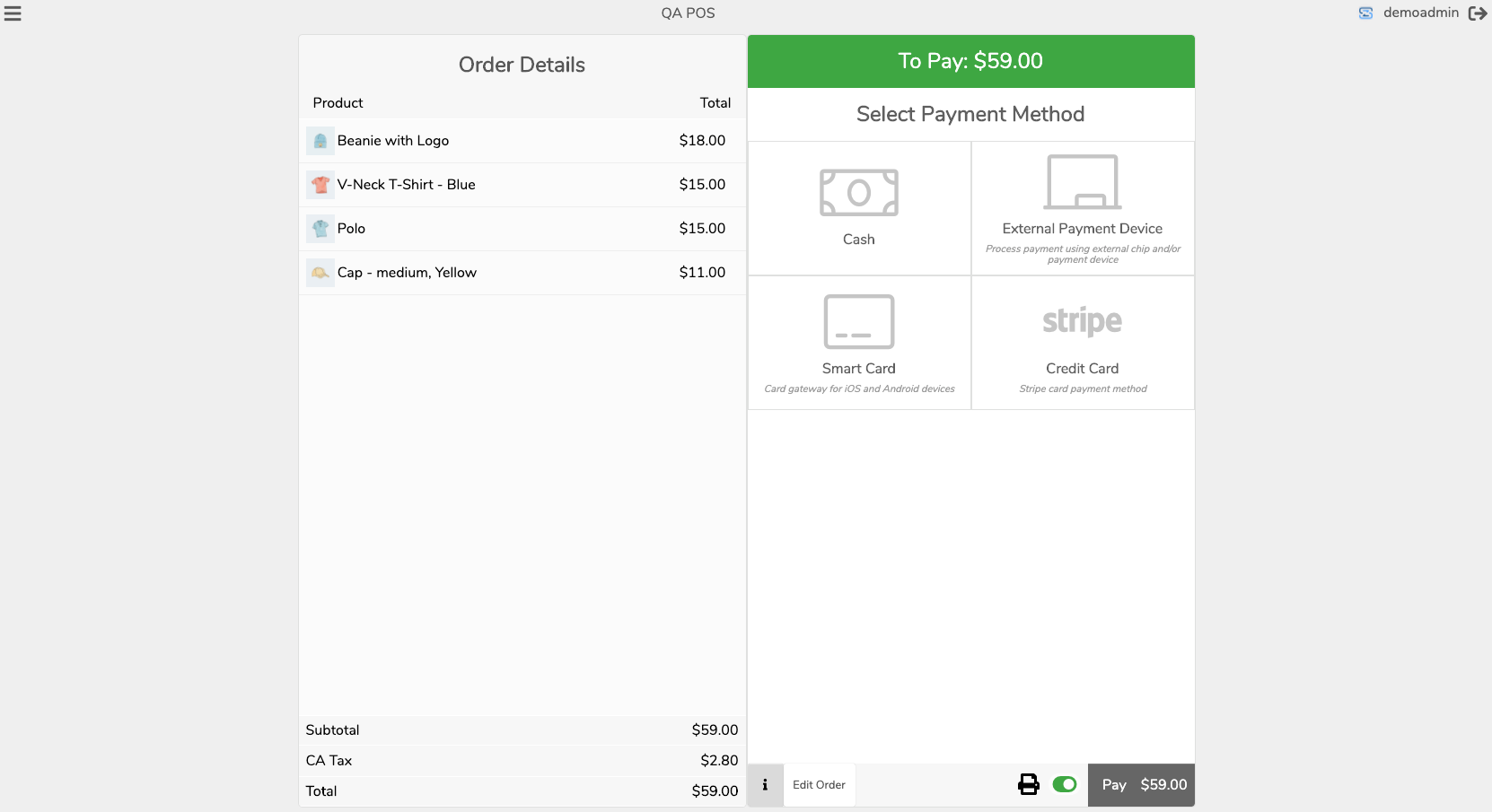
- Take cards in person, your way - Jovvie is an official Stripe Partner: accept credit, debit, Apple Pay and Google Pay with Stripe Terminal readers (S700 series, WisePad 3, M2 Reader) or Tap to Pay on iPhone and Android. Not on Stripe? Use NMI card terminals or any payment gateway already enabled in WooCommerce. Card data never touches your WordPress site.
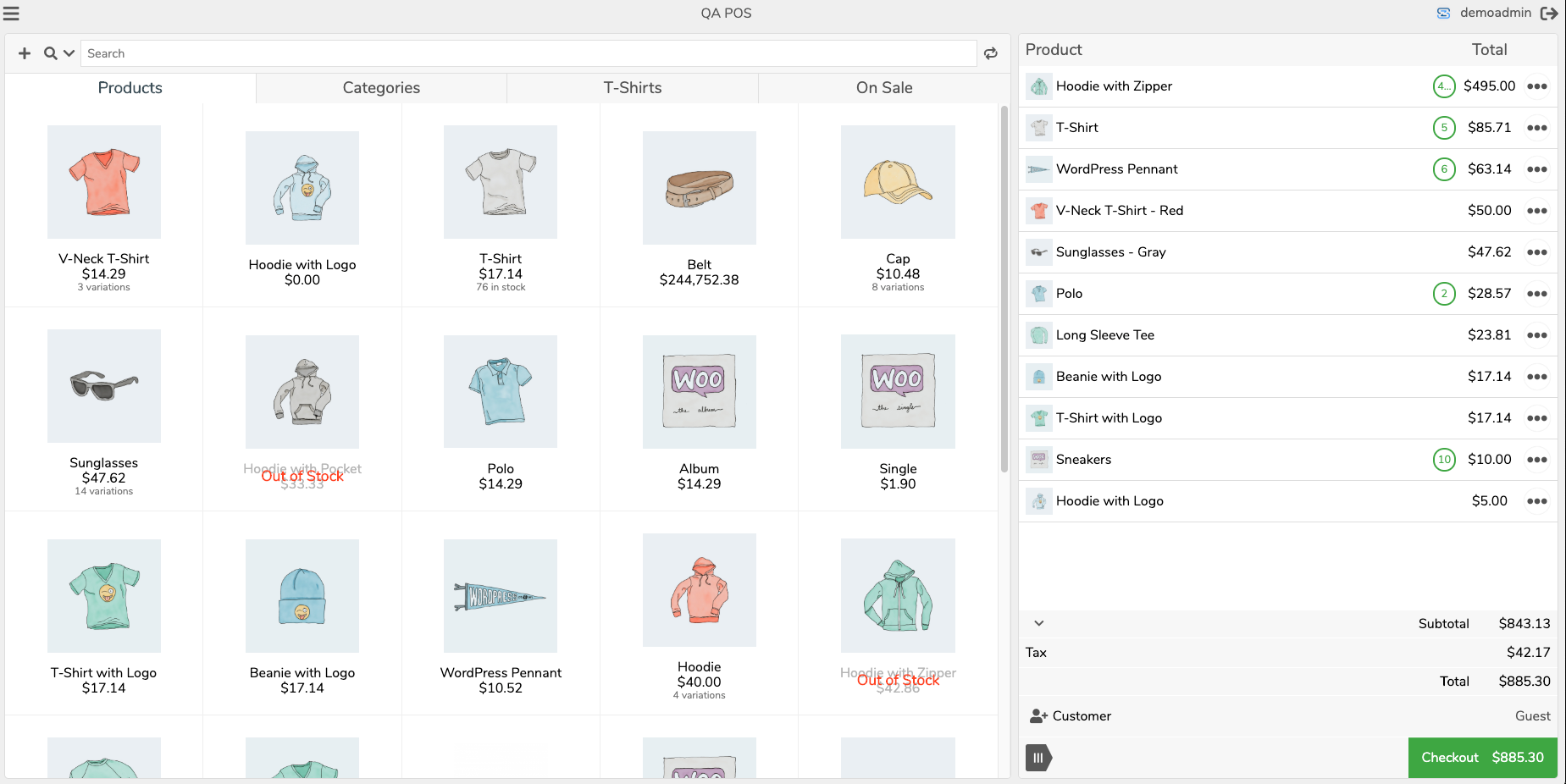
- Bring your own device - Any modern browser plus optional native apps for iOS and Android. No proprietary POS hardware or monthly hardware rental.
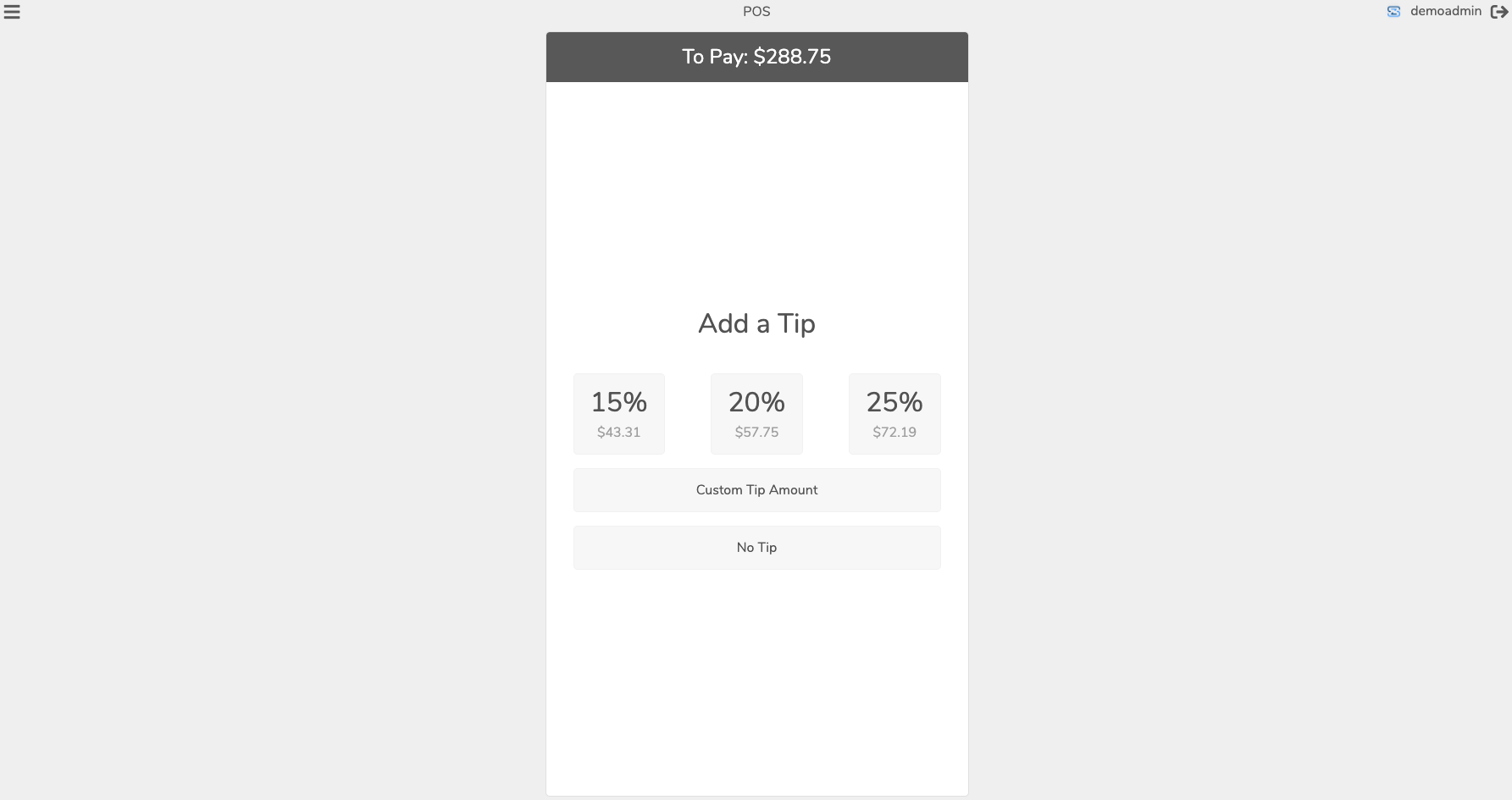
- Built for real counters - Per-station settings, employee logins with PIN switching, cash drawer sessions, kiosk mode, receipts and kitchen printing, split payments and tips.
- International ready - 36 languages, 100+ currencies and station-level currency selection. Used in 30+ countries.
- Reports where you already work - POS sales appear in WooCommerce Analytics with user, station, gateway and cash-till breakdowns.
- This plugin runs on your WordPress site. It exposes a secure POS API on top of WooCommerce and stores every sale as a normal WooCommerce order.
- The Jovvie POS app is the register interface. It is hosted by BizSwoop so it stays fast and up to date on every device, and it connects to your site through this plugin. A self-hosted POS UI plugin is also available if you prefer to run the interface on your own server.
安装:
- Install and activate WooCommerce if you have not already.
- Upload the plugin to
/wp-content/plugins/or install it from Plugins > Add New by searching "Jovvie". - Activate the plugin, then open Point of Sale in the WordPress admin menu.
- Click Connect and sign in with a free BizSwoop account (or create one).
- Create your first station, pick the users who may access it, and open the POS on any device.
屏幕截图:
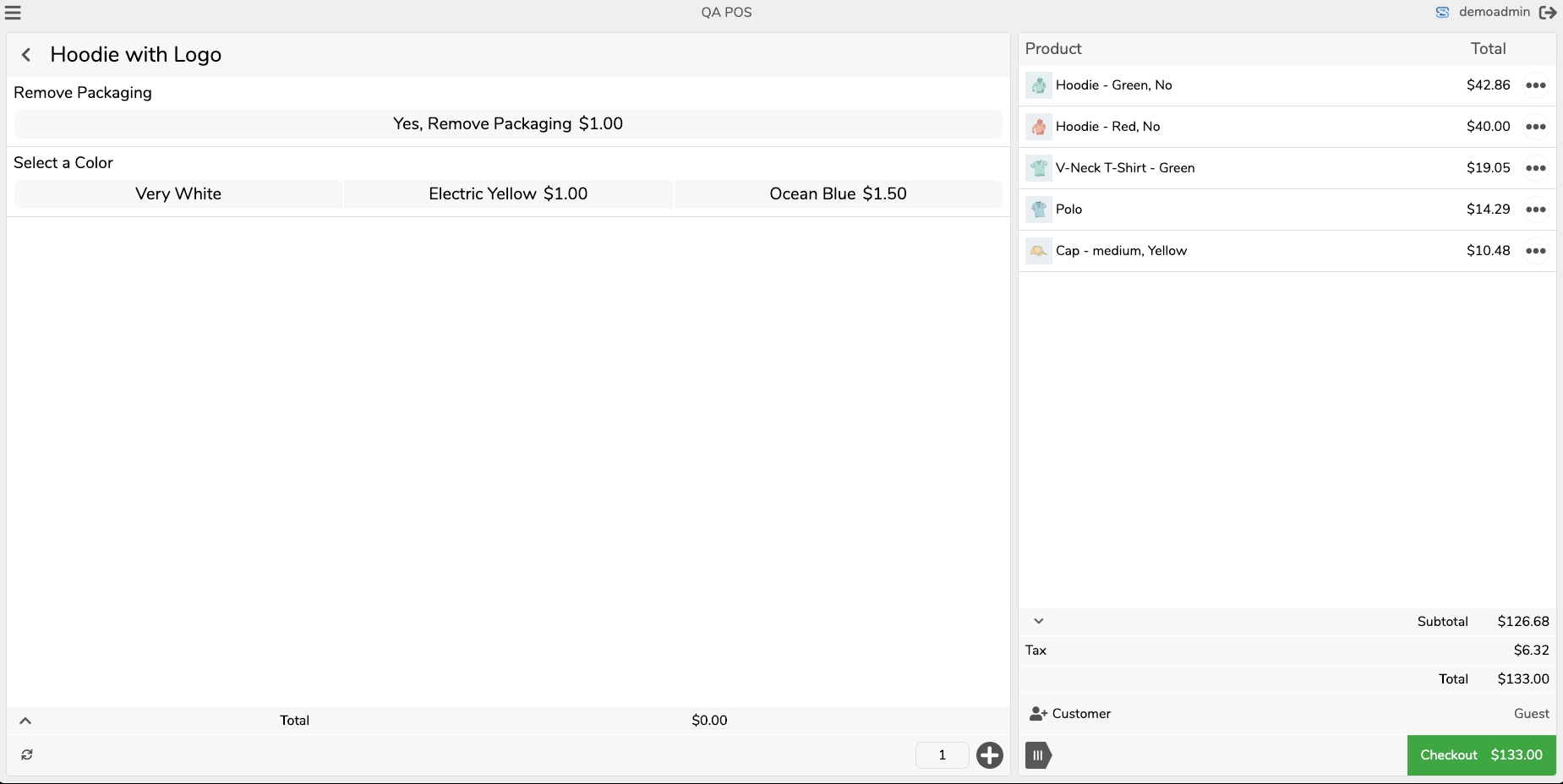
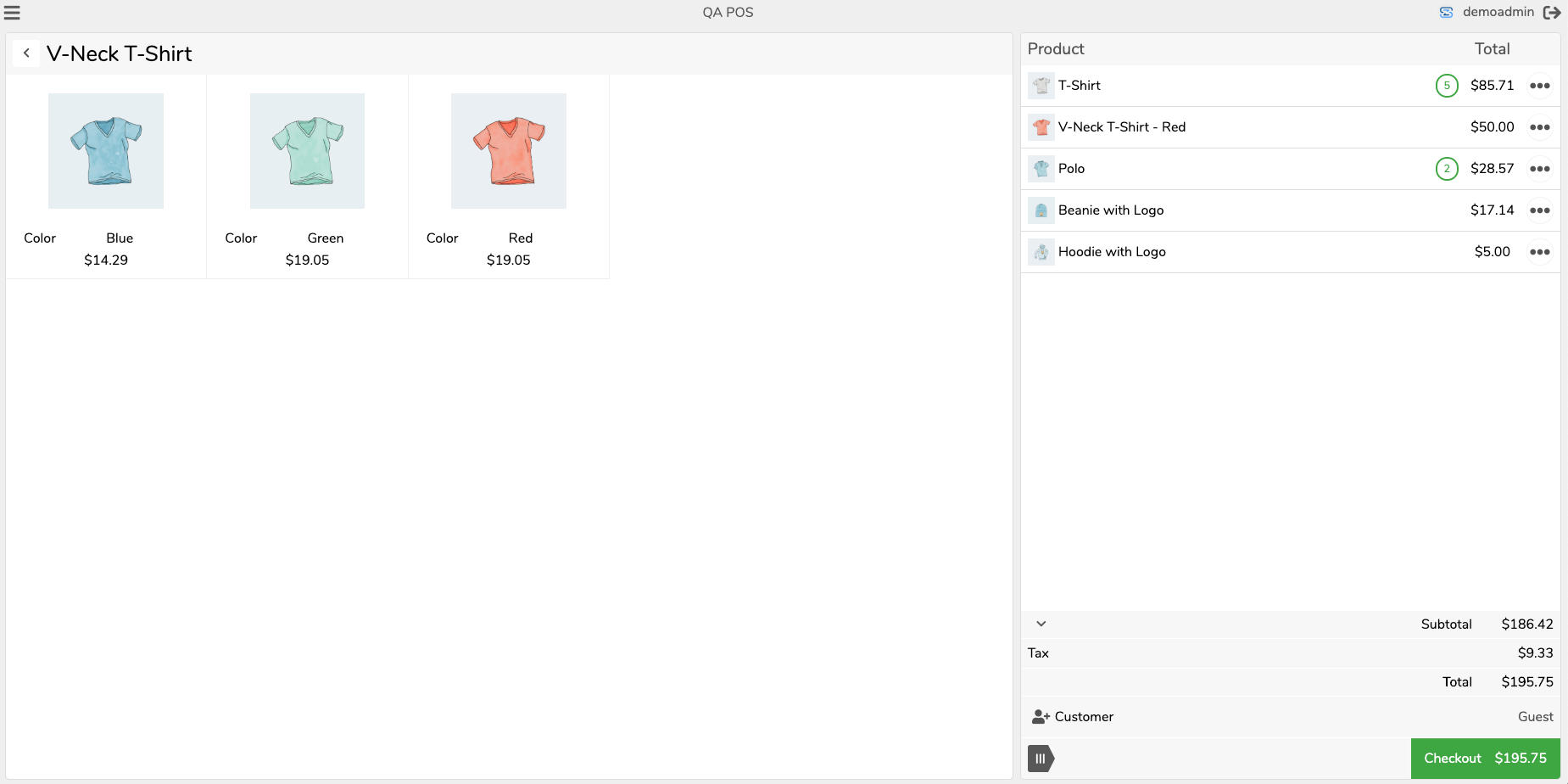
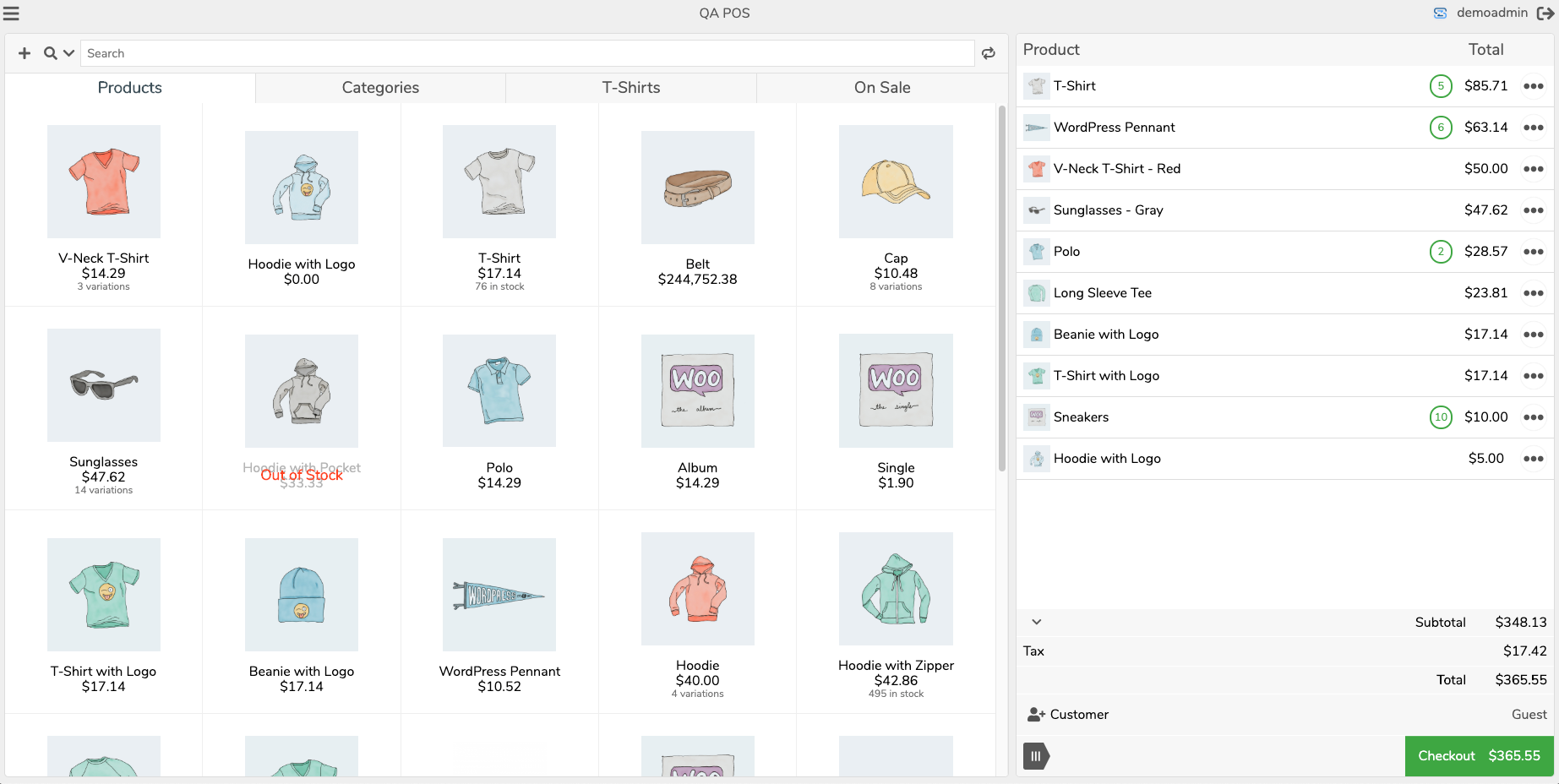
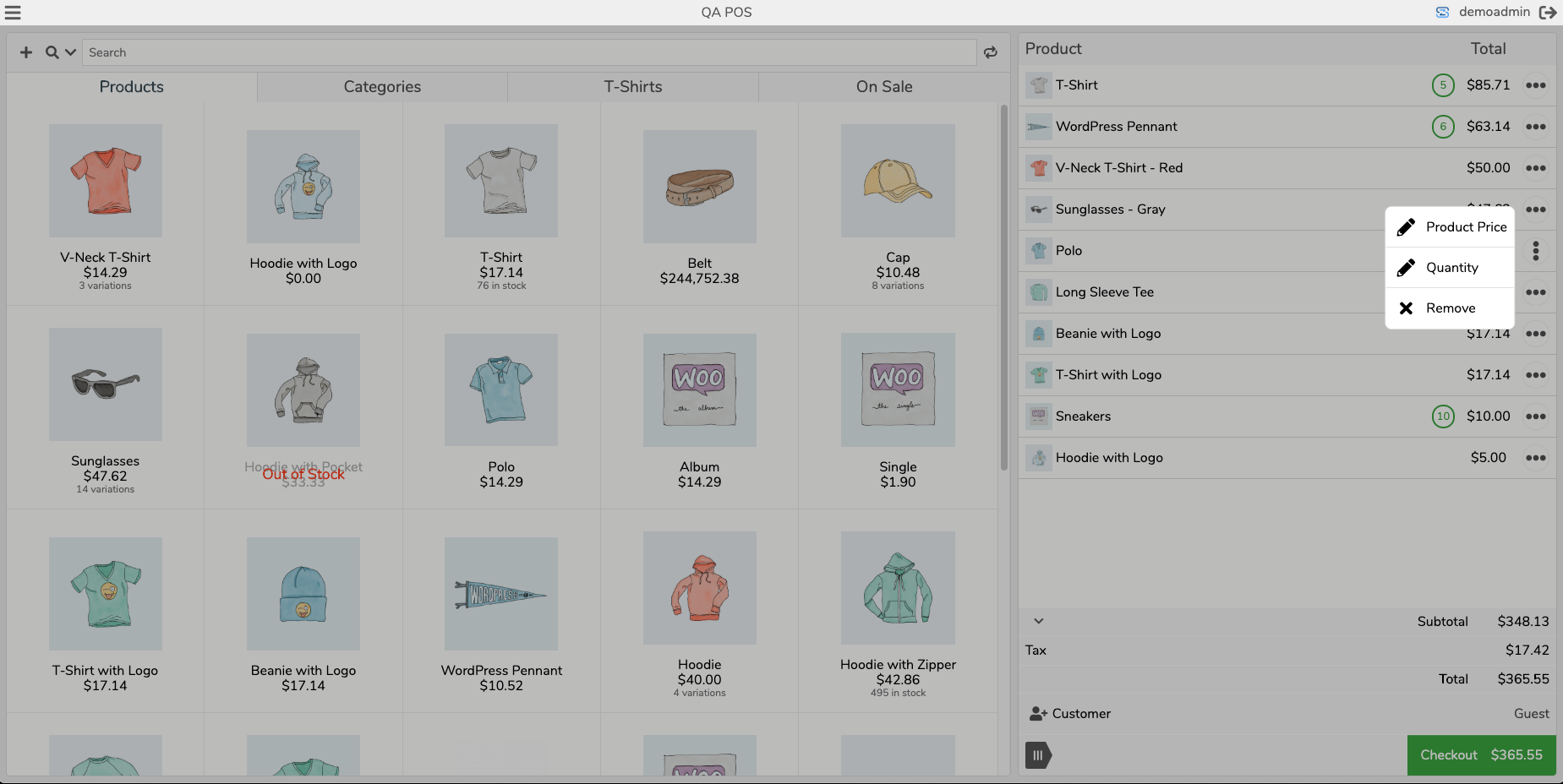
常见问题:
How do I get started?
Install the plugin, create a free BizSwoop account, and follow the quick start guide. Most stores are taking orders in under 5 minutes.
Is Jovvie free?
Your first 25 orders are free, so you can test real sales. After that a Basic or Pro plan is required. Current plans are at jovvie.com/pricing.
Do I need an account?
Yes. A BizSwoop account links your WooCommerce site to the hosted Jovvie POS app and manages your plan. Creating one is free.
Where does my data live?
In your WooCommerce store. Products, customers and orders are read from and written to your own database; the POS app is the interface, not a second copy of your store.
What hardware do I need?
Any device with a modern browser. For card payments, connect a Stripe Terminal reader (S700 series, WisePad 3 or M2), use Tap to Pay on iOS or Android, or an NMI-connected terminal. Receipt printers and cash drawers connect through BizPrint. No proprietary POS hardware is required.
Can I use my existing WooCommerce payment gateways?
Yes. Any gateway enabled in WooCommerce can be offered at the register alongside Stripe Terminal and the built-in cash, check, gift card and split-payment methods.
Does the POS work offline?
Jovvie needs an internet connection to sync with your WooCommerce store and to process card payments. The cart is preserved locally if the connection drops briefly, but orders are completed when the store is reachable.
Does it support multiple locations or registers?
Yes. Create as many stations as you need, each with its own users, gateways, currency, tax and display settings, and track inventory per station.
Do you provide support?
Yes. We actively develop and support both the plugin and the Jovvie POS app. Submit a support request, report bugs or request features at jovvie.com/support.
Can I request features?
Absolutely. Use Jovvie Support and label the request as a Feature Request.
更新日志:
- Add trial subscription workflow
- Improve Refund Print Workflow
- Improve WooCommerce tax compatibility
- Misc bug fixes, performance and security improvements
- Woo Subscriptions 9.3.0
- Woo tested up to 11.2.1
- WP tested up to 7.1.3
- Improvements to Payment Tiles
- Improve Product Add-ons integration
- Misc bug fixes, performance and security improvements
- Woo Subscriptions 9.2.0
- Woo tested up to 11.1.2
- WP tested up to 7.1.2
- Add Invoice workflow
- Fix to multi-currency rounding
- Fix to Tax display
- Fix to button style
- Fix to activation warning
- Modify the CI/CD build process
- Improve Product Add-ons integration
- Misc bug fixes, performance and security improvements
- Woo Subscriptions 9.1.0
- Woo tested up to 11.1.0
- WP tested up to 7.1
- Fix to order note logging
- Fix to Analytics filter
- Improve support access behavior
- Misc bug fixes, performance and security improvements
- Woo Subscriptions 9.1.0
- Woo tested up to 11.1.0
- WP tested up to 7.1
- Improve Subscription based coupons
- Improve Express Checkout calls
- Add abandoned webhooks
- Add fee based hardening logic
- Misc bug fixes, performance and security improvements
- Woo Subscriptions 9.1.0
- Woo tested up to 11.0.1
- WP tested up to 7.1
- Improve top bar UI/UX design improvements
- Add unified search functionality
- Add loading behavior performance improvements
- Add multi-currency toggle
- Add Station export analytics support
- Misc bug fixes, performance and security improvements
- Woo Subscriptions 9.1.0
- Woo tested up to 11.0.1
- WP tested up to 7.0.4
- Add new display configuration options and changed tabs to display label
- Add session expire behavior
- Add new clear cache sync behavior
- Add NMI Payment Gateway support
- Fixed refund passcode switch behavior
- Fixed stale transactions for Express Checkout
- Fixed unauthenticated coupon validation endpoint, credit and thank you Shriyash Beohar and Artus KG for reporting
- Misc bug fixes, performance and security improvements
- Woo Subscriptions 9.1.0
- Woo tested up to 11.0.1
- WP tested up to 7.0.4
- Improvements to email and print POS modals
- Change Station label from Tabs to Display
- Add display tile values
- Add new filter search support
- Station level layout button display support
- Loading performance improvements
- Validation check for hidden stock variation visibility
- Misc bug fixes and performance improvements
- Woo Subscriptions 9.0.1
- Woo tested up to 10.9.4
- WP tested up to 7.0.2
- Change Station label from Tabs to Display
- Add display tile values
- Add new filter search support
- Station level layout button display support
- Loading performance improvements
- Misc bug fixes and performance improvements
- Woo Subscriptions 9.0.1
- Woo tested up to 10.9.4
- WP tested up to 7.0.2
- Change Station label from Tabs to Display
- Add new filter search support
- Station level layout button display support
- Loading performance improvements
- Misc bug fixes and performance improvements
- Woo Subscriptions 9.0.1
- Woo tested up to 10.9.4
- WP tested up to 7.0.2
- Woo Subscriptions native vs Stripe
- Express checkout improvements
- Station level gateway support
- Loading performance improvements
- Misc bug fixes and performance improvements
- Woo Subscriptions 9.0.1
- Woo tested up to 10.9.4
- WP tested up to 7.0.1
- Woo Subscriptions manage toggle
- Express checkout functionality
- Station level gateway support
- Loading performance improvements
- Misc bug fixes and performance improvements
- WC tested up to 10.9.3
- WP tested up to 7.0
- Express checkout functionality
- Station level gateway support
- Loading performance improvements
- Misc bug fixes and performance improvements
- WC tested up to 10.9.1
- WP tested up to 7.0
- Custom redirect login URLs
- Stripe Station level filtering
- Multi-Stripe account support
- Optimizations to refund workflows and meta
- Misc bug fixes and performance improvements
- WC tested up to 10.8.1
- WP tested up to 7.0.0
- Suggestion workflow on cart
- Improvements to product tile renderings
- Improvements to multi-currency functions
- Meta data refund fields
- Misc bug fixes and performance improvements
- WC tested up to 10.8.1
- WP tested up to 7.0
- Save workflow modal settings
- Hotfix to user role support for WordPress 7.0
- Compatibility Fix to User analytics filter
- Misc bug fixes and performance improvements
- WC tested up to 10.7.0
- WP tested up to 6.9.4
- Stripe Terminal reader background loading
- Cloud connection health tracking with automatic recovery (postpone/abandoned states)
- Connection state resets when API host or keys change
- Admin Connection tab surfaces connection-postponed and connection-abandoned status
- Optimize and batch sync behavior
- Misc bug fixes and performance improvements
- WC tested up to 10.7.0
- WP tested up to 6.9.4
- Checkout footer UX improvements
- Product variation concurrency settings
- Passcode switch workflow improvements to cache
- WebView tap optimizations
- Misc bug fixes and performance improvements
- WC tested up to 10.7.0
- WP tested up to 6.9.4
- Modified workflow for save and new order
- POS visibility improvements to imports
- Misc bug fixes and performance improvements
- WC tested up to 10.6.2
- WP tested up to 6.9.4
- Online order workflow for payments
- Improvements to cash management and drawer
- Passcode switching by username/password
- Refund prefill functionality
- Misc bug fixes and performance improvements
- WC tested up to 10.6.2
- WP tested up to 6.9.4
- Online order workflow for payments
- Improvements to cash management and drawer
- Passcode switching by username/password
- Refund prefill functionality
- Misc bug fixes and performance improvements
- WC tested up to 10.6.2
- WP tested up to 6.9.4
- New order workflows
- New cash management
- Support custom order statuses
- Manage profile and pin
- Print workflow with Jovvie app
- Immprovement to variation loading
- Misc bug fixes and performance improvements
- WC tested up to 10.6.1
- WP tested up to 6.9.4
- New refund workflow support
- Improvement to checkout API performance
- Failed payment workflow
- Barcode prefix and suffix support
- Misc bug fixes and performance improvements
- WC tested up to 10.4.3
- WP tested up to 6.9
- New variation product modal support
- Improvements to Order panel
- Misc bug fixes and performance improvements
- WC tested up to 10.4.3
- WP tested up to 6.9.0
- License validation workflow
- Product info on cart actions button
- Misc bug fixes and performance improvements
- WC tested up to 10.4.2
- WP tested up to 6.9.0
- License validation workflow
- Product info on cart actions button
- Misc bug fixes and performance improvements
- WC tested up to 10.4.2
- WP tested up to 6.9.0
- New theme support for light/dark mode
- New theme support for color customizations
- Barcode listener adjustment settings
- Dev new license infrastructure
- Dev new loading filters by tabs
- Advanced station level multi-currency support
- Misc bug fixes and performance improvements
- WC tested up to 10.3.6
- WP tested up to 6.9.0
- New theme support for light/dark mode
- New theme support for color customizations
- Barcode listener adjustment settings
- Dev new license infrastructure
- Dev new loading filters by tabs
- Advanced station level multi-currency support
- Misc bug fixes and performance improvements
- WC tested up to 10.3.6
- WP tested up to 6.9.0
- Coupon display optimizations
- Barcode listener settings
- Misc bug fixes and performance improvements
- WC tested up to 10.3.4
- WP tested up to 6.8.3
- Coupon API loading optimzation
- Barcode listener improvement
- Misc bug fixes and performance improvements
- WC tested up to 10.2.2
- WP tested up to 6.8.3
- Fix to Product tile behavior
- Stripe Gateway optimizations
- Station loading optimizations
- Terminal readers filtering support by location id
- Misc bug fixes and performance improvements
- WC tested up to 10.1.0
- WP tested up to 6.8.2
- Improvements on layout design
- WC tested up to 10.0.2
- WP tested up to 6.8.2
- Fix to syncing image Ids
- Misc bug fixes and performance improvements
- WC tested up to 9.8.5
- WP tested up to 6.8.1
- Fix to payments service mapping
- Add PHP 7.4 for Payments lib
- Add Home Tab function
- Visual UI improvements
- Fix for PHP tax logic on checkout
- Misc bug fixes and performance improvements
- WC tested up to 9.8.2
- WP tested up to 6.8.0
- Add PHP 7.4 for Payments lib
- Add Home Tab function
- Visual UI improvements
- Fix for PHP tax logic on checkout
- Misc bug fixes and performance improvements
- WC tested up to 9.8.2
- WP tested up to 6.8.0
- Add Home Tab function
- Visual UI improvements
- Fix for PHP tax logic on checkout
- Misc bug fixes and performance improvements
- WC tested up to 9.8.2
- WP tested up to 6.8.0
- Add Home Tab function
- Visual UI improvements
- Misc bug fixes and performance improvements
- WC tested up to 9.8.2
- WP tested up to 6.7.2
- Add advanced managment for tips
- Added weight based product managment and cart functions
- Visual UI improvements
- Misc bug fixes and performance improvements
- WC tested up to 9.7.1
- WP tested up to 6.7.2
- Add custom pay button labels
- HPOS optimizations for order filters
- Misc bug fixes and performance improvements
- WC tested up to 9.7.1
- WP tested up to 6.7.2
- Add barcode listener function for POS scanning
- Add support role workflow with development assistant
- Misc bug fixes and performance improvements
- WC tested up to 9.7.1
- WP tested up to 6.7.2
- Support for GTIN, UPC, EAN, or ISBN product meta field
- Lightning Load performance optimization from stored data
- Improvement to cart items functionality
- Misc bug fixes and performance improvements
- WC tested up to 9.6.2
- WP tested up to 6.7.2
- Support for GTIN, UPC, EAN, or ISBN product meta field
- Lightning Load performance optimization from stored data
- Misc bug fixes and performance improvements
- WC tested up to 9.6.2
- WP tested up to 6.7.2
- Improvement to cart items functionality
- Improvement to fee line items
- Misc bug fixes and performance improvements
- WC tested up to 9.6.1
- WP tested up to 6.7.1
- Required update to payment service and connection to Stripe
- New branding updates to Jovvie
- Misc bug fixes and performance improvements
- WC tested up to 9.6.0
- WP tested up to 6.7.1
- Required update to payment service and connection to Stripe
- Misc bug fixes and performance improvements
- WC tested up to 9.6.0
- WP tested up to 6.7.1
- Fix to station save event
- Misc bug fixes and performance improvements
- WC tested up to 9.5.2
- WP tested up to 6.7.1
- Update to payment services URL
- Misc bug fixes and performance improvements
- WC tested up to 9.5.2
- WP tested up to 6.7.1
- Thumbnail loading optimizations
- Misc bug fixes and performance improvements
- WC tested up to 9.5.1
- WP tested up to 6.7.1
- Tab management improvements
- Tab layout changes
- Misc bug fixes and performance improvements
- WC tested up to 9.5.1
- WP tested up to 6.7.1
- Product information modal
- Order notes to order meta notes
- Misc bug fixes and performance improvements
- WC tested up to 9.4.3
- WP tested up to 6.7.1
- Hot fix to HPOS analytics
- Hot fix to empty orders behavior
- Misc bug fixes and performance improvements
- WC tested up to 9.3.3
- WP tested up to 6.6.2
- WooCommerce Points and Rewards integration (https://woocommerce.com/products/woocommerce-points-and-rewards/)
- Hot fix to save order deleting of products
- Misc bug fixes and performance improvements
- WC tested up to 9.3.3
- WP tested up to 6.6.2
- WooCommerce Gift Card support and integration (https://woocommerce.com/products/gift-cards/)
- Misc bug fixes and performance improvements
- WC tested up to 9.3.1
- WP tested up to 6.6.2
- Optimizations for payment gateway activations and conflicts
- Misc bug fixes and performance improvements
- WC tested up to 9.2.3
- WP tested up to 6.6.1
- Update to Stripe connect workflow
- Misc bug fixes and performance improvements
- WC tested up to 9.2.3
- WP tested up to 6.6.1
- Added WooCommerce Subscription support: https://woocommerce.com/products/woocommerce-subscriptions/
- Misc bug fixes and performance improvements
- WC tested up to 9.1.4
- WP tested up to 6.6.1
- NEW - Top Bar design
- Misc bug fixes and performance improvements
- WC tested up to 9.1.2
- WP tested up to 6.6.0