
PolyBright Quick Restore
| 开发者 | brandcoremedia |
|---|---|
| 更新时间 | 2026年9月25日 15:07 |
| PHP版本: | 7.2 及以上 |
| WordPress版本: | 7.1 |
| 版权: | GPLv3 |
| 版权网址: | 版权信息 |
详情介绍:
.wpqr file, and restores it just as easily. Backup and restore are fully free with no size limit, and large uploads bypass your host's upload limit automatically.
Everything here is free
- Full-site backup to a single
.wpqrfile — database, media, plugins, themes. - Restore any backup, of any size — by uploading the file, or with one click from a backup saved on the server.
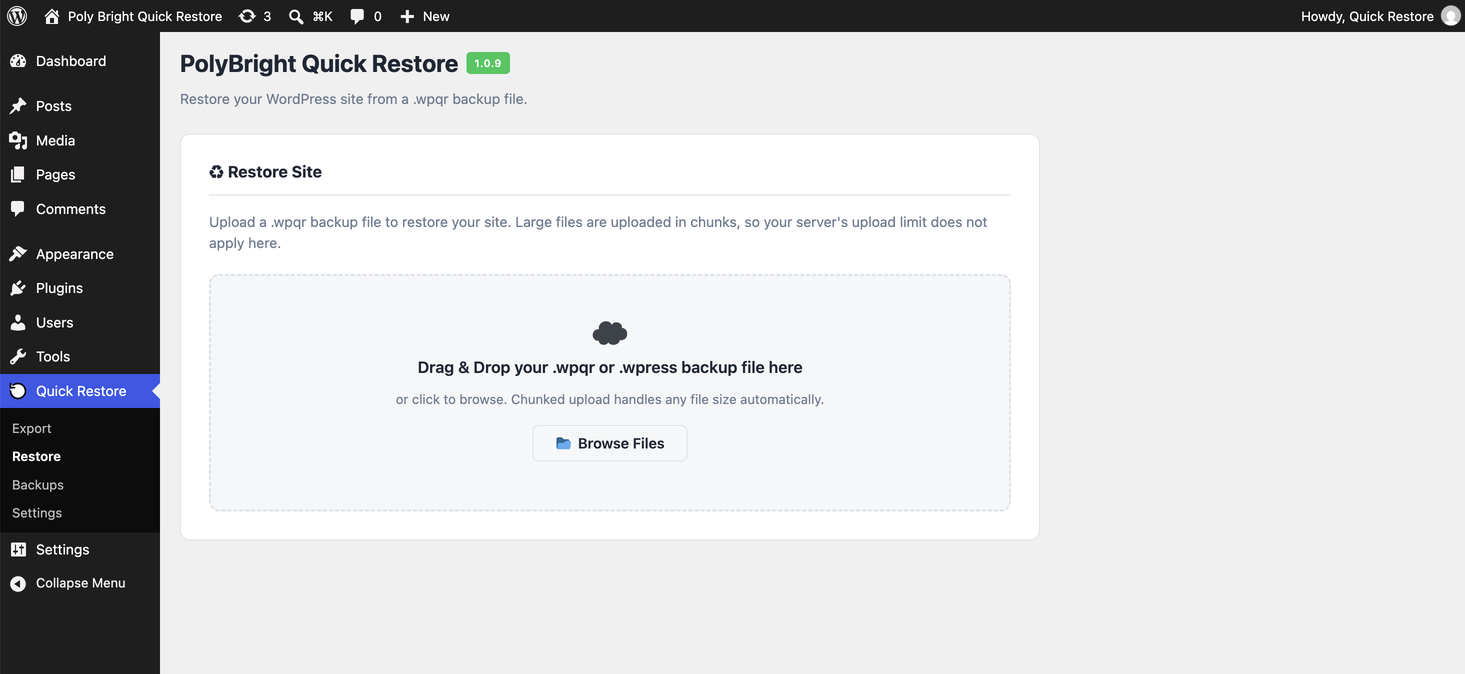
- Chunked upload — your host's upload limit (often 32MB) does not apply. Large files are uploaded in small pieces and reassembled on the server.
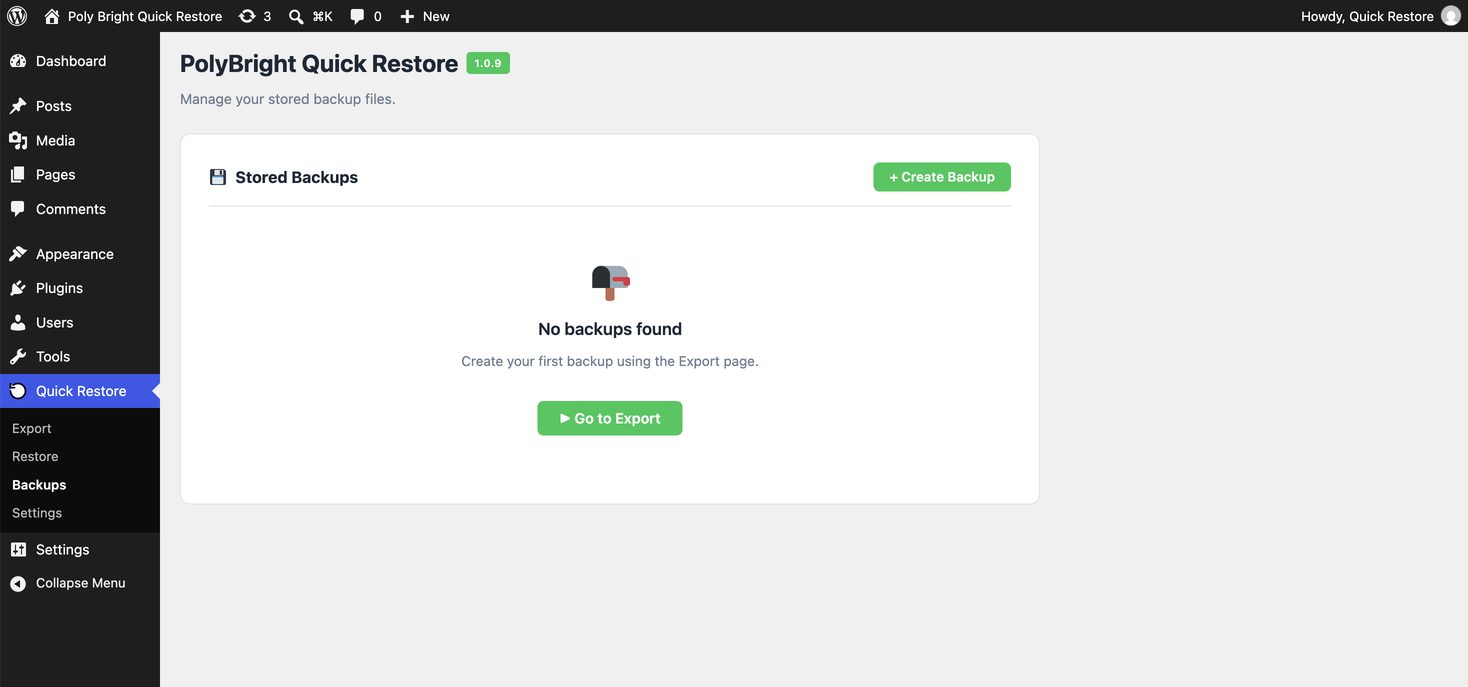
- Keep as many backups as you like on the server.
- Serialization-safe URL replacement — restore onto a different domain and your page-builder content and serialized data are rewritten correctly.
- Verify a backup is valid and restorable — without restoring it.
- Import
.wpressfiles made by All-in-One WP Migration — switching is easy; your existing backups just work. - Confirmation before overwrite — you are always asked before a restore replaces the current site.
- Scheduled automatic backups (daily / weekly)
- Backup retention rules (keep the latest N backups)
- Automatic backup before plugin, theme or core updates
- Email alerts on backup success or failure
- Backup encryption
安装:
- In your WordPress admin, go to Plugins → Add New, search for "PolyBright Quick Restore", and click Install Now, then Activate. (Or upload the plugin ZIP under Plugins → Add New → Upload Plugin.)
- Go to Quick Restore → Export and click to create your first backup.
- To restore, go to Quick Restore → Restore, upload or choose a backup, and confirm.
屏幕截图:

常见问题:
Is there a size limit on backup or restore?
No. Both backup and restore are unlimited in this free plugin. Chunked upload also lets you restore large files even when your host has a small upload limit.
My host only allows 32MB uploads. Can I still restore a large backup?
Yes. The plugin uploads your backup in small chunks and reassembles it on the server, so your host's upload limit does not apply.
Does restoring overwrite my current site?
Yes. Restoring replaces the current site's database, media, plugins and themes with the contents of the backup. The plugin asks you to confirm before making any changes, so always keep a separate backup of the destination before restoring onto a live site.
Can I restore a backup onto a different domain?
Yes. During restore the plugin rewrites the backup's site URLs to the current site's URL in a serialization-safe way, so a backup taken on one domain works on another.
Can I import backups from All-in-One WP Migration?
Yes. .wpress files can be imported and restored directly.
If I delete the plugin, are my backups deleted?
No — by default your backups are kept even if you deactivate or delete the plugin. You can choose to delete them on uninstall via a checkbox in Settings, but it is off by default.
Where are my backups stored?
Inside your site's wp-content directory, in a protected folder. You can also download backup files and keep them anywhere.
更新日志:
- Security fix: restore-continuation requests now require a cryptographic match of the per-restore secret key instead of trusting client-supplied flags, closing a CSRF gap flagged in review.
- Internal consistency fixes: copyright line and code comments now correctly say Poly Bright Labs throughout.
- Renamed to PolyBright Quick Restore (permalink: polybright-quick-restore).
- Fixed: migrating to a site with a different table prefix no longer locks out administrators (prefix-dependent keys such as capabilities and user roles are now correctly rewritten, while all other data is preserved verbatim).
- Fixed: serialized settings containing the site URL (widgets, theme options, page-builder data) are now rewritten with correct string lengths instead of being silently discarded after migration.
- Security: removed an unauthenticated diagnostic endpoint that disclosed server paths and versions; progress polling no longer exposes filesystem paths.
- Removed an unused server-side loopback request; the plugin now makes no outbound HTTP requests at all.
- Critical fix: media images no longer break after restore. The database prefix replacement was corrupting metadata keys such as _wp_attached_file; it now only affects table names, never row data.
- Major upload speed improvement: larger upload chunks mean far fewer requests (a 30MB file now uploads in ~6 requests instead of ~120).
- Fixed "Security check failed (403)" error when restoring a saved backup; the security token is now sent on all restore actions.
- Fixed a stray code comment that displayed on the restore screen and corrupted the confirmation dialog.
- Fixed restore confirmation dialog: resolved a false "request failed" message and populated the backup details (source, date, WordPress version).
- First public release of PolyBright Quick Restore.
- Full-site backup and restore, unlimited size.
- Chunked upload that bypasses the host upload limit.
- One-click restore from saved backups, plus restore by upload.
- Serialization-safe URL replacement for cross-domain restores.
- Backup verification.
- Import of All-in-One WP Migration (.wpress) files.
- Backups are kept by default on uninstall (opt-in deletion).