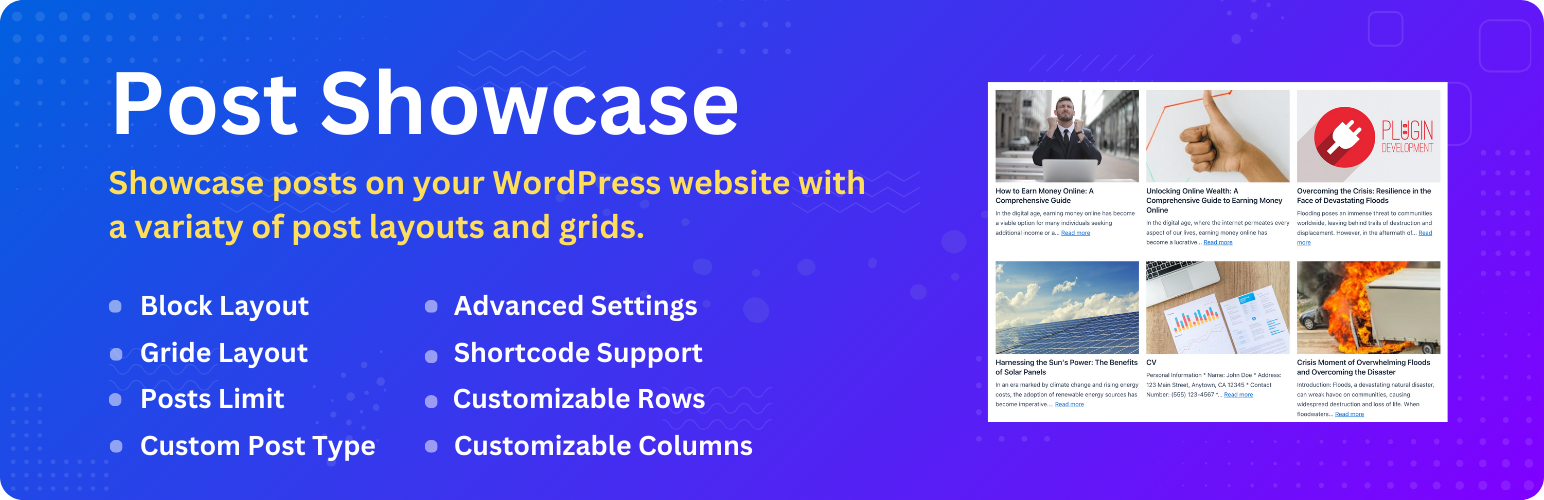
Post Showcase – Responsive Post Grid Layouts for WordPress
| 开发者 | beautifulplugins |
|---|---|
| 更新时间 | 2026年10月25日 10:33 |
| PHP版本: | 7.4 及以上 |
| WordPress版本: | 7.1 |
| 版权: | GPLv2 or later |
| 版权网址: | 版权信息 |
详情介绍:
安装:
- Upload the plugin files to the
/wp-content/plugins/post-showcasedirectory, or install the plugin through the WordPress plugins screen directly. - Activate the plugin through the 'Plugins' screen in WordPress
- Navigate to WordPress Admin Dashboard and got to the Settings->Post Showcase screen to configure the plugin.
- Use the [pshowcase_shortcode] shortcode to display your posts in a grid layout on any page or post.
常见问题:
How do I display my posts in a grid layout?
To display your posts in a grid layout, simply use the [pshowcase_shortcode] shortcode on any page or post. You can customize the number of columns, the number of posts to display, and the category of posts to display in the shortcode.
Can I customize the layout of the posts grid?
Yes, you can customize the layout of the posts grid by changing the posts query, the post layout, and the post grid layout in the plugin settings. You can also use the [pshowcase_shortcode] shortcode to customize the layout of the posts grid on any page or post.
Is Post Showcase responsive?
Yes, Post Showcase is fully responsive and works on all devices, so your posts will look great on desktops, tablets, and smartphones.
Is Post Showcase lightweight?
Yes, Post Showcase is a lightweight and fast loading plugin, so it won't slow down your website.
Is Post Showcase secure and reliable?
Yes, Post Showcase is secure and reliable, so you can trust that your posts will be displayed correctly every time.
Is Post Showcase GDPR compliant?
Yes, Post Showcase is GDPR compliant, so you can rest assured that your posts are being displayed in a way that is compliant with data protection regulations.
Is Post Showcase performance optimized?
Yes, Post Showcase is efficiently coded to ensure fast loading times and optimal performance. There is no bloat or unnecessary features in the plugin.
Is Post Showcase developer friendly?
Yes, Post Showcase offers hooks and filters for advanced customizations. You can easily extend the functionality of the plugin as needed. = Is Post Showcase regularly updated? Yes, Post Showcase is consistently updated to ensure compatibility with the latest versions of WordPress.
Is there support available for Post Showcase?
Yes, there is comprehensive support and documentation available for Post Showcase. The support team is responsive and ready to assist with any issues.
Is Post Showcase compatible with other plugins and themes?
Yes, Post Showcase is compatible with a wide range of WordPress themes and plugins. It has been extensively tested to ensure smooth integration.
Is Post Showcase open source?
Yes, Post Showcase is fully open-source with a GPLv2 or later license. You have the freedom to modify and distribute the plugin under the license terms.
Is Post Showcase a trusted solution?
Yes, Post Showcase is developed by a reputable team with more than 7 years of experience in WordPress plugin development. It is trusted by thousands of users worldwide.
更新日志:
- Compatibility: Ensured compatibility with WordPress 7.1 and improved overall performance.
- Enhance: Update the plugin to ensure compatibility with WordPress 7.0 and improve overall performance.
- Fix: Fixed minor bugs and improved performance.
- Compatibility: Ensured compatibility with WordPress 7.0.
- New: Added new layout options for post grids.
- Fix: Few known issues are fixed.
- Compatibility: Ensured compatibility with WordPress 6.9.
- Fix: Fixed minor bugs and improved performance.
- Initial release of the plugin.