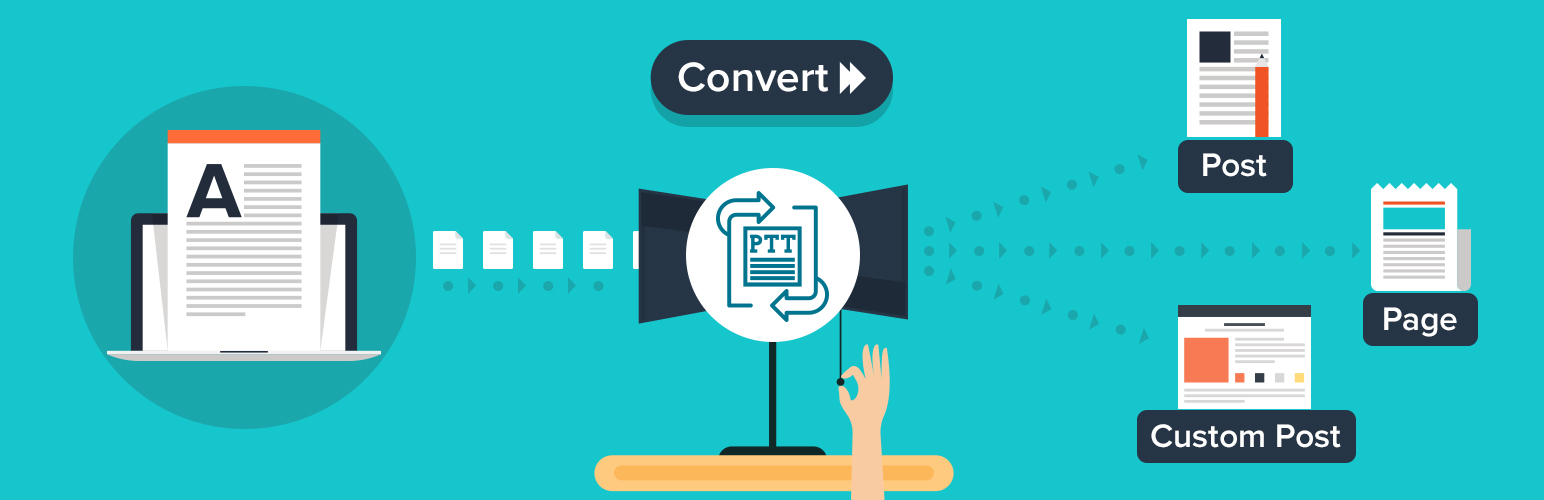
Post Type Transfer
| 开发者 |
dilipbheda
krishaweb pratikgandhi girishpanchal dhruvang21 |
|---|---|
| 更新时间 | 2026年6月10日 14:41 |
| PHP版本: | 6.6 及以上 |
| WordPress版本: | 7.0 |
| 版权: | GPLv3 or later |
| 版权网址: | 版权信息 |
详情介绍:
安装:
- In your WordPress Dashboard go to "Plugins" -> "Add Plugin".
- Search for "Post Type Transfer".
- Install the plugin by pressing the "Install" button.
- Activate the plugin by pressing the "Activate" button.
- From the post edit screen, above the "Publish" button is the "Post Type Transfer" interface.
- Change post type as needed.
屏幕截图:

常见问题:
How do I change a post type in WordPress?
Open the post in the editor, locate the Post Type section in the right sidebar, select the new post type from the dropdown menu, and click Update. The post is transferred immediately without affecting its content or settings.
Does it work with custom post types?
Yes. The plugin supports all registered post types, including WooCommerce products, CPT UI post types, ACF-generated post types, and custom post types created by themes or plugins.
Will I lose my content?
No. The plugin only changes the post type assignment. Your content, custom fields, featured image, metadata, taxonomies, and other settings remain unchanged.
Can I move more than one post at a time?
Yes. Select multiple posts from the listing screen, choose Bulk Edit, select the target post type, and click Update to transfer all selected posts at once.
Can I undo a transfer?
Yes. Simply edit the post again, choose the original post type from the dropdown menu, and click Update. Transfers are fully reversible.
What happens to my URLs and SEO?
Changing a post type may affect the permalink structure depending on how the post type is configured. If URLs change, you should create 301 redirects to preserve inbound links and maintain search engine rankings.
What is the difference between the free version and Pro?
The free version includes post type transfers from the editor, Quick Edit, and Bulk Edit, along with custom post type support, selective enablement, CSV import and export, and post visibility controls. The Pro version adds Taxonomy Management, Drag-and-Drop Post Reordering, AutoSort, an Advanced Reorder Interface, Post Duplication, Page Builder Compatibility, and WordPress Multisite Support.
How does CSV import work?
Export posts to a CSV file from the plugin settings. The exported file includes post titles, content, featured image URLs, categories, tags, and publication dates. You can import the same file into another WordPress site or use it to recreate content on the current site.
Where can I get support?
You can request help through the WordPress.org support forum or contact us directly at support@krishaweb.com.
更新日志:
- Tested up to 7.0
- Add import/export feature
- Add post visibility feature
- Code quality improvements
- Tested up to 6.8
- Fixed: Compatibility with ACF Pro repeater field
- Bugfix
- Compatible with ACF
- Compatible with Gutenberg editor
- Tested up to 5.0
- Release