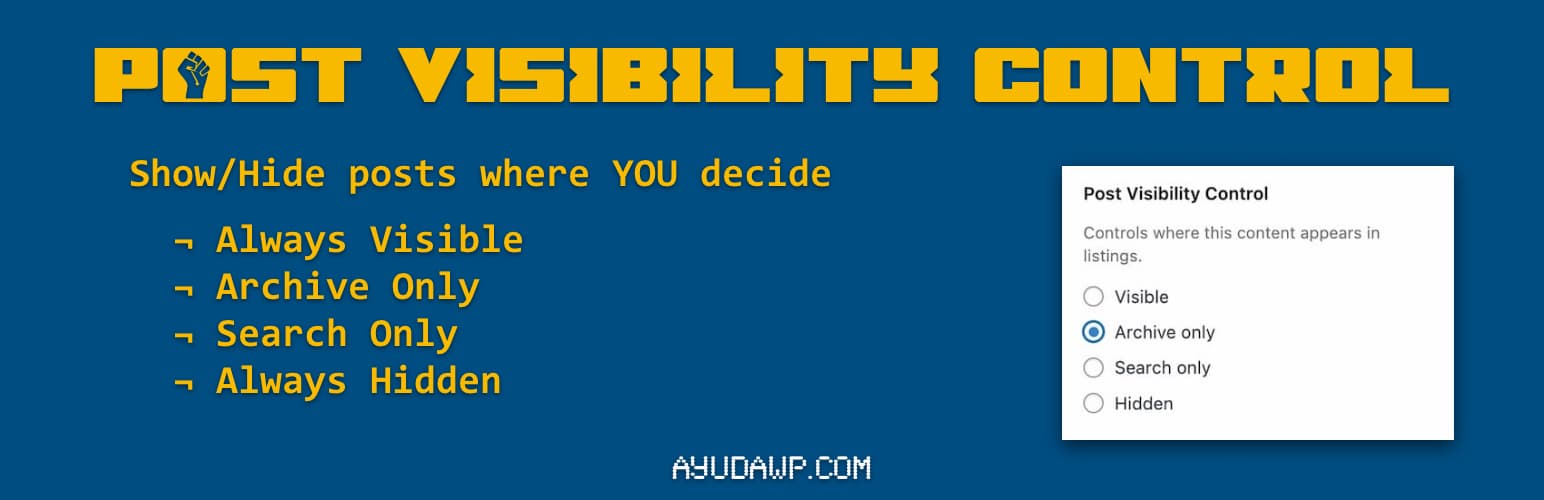
Post Visibility Control
| 开发者 |
fernandot
ayudawp |
|---|---|
| 更新时间 | 2026年8月18日 23:50 |
| PHP版本: | 7.4 及以上 |
| WordPress版本: | 7.1 |
| 版权: | GPLv2 or later |
| 版权网址: | 版权信息 |
详情介绍:
- Works with posts, pages, and custom post types
- Four visibility options: Visible, Archive only, Search only, Hidden
- Compatible with both Classic Editor and Block Editor (Gutenberg)
- Hidden content remains accessible via direct URL
- Automatically excludes WooCommerce products (they have their own visibility)
- Lightweight and follows WordPress coding standards
- Translation ready
- Visible - Content appears in archives and search results (default)
- Archive only - Content appears in archives but not in search results
- Search only - Content appears in search results but not in archives
- Hidden - Content is hidden from archives and search, accessible only via direct link
- Hide landing pages from blog archives
- Exclude specific posts from search results
- Create content accessible only via direct links
- Control which posts appear on your homepage
安装:
- Upload the
post-visibility-controlfolder to/wp-content/plugins/ - Activate the plugin through the 'Plugins' menu in WordPress
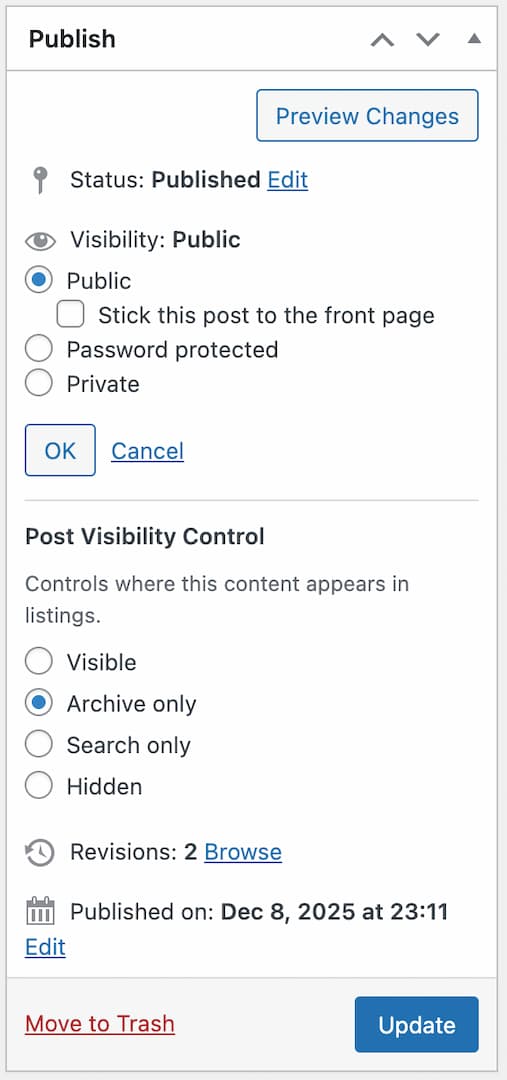
- Edit any post or page and find the visibility control options in the Visibility section (Classic Editor) or the Summary panel (Block Editor)
屏幕截图:
常见问题:
Where do I find the visibility options?
In the Block Editor (Gutenberg): Edit your post and open the settings sidebar. The Visibility Control options appear in the Summary panel with four radio buttons. In the Classic Editor: Edit your post and look at the Publish metabox in the right sidebar. The Visibility Control options appear within the Visibility section, below the standard WordPress visibility settings.
Does this work with custom post types?
Yes, the plugin automatically supports all public custom post types that use the editor.
Will hidden content still be accessible?
Yes, hidden content is only removed from archives and search results. Anyone with the direct URL can still access the content.
Does this work with WooCommerce products?
WooCommerce products are excluded because they have their own built-in visibility feature.
Is the plugin compatible with caching plugins?
Yes, but you may need to clear your cache after changing visibility settings.
Does this affect SEO?
Hidden or excluded content can still be indexed by search engines if accessible via direct URL. Consider using noindex if you want to prevent indexing.
更新日志:
- Fix: In the Classic Editor, the Visibility Control heading and description lost their spacing on WordPress 7.1, which added new style rules to the Publish box visibility controls.
- Fix: The activation notice still pointed to the old location of the block editor options, the status popup, instead of the Summary panel where they have lived since 1.1.0.
- Improved: Block editor integration rebuilt on the official PluginPostStatusInfo API. The options now live in the Summary panel of the settings sidebar instead of being injected into the status popup.
- Improved: Tested up to WordPress 7.1.
- Fix: Visibility options did not appear in the block editor when the admin language was other than English or Spanish.
- Fix: After an archive or search query, the visibility exclusion leaked into every later query of the same request, so hidden posts could vanish from unrelated queries such as featured post blocks. The exclusion is now scoped to the query it targets.
- Fix: PHP 8.5 deprecation notice (null used as array offset) on admin screens without a post type context. For older changelog entries, please check the changelog.txt file