PowerPack - MultiPurpose Dashboard Plugin
| 开发者 |
wponlinesupport
anoopranawat pratik-jain |
|---|---|
| 更新时间 | 2019年11月13日 14:53 |
| PHP版本: | 4.0 及以上 |
| WordPress版本: | 5.3 |
| 版权: | GPLv2 or later |
| 版权网址: | 版权信息 |
标签
FAQ
Testimonials
Video Gallery
Google Fonts
plugin bundle
Instagram Slider and Carousel Plus Widget
Logo Showcase
Portfolio & Projects
Responsive Recent Post Slider
Team Showcase
Ticker Ultimate with RSS
Timeline and History Slider
Business Hours
Social Links
Before and After Image Slider
Button with Style
Custom CSS and JS
Extra Info Sidebar
Footer Mega Grid Columns
JQuery Smooth Scroll & Go To Top
Login Customizer
Preloader
powerpack
下载
详情介绍:
PowerPack MultiPurpose Plugin with Security: All in one with predefined templates.
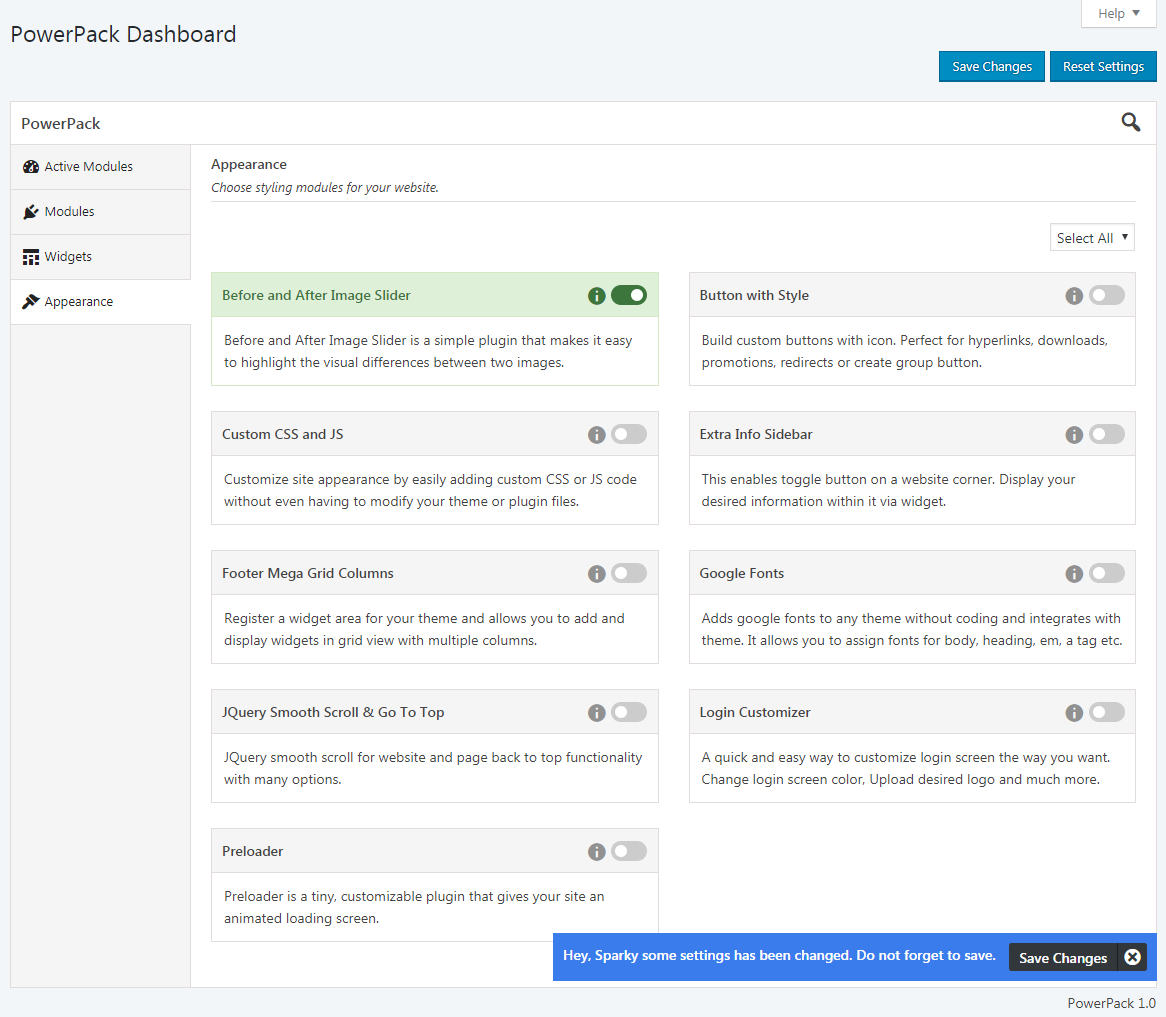
This plugin holds the largest module bundle for your WordPress website. With 20+ powerpack add-ons, it helps you to customize your website appearance and performance without compromising with the security. You can individually use the 20+ add-ons templates to define the need of your website’s landing page.
This customized plugin replaces the different plugins of your CMS website with a single one. More security and power to the website! Simply download, install and use the template that you wish to for the powerpack action.
Also work with Gutenberg shortcode block.
A complete framework of website with zero coding skill. Configure Anything and Everything.
View DEMO | PRO DEMO and Features | Documentation for additional information.
Available Modules :
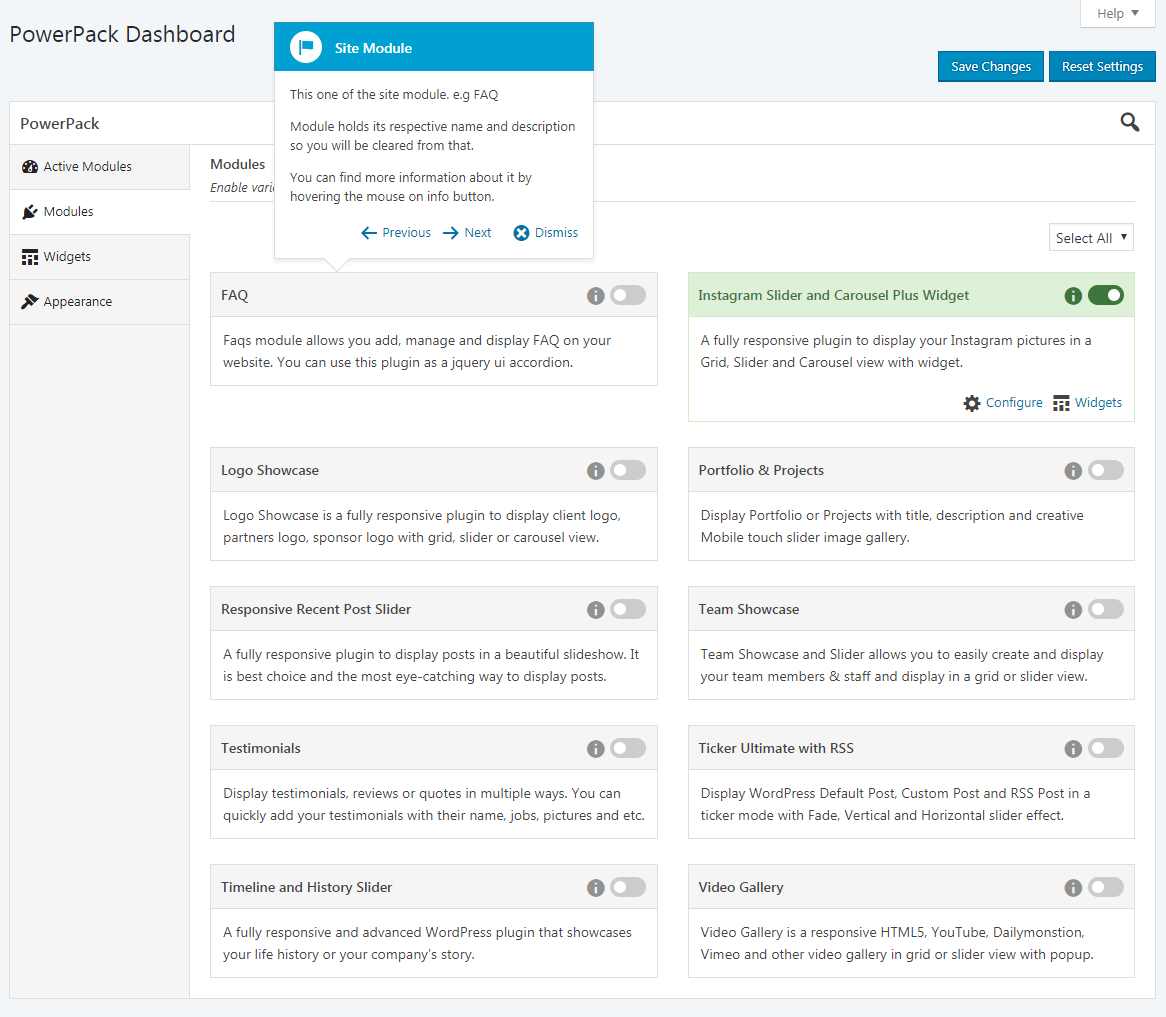
- FAQ - Documentation
- Instagram Slider and Carousel Plus Widget - Documentation
- Logo Showcase - Documentation
- Portfolio & Projects - Documentation
- Responsive Recent Post Slider - Documentation
- Team Showcase - Documentation
- Testimonials - Documentation
- Ticker Ultimate with RSS - Documentation
- Timeline and History Slider - Documentation
- Video Gallery - Documentation
- Button with Style - Documentation
- Custom CSS and JS - Documentation
- Footer Mega Grid Columns - Documentation
- Google Fonts - Documentation
- JQuery Smooth Scroll & Go To Top - Documentation
- Preloader - Documentation
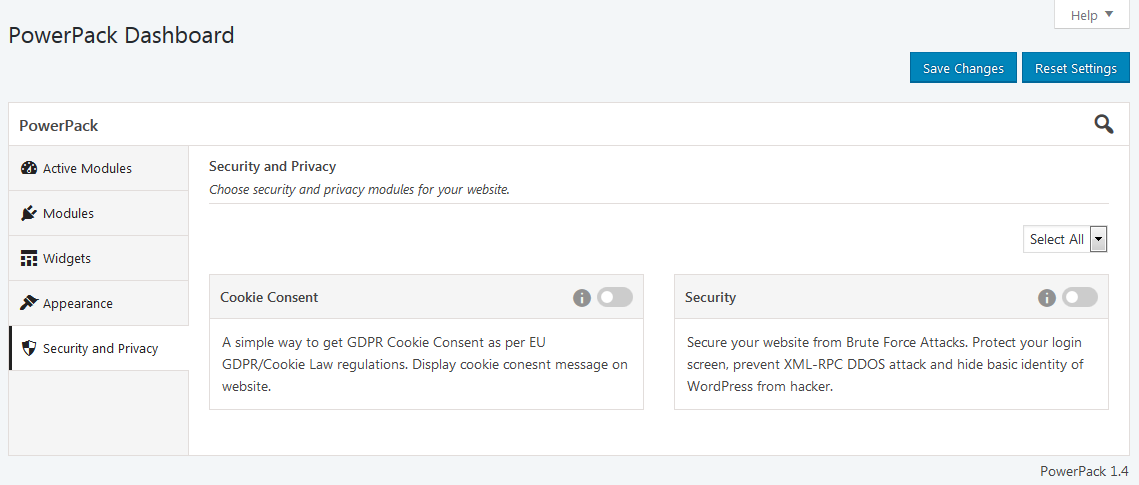
- Security & Protect WordPress - [Paid]
- Cookie Consent - [Paid]
- Business Hours - [Paid]
- Social Links - [Paid]
- Before and After Image Slider - [Paid]
- Extra Info Sidebar - [Paid]
- Login Customizer - [Paid]
- Maintenance Mode - [Paid]
- Introduced Shortcode Builder - No Hassles to write shortcode and for documentation!!
安装:
- Upload the 'powerpack-lite' folder to the '/wp-content/plugins/' directory.
- Activate the "PowerPack Lite" plugin through the 'Plugins' menu in WordPress.
屏幕截图:
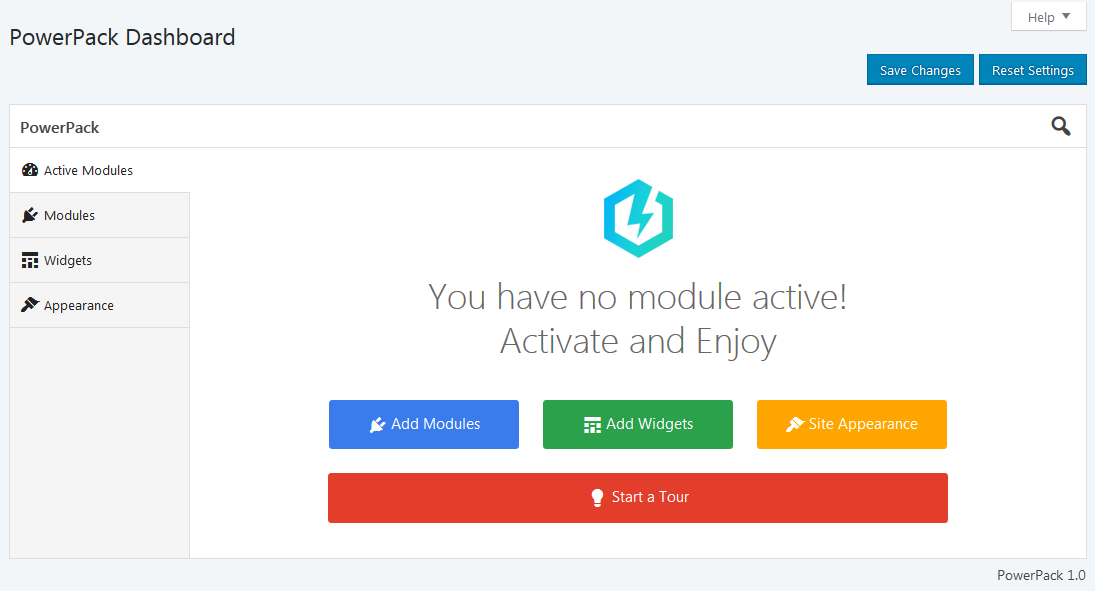
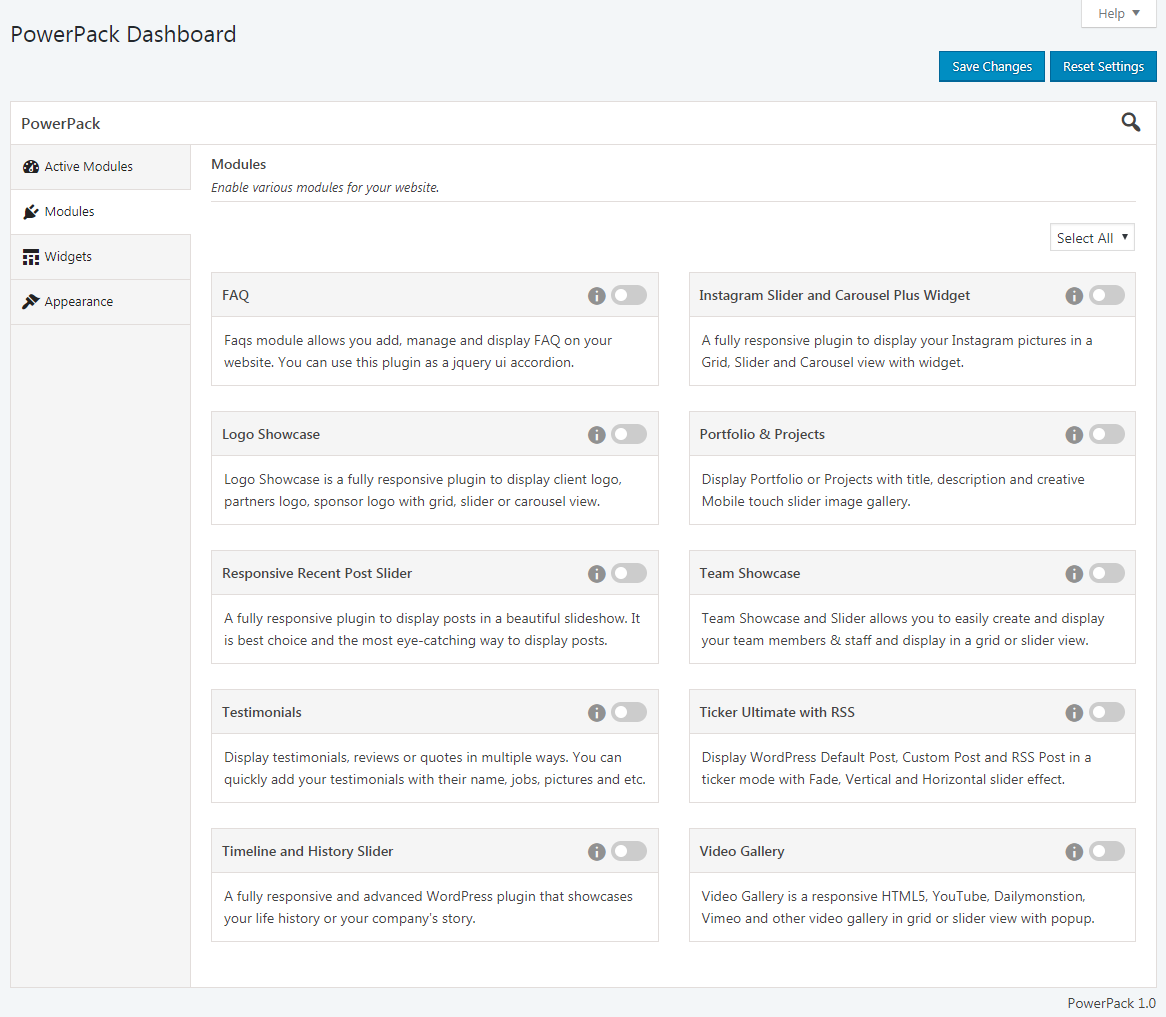
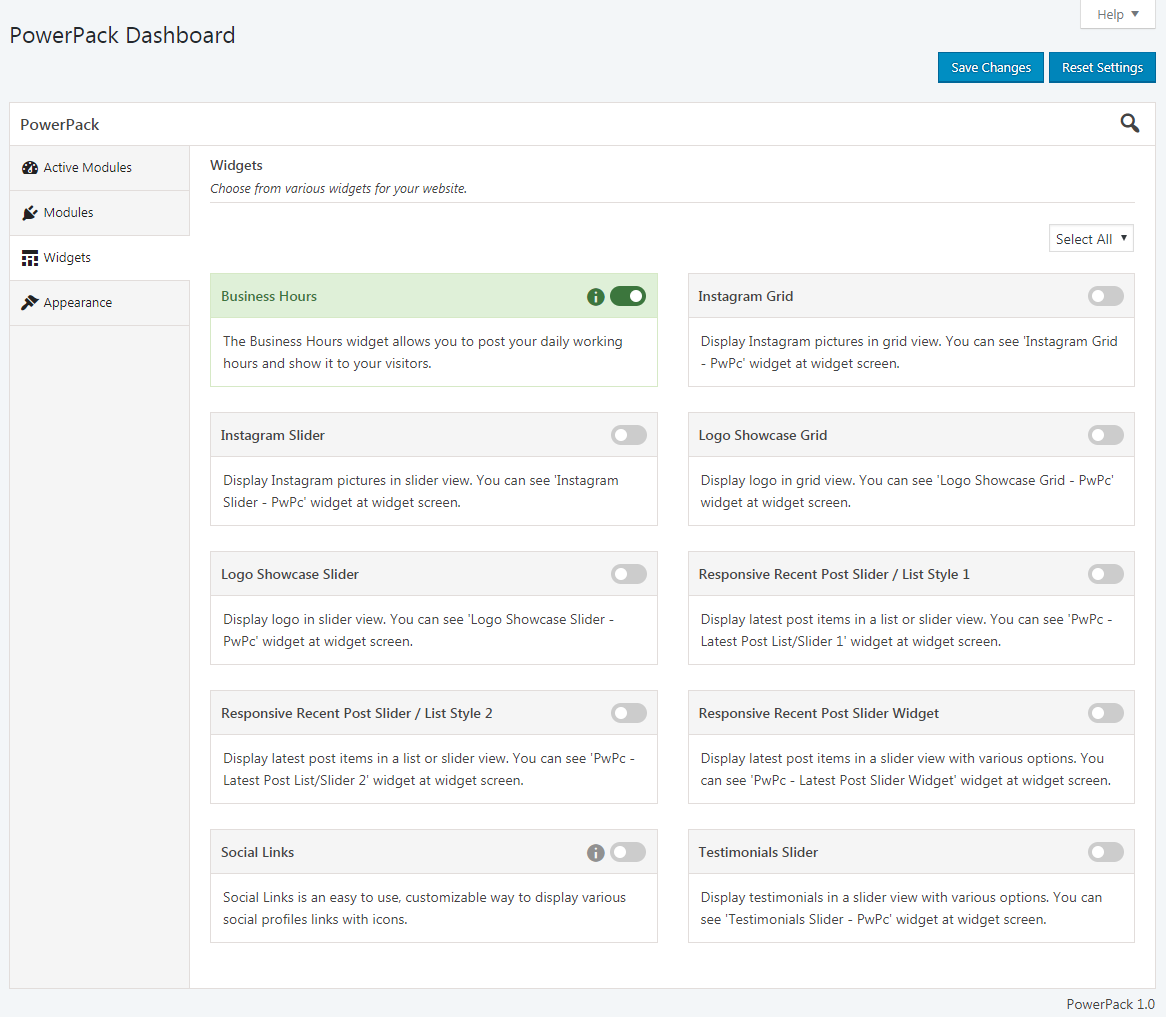
常见问题:
Is PowerPack Free?
Yes! PowerPack's core features are and always will be free.
Should I purchase a paid plan?
PowerPack Pro includes advance features of each modules like 15+ desings for each, Advanced Shortcode Option, Widgets of relative modules, "Visual Composer" page builder suupport and ofcourse extra modules like Login Customizer, Extra Info Sidebar, Business Hour Widget and much more! If you're interested in advance modules available, checkout our paid plans.
3) Does PowerPack work with my WordPress themes?
Yes! PowerPack works with all WordPress theme created with WordPress standard.
4) Does PowerPack slow down my website?
PowerPack is designed from the ground-up with performance, SEO and efficiency in mind. Easy enable / disable feature of modules so use only those modules (Element) which is required to you!!!
更新日志:
1.3 (25, Dec 2018)
- [Recent Post Slider] - Fix slider RTL issue.
- [Custom CSS and JS] - Some special characters are not being saved in CSS module.
- 'Custom CSS and JS' module. Remove third party script for editor and used WP inbuilt editor script.
- [*] Start Tour is not going to disappear when we search any module.
- [*] Added 'Focus' event to save button when site module is enabled for direct enter to enable.
- [*] Follow some WordPress Detailed Plugin Guidelines.
- [+] Updated Instagram Popup design for better look.
- [*] Fix Instagram API changes.
- [*] Note : Right now it only supports 12 recent photos. We are working on it and will update as soon as possible.
- [*] Fix - Team Showcase image is not showing in OLD browser when image fit is true.
- [*] Fix - PowerPack admin bar menu shows for unauthorized user.
- [*] Hot fix for Instagram API changes.
- [*] Resolved Instagram thumbnail loading issue.
- [*] Resolved Instagram API issue.
- [*] Resolved JS warning on Widget screen.
- [*] Resolved Instagram images are not showing in some cases.
- [*] Updated some plugin documentation links.
- [*] Resolved bug with "Search Module". Search results should be refresh after closing search.
- [*] Resolved Instagram API issue.
- [*] Resolved some translation issue.
- Initial release.