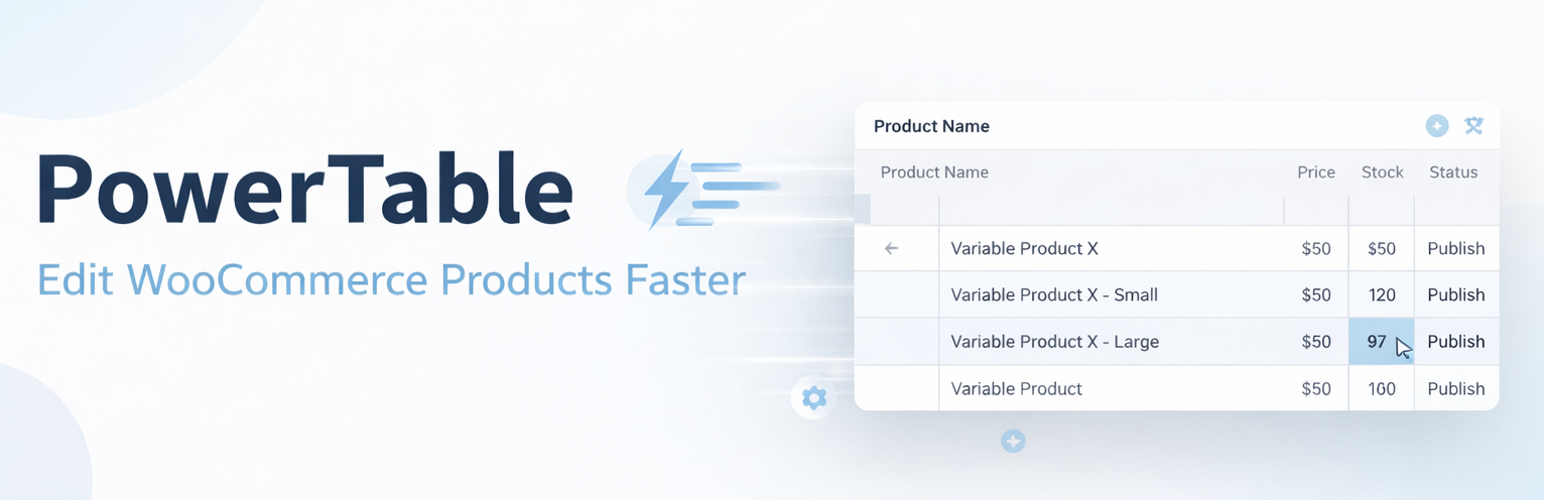
PowerTable: Product Editor for WooCommerce
| 开发者 | powertable |
|---|---|
| 更新时间 | 2026年1月3日 12:41 |
| PHP版本: | 7.4 及以上 |
| WordPress版本: | 6.8 |
| 版权: | GPLv2 or later |
| 版权网址: | 版权信息 |
详情介绍:
PowerTable streamlines your WooCommerce product management workflow by providing a clean, responsive, and powerful spreadsheet-like editor directly within your WordPress dashboard.
Stop opening multiple tabs to make simple changes. With PowerTable, you can view, search, and edit your products and variations from a single screen. Ideally suited for store owners who need to make quick price adjustments, stock updates, or name corrections without the hassle of the slow native product list.
Key Features:
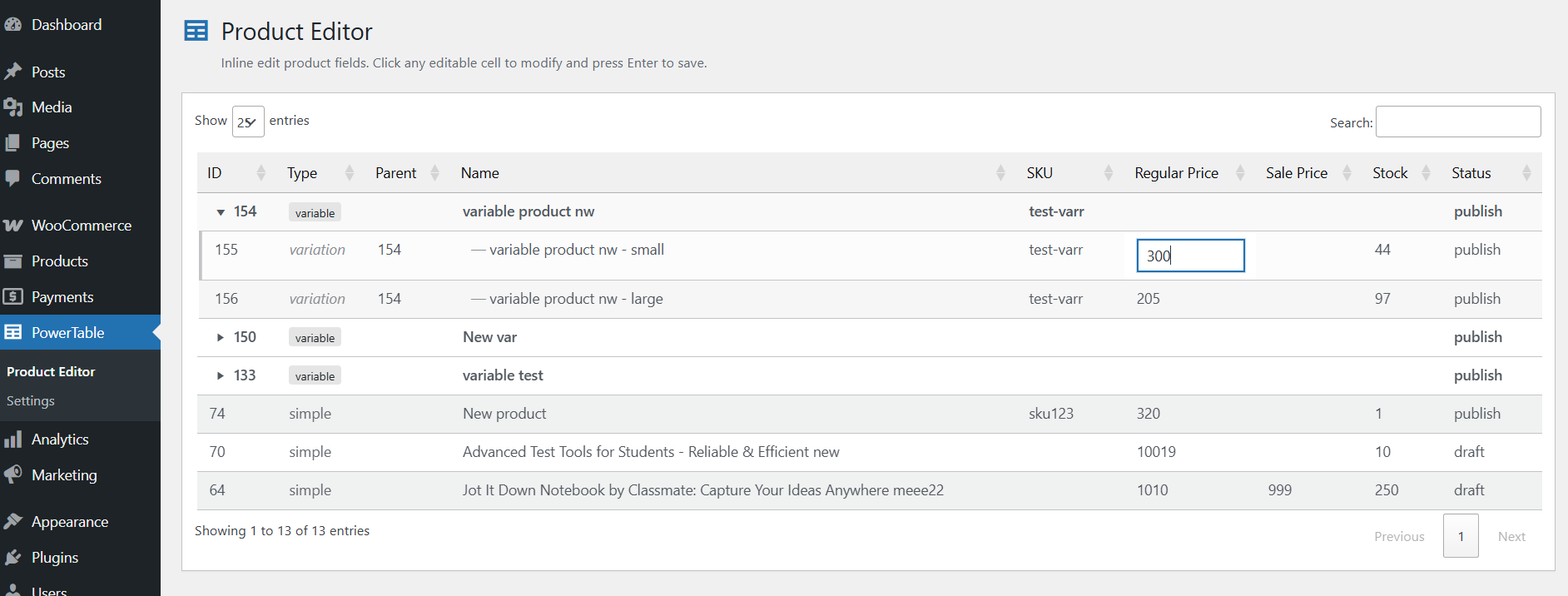
- ⚡ Inline Editing: Click any cell (Price, Stock, SKU, Name, Status) to edit instantly. Press Enter to save.
- 🛒 Variation Support: First-class support for Variable products. Variations are clearly grouped and visualized under their parent products with a clean hierarchy.
- 🎨 Native WordPress Design: A completely revamped UI that mirrors the native WordPress
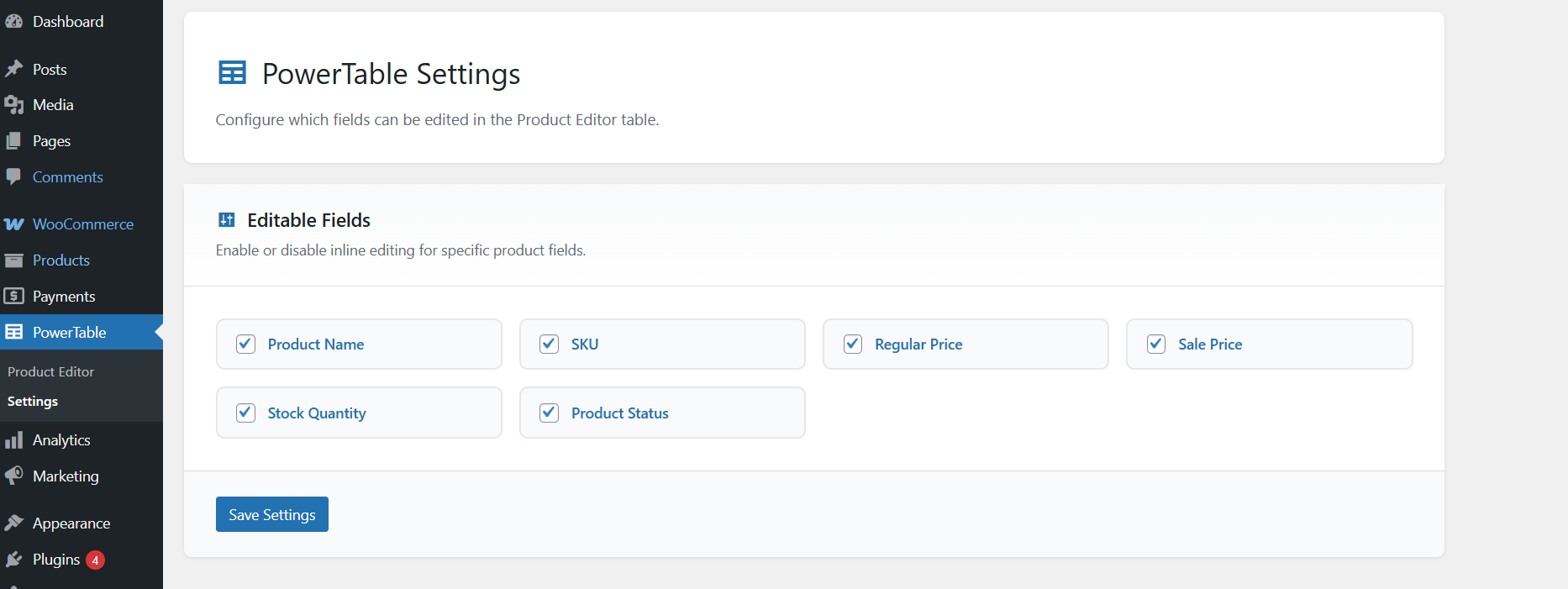
wp-list-tableaesthetics. No jarring custom styles—it feels like it belongs. - ⚙️ Customizable Columns: Go to Settings to choose exactly which columns (fields) you want to see and edit.
- 🚀 High Performance: Built on DataTables with AJAX-driven saving for a snappy experience even with hundreds of products.
- 🔍 Instant Search & Sort: Filter products instantly using the search box or sort by ID, Name, Price, etc.
- Product Name
- SKU
- Regular Price
- Sale Price
- Stock Quantity
- Product Status (Publish, Draft, Pending, Private)
安装:
- Upload the
powertable-for-woocommercefolder to the/wp-content/plugins/directory. - Activate the plugin through the Plugins menu in WordPress.
- Go to PowerTable in the admin sidebar to start editing products.
- (Optional) Configuration options are available under PowerTable > Settings.
屏幕截图:
常见问题:
Does this work with Variable Products?
Yes! Variable products are fully supported. Variations appear nested under their parent product, allowing you to edit variation usage, prices, and stock individually.
Can I hide columns I don't need?
Yes. Navigate to PowerTable > Settings and toggle the checkboxes for the fields you want to enable or disable.
Is it safe to use on a live site?
Yes. We use standard WooCommerce CRUD methods (save(), update_post()) and WordPress Nonces for security to ensure data integrity.
更新日志:
1.0.0
- Initial Release.
- Inline editing for Products and Variations.
- Clean WordPress Admin styling.
- AJAX-driven updates.