PrecisionPay Payments for WooCommerce
| 开发者 | daveprecisionpay |
|---|---|
| 更新时间 | 2026年4月10日 10:38 |
| PHP版本: | 7.2 及以上 |
| WordPress版本: | 6.8 |
| 版权: | GPLv3 |
| 版权网址: | 版权信息 |
详情介绍:
PrecisionPay is the payment solution for the firearms industry. We are a staunch supporter of the 2nd Amendment and will never cancel you for exercising your constitutional rights. Download and install our plugin and then visit our website to complete your application. Soon after that, you’ll be able to process payments for guns and ammunition without having to pay the exorbitant fees associated with “high risk” e-commerce categories.
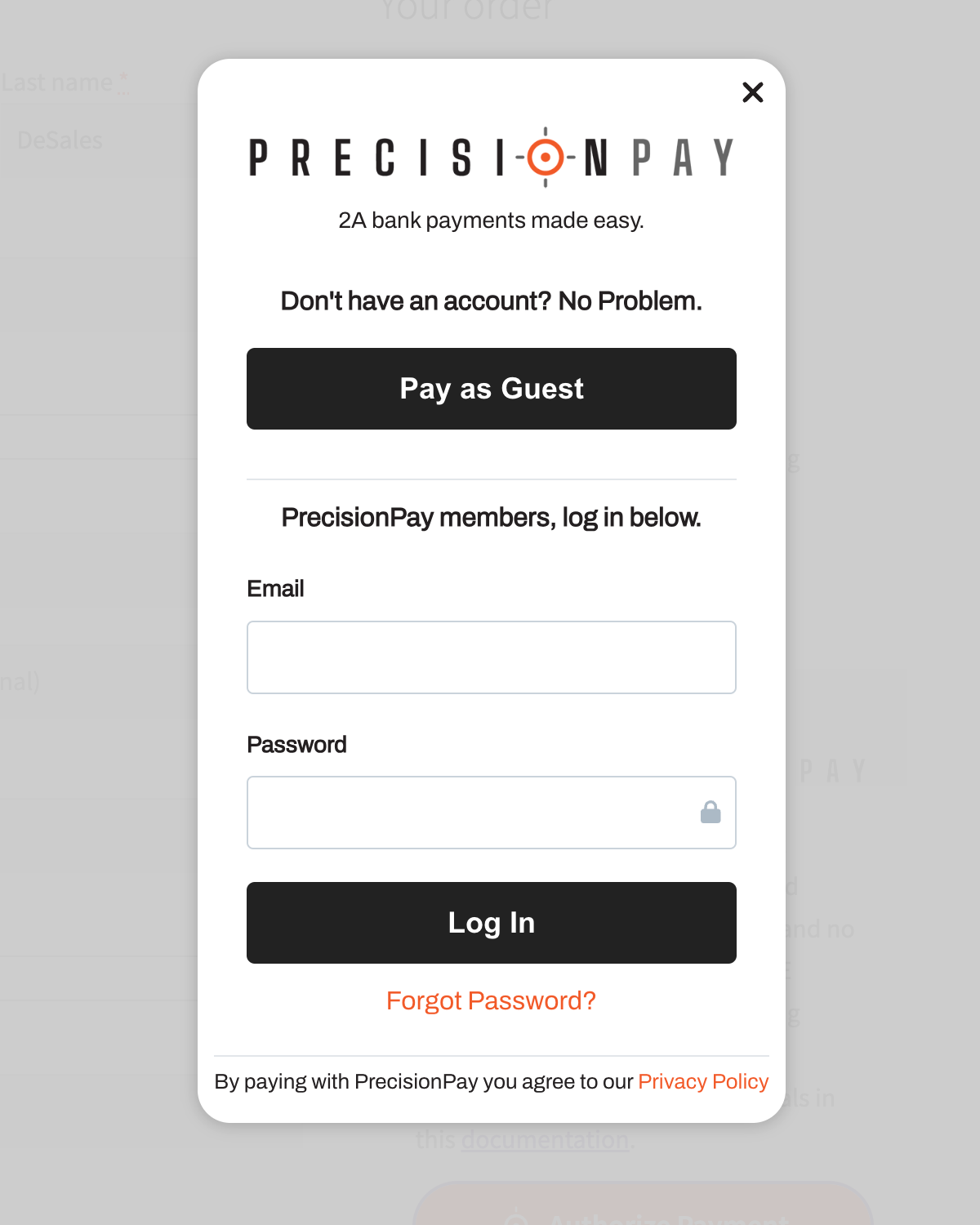
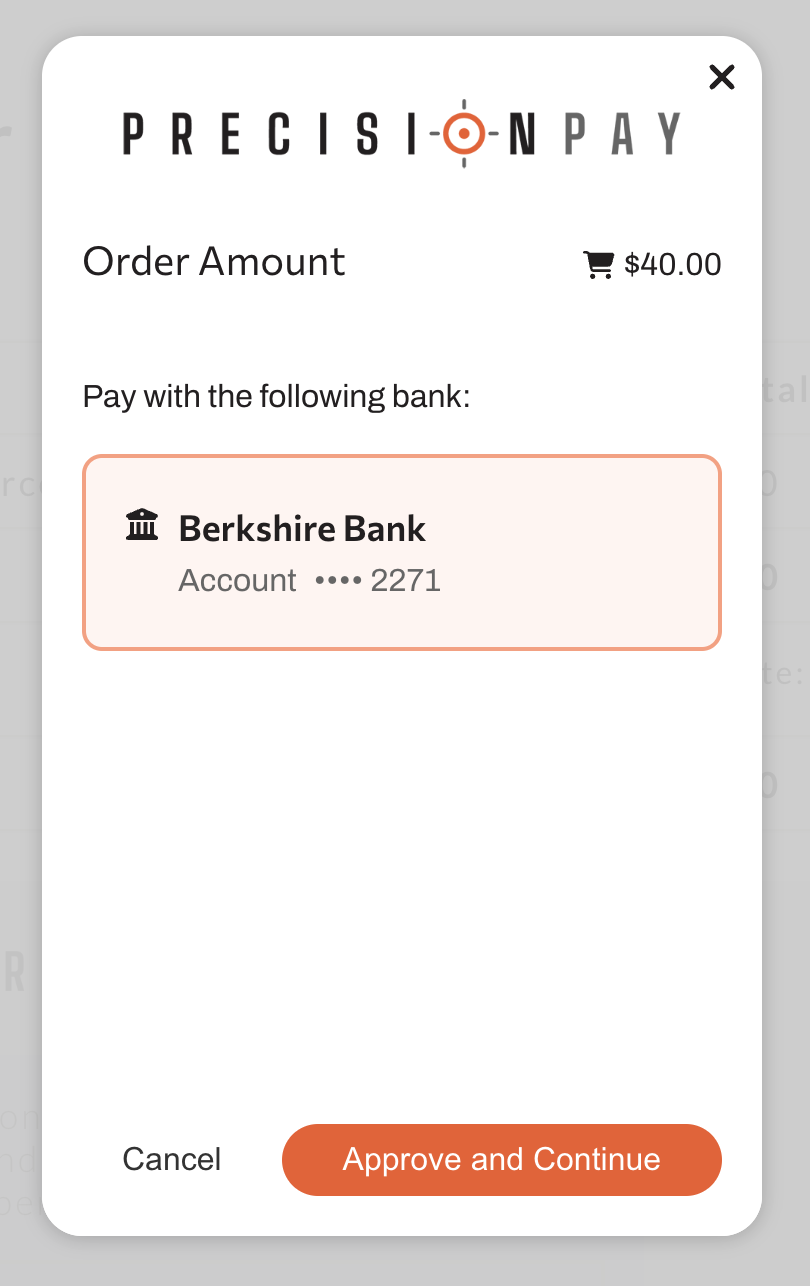
This plugin uses Plaid (https://plaid.com/) along with the PrecisionPay checkout portal to allow your customers to pay with PrecisionPay as a guest (using Plaid) or as a PrecisionPay user (if they already have an account at myprecisionpay.com). View the PrecisionPay privacy policy here. View Plaid's privacy policy here.
The benefits of using PrecisionPay
- It's easy for your customers: There is a built in, fast, and easy to use guest checkout if the user isn't already using PrecisionPay
- 2nd Amendment Friendly: PrecisionPay is the WooCommerce solution entirely dedicated to supporting the sale of firearms and firearm related products.
- Private: We care about privacy as much as you do. We are transparent about what we store and we don't sell personal user data. Ever.
- Secure: We use industry standards, and even go beyond industry standards where possible to keep all your payment processing secure.
安装:
Minimum Requirements
- WordPress 6.6 or greater
- WooCommerce 8.0 or greater
- Make sure you have WooCommerce installed.
- You will need a PrecisionPay Merchant account. Don't have an account? Contact us: support@myprecisionpay.com
- You will also need to have a connected bank account in the PrecisionPay Merchant portal. The plugin will not work if your bank account isn't connected. (You can't accept payments if you don't have a place for them to go!)
- Log into your PrecisionPay Merchant account.
- In the top navigation, click on API Keys.
- Create a new API key. DON'T FORGET TO COPY THE SECRET AND SAVE IT IN A SAFE PLACE as you will not be able to retrieve it from the site later.
- Log into your PrecisionPay Merchant account.
- In the top navigation, click on Account Settings.
- Click the Add Bank Account button.
- Choose Add Bank Account with Plaid or Manually Add Bank Account.
- Complete the steps on screen.
- Make sure you have WooCommerce installed.
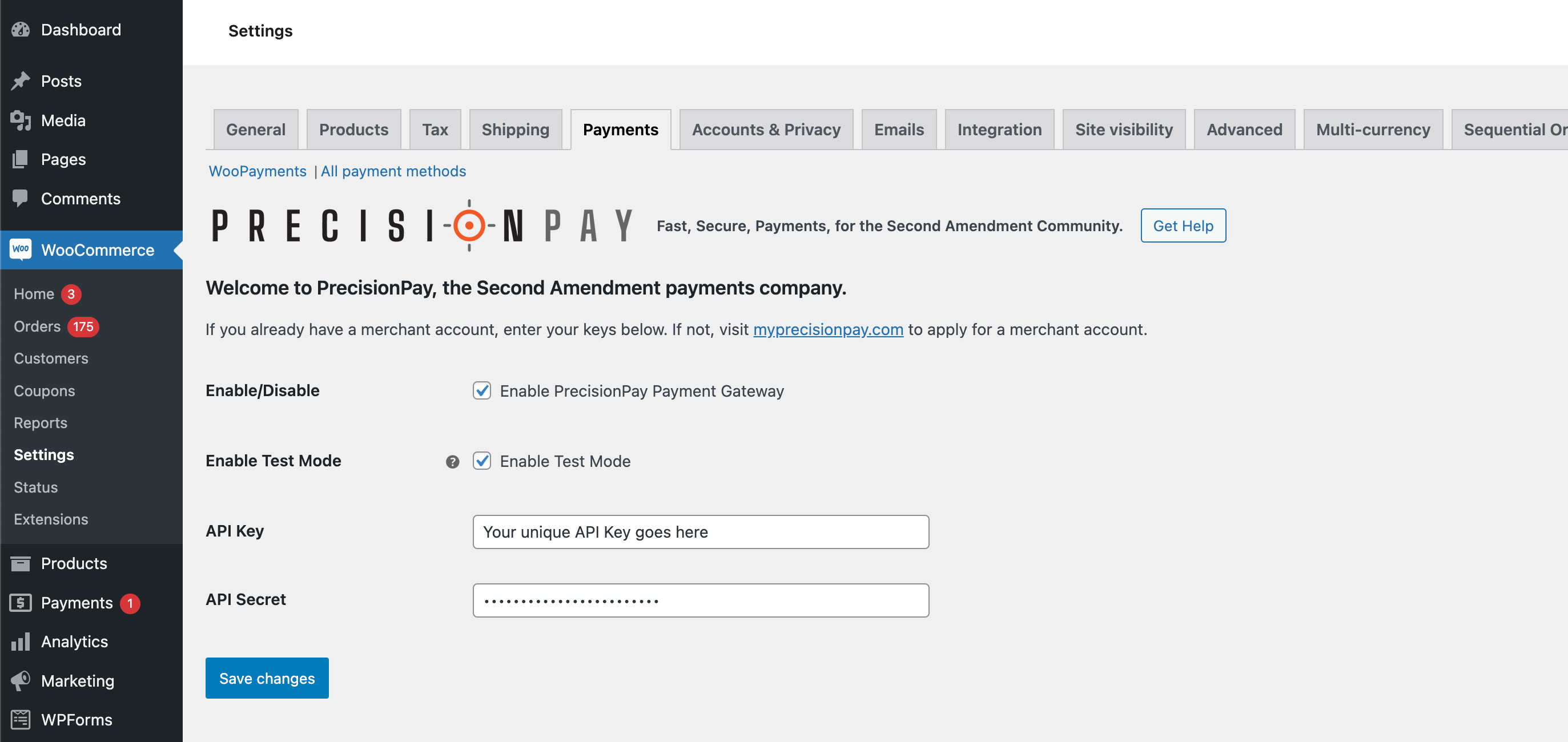
- Go to the WooCommerce Settings page.
- Click the Payments tab.
- Activate the PrecisionPay Payment Gateway.
- Click Manage.
- Add your PrecisionPay Merchant API key and secret into the API key and secret fields.
- Check "Enable Test Mode" if you want to test your ability to make a purchase without spending any money. This puts Plaid in sandbox mode. At checkout, click the PrecisionPay "Authorize Payment" button and use guest checkout to authorize the payment. When Plaid prompts you for the username type: "user_good", and for the password type: "pass_good". Once you are satisfied everything is working, uncheck "Enable Test Mode" and you will be ready to accept payments with PrecisionPay!
屏幕截图:
常见问题:
Do I need to register with PrecisionPay to use this plugin?
Yes, you will need to register as a merchant and connect your bank account before you will be able to use this plugin properly.
Do my customers need to be registered?
No, however many of them will already have customer accounts. For those who don't, there is an easy to use guest payment option.
更新日志:
4.0.4
- Fixes button getting smashed on small screens. Fixes bug with coupons.
- Fixes some bugs that would if PrecisionPay was your only payment gateway.
- Fix for deactivation after install issue, along with some minor styling updates.