Linux 软件免费装
Banner图

PressedMail - Email Client, Inbox & Webmail

开发者 curbsoftwareinc
更新时间 2026年9月6日 03:26
PHP版本: 8.2 及以上
WordPress版本: 7.1
版权: GPLv2 or later
版权网址: 版权信息

标签

email smtp webmail email client imap

下载

1.0.25 1.0.26

详情介绍:

Your inbox, right where you work. PressedMail brings your inbox into the WordPress dashboard. Read a customer message, reply to a client, or organize email while you work on your website. Keep your existing email address and provider. The free plugin includes the following tools without a PressedMail subscription or license key. Included in PressedMail Free Read and reply from your dashboard Keep your inbox organized Make reading more comfortable Keep control of mailbox access Send your website's notifications, too Send password resets, user and comment notifications, and supported WooCommerce and contact-form emails through your chosen mail server. Send a test message and check the delivery log for sending results. Choose how long to keep entries, clear them, or turn logging off. Logs exclude message bodies and attachments. Website notification sending is configured separately from your inbox. Bring more of your day into PressedMail Pro Manage several addresses or spend more of your day in email? PressedMail Pro brings more of that work together: These features require the separate, GPL-compatible paid plugin and are not included here. AI uses your configured provider; provider charges may apply. Explore PressedMail Pro or compare plans and included features. Help and setup Setup documentation | WordPress.org support forum

安装:

  1. In WordPress, go to Plugins > Add New and search for PressedMail.
  2. Install and activate the plugin.
  3. Open PressedMail from the admin sidebar.
  4. Connect your mailbox using its provider settings or supported sign-in method.
  5. Open your inbox and start reading and replying.
For website notifications, configure WordPress email sending in Settings and send a test message.

屏幕截图:

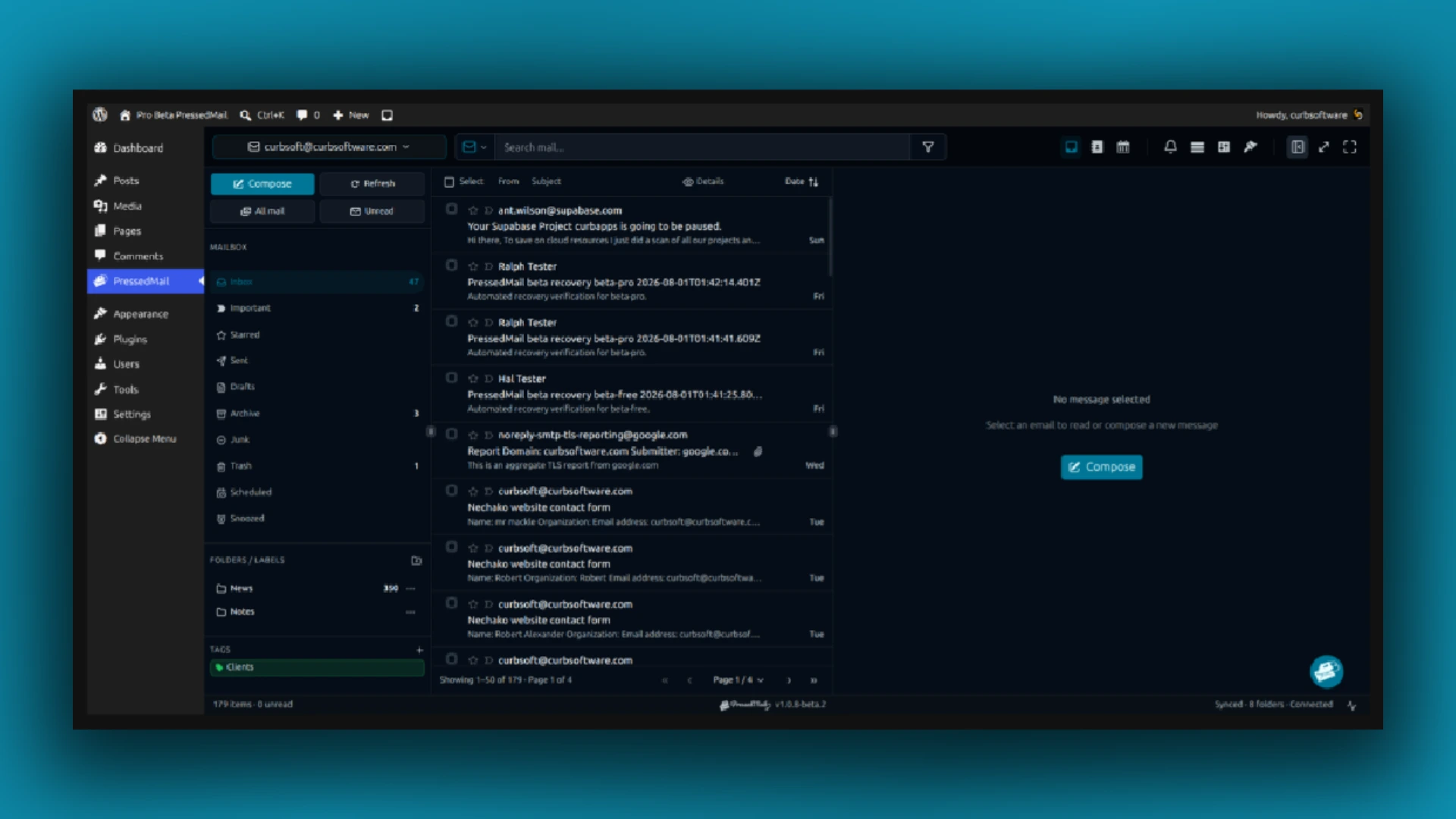
  • Inbox, folders, tags, and reading pane inside WordPress.
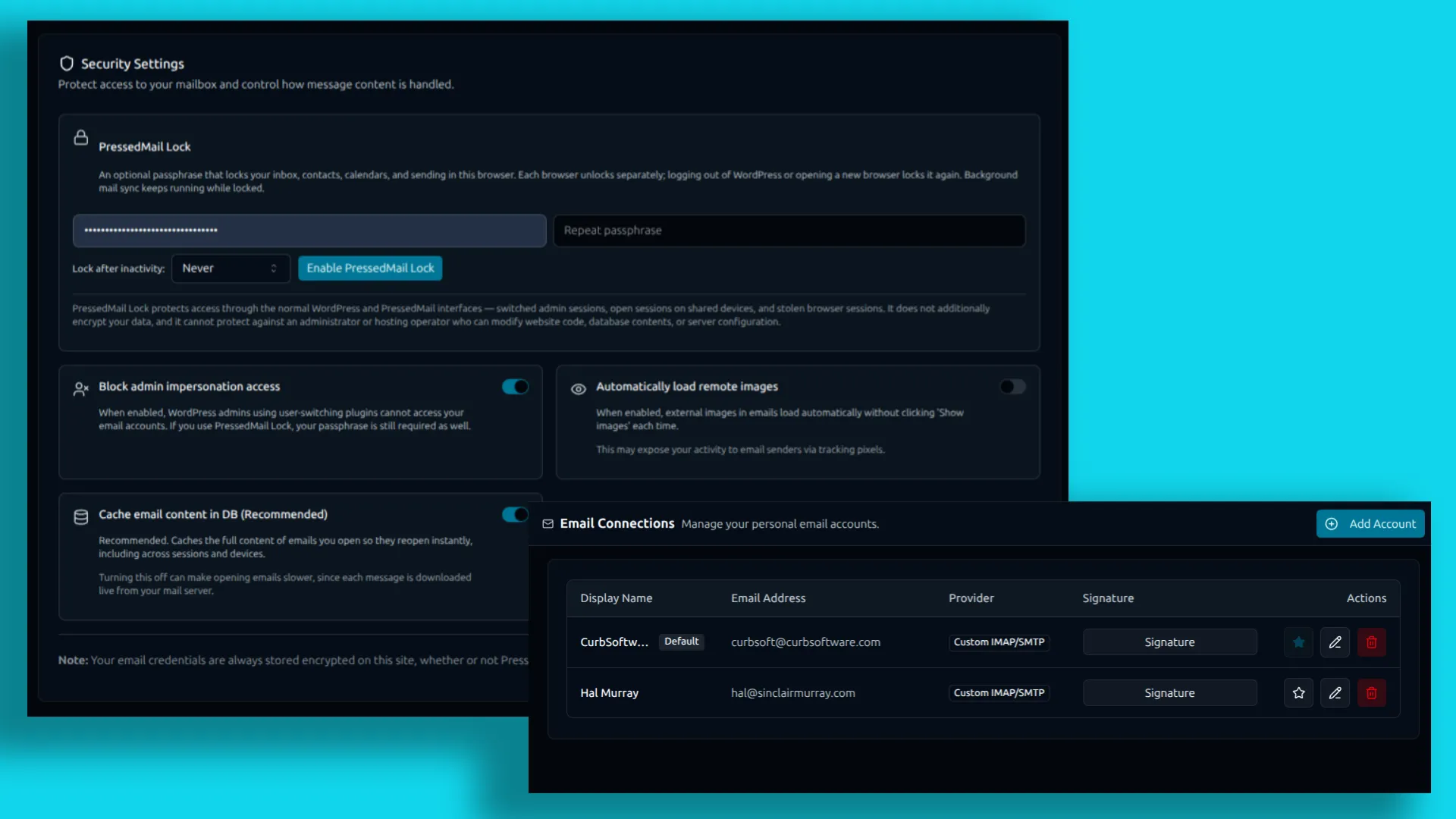
  • PressedMail Lock, impersonation access protection, and remote-image settings.
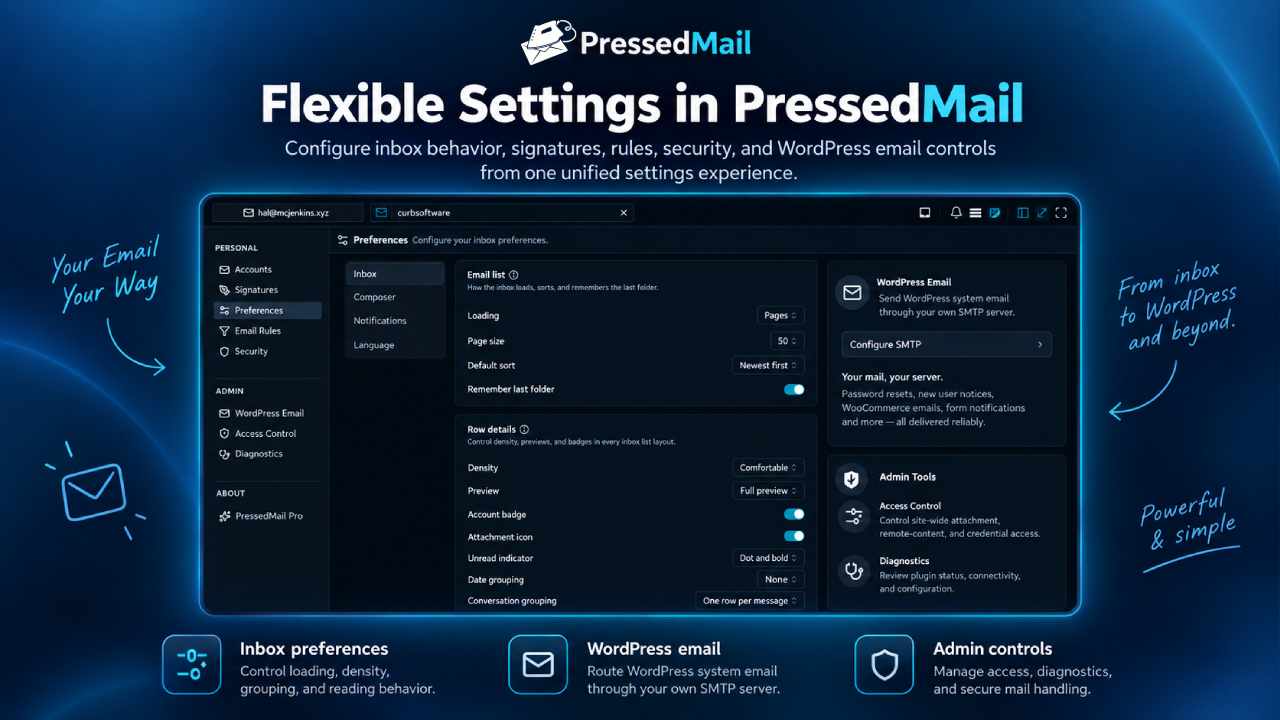
  • Attachment, content, sync, and access settings. Pro interface shown; Pro navigation items are not included in Free.

常见问题:

What do I need to use PressedMail?

A WordPress site you control and a compatible IMAP/SMTP account. Your provider continues to host your mailbox; your web host must allow connections to it.

Which email providers can I connect?

Compatible providers include many custom-domain and cPanel mailboxes, Gmail, Google Workspace, Outlook, Microsoft 365, Zoho Mail, and Fastmail. Gmail uses app passwords where permitted; Microsoft accounts can use Microsoft sign-in where supported. Availability depends on provider, plan, and organization settings. Additional configuration may be required.

Can I use the free plugin without a paid account?

Yes. Free requires no PressedMail account or payment and has no trial expiry. Your email provider's terms and charges still apply.

How does website email sending work?

Messages generated through WordPress's standard wp_mail() system can use your configured SMTP server. Inbox messages use the connected mailbox's sending settings. The log reports sending results, not guaranteed placement in the recipient's inbox.

Can I move to Pro later?

Yes. Pro is designed to preserve compatible accounts, settings, and local data when it replaces Free. Follow the installation guidance supplied with Pro.

更新日志:

1.0.26 1.0.25 1.0.24 1.0.23 1.0.22 1.0.21 1.0.20 1.0.19 1.0.18 1.0.17 1.0.16 1.0.15 1.0.14