
Previous Page Redirect for WooCommerce
| 开发者 |
smshahriar
aikya webfixlab |
|---|---|
| 更新时间 | 2026年4月6日 12:42 |
| PHP版本: | 7.0 及以上 |
| WordPress版本: | 6.9.4 |
| 版权: | GPLv2 or later |
| 版权网址: | 版权信息 |
详情介绍:
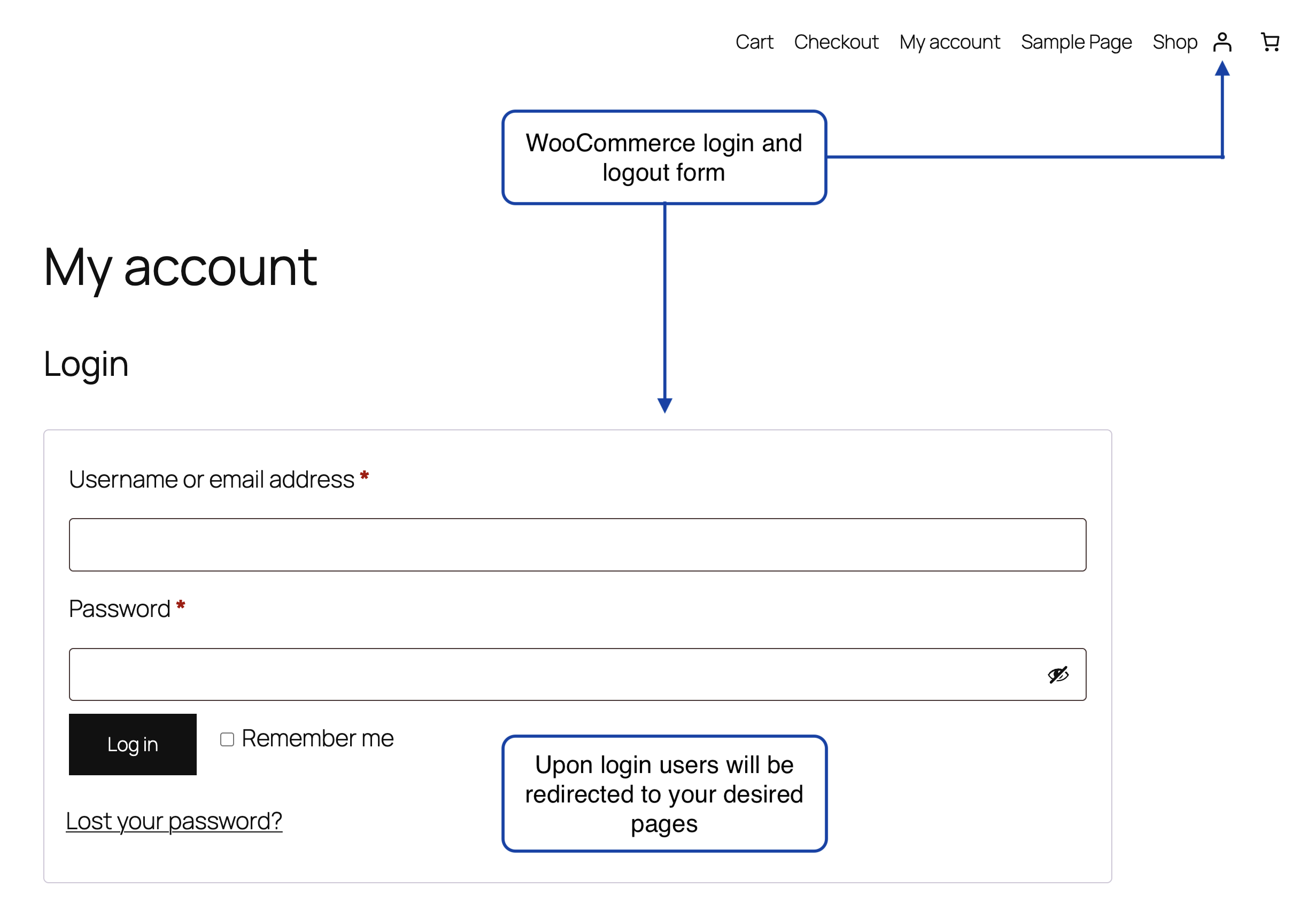
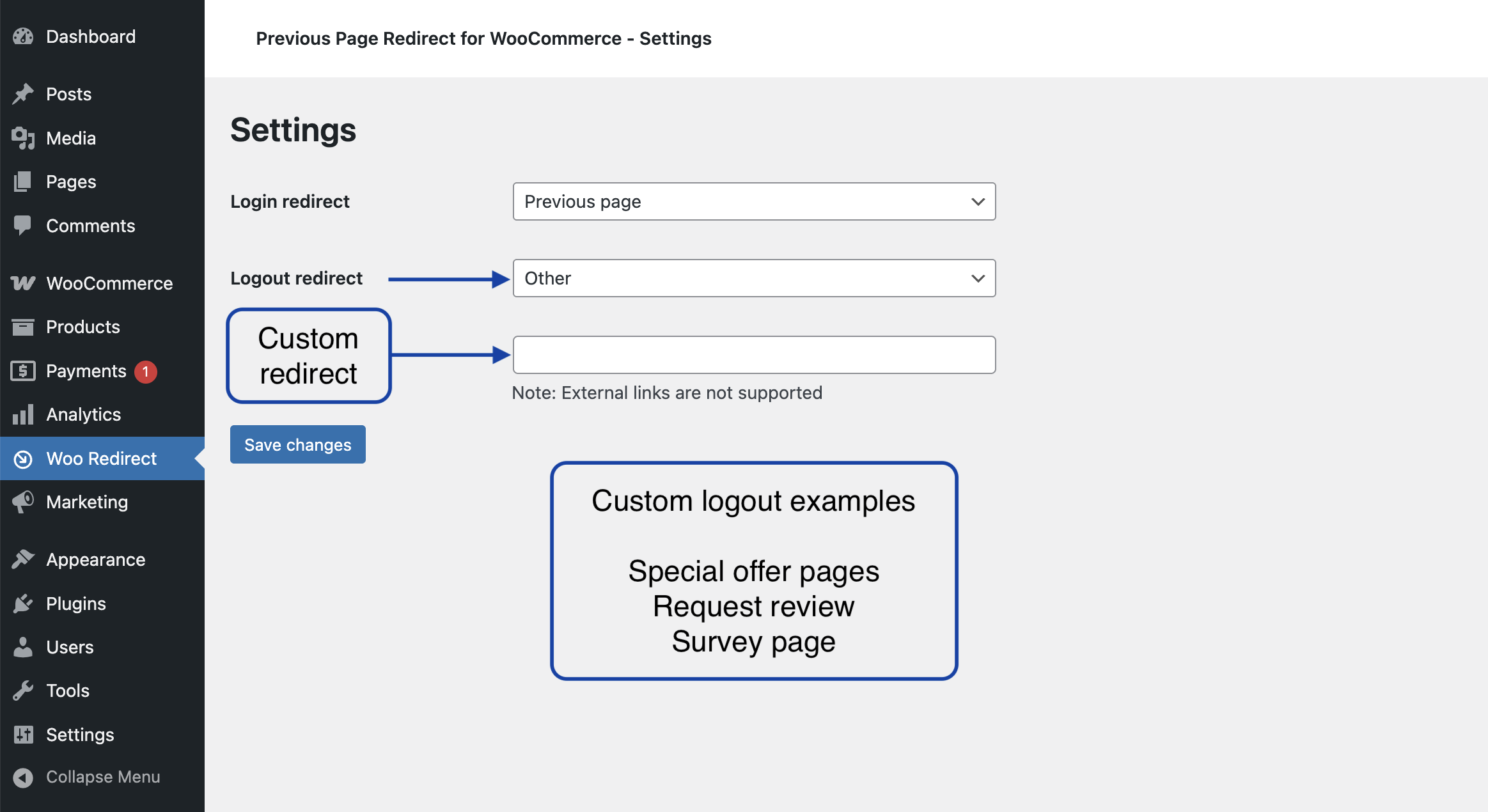
Set login redirect and logout redirect pages like the previous page, shop page, cart, checkout, homepage or any custom page you want. You can add logout redirects too.
Just install and activate the plugin. You're done.
Go to
Woo Redirect in the admin dashboard sidebar to set the redirect pages.
安装:
- Install the plugin from your dashboard's plugins page or upload the plugin folder "previous-page-redirect-for-woocommerce" to the
/wp-content/plugins/directory. - Activate the plugin through the 'Plugins' screen in WordPress
- That's it. Redirection is activated in your website.
- Find plugin settings at
Woo Redirectadmin dashboard sidebar menu.
屏幕截图:
更新日志:
5.0.0 2026-04-06
Previous Page Redirect for WooCommerce
- Fix - Logout redirect not working fixed.
- Update - New method of logout redirection.