
PrintPilot – Automatic Document Printing for WooCommerce
| 开发者 | bandexa |
|---|---|
| 更新时间 | 2026年8月12日 17:43 |
| PHP版本: | 7.0 及以上 |
| WordPress版本: | 7.0 |
| 版权: | GPLv2 or later |
| 版权网址: | 版权信息 |
详情介绍:
- No frontend output
- No document builders
- No layout editors
- Just automated printing
屏幕截图:
常见问题:
What exactly does PrintPilot do?
PrintPilot automatically sends documents to a printer as soon as they are created by a supported plugin. Example: An invoice is generated in your WooCommerce shop → PrintPilot sends it directly to your printer. No manual download. No manual printing.
Does PrintPilot create invoices or shipping labels?
No. Invoices, delivery notes, shipping labels and other documents are created by other plugins. PrintPilot only handles the automatic printing.
Do I need a cloud printing service?
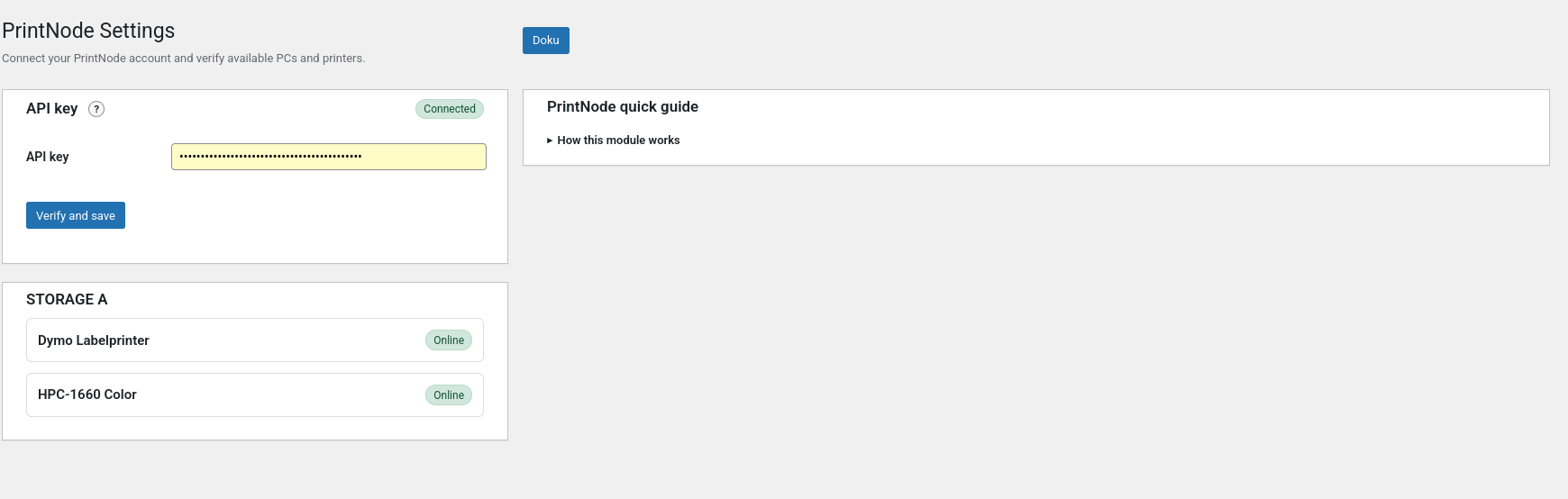
Yes. PrintPilot currently uses PrintNode to communicate with your printers.\ You need an active PrintNode account and at least one configured printer.
Does PrintPilot slow down my website?
No. PrintPilot runs in the WordPress admin environment and does not add frontend scripts, tracking or external requests unless a printing provider is configured.
Can I choose which documents should be printed?
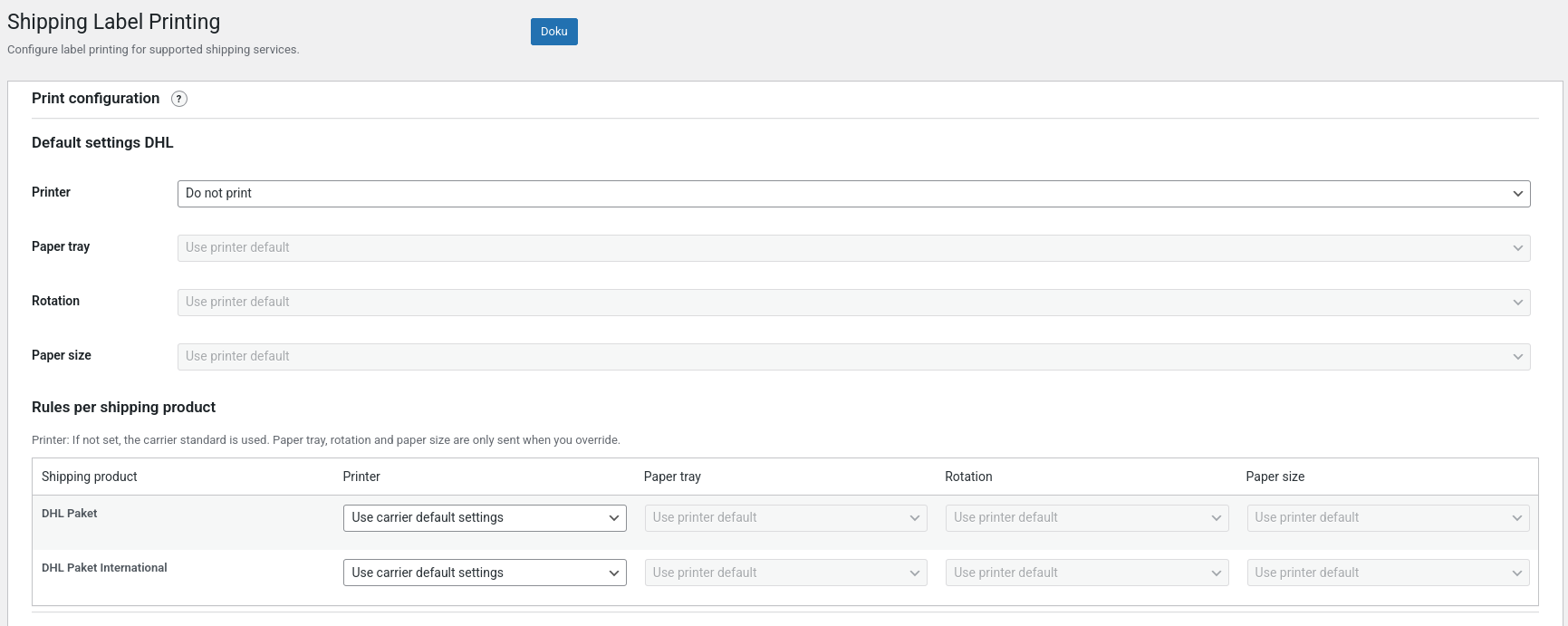
Yes. You can configure which document types should be printed and which printer should be used.
How does duplicate protection work?
If “Print only once per order, status and document type” is enabled, PrintPilot prevents repeated jobs for the same combination:
- same order
- same status
- same document type
What happens if a printer is offline?
PrintPilot forwards the print job to the configured printing provider. Queue handling and retry behavior depend on the provider (for example PrintNode).
更新日志:
- Fixed duplicate WebToffee document printing with persistent per-order protection and a concurrency-safe print lock.
- Tested compatibility with WordPress 7.0.
- Fixed duplicate Germanized delivery note printing by persisting successful packing slip prints per WooCommerce order.
- Removed Freemius and made all supported modules available for free.
- Added internal documentation pages for plugin modules.
- Added integration module for DHL for WooCommerce.
- Added DHL label printing module.
- Added integration module for WebToffee "Print Invoices, Packing Slips, Delivery Notes & Shipping Labels for WooCommerce".
- Added WF module settings UI with status trigger and document selection.
- Fix: complete translations for Shiptastic settings UI (incl. JS/AJAX).
- Added WCDN UI/translation updates.
- Added WCDN document selection and printer options.
- Maintenance release.
- You can now assign a dedicated printer to each supported document type in the "Shiptastic" and "Germanized Pro" modules.
- WordPress.org compliance fixes and documentation updates.
- Added language files.
- Refactoring: Added consistent printpilot_ prefixes and improved internal code structure.
- Refactoring Code