
Product Attribute Icons Display
| 开发者 | neatplugins |
|---|---|
| 更新时间 | 2025年12月27日 07:21 |
| PHP版本: | 7.4 及以上 |
| WordPress版本: | 6.9 |
| 版权: | GPLv2 or later |
| 版权网址: | 版权信息 |
详情介绍:
安装:
- Upload the plugin files to the
/wp-content/plugins/product-attribute-icons-displaydirectory, or install the plugin through the WordPress plugins screen directly. - Activate the plugin through the 'Plugins' screen in WordPress.
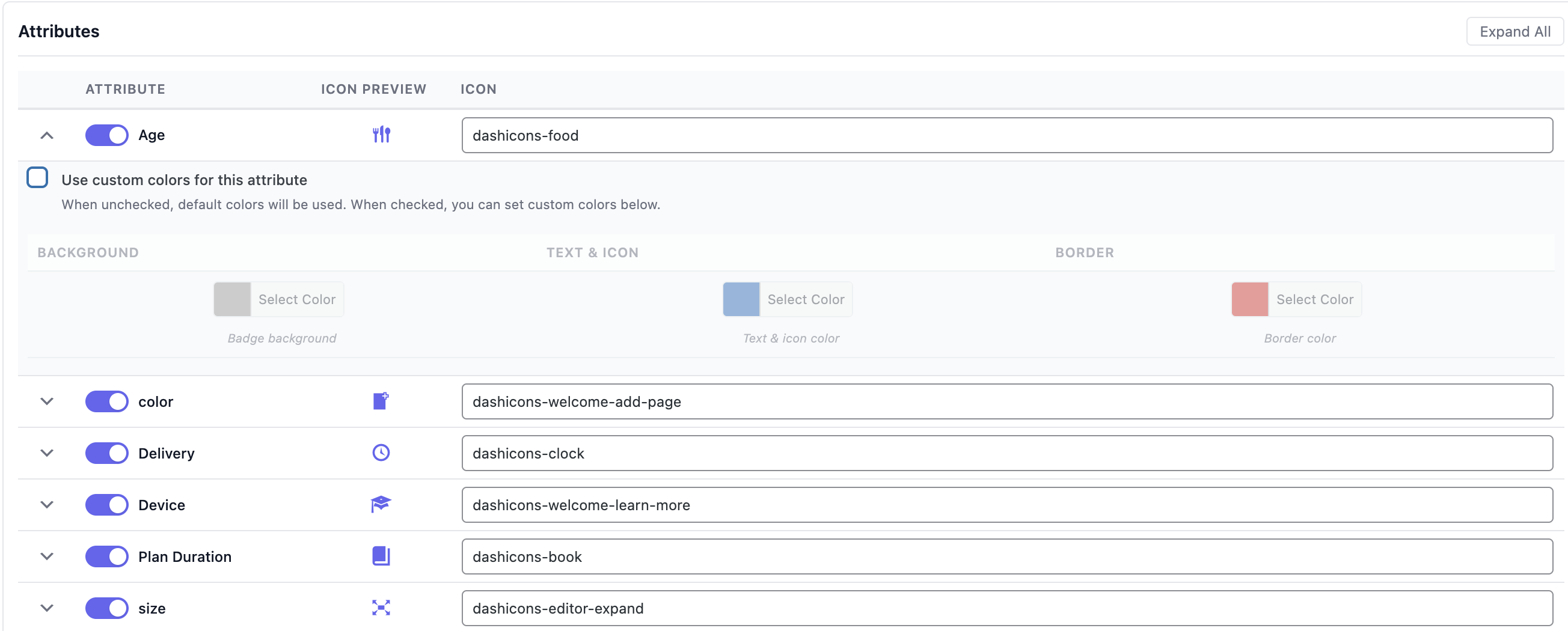
- Navigate to WooCommerce > Product Icons to configure your attribute icons.
- Enable attributes, set custom labels, and add Dashicons icon classes (e.g.,
dashicons dashicons-gamepad).
屏幕截图:
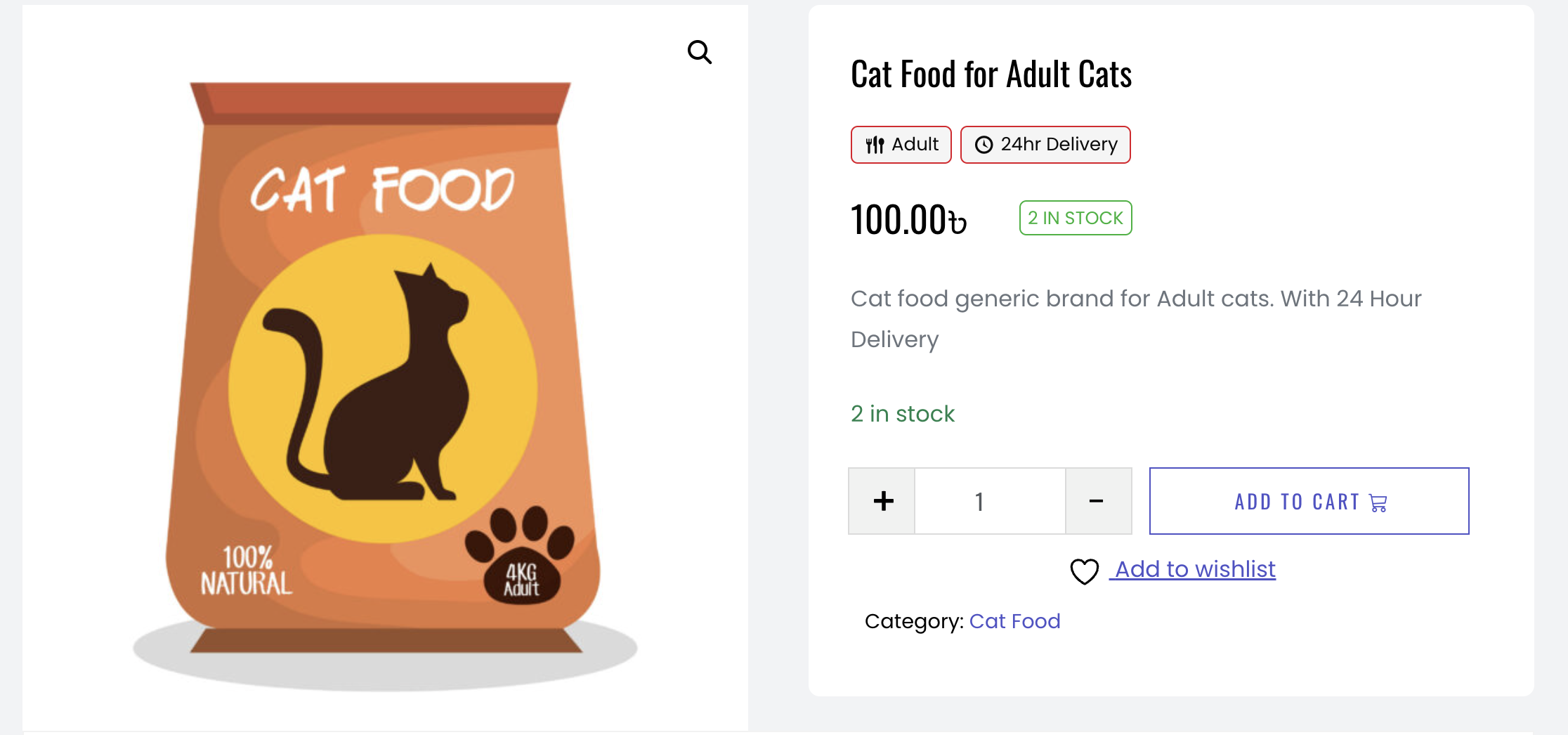
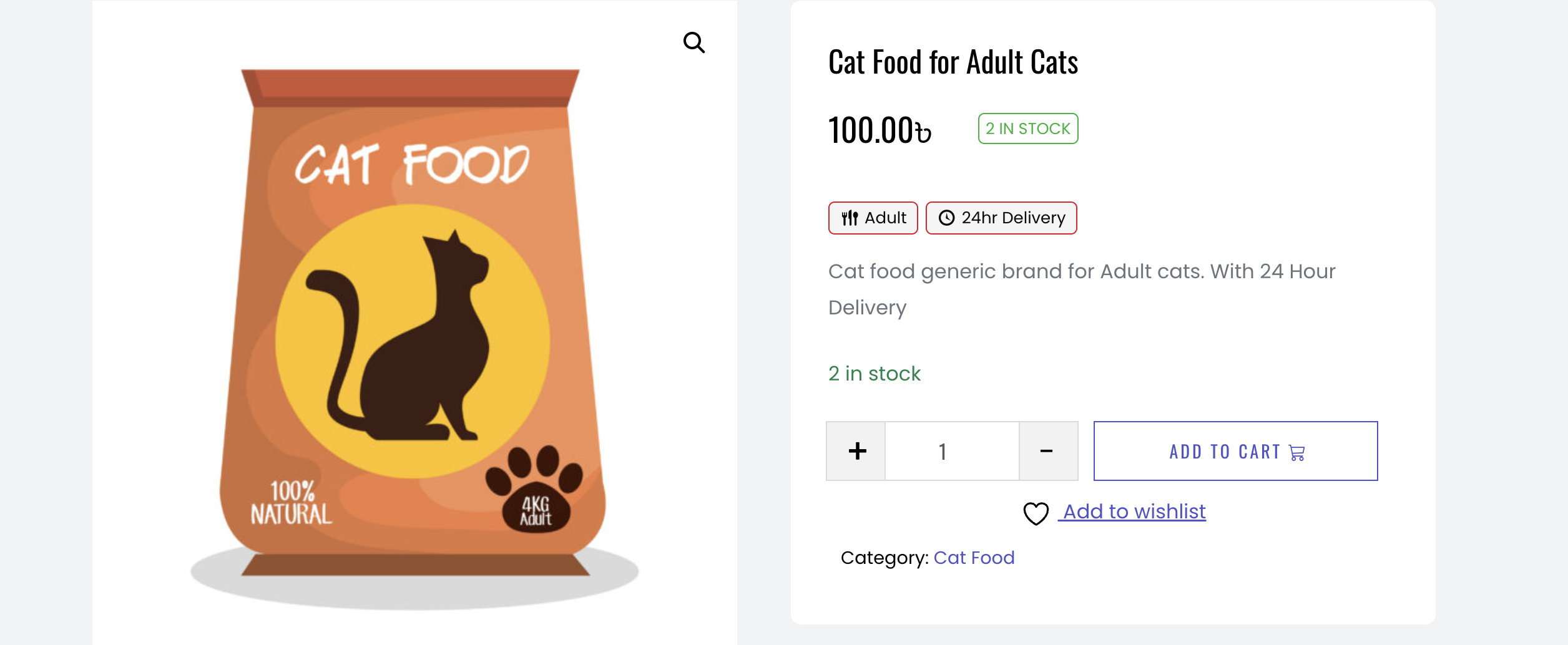
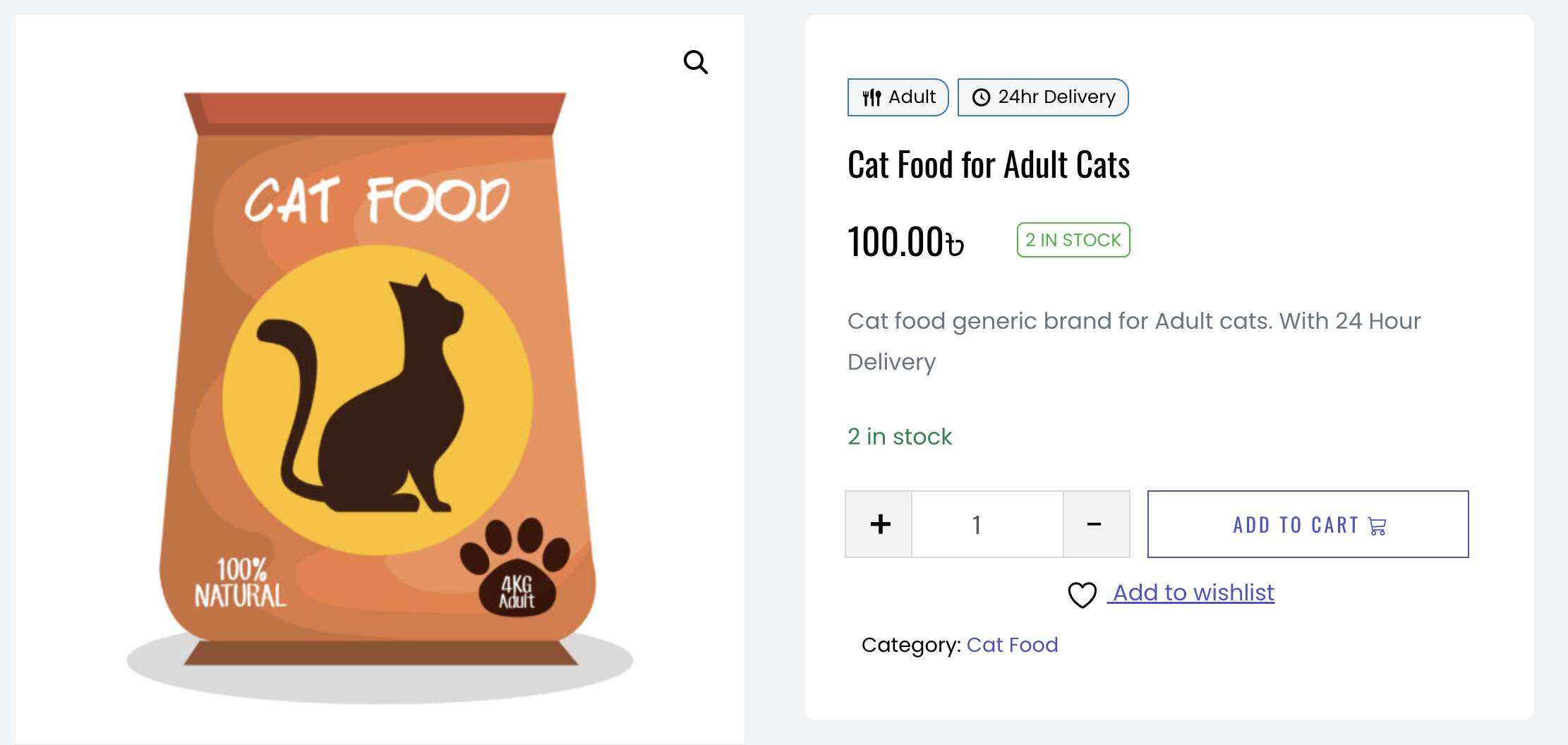
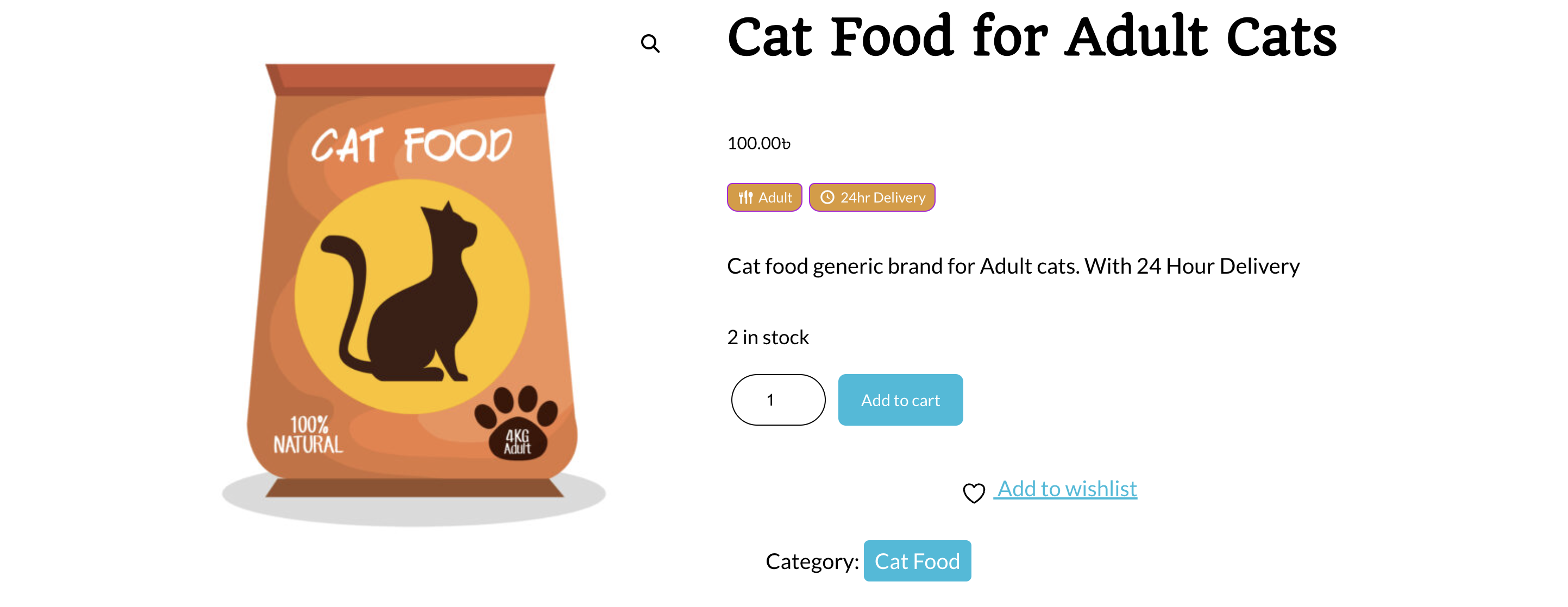
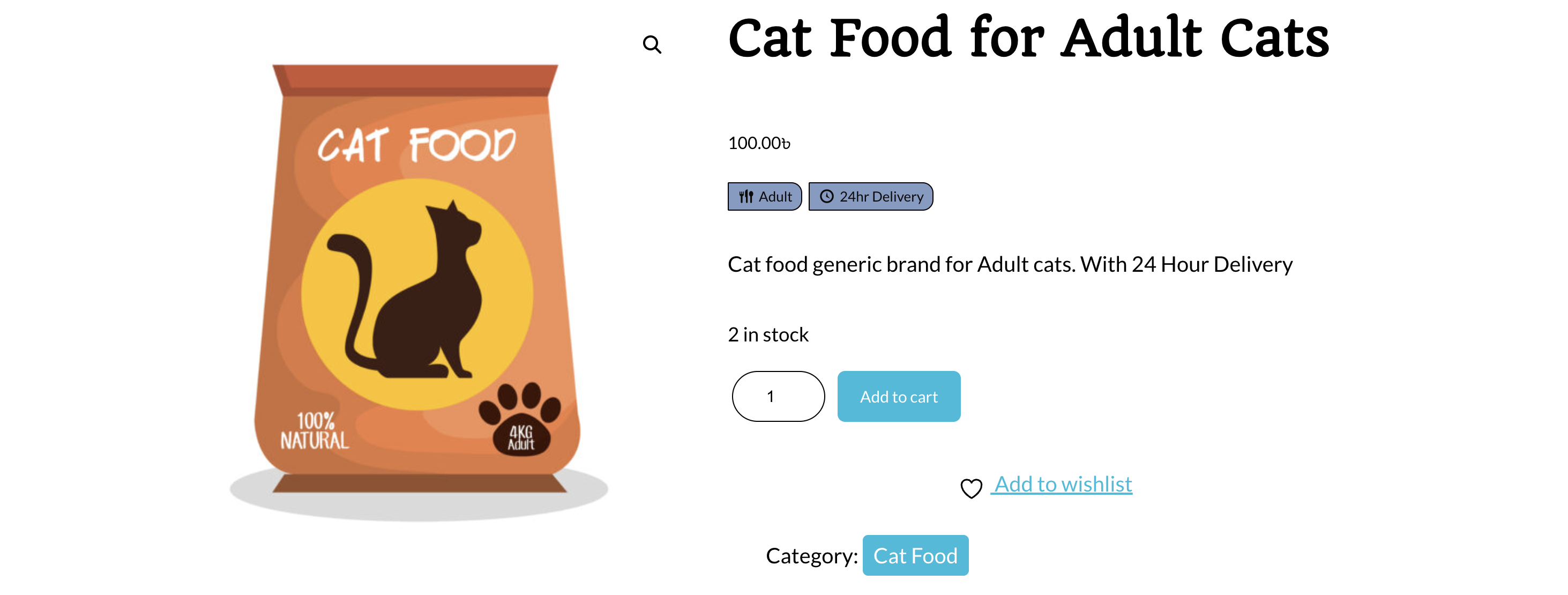
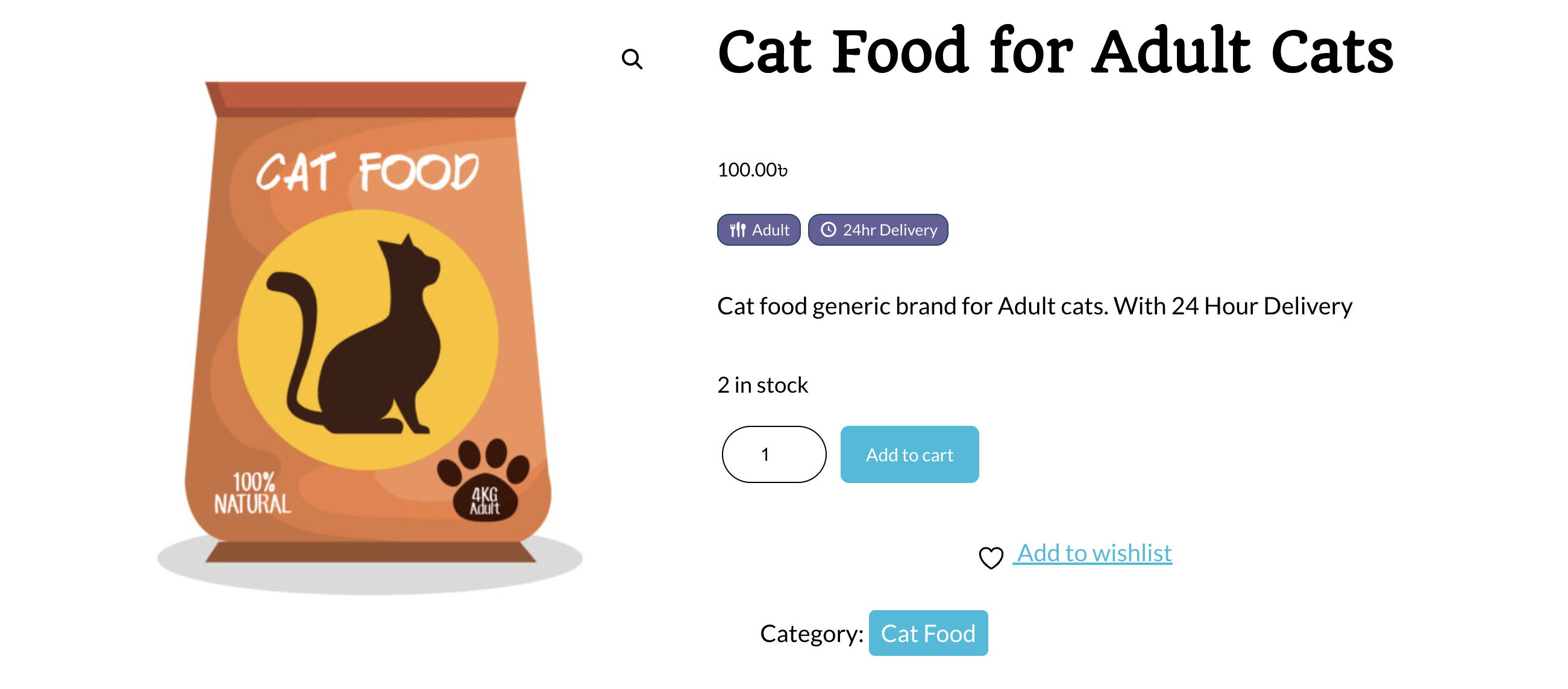
常见问题:
What icon library is supported?
The plugin supports WordPress Dashicons, which are built into WordPress. You can use any Dashicons CSS class format. Reference: https://developer.wordpress.org/resource/dashicons/
How do I use the shortcode?
Use [paiw_product_attribute_icons] to display icons for the current product, or [paiw_product_attribute_icons id="123"] for a specific product ID. You can also add a custom CSS class: [paiw_product_attribute_icons class="my-custom-class"].
Can I customize the styling?
Yes! The plugin uses CSS variables that you can override in your theme's CSS or through the WordPress Customizer. The main CSS variables are:
--paiw-bg-color: Background color--paiw-text-color: Text and icon color--paiw-border-color: Border color--paiw-border-radius: Border radius--paiw-spacing: Spacing between icons
Will the icon positioning work with all themes?
Icon positioning may vary depending on your theme's structure. The plugin uses standard WooCommerce hooks, but some themes may modify or remove these hooks, which could affect icon placement. If automatic positioning doesn't work as expected with your theme, you can use the shortcode [paiw_product_attribute_icons] to manually place icons anywhere in your product template.
The following positions are available:
- Above Product Title: May not work if your theme removes or modifies the product title hook
- Above Product Price: Works with most themes that use standard WooCommerce price hooks
- Below Product Price: Works with most standard WooCommerce themes
- Below Short Description: Works with most standard WooCommerce themes If a position doesn't work with your theme, try using the shortcode for manual placement.
Can I use custom colors for each attribute?
Yes! You can set global default colors for all attributes, and then enable custom colors for individual attributes. When custom colors are enabled for an attribute, you can set unique background, text, and border colors for that specific attribute.
Do I need to install icon libraries separately?
No! Dashicons are built into WordPress and work automatically - no setup required. Simply use the Dashicons format when configuring your icons (e.g., dashicons dashicons-gamepad).
Is the plugin translation ready?
Yes! The plugin is fully translation ready with the text domain product-attribute-icons-display. All user-facing strings are translatable.
更新日志:
- Initial release
- Support for WordPress Dashicons icon library
- Multiple injection positions (Above Title, Above Price, Below Price, Below Short Description)
- Admin settings page with intuitive interface
- Per-attribute icon and label customization
- Global and per-attribute color customization
- Color picker with visual preview
- Shortcode support for manual placement
- CSS variables for easy theme customization
- Translation ready
- WordPress.org coding standards compliant
- Mobile responsive design
- Live icon preview in admin