ProLeadsAI
| 开发者 | tzitzi |
|---|---|
| 更新时间 | 2026年4月4日 08:59 |
| PHP版本: | 7.4 及以上 |
| WordPress版本: | 6.9 |
| 版权: | GPLv2 or later |
| 版权网址: | 版权信息 |
详情介绍:
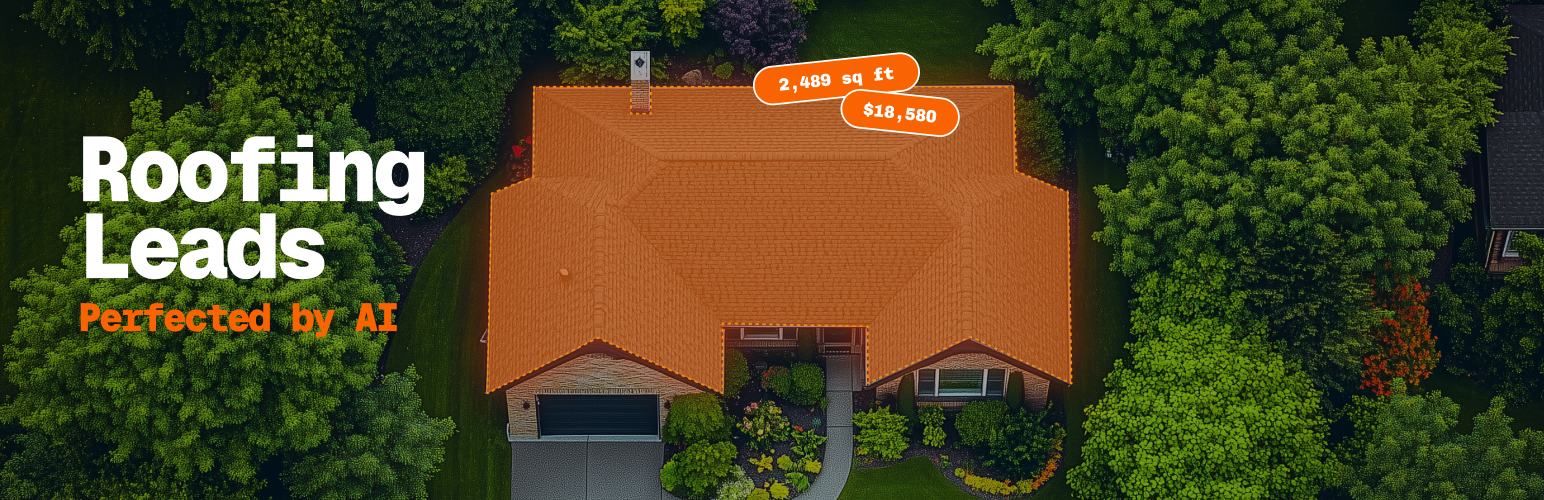
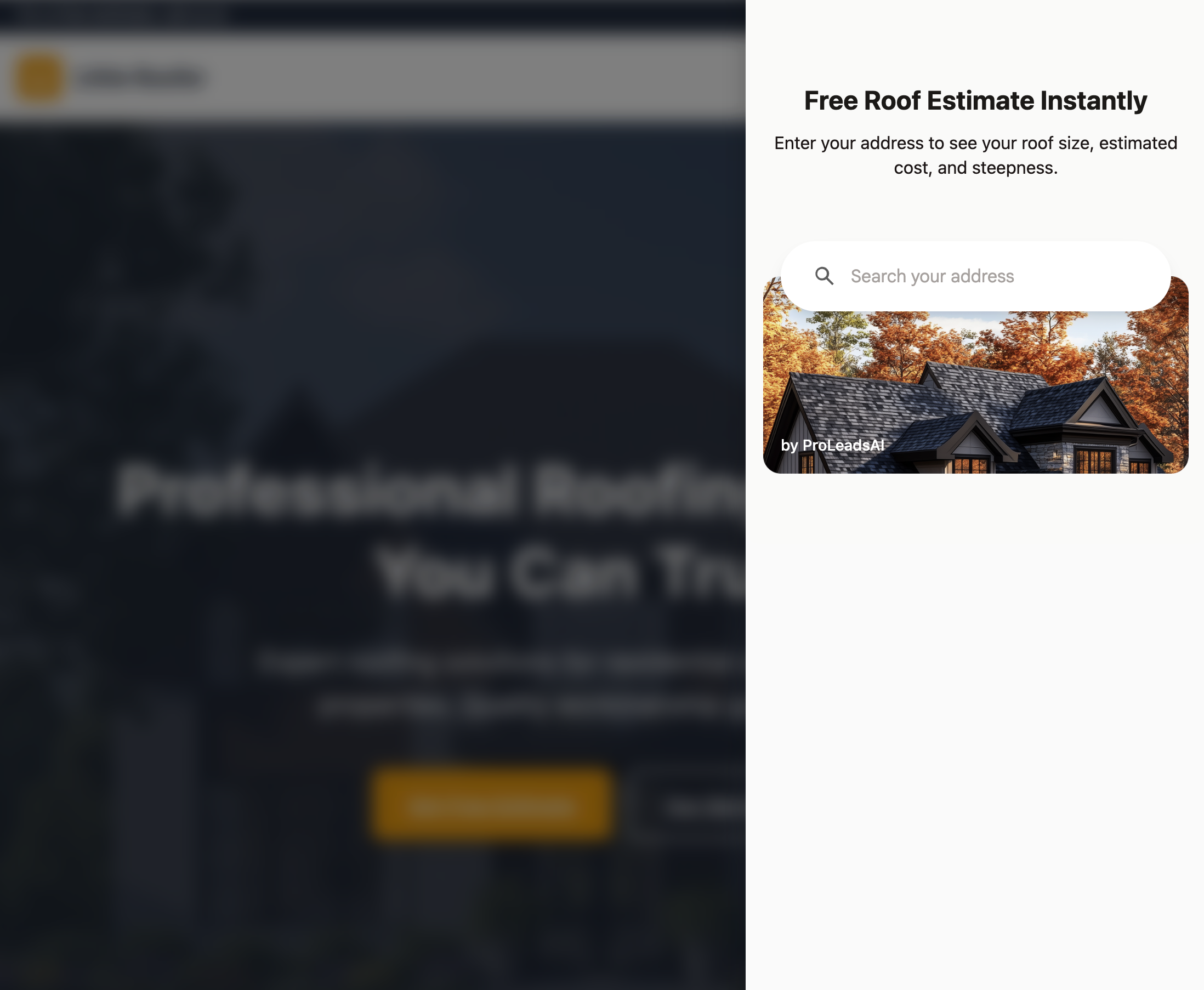
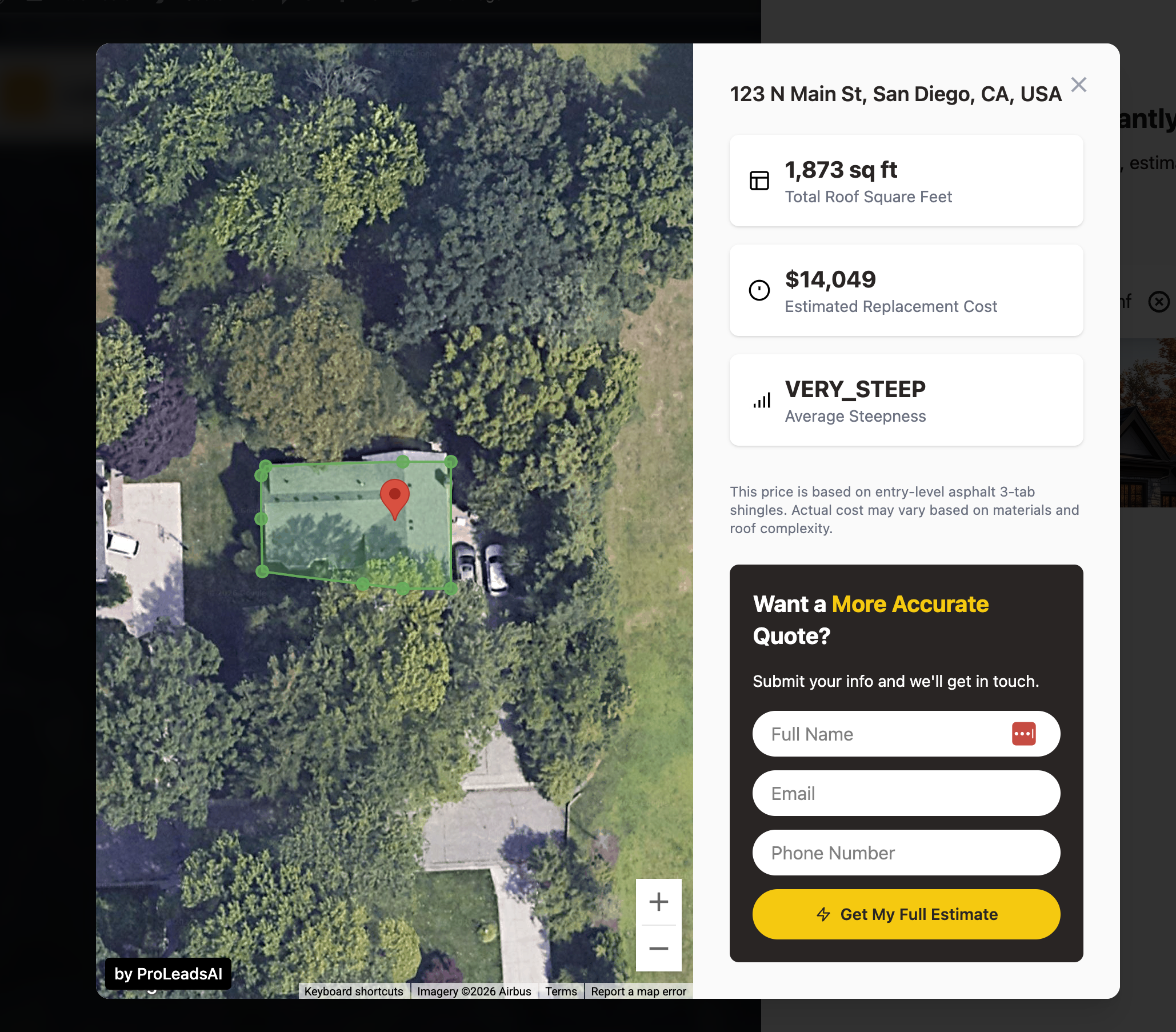
ProLeadsAI adds a powerful roof estimation tool to your WordPress site. When visitors enter their address, they instantly see:
External Services
This plugin connects to the following external services:
ProLeadsAI API (https://app.proleadsai.com)
- Used for: User authentication, lead management, roof estimation data processing, and dashboard analytics
- Data sent: Address searches, lead contact information (name, email, phone), roof estimation requests
- When: During plugin setup, when visitors use the roof estimator, and when leads submit contact forms
- Terms of Service: https://proleadsai.com/terms
- Privacy Policy: https://proleadsai.com/privacy
- Used for: Default widget images and icons (house image, location icons)
- Data sent: None (static image assets only)
- When: When the widget loads and displays default images
- Terms of Service: https://proleadsai.com/terms
- Privacy Policy: https://proleadsai.com/privacy
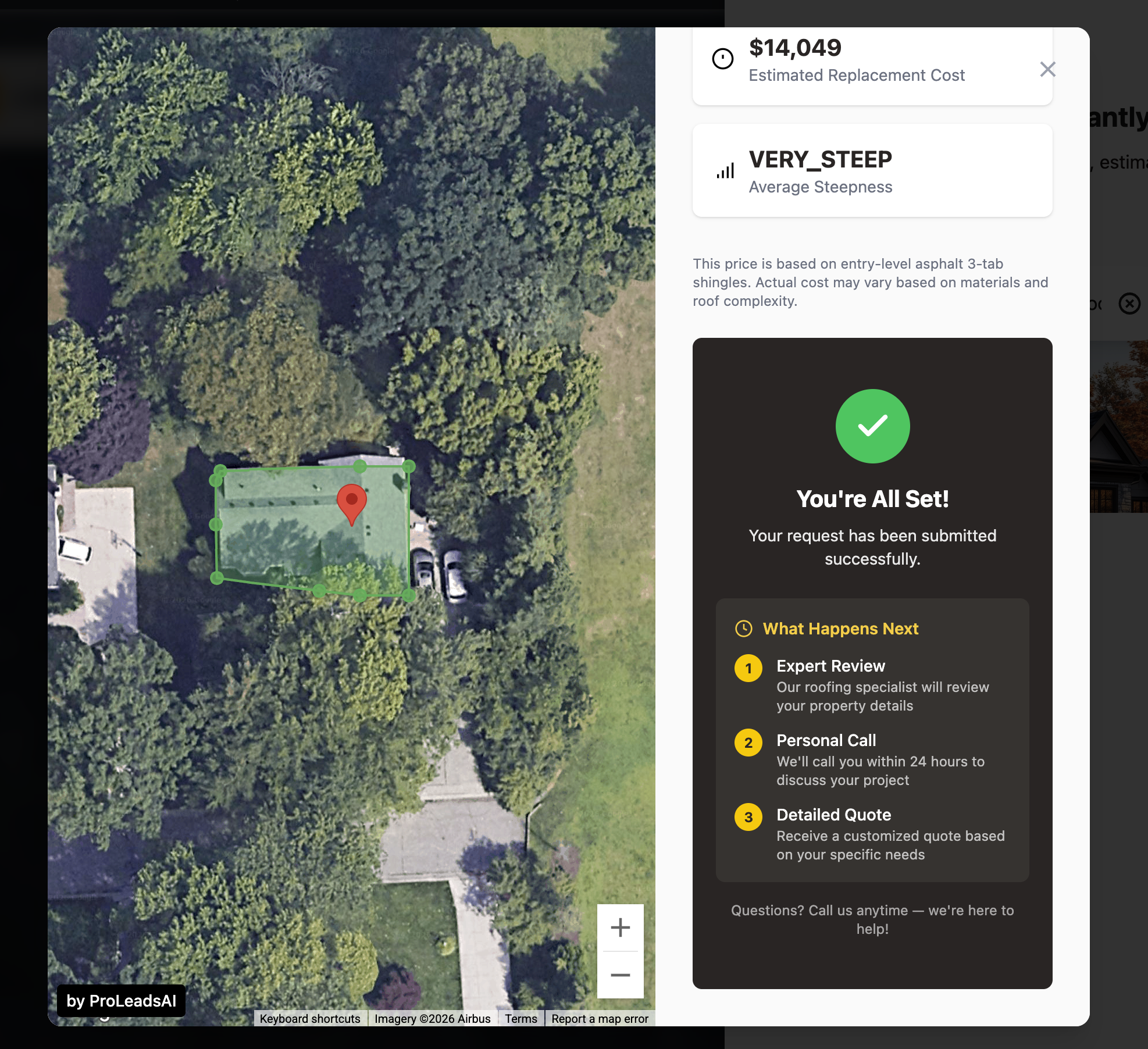
- Roof Area - Total square footage calculated from satellite imagery
- Cost Estimate - Based on your configured price per square
- Roof Pitch - Steepness classification (Flat, Low, Medium, Steep)
- Interactive Map - Visual roof outline overlay
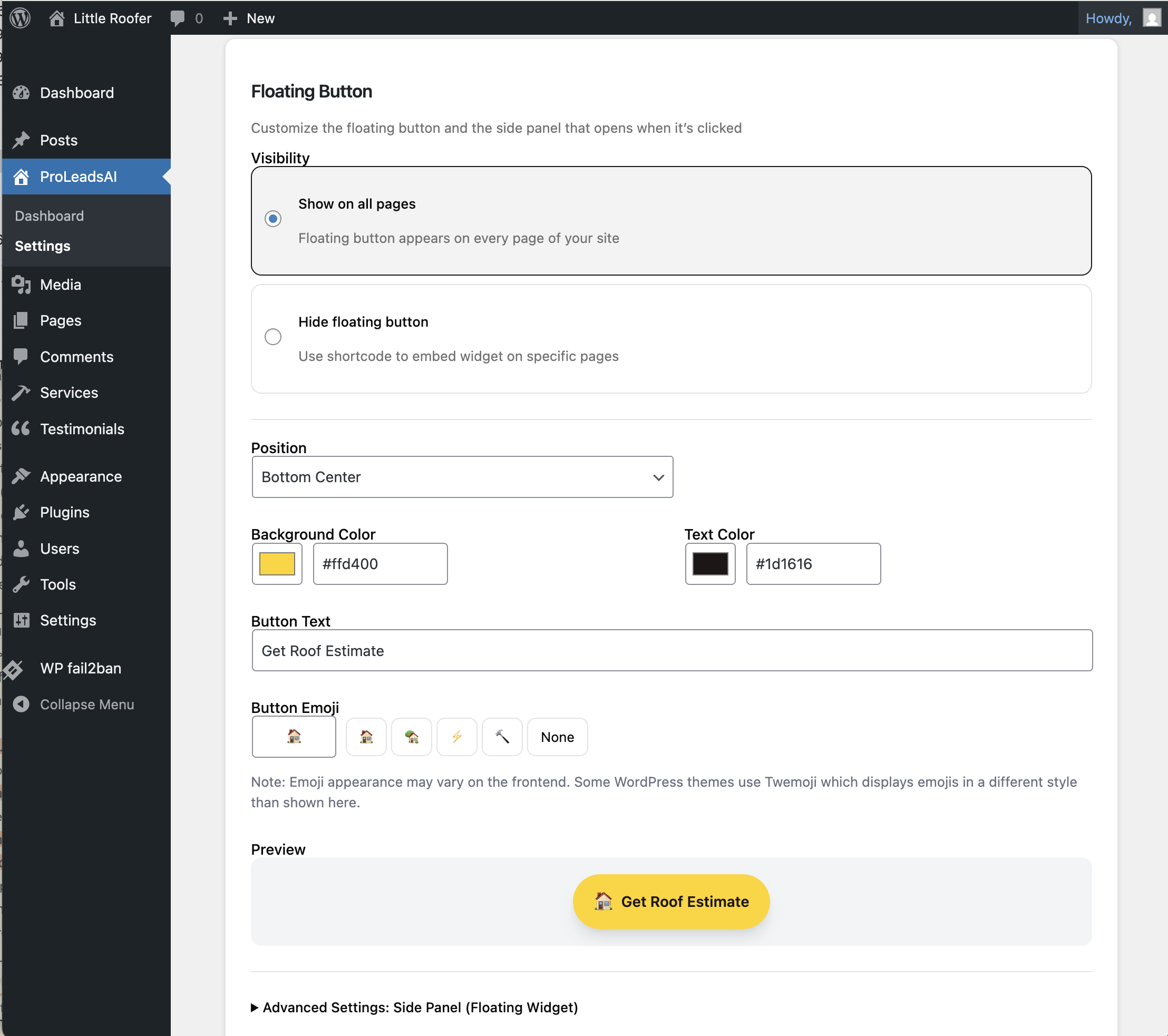
- Floating button or shortcode embed options
- Customizable colors to match your brand
- Mobile-responsive design
- Lead capture with contact form
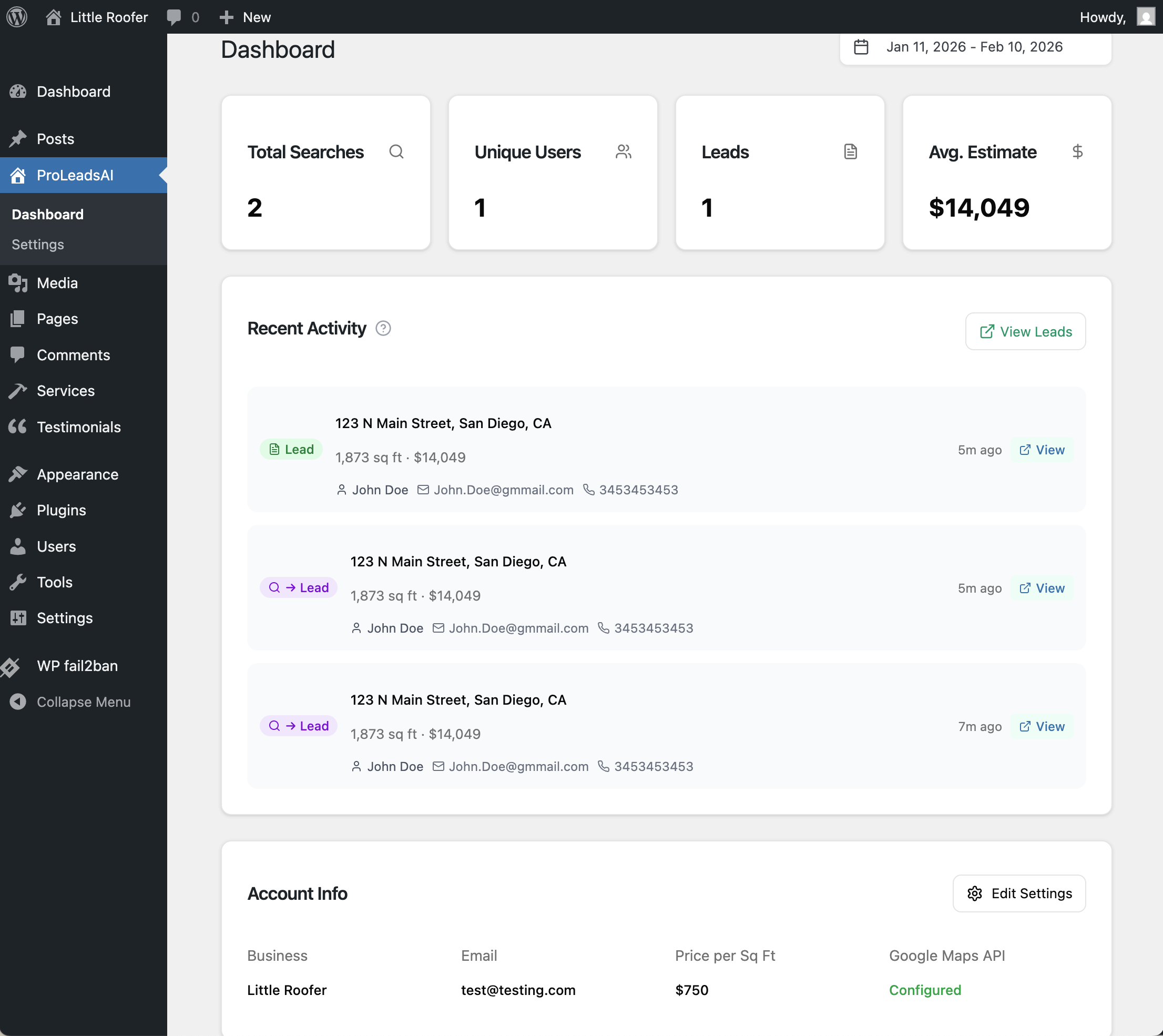
- Integration with ProLeadsAI dashboard for lead management
- ProLeadsAI account (free to create at proleadsai.com)
安装:
- Upload the
proleadsaifolder to/wp-content/plugins/ - Activate the plugin through the 'Plugins' menu in WordPress
- Go to ProLeadsAI in the admin menu to complete setup
- Create or connect your ProLeadsAI account
- Configure your price per square foot and appearance settings
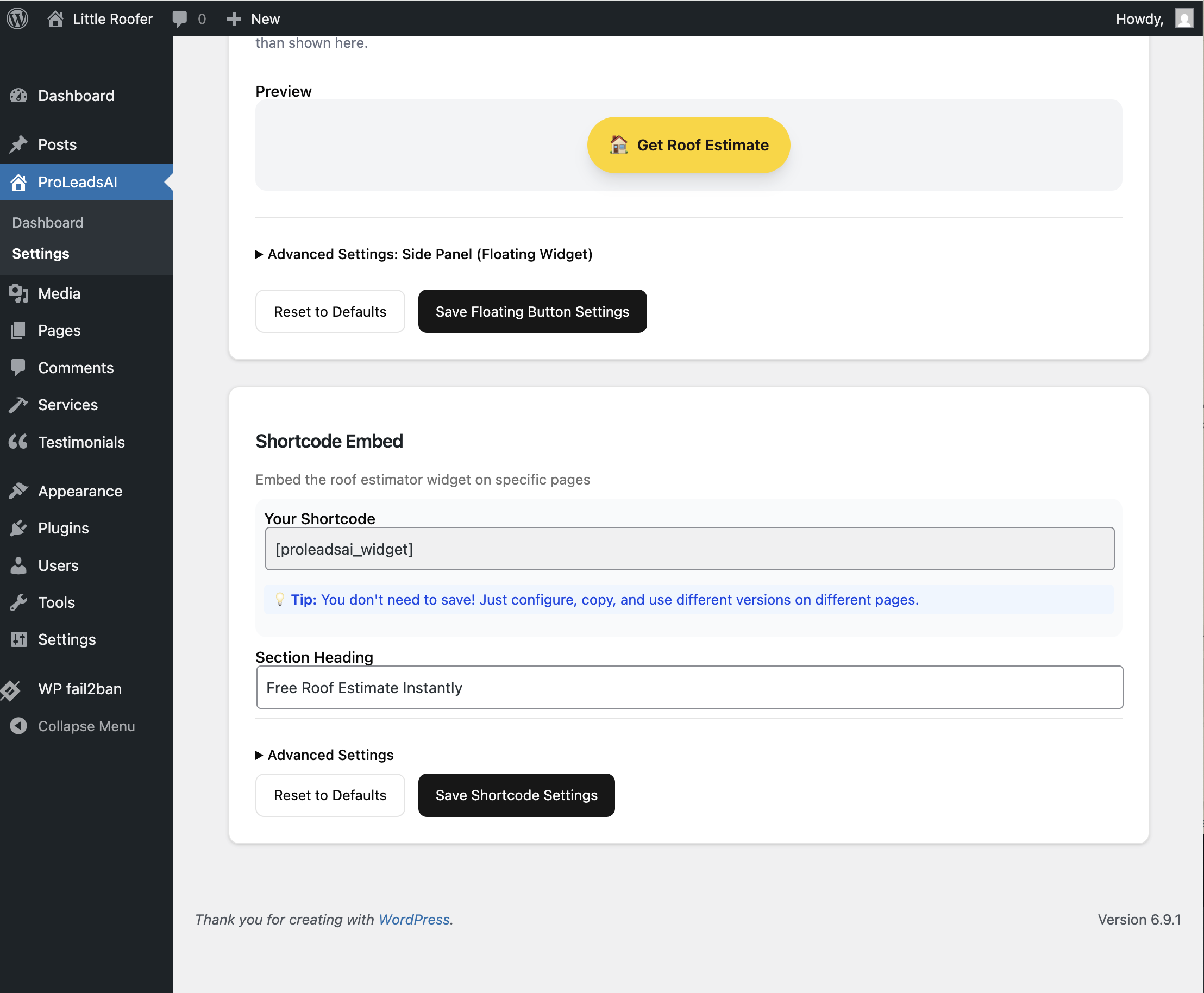
[proleadsai_widget]
Or with custom options:
[proleadsai_widget position="bottom-right" display="true"]屏幕截图:
常见问题:
Do I need my own Google Maps or Solar API key?
No. The WordPress plugin now uses the hosted ProLeadsAI iframe widget, so Google Maps and Solar API keys are handled by the ProLeadsAI application layer rather than configured in WordPress.
How accurate are the roof estimates?
Estimates are based on Google's satellite imagery data. They provide a good starting point but actual costs may vary based on roof complexity, materials chosen, and local labor rates.
Can I customize the widget appearance?
Yes! You can set primary and secondary colors, button position, and whether to show the floating button or use shortcode placement only.
更新日志:
1.0.0
- Initial release
- Instant roof estimates from address input
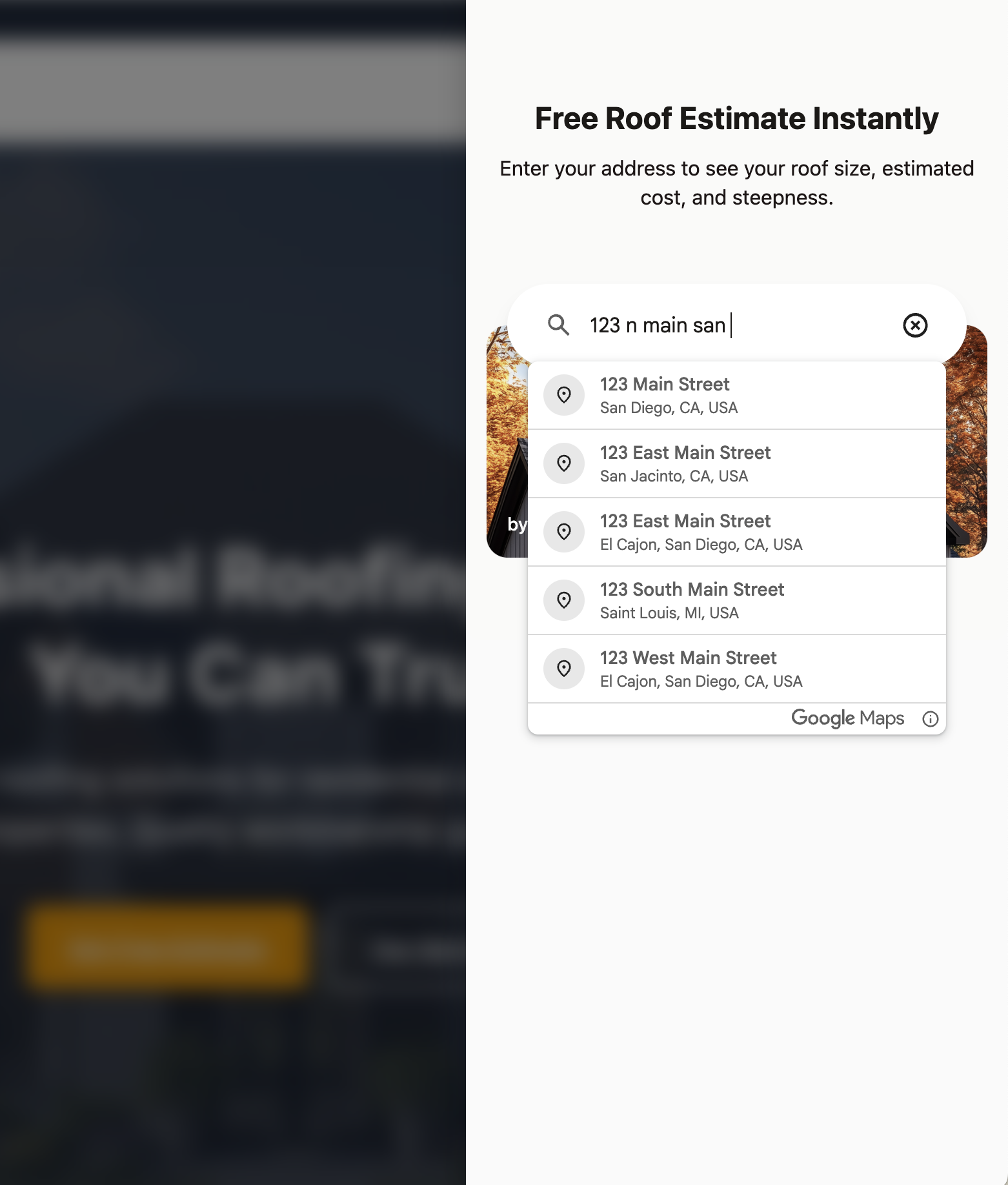
- Google Places autocomplete for address search
- Interactive satellite roof map with outline overlay
- Roof area, cost estimate, and pitch analysis
- Lead capture contact form
- Floating button widget with customizable position and colors
- Shortcode embed for placing the widget anywhere on your site
- WordPress admin dashboard for business and appearance settings
- Hosted iframe integration for public widget rendering