
ProofBlocks
| 开发者 | lukystile |
|---|---|
| 更新时间 | 2026年10月24日 07:14 |
| PHP版本: | 7.4 及以上 |
| WordPress版本: | 7.1 |
| 版权: | GPLv2 or later |
| 版权网址: | 版权信息 |
详情介绍:
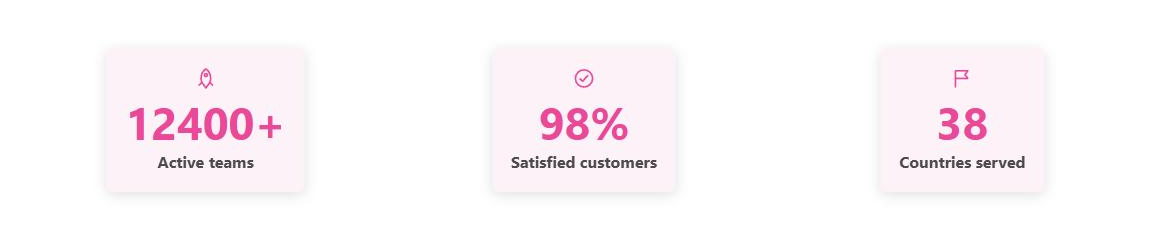
- Counter: a number that counts up when it scrolls into view, with a prefix and suffix (
$,+,%), adjustable speed, a label and an optional icon. Good for social proof such as customers served, projects shipped or years in business. - Countdown: a live countdown to any date, with your own message once it expires. Good for sales, launches and early-bird deadlines.
- WooCommerce sale countdown (optional): count down to when a product's sale really ends, read straight from the product (or one of its variations) instead of a date you type in. When the sale ends or changes, the countdown follows, even on cached pages. When there's no running sale, the block hides itself or shows your expired text. It never invents a deadline.
- WooCommerce stock counter (optional): show how many of a product (or one variation, or all variations together) are really left, e.g. "Only 7 left". It follows your stock, even on cached pages. When stock isn't tracked or the product sells out, the block hides itself or shows your own text, such as "Sold out". It never invents a number.
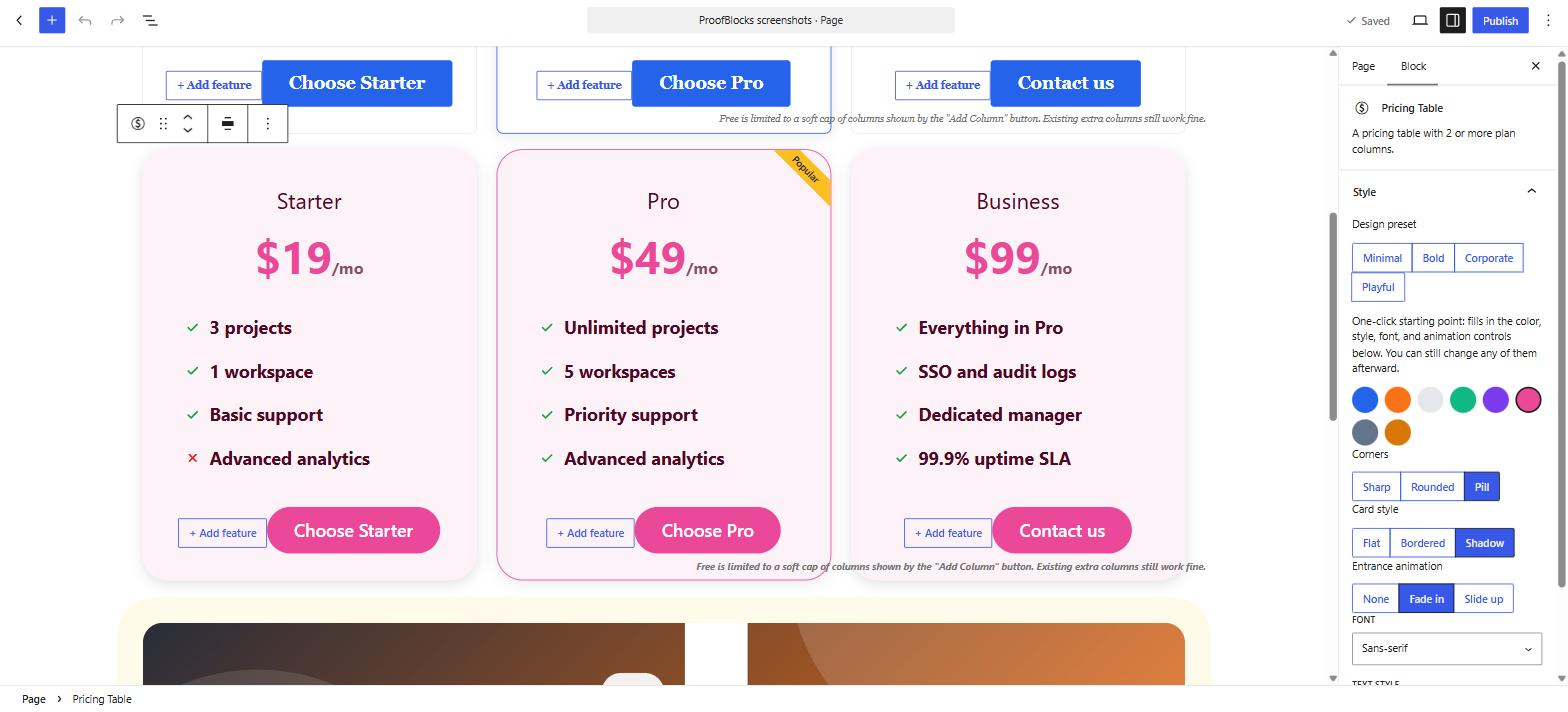
- 4 design presets (Minimal, Bold, Corporate, Playful) that set a matching style in one click. Everything stays editable afterwards.
- 8 colour presets shared across all three blocks, so your pricing table, banner and counters always match.
- Card shapes and styles: sharp, rounded or pill corners, with flat, bordered or shadow cards.
- Typography: use your theme's font or pick sans-serif, serif, monospace or bold condensed, plus normal, bold, uppercase or italic text styles.
- Entrance animations: fade in or slide up as the block scrolls into view.
- No page builder. These are real Block Editor blocks that work in the Post Editor and the Site Editor (block themes).
- Assets load only where they're used. A page without a ProofBlocks block loads none of its CSS or JS.
- No external services and no tracking. Nothing leaves your site.
- Your content is safe. Block content is stored as standard post content. If you ever deactivate the plugin, the text stays in your pages.
- Developer-friendly. A documented set of filters and actions lets you add colour sets, banner layouts, counter icons and custom markup.
安装:
- Install ProofBlocks from Plugins → Add New, or upload the
proofblocksfolder to/wp-content/plugins/. - Activate the plugin through the Plugins screen.
- Open any post or page in the Block Editor (or the Site Editor) and search for "Pricing Table", "Banner" or "Counter" in the block inserter.
- Pick a design preset in the block's Style panel and start editing.
屏幕截图:
常见问题:
Do I need WooCommerce?
No. WooCommerce is only needed for the optional sale countdown and stock counter. Without it, every block works as usual and those options simply aren't offered.
Will the sale countdown or stock counter be wrong on a cached page?
No. The page loads with the sale end date and stock it was cached with, and the block then checks your site for the current values and corrects itself if the sale or stock changed since.
My store hides stock amounts. Will the stock counter show them?
No. If WooCommerce → Settings → Products → Inventory → "Stock display format" is set to never show the amount, ProofBlocks respects that: the stock counter shows its fallback instead, and the block editor tells you why.
Is the free version limited?
No. All three blocks and every feature listed in the description work without restrictions. ProofBlocks Pro is an optional add-on for extra layouts and effects.
Does this work with the Site Editor and block themes?
Yes. All three blocks work in both the Post Editor and the Site Editor.
Does this plugin slow down my site?
No. Each block's CSS and JS is loaded only on pages where that block is actually present, using the Block Editor's built-in asset loading.
Can I make the blocks match my brand?
Yes. Start from one of the 8 colour presets and 4 design presets, then adjust shape, card style, font and text style per block. Developers can register their own colour sets through a filter.
What happens to my content if I deactivate the plugin?
The block content stays in your pages as standard HTML and doesn't disappear. It loses its styling until the plugin is reactivated, which is standard Block Editor behaviour.
Does uninstalling delete anything?
By default, nothing. If you want the plugin's settings removed when you delete it, turn that on under Settings → ProofBlocks. Block content in your pages is never removed either way.
更新日志:
- Counter can now show how many of a WooCommerce product are really left in stock. Pick a product (or leave it empty to use the product the block is on), and optionally a single variation. For a variable product, the default is all variations added together.
- When there's no stock count (stock not tracked, sold out, a variation without stock tracking, or WooCommerce inactive), the block hides itself or shows a text of your choice, e.g. "Sold out". It never falls back to a made-up number.
- The stock is re-checked live on page load, so the counter stays correct on cached pages. It's shown as is, without the count-up animation.
- Respects WooCommerce's "never show stock amounts" setting.
- For developers: the
proofblocks/v1/wc-product/{id}endpoint now also returnsstock, and aproofblocks:stockevent fires whenever a stock counter's value is set.
- Countdown can now count down to when a WooCommerce sale ends, taken from the product's own sale schedule. Pick a product (or leave it empty to use the product the block is on), and optionally a single variation. For a variable product, the default is whichever variation's sale ends first.
- When there's no running sale with an end date (not on sale, no end date, sale not started yet, or WooCommerce inactive), the block hides itself or shows its expired text, your choice. It never falls back to a made-up date.
- The sale end date is re-checked live on page load, so the countdown stays correct on cached pages.
- Declares compatibility with WooCommerce's High-Performance Order Storage and Cart/Checkout blocks (ProofBlocks doesn't touch orders or checkout).
- For developers: new
proofblocks_counter_wrapper_attributesfilter and aproofblocks:countdownevent fired whenever a countdown's target date is set.
- Fixed the Wide/Full alignment set on a Pricing Table or Banner in the editor being ignored on the frontend - both blocks now keep their
alignwide/alignfullclass. - Fixed the Banner being 64px wider than its container (its padding was added on top of its width), which pushed it out of line with the surrounding content and past the Wide/Full width.
- Fixed a long Counter number being split across two lines mid-digit when the Counter sits in a narrow column (for example inside a Columns block).
- New "Position" control for the Counter block (Left/Center/Right), measured from the edges of your theme's content column so it lines up with the text and blocks around it. Previously the Counter sat at the far left of the full page width with no way to change that.
- Fixed the Counter block shipping with no CSS at all (editor or frontend) - its build entry point never imported its own stylesheet, so an unstyled Counter (most visible with Pro's "ring" style, which stretched to an enormous unconstrained square) fell back to browser defaults instead of the block's real layout.
- Refreshed the Minimal, Bold, Corporate, and Playful design presets to match new reference mockups: Minimal now uses Rounded corners with a Bordered card (previously Sharp/Flat); Corporate now uses the Serif font; Playful now uses the Rose Pink color preset (previously Royal Purple) for a warmer, on-mockup palette.
- Design presets now also set the Banner's image layout and the Counter's icon position, so one click matches the reference composition (image-left/beside-number for Minimal and Corporate, image-top/above-number for Bold and Playful) instead of leaving those two controls untouched.
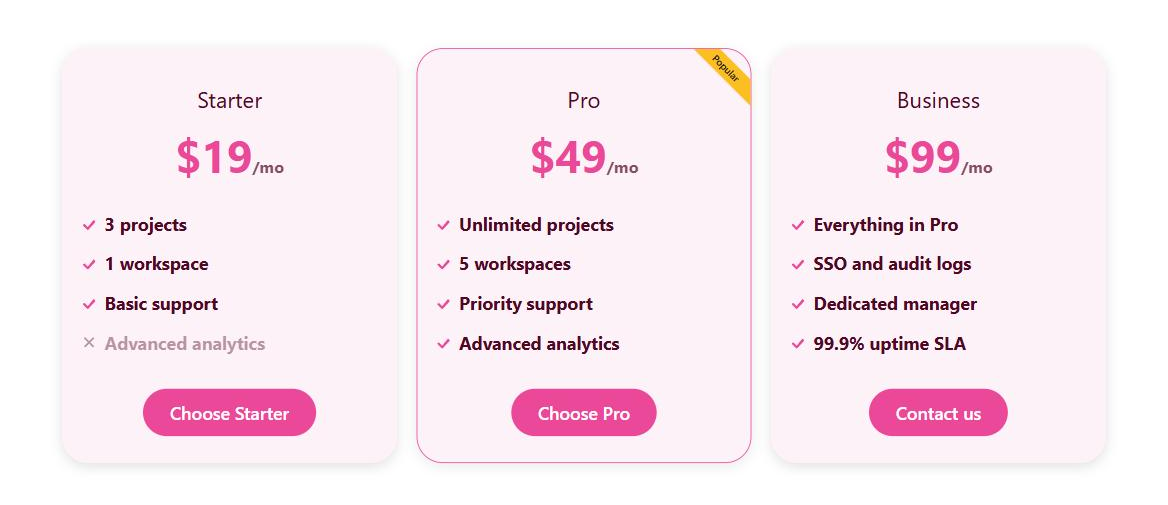
- Applying the Playful preset to a Pricing Table now switches every "Popular" column to the Ribbon highlight style (matching its mockup's corner ribbon); the other three presets keep the Border glow badge.
- First public release.
- Blocks: Pricing Table (with Pricing Column), Banner / CTA, Counter / Countdown.
- 8 shared colour presets and 4 one-click design presets (Minimal, Bold, Corporate, Playful).
- Card shape (Sharp/Rounded/Pill) and card style (Flat/Bordered/Shadow) controls.
- "Popular plan" highlight: border glow, ribbon or scale, with custom badge text.
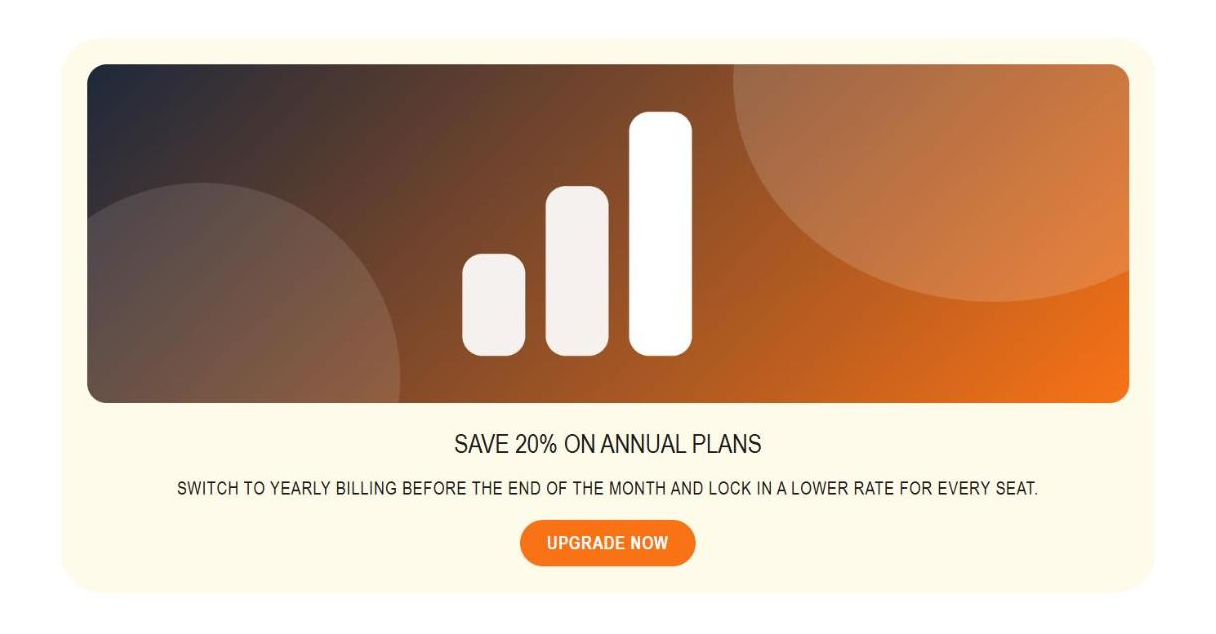
- Banner layouts (image left, right or top) with left/centre text alignment.
- Counter: 8-icon picker, icon position, prefix/suffix, adjustable duration; Countdown with custom expiry message.
- Entrance animations, font choice and text style presets for all three blocks.
- Initial release.