Protect Admin
| 开发者 |
tentenbiz
keystrokeclick |
|---|---|
| 更新时间 | 2026年10月23日 10:24 |
| 捐献地址: | 去捐款 |
| PHP版本: | 5.3 及以上 |
| WordPress版本: | 6.9 |
| 版权: | GPLv2 or later |
| 版权网址: | 版权信息 |
详情介绍:
This plugin protects selected WP Admin accounts, and standard posts created by those Admins, from being deleted or edited by other users. This plugin is hidden from all users other than the Admin who installs it. Only users with the "Administrator" role can be protected.
This plugin might be useful if you want to share admin access with other users (i.e. IT team, developers, etc) but don’t want to risk impacting the accounts of certain Admins. Or, perhaps you’re the developer or IT member who might need this plugin to prevent other non-technical Admins from accidentally deleting your account or key Admins on specific projects.
How It Works
- As soon as the plugin is activated, it will store the ID of the user that activates the plugin. The plugin will then be hidden from all users other than this user.
- You can choose which Admin accounts (yours or others) to protect. Only the Admin who activates the plugin can save its settings. Other users won’t see the Settings page or the menu.
- Once protected admin accounts are selected on the Settings page, other users and admins will NOT be able to:
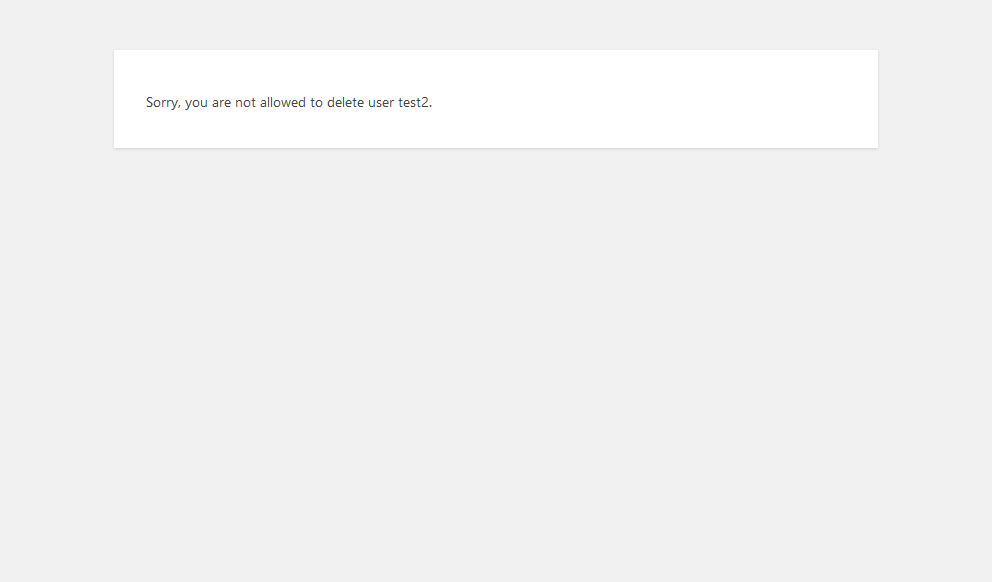
- delete the protected Admin accounts.
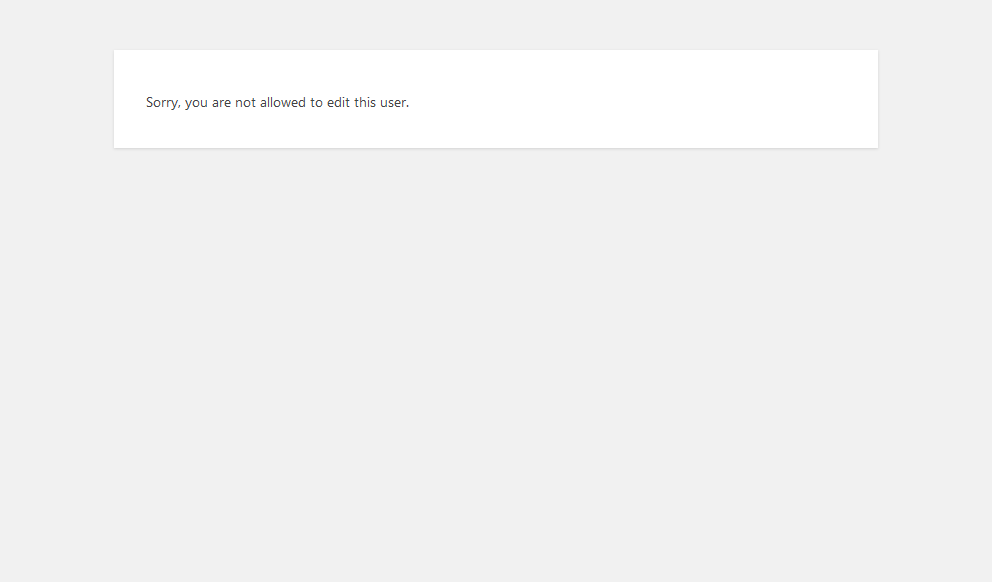
- access the profile edit page for the protected Admin accounts.
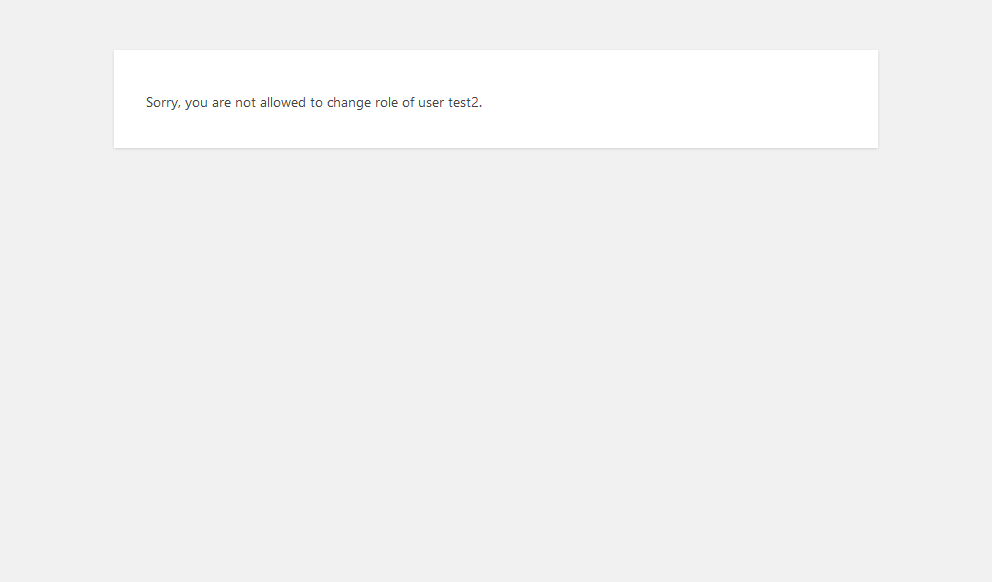
- change the role of the protected Admin accounts.
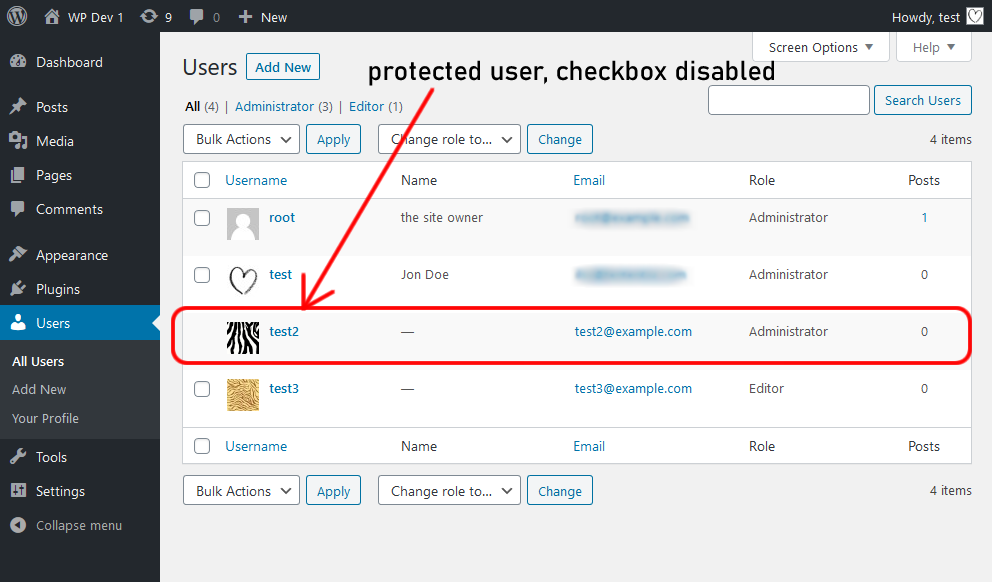
- select the protected Admin accounts in the bulk actions on users list page.
- Additionally, if other users or Admins, under unlikely circumstances, are able to access the user profile page of the protected Admin accounts using other plugins, this plugin will prevent any modifications from being saved.
- Similar to the above, if other users or Admins are able to change the protected Admin account’s email address via the Profile page, this plugin will revert it back to the original email address.
- Also, should someone attempt to edit a protected Admin’s account, the attempted action will be logged to the database. You can view recent attempts under Logs within the plugin’s section.
activate_plugins capability) will be able to see the plugin. It is advised to only deactivate the plugin when you feel safe to do so. Otherwise you can just enable or disable protection from the plugin’s Settings page.
If you want to be extra cautious (depending on your needs), you should also manually disallow file edit. This plugin doesn’t do that because some people might still need it.
define( 'DISALLOW_FILE_EDIT', true );
This plugin has NOT been tested with other user management plugins or role editor plugins. Hence its use alongside these types of plugins is not guaranteed to work as intended.
Email Notification
You can choose to get notified by email when someone attempts to modify your protected Admin accounts. Easily enable or disable email notification when you upgrade to Protect Admin PRO.
Protect Admin PRO
- Be the first to know when someone is attempting to modify your protected admin accounts.
- Get access to all logs and data of users who try to modify the protected admin accounts (the FREE version only records the most recent attempt).
- Protect standard posts and pages made directly by protected Admins.
- See more.
安装:
- Upload plugin folder to
/wp-content/plugins/directory, or install the plugin from your WordPress dashboardPlugins>Add New. - Activate the plugin.
- Go to
Users>User Protectionto configure the plugin.
屏幕截图:
常见问题:
How can I get a notification email when someone attempts to modify my protected admin accounts?
You have to upgrade to the PRO version.
How can I see who are attempting to modify my protected admin accounts?
Login to your site, and then go to Users > User Protection. The details are shown at the bottom of the option page.
Can I protect more than one administrator account?
Yes! Since version 0.2.0, you can protect more than just one admin account.
Can I translate this plugin to my language?
Yes! You can find .pot file inside the /languages directory in the plugin's root folder.
Does this plugin work on WordPress multisite?
This plugin has not been tested on WordPress multisite. It may or may not work on WordPress multisite.
How can I protect user with custom role or roles other than admin?
At this time, only user with administator role can be protected. This might change in future updates.
更新日志:
2.1.7
- Updated Freemius SDK to the latest version
- Compatibility check
- Fixed compatibility issue with newer WordPress versions
- Updated Freemius SDK
- Compatibility check
- Updated Freemius SDK
- Compatibility check
- Compatibility check
- Updated Freemius SDK
- Compatibility check
- Updated Freemius SDK
- Compatibility check
- Updated Freemius SDK
- Compatibility check
- Integrated Freemius affiliates system
- Compatibility check
- Fix: PHP Warning for strpos and str_replace functions
- Updated Freemius SDK
- Compatibility check
- Added new option to protect BuddyPress contents.
- Compatibility check
- Removed Activation section and "enable protection" checkbox.
- Removed Notification message
- Updated Freemius SDK
- Compatibility check
- Fix: Problem in Users admin page when no configured protected users yet
- Platform functionality integration
- Fix: Remove "delete" link on users table
- Fix: Translation warning messages
- Fix: Fails on saving empty checkbox
- Fix: Better new features admin notices
- New dashboard menu.
- Submenu admin pages for Settings and Logs.
- Option to protect posts created by protected admins from being edited or deleted.
- Updated translation file.
- Ownership updates.
- Updated translation file.
- Ownership change.
- Bug fixed: Existing log data not saving on options page.
- Updated translation file.
- Added ability to log to the database when someone attempts to edit the protected accounts.
- Added a section on the plugin option page where admin (plugin activator) can view the last 3 attempted actions.
- Updated translation file.
- Added new option for notification email.
- Updated translation (.pot) file.
- Added new action hook before wp_die instances.
- Assigned 3 useful arguments for new action hook thp_paa_before_termination_wpdie.
- Updated translation (.pot) file.
- Added an additional security check before updating options.
- Added function name check to avoid function name conflict.
- Added new option and ability to protect more than one admin account.
- Changed dropdown selection to tickboxes for list of admins on plugin setting page, now uses new array to store ID of protected users.
- Added additional sanitization on update options line code.
- Added .pot file for translation/i18n.
- Initial release.