ProveSource Social Proof
| 开发者 | provesource |
|---|---|
| 更新时间 | 2026年9月28日 18:25 |
| PHP版本: | 4.7 及以上 |
| WordPress版本: | 7.1 |
| 版权: | GPL-3.0-or-later |
| 版权网址: | 版权信息 |
详情介绍:
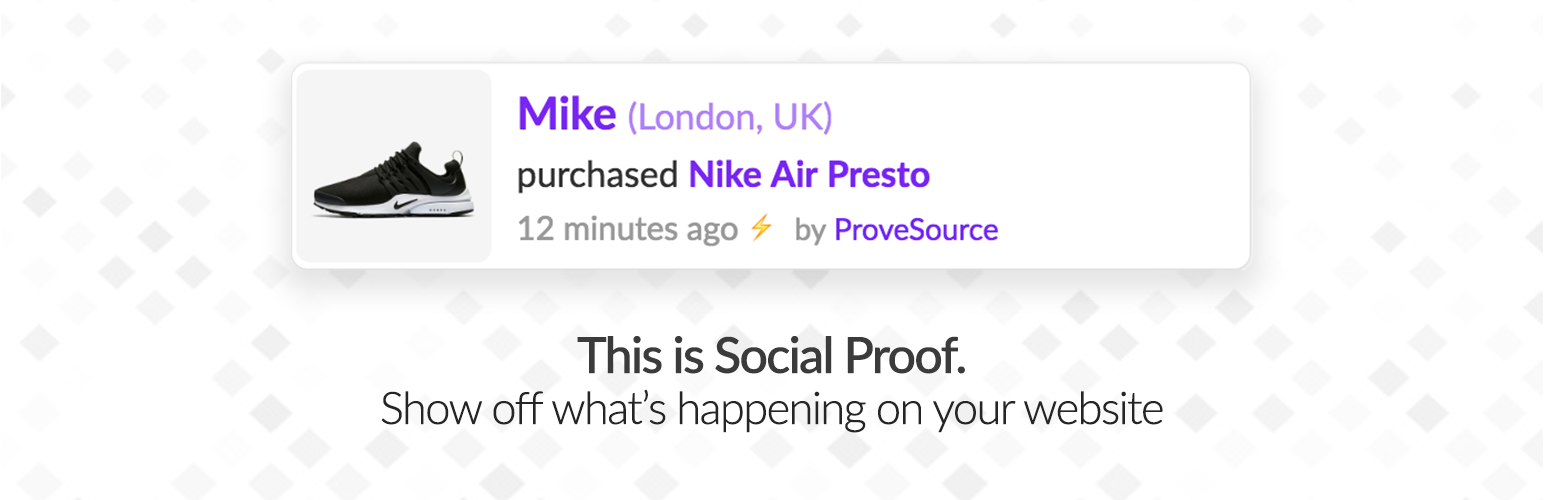
ProveSource is a social proof tool and FOMO app that boosts conversions on your WordPress and WooCommerce website.
Ever booked a hotel because it was selling fast and you did not want to miss out?
Ever gone to a restaurant because a friend recommended it?
That is social proof.
- Consumers trust what other people do more than advertising when they make buying decisions.
- Consumers who experience FOMO (fear of missing out) are more likely to buy sooner.
- Showing sales notifications and positive reviews has been shown to increase conversions by up to 17%.
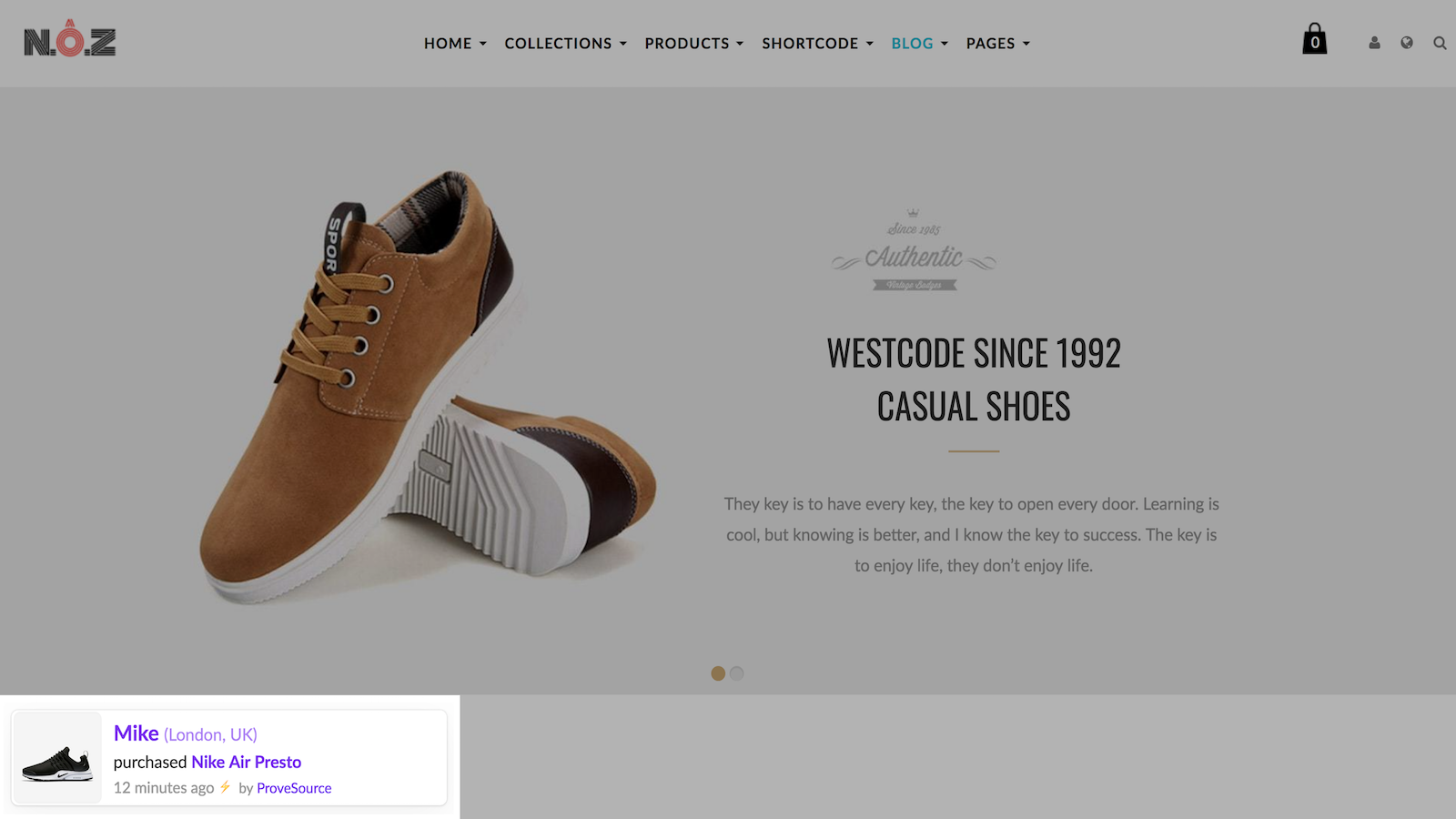
- Sales notifications that show recent orders to create urgency.
- Review notifications that show your real 5 star WooCommerce product reviews.
- Only real orders and reviews are shown, which builds trust.
- Customize the position, timing, colors, images and the pages each notification shows on.
- Optimized for mobile, shown at the top or bottom of the screen.
- Clickable notifications that take visitors to the advertised product.
- Translated into more than 22 languages.
- A subtle nudge style that fits your brand instead of an obtrusive popup.
安装:
- Install the plugin from the WordPress plugins screen, or unzip the plugin archive to
/wp-content/plugins. - Activate the plugin on the WordPress "Plugins" page.
- Select "ProveSource" in your admin sidebar.
- Click "Connect to ProveSource", log in or sign up, and approve your site. You can also paste the API key and webhook secret from the ProveSource dashboard settings page, accept the Terms of Service and click "Save".
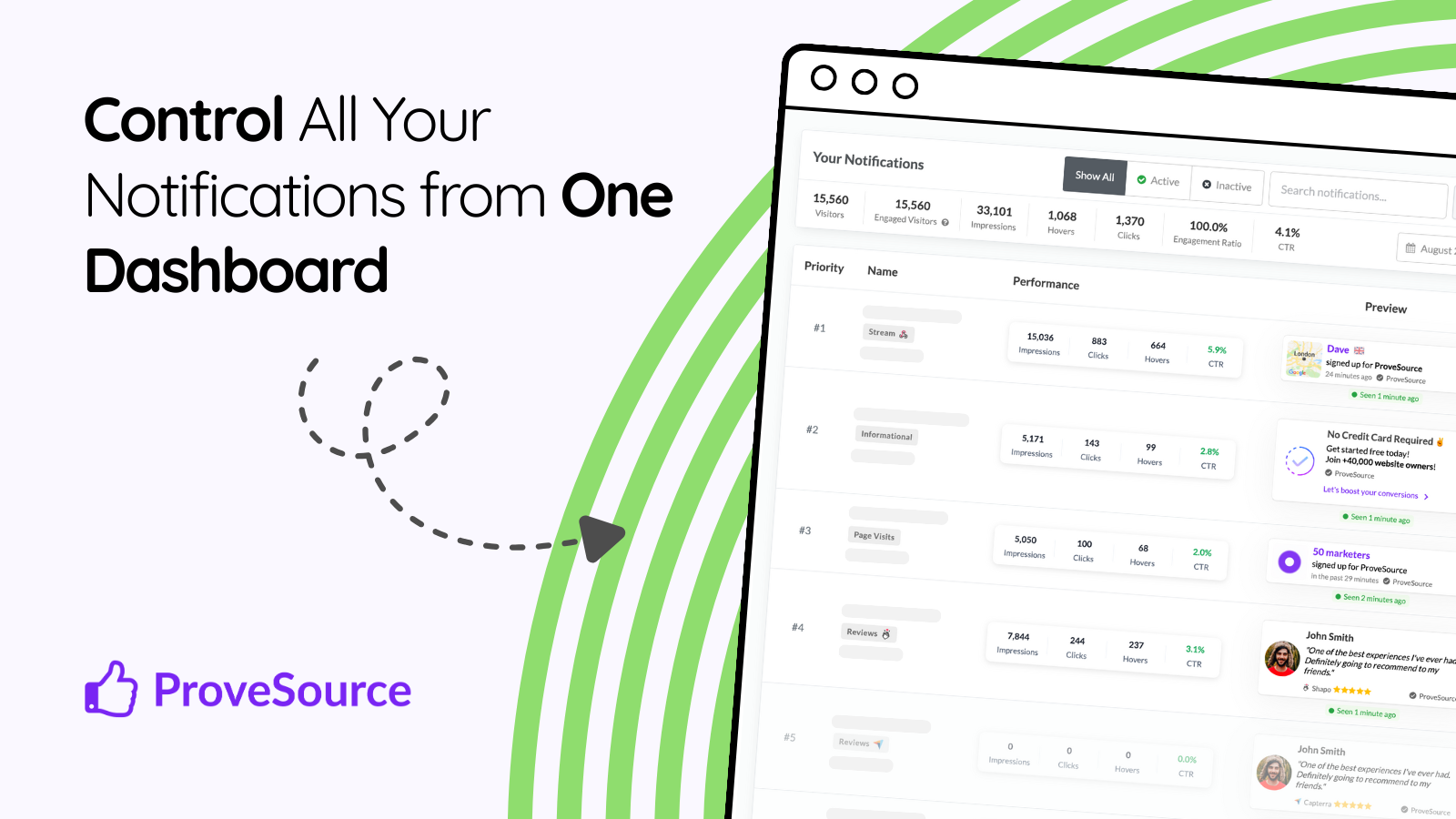
- In the ProveSource dashboard open "Quick create" and launch the recent WooCommerce orders notification, or click "New Notification" to build one step by step.
屏幕截图:
常见问题:
Which WooCommerce order events should I select?
Keep the recommended events. Each order is sent once, on the first selected event that fires, so selecting more events never creates duplicates. The recommended set (Checkout Order Processed, Order Status Processing, Order Status Completed and Payment Complete) also catches orders from one-page and funnel checkouts, express payment buttons, subscription renewals and orders created in the admin. Failed, cancelled and refunded orders are never sent. Orders are sent in the background by WooCommerce's Action Scheduler, which runs on WP-Cron. If WP-Cron is disabled on your site, make sure a server cron job runs it.
更新日志:
5.0.0
- Connect to ProveSource with one click: approve the site in the ProveSource dashboard instead of copying the API key and webhook secret
- Show WooCommerce product reviews as ProveSource review notifications, sent by the plugin with no extra keys
- Support the WooCommerce block checkout, "Checkout Order Processed" now covers classic and block checkout
- Send orders in the background with Action Scheduler, each order is sent once even when several events are selected
- New default order events (Checkout Order Processed, Order Status Processing, Order Status Completed, Payment Complete) catch orders from custom checkouts, express payments, subscription renewals and admin orders. Sites that kept the old default are moved to the new one
- Never send failed, cancelled or refunded orders, and skip unpaid orders when importing recent orders
- Warn on the settings page when background jobs are not running
- Send less personal data: no street addresses, phone numbers or IP lists, prices keep their cents
- Keep the debug log in the database instead of a public file, without order or customer data
- Error reports contain only the message, a short trace, versions and the order id
- Remove the unused analytics consent option, "Checkout Order Created" is replaced by "Checkout Order Processed"
- Clean up settings and notify ProveSource when the plugin is deleted
- Fix product image URLs on https sites, load admin styles and scripts only where needed, support network activated WooCommerce
- Enhance security with webhook secret field (required)
- Updated admin options for WP plugin guideline compatibility
- Update screenshots
- Add woocommerce event selector (multi select)
- Add option to import last 30 orders manually
- Add debug.log downloader for easier debugging
- Update WooCommerce HPOS compatibility
- Fix woocommerce checkout order action handler to support virtual products
- Fix woocommerce address inaccuracies
- Fix woocommerce fatal error on refunded order import
- Add more order capture options (thank-you, order complete, payment complete)
- Add debug toggle for log messages
- Add better order location check
- Fix initial setup to be called on first install (import past orders)
- Add WooCommerce past orders auto import (up to 30 recent orders)
- Fix WooCommerce product name to not include variant text
- Add more IPs lookup for location accuracy
- Add warnings about common 3rd party plugin incompatibility
- Update snippet to latest version
- Fix errors stopping orders from completion
- Fix api key collision with other plugins
- Tested with WordPress 5.3+ and WooCommerce 3.9+
- Added user first name and last name from registration
- Added notice about installation of plugin
- Added WooCommerce image URL https check and replace (mixed content warning)
- Added support for WooCommerce user register
- Added support for new user signup / register event for social proof
- Seamless, simple integration with all notification types supported, exclusive WooCommerce notification type.