Prozen Integration for Dzen
| 开发者 | fromgate |
|---|---|
| 更新时间 | 2026年9月7日 19:36 |
| PHP版本: | 7.3 及以上 |
| WordPress版本: | 7.1 |
| 版权: | GPLv2 or later |
| 版权网址: | 版权信息 |
详情介绍:
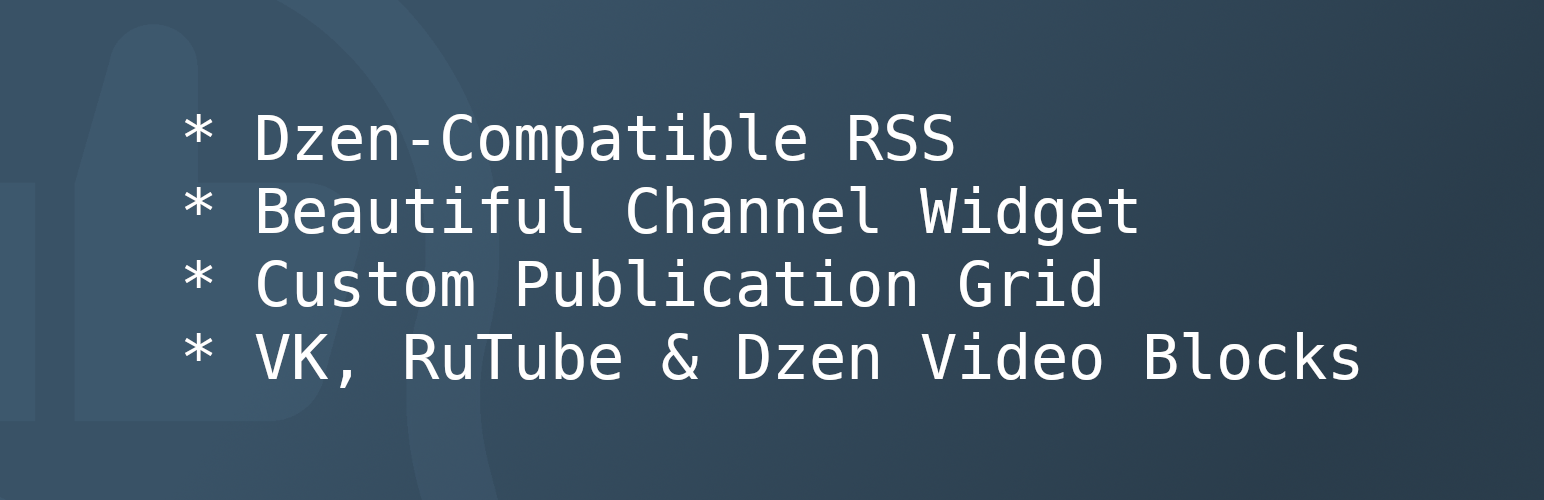
- export WordPress content to Dzen using a compatible RSS feed;
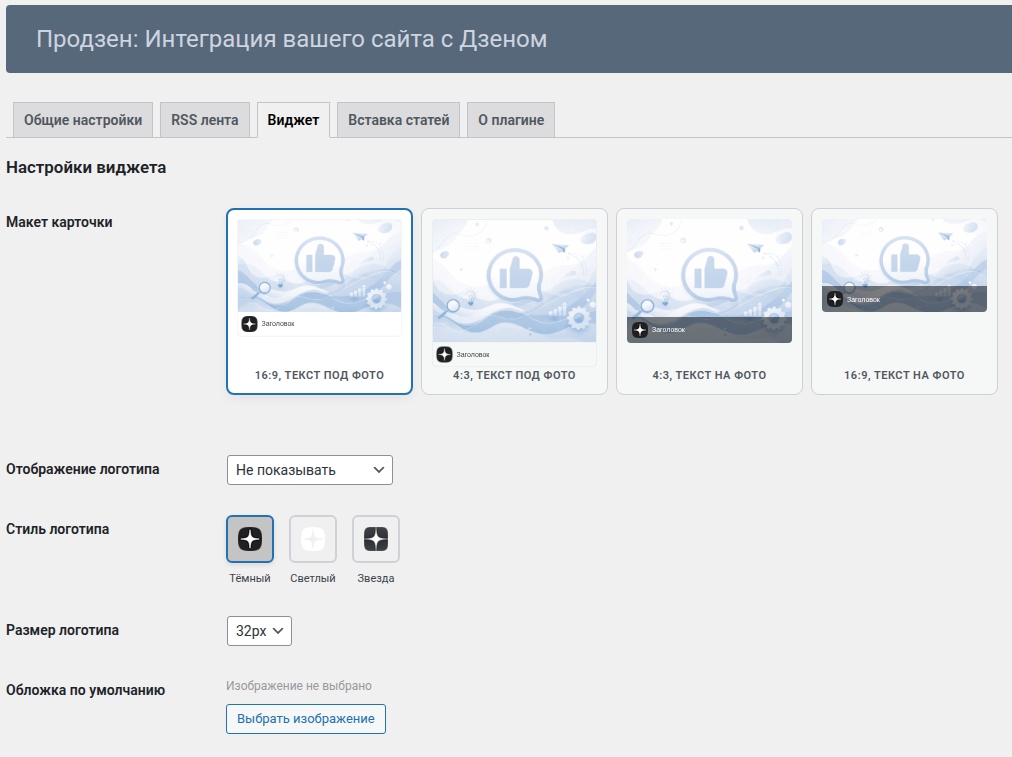
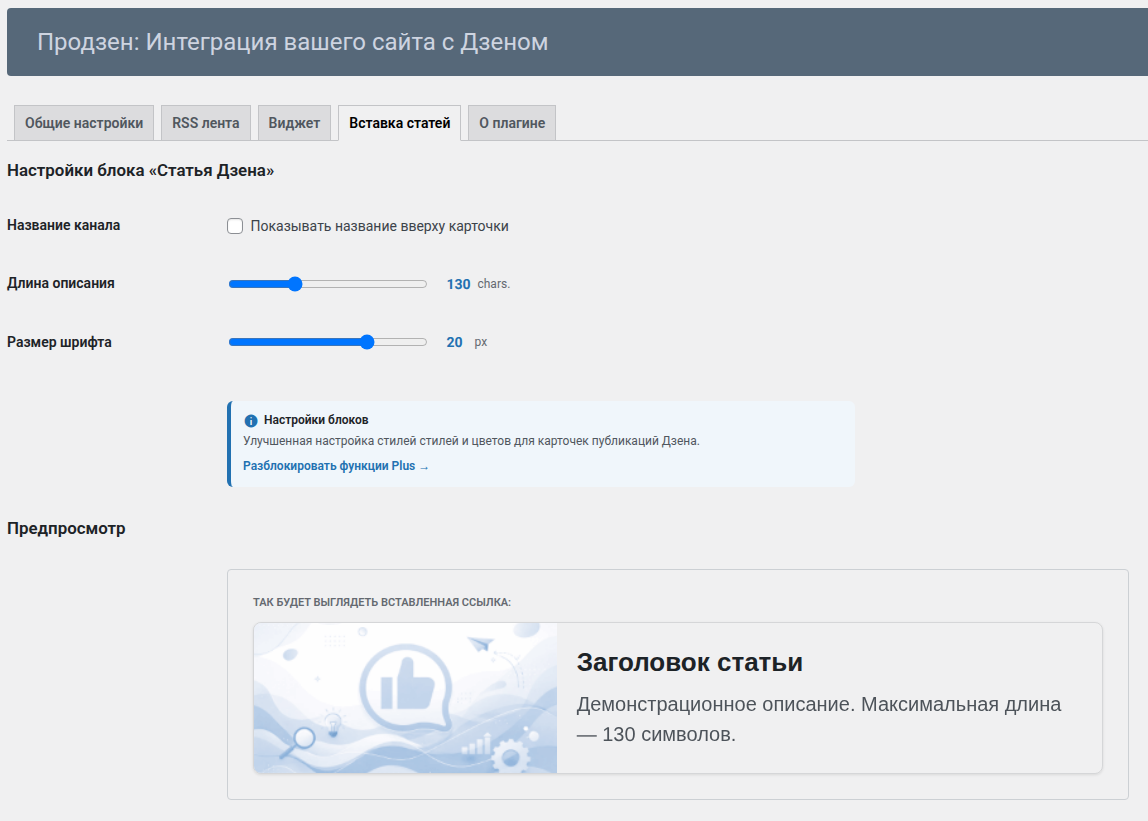
- display Dzen publications on your website;
- embed Dzen, VK Video, and RuTube videos using Gutenberg blocks.
安装:
- Upload the prozen folder to the /wp-content/plugins/ directory.
- Activate the plugin via the Plugins menu in WordPress.
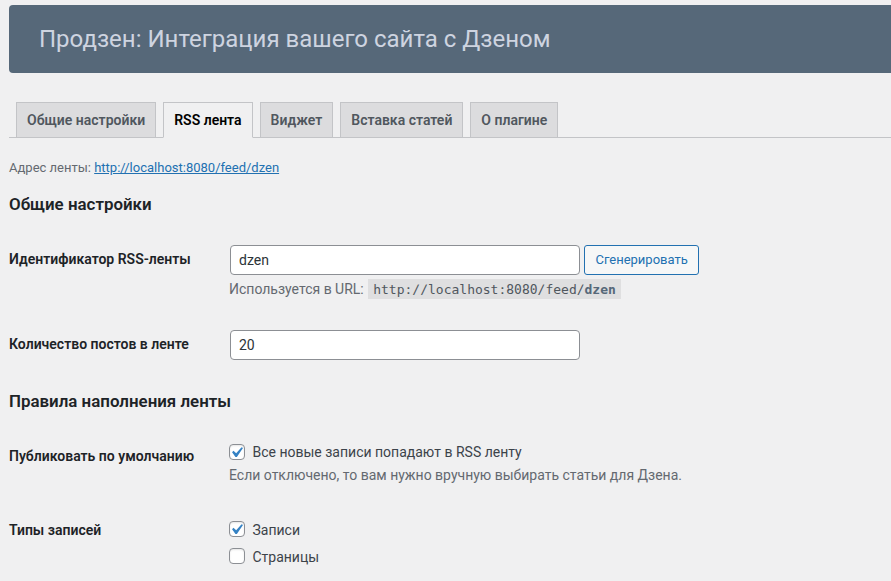
- Open Settings -> Prozen and configure your Dzen channel URL.
- The RSS feed will be available at: https://example.com/feed/dzen
屏幕截图:
常见问题:
Where can I find my Dzen channel URL?
Open your Dzen channel page. The URL usually looks like:
The RSS feed returns a 404 error
Go to Settings -> Permalinks and click Save Changes to refresh rewrite rules.
How does the plugin handle third-party blocks?
The plugin cleans the HTML code created by third-party blocks and looks for video metadata. If Dzen or YouTube video data is found, it automatically creates proper video blocks. For all other content, it broadcasts only Dzen-supported HTML into your RSS feed.
Dzen Support says my feed returns a 403 error. What should I do?
This error means your server's firewall or a security plugin is blocking Dzen's crawlers. Contact Dzen Support to get their official IP addresses and add them to your hosting or security plugin's whitelist.
RSS validators report errors in my feed. Is something wrong?
This is normal. Dzen requires a specific RSS format that general-purpose validators often flag as invalid. The only way to verify your feed is to add the URL to your Dzen channel settings and wait for the platform to accept it.
I placed a VK Video block in my article, but it was imported in Dzen as a link. What's wrong?
Dzen can import YouTube and Dzen video blocks from RSS feeds. VK Video and RuTube are not supported. If and when Dzen adds support for VK Video in RSS, I will update my plugin accordingly.
更新日志:
- Minor code update.
- Minor code update.
- Improved query performance for high-load websites.
- Updated the category picker renderer on the settings page.
- Tested compatibility with WordPress 7.0.
- Updated to support changes in the Dzen API.
- Updated rendering code of the text areas for settings page.
- Minor code update.
- Optimized caching for widget data.
- Fixed an issue with saving metabox settings in drafts.
- Fixed an issue where the RSS feed was not registered in some cases.
- Improved detection of video embeds within Custom HTML blocks.
- Update RSS namespaces for better compatibility with Dzen requirements.
- Added support for third-party video embed blocks in the RSS feed.
- Improved cleanup of technical metadata and comments in the feed.
- Fixed encoding issues in the RSS feed where text in certain server environments appeared as codes (like
Тест).
- Initial