PublishFlow Blocks
| 开发者 | mutuajose |
|---|---|
| 更新时间 | 2026年4月24日 08:27 |
| PHP版本: | 7.4 及以上 |
| WordPress版本: | 6.9 |
| 版权: | GPLv2 or later |
| 版权网址: | 版权信息 |
详情介绍:
PublishFlow Blocks is a focused Gutenberg plugin for serious publishing workflows.
Instead of shipping a generic block pack, the plugin adds four high-signal blocks that help editorial teams publish clearer, better-structured content:
- Editorial Checklist
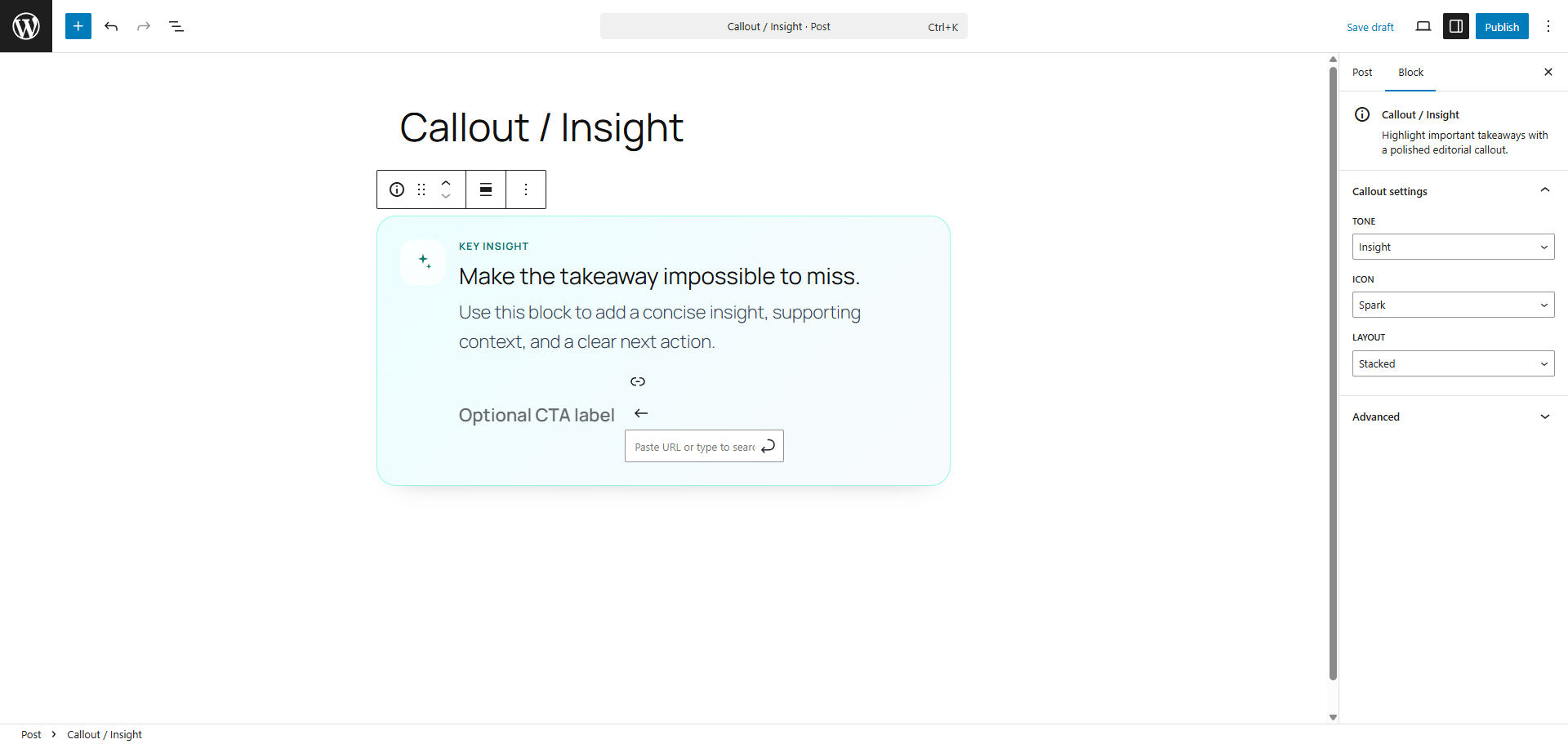
- Callout / Insight
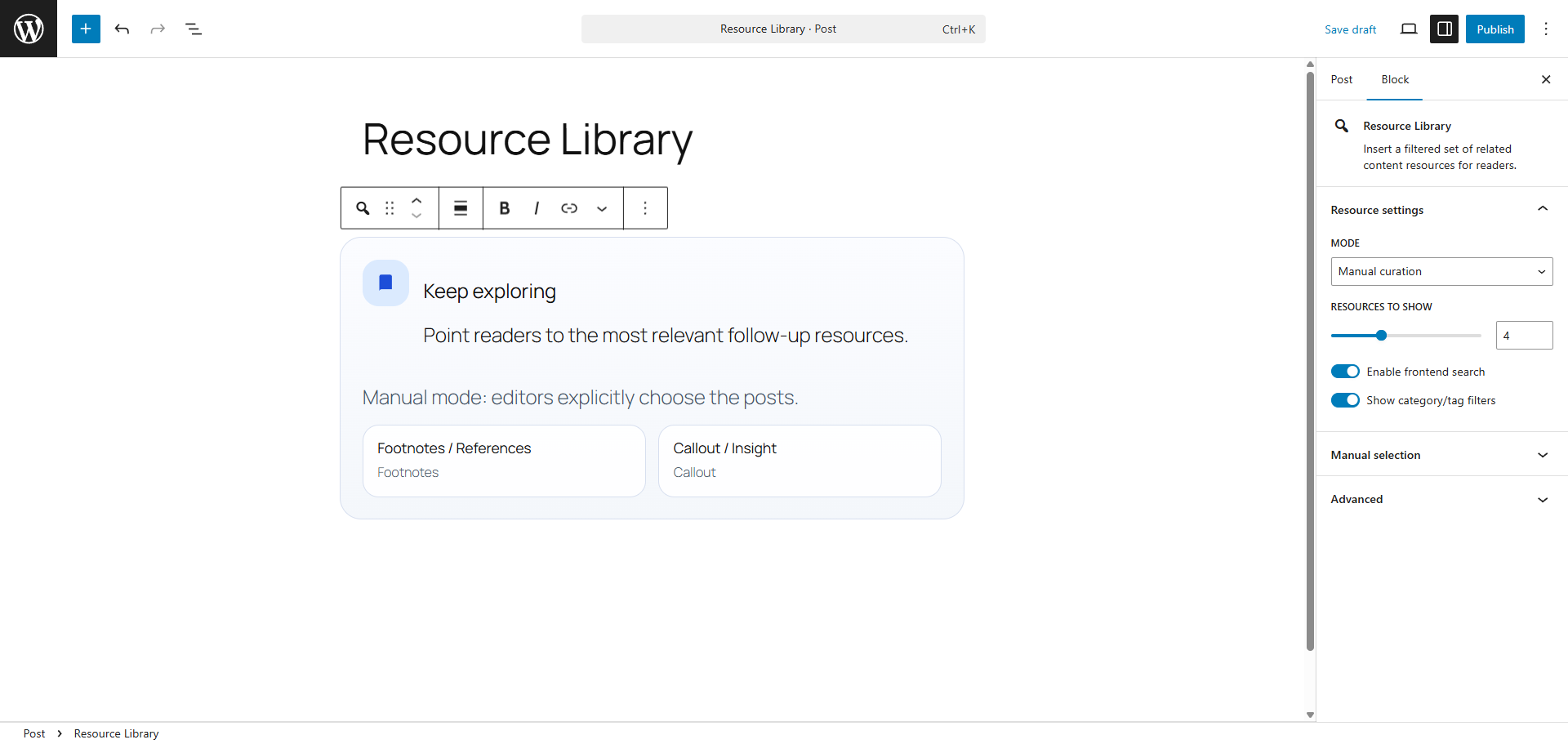
- Resource Library
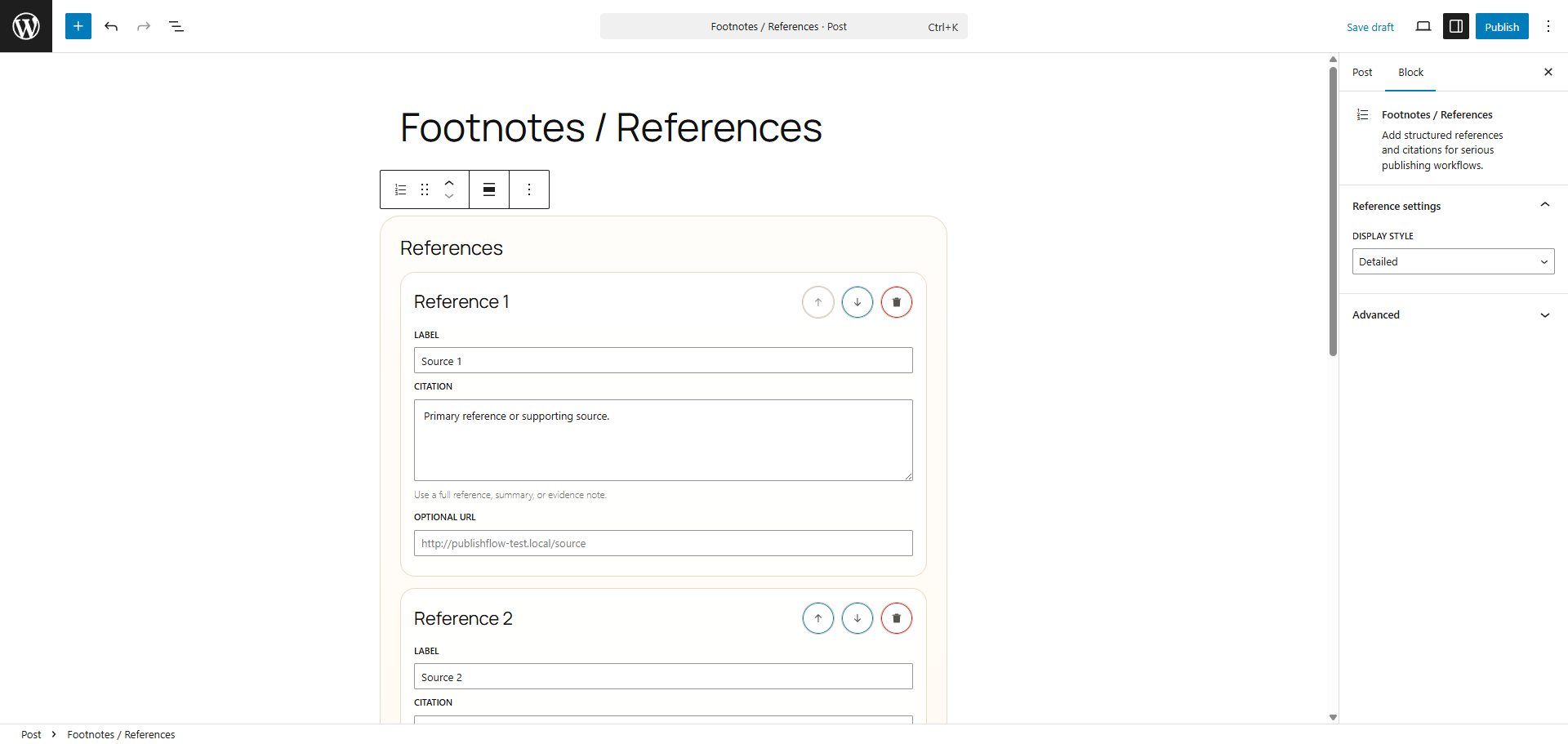
- Footnotes / References
- block.json-based registration for all blocks
- included source files and local build tooling for maintainable, human-readable code review
- polished editor controls built with Gutenberg components
- dynamic frontend rendering where markup stability matters
- Interactivity API support for live filtering in the Resource Library block
- accessibility-minded markup and keyboard-friendly controls
- i18n-ready strings and defensive data handling
- test coverage for shared behavior helpers
- Public development repository: https://github.com/Joseph-Mutua/publishflow-docs
- Human-readable source files are included in the plugin under
src/ - Compiled distributable assets are generated into
build/blocks/ - Build and validation commands:
npm install,npm run lint:publishflow,npm run test:publishflow,npm run build:publishflow
安装:
- Upload the
publishflow-blocksfolder to the/wp-content/plugins/directory, or install the plugin through the WordPress plugins screen. - Activate the plugin through the
Pluginsscreen in WordPress. - Open the block editor and insert any PublishFlow block:
- Use
Editorial Checklistfor pre-publish review. - Use
Callout / Insightfor key takeaways and optional calls to action. - Use
Resource Libraryto surface related posts with manual or query-based curation. - Use
Footnotes / Referencesfor structured citations and sources.
屏幕截图:
常见问题:
Does this plugin work with the Classic Editor?
No. PublishFlow Blocks is built for the block editor.
Does the plugin send data to external services?
No. The plugin does not depend on third-party APIs and does not track users.
Does the plugin load frontend assets from third-party CDNs?
No. Frontend scripts and styles are bundled with the plugin and registered through WordPress.
Where can I review the uncompiled source code?
The public development repository is https://github.com/Joseph-Mutua/publishflow-docs and the plugin also includes the human-readable source files in the src/ directory together with the build commands in package.json.
Which blocks are dynamic?
Editorial Checklist, Resource Library, and Footnotes / References use server-side rendering. Callout / Insight is saved statically.
Does the Resource Library support live filtering?
Yes. The frontend search experience uses the WordPress Interactivity API.
Does the plugin store data in post meta?
No. Block state is stored in block attributes so each block instance stays portable with post content.
更新日志:
0.1.0
- Initial release of the PublishFlow Blocks plugin.
- Added Editorial Checklist, Callout / Insight, Resource Library, and Footnotes / References blocks.
- Added Interactivity API behavior for resource filtering.
- Added JavaScript unit tests and release documentation.