Co-Authors, Multiple Authors and Guest Authors in an Author Box with PublishPress Authors
| 开发者 | |
|---|---|
| 更新时间 | 2026年4月10日 01:52 |
标签
下载
详情介绍:
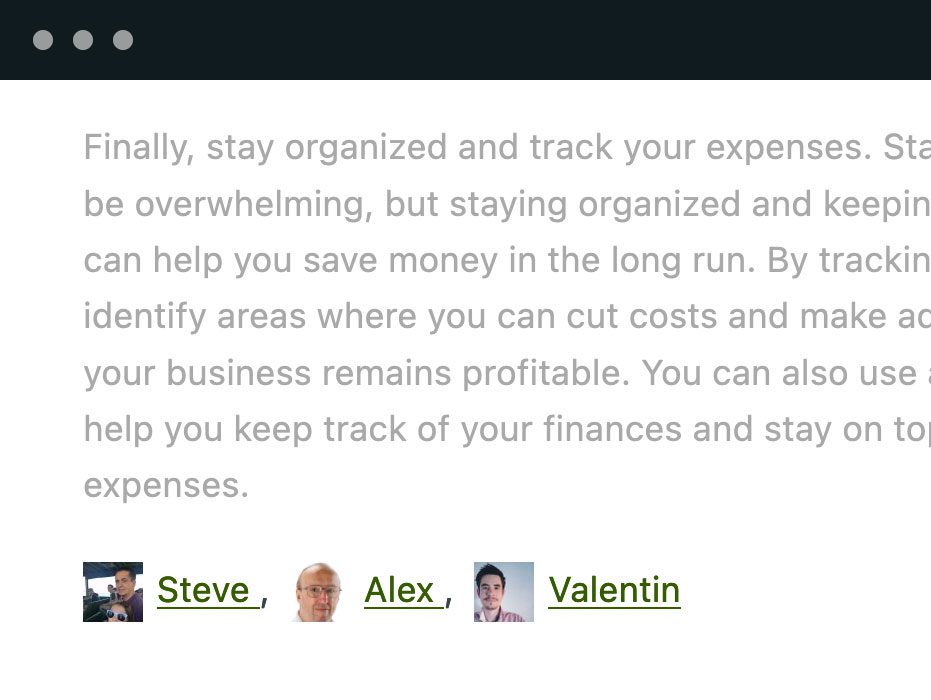
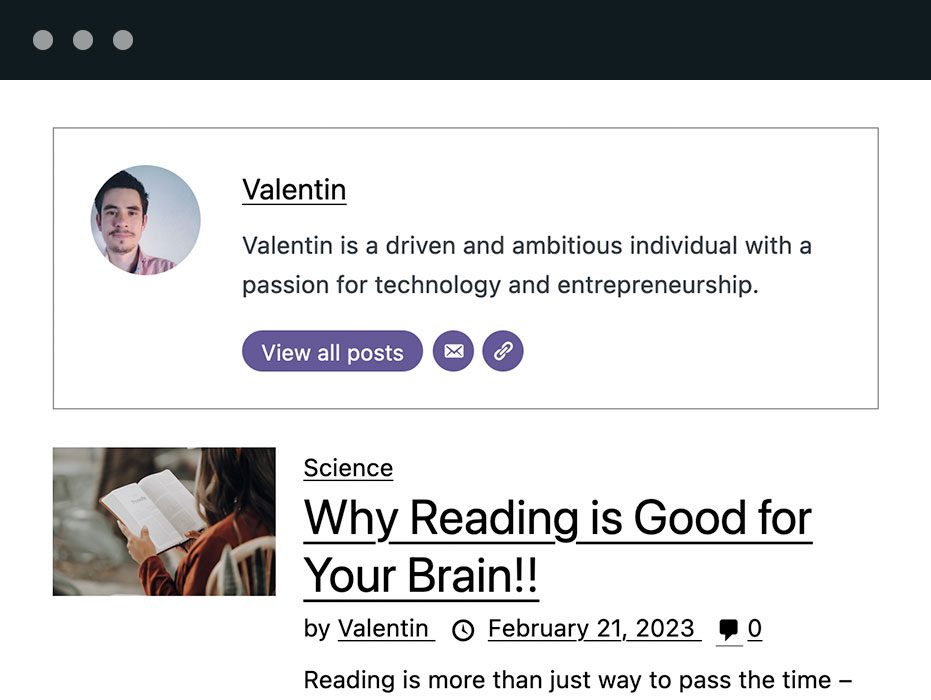
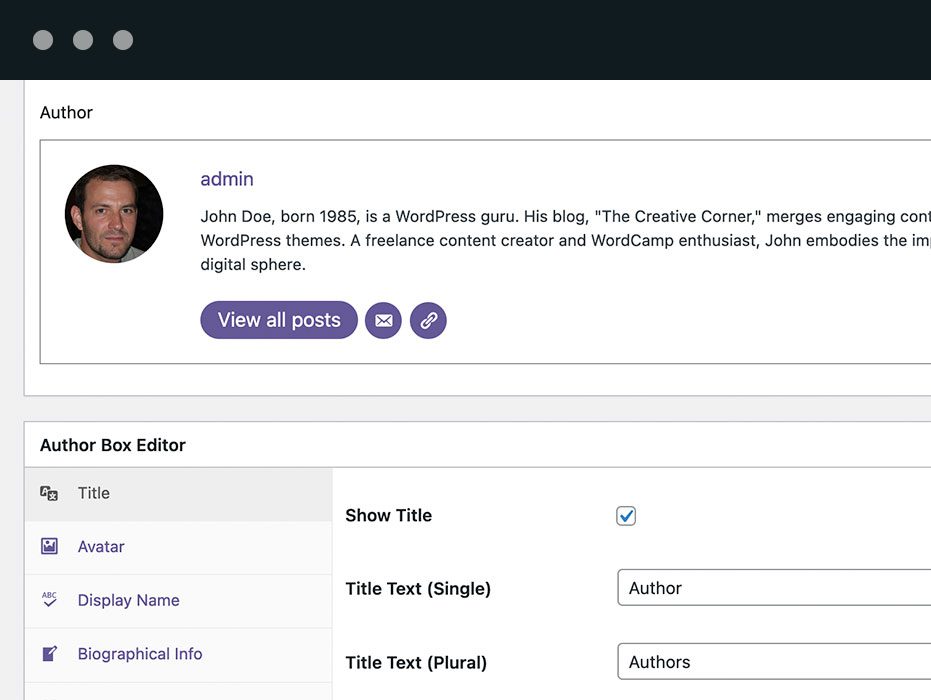
- Author Boxes. As soon as you install PublishPress Authors, you’ll see an author box under every post. You can add all the profile details you need for each author.
- Multiple Authors. By default, WordPress only allows one author per post. PublishPress Authors allows you to add an unlimited number of authors to each post. This is very useful if you have a busy site and need to manage and give credit to coauthors.
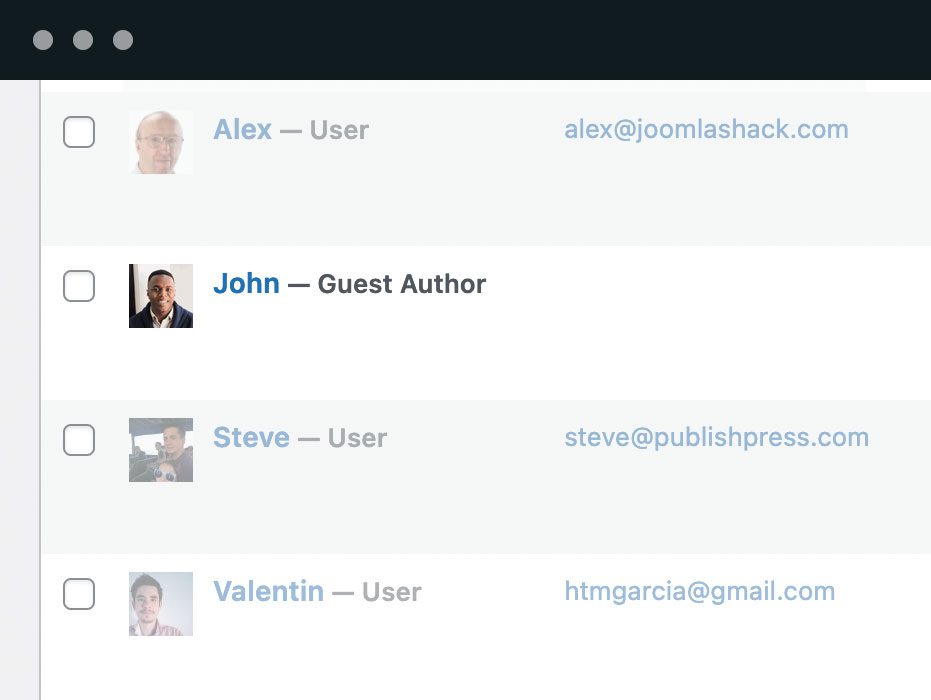
- Guest Authors. You can create two types of Guest Authors. You can add authors to a new "Guest Author" user role, or add them without a connected account.
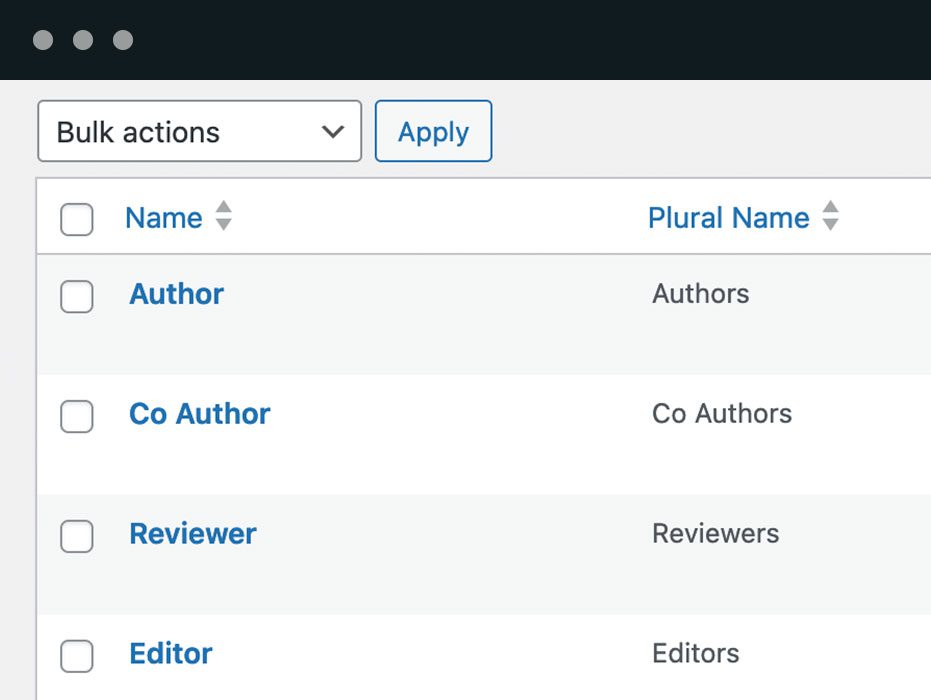
- Author Categories. Categorize your authors as Coauthors, Reviews, Editors, Photographers, and more.
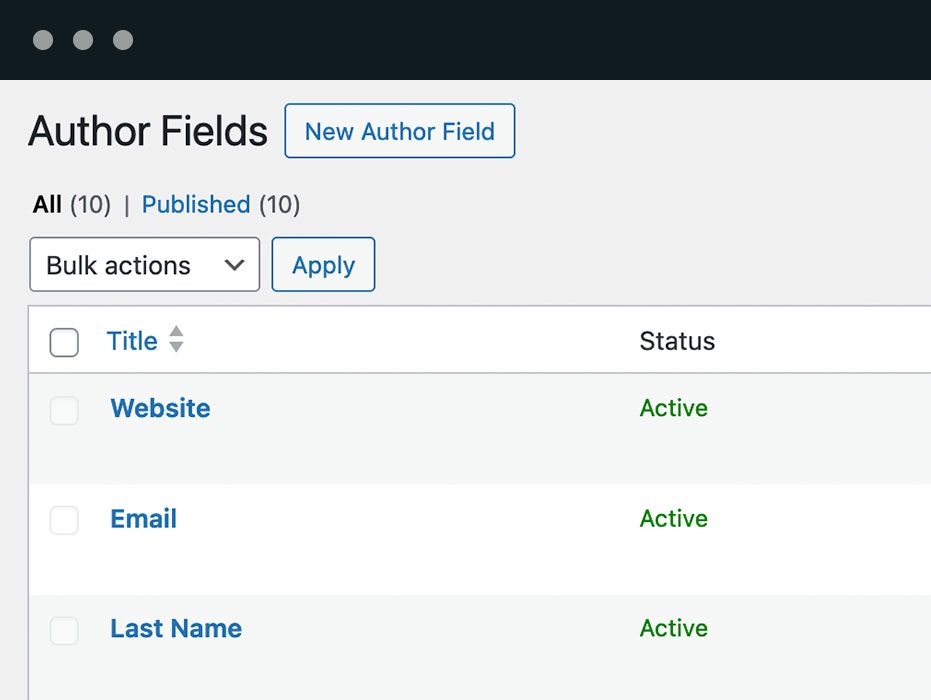
- Author Fields. Customize the user details for each author with fields for social media, job details, and more.
- Author Lists. Create a custom display of all your authors. You can sort, order, and filter to show only the authors you want.
- Author Pages. Showcase the work of each individual author with customizable author pages where you decide which post information is displayed.
Upgrade to Authors Pro This plugin is the free version of the PublishPress Authors plugin. The Pro version comes with all the features you need to create beautiful and useful author profiles. Click here to purchase the best premium WordPress author box plugin now!Author Boxes PublishPress Authors gives you multiple ways to show author profiles. You can display authors under your content, in a widget, using shortcodes and more. The Author Boxes feature in PublishPress Authors provides five default layouts. You can use these layouts, customize them or click “New Author Box” and create your own layouts. Click here to see how to customize author boxes. On the frontend of your site. PublishPress Authors gives you several different options to display the authors’ box:
- Replacing the default author display.
- At the bottom of your content.
- In a widget or a Gutenberg block.
- Using shortcodes.
- Adding filters and actions in your template files.
- PublishPress Authors Pro allows you to add multiple authors and guest authors to WordPress posts.
- PublishPress Blocks Pro has everything you need to build professional websites with the WordPress block editor.
- PublishPress Capabilities Pro is the plugin to manage your WordPress user roles, permissions, and capabilities.
- PublishPress Checklists Pro enables you to define tasks that must be completed before content is published.
- PublishPress Future Pro is the plugin for managing and scheduling WordPress content.
- PublishPress Permissions Pro is the plugin for advanced WordPress permissions.
- PublishPress Planner Pro is the plugin for managing and scheduling WordPress content.
- PublishPress Revisions Pro allows you to update your published pages with teamwork and precision.
- PublishPress Series Pro enables you to group content together into a series.
- PublishPress Shortlinks Pro allows you to create custom URLs for your posts and external links.
- PublishPress Statuses Pro enables you to create additional publishing steps for your posts.
安装:
- Go to your site's admin page;
- Access the "Plugins" page;
- Click on the "Add New" button;
- Search for "PublishPress Authors";
- Install PublishPress Authors plugin;
- Activate the PublishPress Authors plugin.
- Download the PublishPress Authors plugin zip file;
- Upload the plugin to your site's repository under the "/wp-content/plugins/" directory;
- Go to your site's admin page;
- Access the "Plugins" page;
- Activate the PublishPress Authors plugin.
屏幕截图:
常见问题:
How do I display author boxes and author bios?
You have several different options for displaying authors using the PublishPress Authors plugin:
- Below the content. Go to Authors > Settings and click the “Display” tab. Check the box saying, “This will display the authors box at the end of the content”. In the “Layout” box, you can choose from several layouts.
- The Post Authors widget. When you install the add-on, PublishPress Authors automatically creates a widget that you can use to show the authors. Go to Appearance > Widgets, and you can position your PublishPress Authors widget in any sidebar or widget area.
- The Authors shortcode. With PublishPress Authors shortcodes, you can display the author box in any part of the content. The default shortcode is [author_box]
- Editing your theme. PublishPress Authors allows you to show author details in your plugin or theme. You can use the action “pp_multiple_authors_show_author_box” to display the author box programmatically.
How do I import WordPress users to PublishPress Authors?
PublishPress Authors does use a different system than the WordPress core, so there may be some work involved with moving author data. When you first install PublishPress Authors, our plugin will try to import all your authors. However, there may be some more work needed if you have a large site or have been using a different plugin. After installing PublishPress Authors, go to the “Posts” screen to see if your authors have imported correctly. If you have a very large site with 1,000s or authors or posts, we recommend you use the WP CLI command line system. Click here to see how to import WordPress users.
How do I import from Co-Authors Plus and Byline plugins?
PublishPress Authors has a Co-Authors Plus import feature. Co-Authors Plus is a popular but older alternative to PublishPress Authors. This import will bring across all your author profiles. It will also keep track of which posts the authors are associated with. If you want to migrate your site from the CoAuthors Plus plugin, please try this on a test site before attempting it on a live site. Click here to see how to import Co-Authors Plus authors. You can import from the Byline plugin to PublishPress Authors. Start with the old Byline plugin installed on your site. Go to “Authors”, then “Maintenance”. Look for the import option. Click here to see how to import Byline authors.
How do I show an author widget?
The PublishPress Authors plugin provides two widgets. The “Post Author” widget will display a list of authors for the current post. It is one of several ways that you can show the authors of a post. In your WordPress site, go to Appearance > Widgets. Look for the “Post Author” widget. Click here to see how to use the Post Author widget. The “Authors List” widget will display a list of all the authors on your site. If you want to show the authors of the post being viewed, try the Post Author widget. In your WordPress site, go to Appearance > Widgets. Look for the “Authors List” widget. Click here to see how to use the Authors List widget.
Can I use PublishPress Authors with Elementor?
PublishPress Authors works well with the Elementor plugin. There are multiple options for showing Author profiles on your site. All of these will work with Elementor. However, we have made sure to make sure PublishPress Authors works with inside the main Elementor layout builder. Perhaps the easiest option for the Elementor layout builder is to use the Post Author widget. You will then see a simple author box in your Elementor layout. Click here to see how to create Elementor Authors.
Can I use PublishPress Authors with Divi?
PublishPress Authors works well with the Divi theme. There are multiple options for showing Author profiles on your site. All of these will work with Divi. We have made sure that PublishPress Authors works with inside the main Divi layout builder. Perhaps the easiest option for the Divi layout builder is to use the Post Author widget. Go to Appearance > Widgets. Create a new widget region using this Divi box. You will then see a simple author box in your Divi theme. Click here to see how to create Divi Authors.
How do I integrate PublishPress Authors with my theme?
The PublishPress Authors plugin allows you to show author profiles using this a snippet of PHP code. This code can be modified in many way to suit your needs. Don't worry if you're not technical. There are also other ways to show your authors that require no code. We recommend that you add these code snippets to a child theme, as that is best practice for WordPress theme development. We do have child themes available for some popular themes. Click here to see how to modify the authors output.
Does PublishPress Authors work with my theme?
Author bios can be a tricky area in WordPress because many themes try to add their own author details. We try to help customers using PublishPress Authors and make sure that the plugin works with your theme. So far, we have child themes available to help compatibility with some common themes including:
- TwentyTwenty
- TwentyNineteen
- Newspaper
- Magplus
- Gridlove
- Hestia
- Kleo
- Salient
- Colormag
- Extra
- JNews
- MyListing
- Uncode
- GeneratePress
- Trellis
- Rehub
- Astra
How does PublishPress Authors Compare With Other Author Plugins?
There are other plugins available such as Co-Authors Plus, Simple Author Box, Molongui, Starbox and more. These are all really good plugins. PublishPress Authors stands out because of the advanced features and flexibility.
Where do I report security bugs found in this plugin?
Please report security bugs found in the source code of the PublishPress Authors plugin through the Patchstack Vulnerability Disclosure Program. The Patchstack team will assist you with verification, CVE assignment, and notify the developers of this plugin.