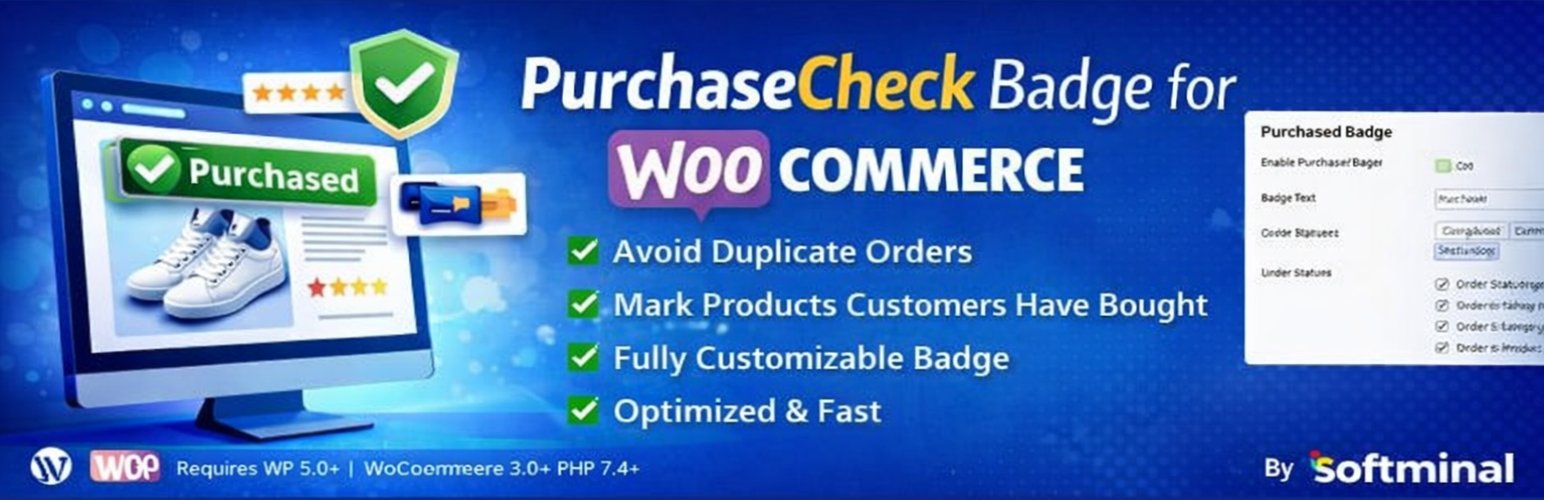
PurchaseCheck Badge for WooCommerce
| 开发者 |
softminal
diptosoftminal |
|---|---|
| 更新时间 | 2026年7月5日 03:19 |
| PHP版本: | 7.4 及以上 |
| WordPress版本: | 7.0 |
| 版权: | GPL-2.0+ |
| 版权网址: | 版权信息 |
详情介绍:
- Smart Purchase Detection: Automatically detects if a customer has purchased a product based on configurable order statuses
- Flexible Display Options: Show badges on shop pages, category pages, and single product pages
- Customizable Badge Text: Change the badge text to match your brand
- Order Status Control: Choose which order statuses count as "purchased" (completed, processing, etc.)
- Performance Optimized: Uses efficient caching to minimize database queries
- Variation Support: Handles product variations correctly, marking parent products as purchased when any variation is bought
- WooCommerce Integration: Seamlessly integrates with WooCommerce settings panel
- Prevent Repurchase: Optionally block customers from buying products they already own — perfect for digital products, courses, and licenses
- Block Theme Ready: Badges render in Product Collection and All Products blocks on modern block themes
- Checkout Warning: Optionally warn customers at checkout when their cart contains items they already own
- Exclusions: Exclude specific products or whole categories from badges and repurchase blocking
- My Purchases List: A My Account tab, shortcode, and Gutenberg block showing customers everything they own
- On shop/archive pages as an overlay on product images
- On category pages as an overlay on product images
- On single product pages inline with the product title
- In Product Collection grids on block themes
- Enable/disable the badge and customize its text
- Select which order statuses count as purchased
- Control where badges appear (shop, category, product pages, block themes)
- Prevent Repurchase: block re-buying, all products or virtual/downloadable only, with a custom notice
- Checkout warning for already-purchased cart items
- Exclusions by product ID or category
- "My purchases" account tab, purchase details, and hover tooltips
安装:
- Log in to your WordPress admin panel
- Navigate to Plugins → Add New
- Search for "PurchaseCheck Badge for WooCommerce"
- Click Install Now and then Activate
- Download the plugin zip file
- Log in to your WordPress admin panel
- Navigate to Plugins → Add New
- Click Upload Plugin
- Choose the zip file and click Install Now
- Click Activate Plugin
屏幕截图:


常见问题:
Can I stop customers from buying the same product twice?
Yes. Enable Prevent Repurchase under WooCommerce → Settings → Purchased Badge → Prevent Repurchase. Owned products become non-purchasable for that customer and the Add to Cart button is replaced with a customizable notice. You can apply it to all products or only virtual/downloadable ones.
How do I hide the Add to Cart button for already purchased products?
Turn on Prevent Repurchase. For any product the customer already owns, the Add to Cart button is removed and replaced with a notice you can customize. Combine it with the badge so customers see why the button is gone.
Can customers see a list of products they already bought?
Yes. A "My purchases" tab is added to the WooCommerce My Account page (on by default). You can also place the list anywhere with the [pcbw_purchased_products] shortcode or the "My Purchased Products" Gutenberg block.
Does it work with block themes?
Yes. Badges render inside Product Collection grids and on block-based single product templates, as well as classic themes.
Can I exclude certain products or categories?
Yes. Under the General settings you can exclude individual products by ID or entire categories from both the badge and repurchase blocking.
Does this plugin work with product variations?
Yes! If a customer purchases any variation of a variable product, both the variation and the parent product will be marked as purchased.
Which order statuses should I select?
Typically, you'll want to select "Completed" and "Processing" statuses. However, you can customize this based on your business needs. For example, if you want to show badges only for fully completed orders, select only "Completed".
Will the badge show for guest users?
No, the badge only displays for logged-in users. This is because the plugin needs to check the user's order history, which requires authentication.
Does this affect site performance?
The plugin is optimized for performance using caching. Purchase data is cached per user and automatically cleared when new orders are placed. The plugin uses efficient WooCommerce APIs to minimize database queries.
What happens when an order status changes?
The plugin automatically clears the cache when order statuses change, ensuring badges are always up-to-date.
更新日志:
- New: Prevent Repurchase mode — optionally block customers from buying products they already own, replacing Add to Cart with a customizable notice; scope it to all products or virtual/downloadable only (ideal for digital products, courses, and licenses)
- New: Block theme support — badges render in Product Collection grids and on block-based single product templates
- New: "My purchases" tab in My Account listing everything a customer owns, plus a
[pcbw_purchased_products]shortcode and a Gutenberg block - New: Purchase details on single product pages — purchase count and last purchase date with a "View order" link
- New: Shop and category badges show the purchase summary as a hover tooltip
- New: Optional checkout warning when the cart contains already-purchased items
- New: Exclusions — exclude products by category or product ID from badges and repurchase blocking
- New: Declared compatibility with WooCommerce High-Performance Order Storage (HPOS)
- New: Developer filters
pcbw_badge_html,pcbw_badge_text,pcbw_is_purchased,pcbw_repurchase_blocked,pcbw_product_excluded - Improved: persistent caching of purchase lookups, refreshed on new orders, status changes, refunds, and settings changes
- Improved: purchased variations badge both the variation and its parent product without extra queries
- Improved: accessibility — badge tooltips exposed to screen readers, decorative icons hidden
- Tested up to WordPress 7.0 and WooCommerce 10.9
- Initial release
- Badge display on shop, category, and product pages
- Configurable badge text and order statuses
- Display location controls
- Performance optimization with caching
- Support for product variations