
Push Agent
| 开发者 |
Push Agent
pushagent |
|---|---|
| 更新时间 | 2026年10月3日 21:19 |
| PHP版本: | 5.6 及以上 |
| WordPress版本: | 7.1 |
| 版权: | GPLv2 or later |
| 版权网址: | 版权信息 |
详情介绍:
- No code to paste: the plugin adds the Push Agent script to every page.
- Creates the
pushagent-sw.jsservice worker in your site's root folder automatically (and serves it through WordPress if the folder isn't writable). - A friendly "Allow notifications" card for new visitors; you choose how many seconds to wait before it appears, and "Not now" hides it for 3 days.
- Send to all subscribers or target them by country, device and browser; schedule notifications for later (from your Push Agent dashboard).
- Works in Chrome, Edge, Firefox, Opera, Samsung Internet and Safari.
- Standard Web Push. No Firebase and no Google account needed.
- Works with every order status, including custom statuses added by other plugins.
- Switch each status on or off, and write your own messages with placeholders like {first_name}, {order_number}, {status} and {total}. A live preview shows how the notification will look.
- A "Get updates about this order" box on the order confirmation page asks at the best moment.
- Every send is recorded as an order note, on the plugin dashboard and in your Push Agent dashboard.
- Customers are identified by a scrambled code made from their email with your API key. The email itself is never sent to Push Agent.
- Compatible with WooCommerce High-Performance Order Storage (HPOS).
- See your subscribers, your plan and the order updates delivered in the last 30 days at a glance.
- A setup checklist and a health check tell you exactly what is done and what still needs attention.
- Quick links to send a notification, see campaign results and manage subscribers.
- Every front-end page loads a script from app.pushagent.net. When a visitor clicks "Allow", their browser's push subscription (an address from the browser's push service) and the browser language are sent to Push Agent, which also records the visitor's IP address and browser user agent to note their approximate city and country and their browser and device type (used for targeting and statistics). Nothing is stored for visitors who don't subscribe.
- For logged-in customers and on the order confirmation page (only when WooCommerce order updates are switched on), a scrambled customer code is attached to the subscription. It is a one-way code made from the customer's email and your API key; the email itself is not sent.
- When an order changes to a status you switched on, the plugin sends Push Agent the notification title and message you wrote (with the placeholders filled in, so it can include the customer's first name, last name, order number, status and total if you use those placeholders), a link to the order, and the customer codes.
- When you open the plugin's admin screens with an API key saved, the plugin asks Push Agent which website and plan the key belongs to, and for your subscriber and order-update counts (cached for 10 minutes).
安装:
- Install and activate the plugin.
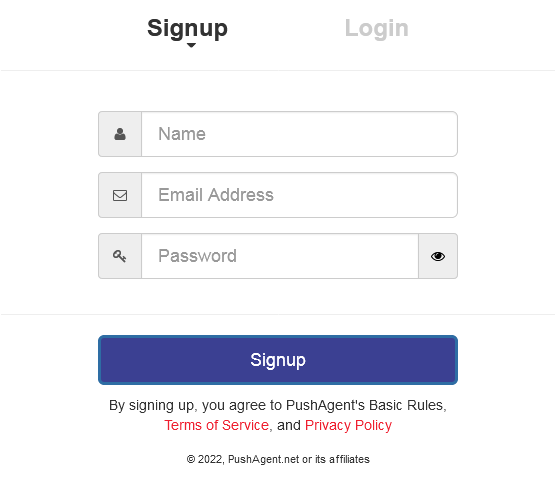
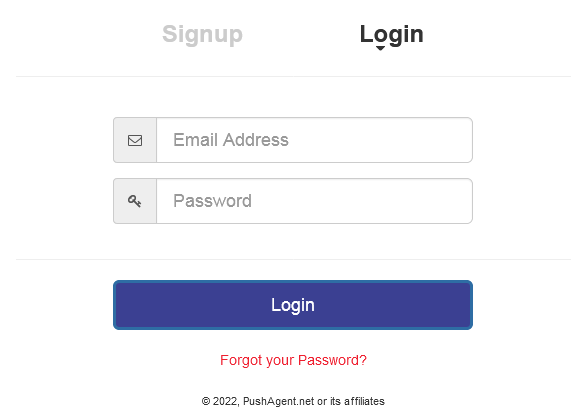
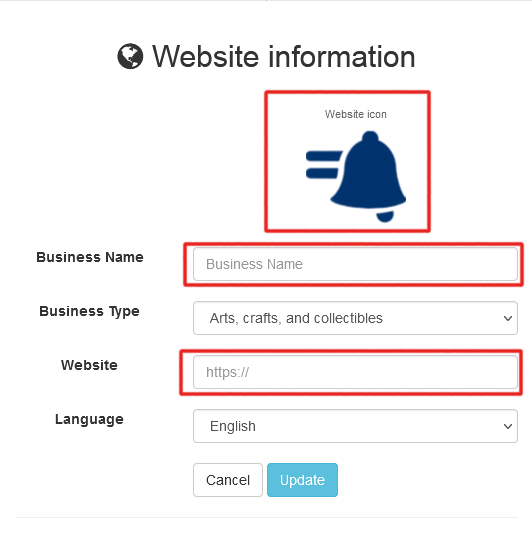
- Sign in at app.pushagent.net (it's free) and add your website.
- Open Integration and copy your access token.
- In WordPress go to Push Agent → Settings, paste the token and click Save settings.
- Back in the Push Agent dashboard, click Verify integration. The plugin's Push Agent → Dashboard shows a checklist of anything left to do.
- In your Push Agent dashboard open API & WooCommerce and create an API key (Growth plan or higher).
- In WordPress go to Push Agent → Settings, paste the API key and save.
- Open Push Agent → Order updates, switch on the statuses you want and write your messages.
屏幕截图:
常见问题:
Is Push Agent free?
Yes. The Free plan includes one website and up to 2,500 subscribers. Paid plans add more websites and subscribers, custom opt-in text, scheduling, targeting, the API and WooCommerce order updates. See pushagent.net/pricing.
Do I need an API key?
Only for WooCommerce order updates, and to see your subscriber numbers on the plugin dashboard. Regular push notifications work with just the access token.
Visitors don't see the "Allow notifications" card
Wait for the delay you set in Push Agent → Settings, and use a private window. Browsers only show it on HTTPS sites. If you already allowed or blocked notifications on your site, it won't appear again: reset the permission from the padlock icon in the address bar.
Why did a customer not get an order update?
They only get one in browsers where they allowed notifications. The order notes and the plugin dashboard say what happened for every status change.
The dashboard says pushagent-sw.js is missing
Your root folder isn't writable, or WordPress is installed in a sub-folder. Download pushagent-sw.js from the Integration page of your Push Agent dashboard and upload it to the root folder of your domain (usually the same folder as wp-config.php).
I use a caching plugin or Cloudflare
Clear the cache once after saving the settings. The script is marked so Rocket Loader and optimisation plugins leave it alone.
Does it work on multisite?
Yes. Activate it on each site and enter that site's own access token. The service worker is served per site by WordPress.
Do order updates count towards my subscriber limit?
No. They go to people who are already subscribers.
更新日志:
- New: Push Agent menu with its own Dashboard showing subscribers, plan, order updates sent, a setup checklist and a health check.
- New: Recent order updates on the dashboard.
- New: Help screen with answers to common questions.
- Improved: Redesigned Settings and Order updates screens, with an on/off switch per order status, clickable placeholders and a live notification preview.
- Improved: The Push Agent address is no longer a setting; the plugin always connects to app.pushagent.net.
- The old Settings → Push Agent page now redirects to the new screens. Your settings are kept.
- New: WooCommerce order updates - notify customers when their order status changes (Push Agent Growth plan).
- Supports custom order statuses, your own messages per status, and a "Get updates about this order" box after checkout.
- Compatible with WooCommerce High-Performance Order Storage.
- Rebuilt for the new Push Agent (app.pushagent.net) with standard Web Push.
- Your access token is kept when you update.
- Creates pushagent-sw.js automatically.
- New settings: when to ask visitors, and a status check on the settings page.
- Existing subscribers are moved over silently the next time they visit.
- Help screenshots updated.
- First release.