
Query Blocks
| 开发者 | itmaroon |
|---|---|
| 更新时间 | 2026年8月21日 17:49 |
| PHP版本: | 8.2.10 及以上 |
| WordPress版本: | 7.1 |
| 版权: | GPL-2.0-or-later |
| 版权网址: | 版权信息 |
详情介绍:
When you install this plugin, the following four blocks are registered and can be used not only in the block editor but also in the site editor.
- Post Pickup Provides a function to pick up WordPress post data. Internally, it generates a subquery to extract data from the database. The extracted data is selected by selecting the post type and term, and the required fields are rendered by selecting the field. Custom fields can also be selected.
- Post Filter This block provides a UI for users to filter Post Pickups specified by ID. There are three types of filtering:
- Provides a filtering function by string search. The search targets are title, excerpt, and body text, but custom fields can also be targeted by selecting an option.
- Provides a filtering function for data posted within a set period. The period can be set to three types: year, month, and day.
- Provides a filtering function by terms set in posts. The terms to be filtered are selected by selecting the taxonomy associated with the post type.
- Post Pagination This block provides pagination display of Post Pickup specified by ID. Two types are available: one that displays the page number and one that moves to the previous or next page. The type that displays the page number has Design Button as an inner block, and the type that moves to the previous or next page has Design Title as an inner block. Various customizations are possible by utilizing the design functions of these custom blocks.
- Post Crumbs This block displays the filtering information of Post Pickup specified by ID in the form of a breadcrumb list. The filtering information is based on filtering by Post Filter and is displayed as the text of Design Title. Therefore, various customizations are possible by using the design function of Design Title. In addition, when Post Pickup is displayed as a single post, the title of the post is also displayed in addition to the filtering information.
安装:
- From the WP admin panel, click “Plugins” -> “Add new”.
- In the browser input box, type “Query Blocks”.
- Select the “Query Blocks” plugin and click “Install”.
- Activate the plugin.
- Download the plugin from this page.
- Save the .zip file to a location on your computer.
- Open the WP admin panel, and click “Plugins” -> “Add new”.
- Click “upload”.. then browse to the .zip file downloaded from this page.
- Click “Install”.. and then “Activate plugin”.
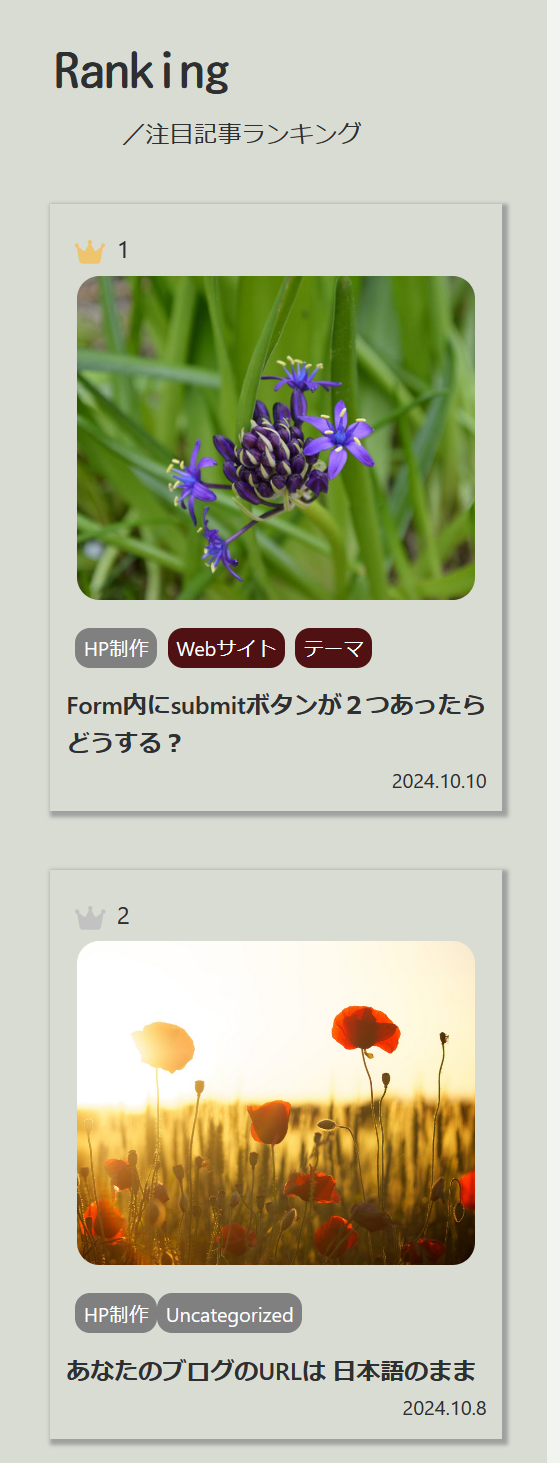
屏幕截图:



更新日志:
2.0.2
- Composer component fixed.
- Converted JavaScript to TypeScript.
- We have taken performance into consideration by limiting the process of rewriting the block contents to only when there is a change in the block contents.
- Added a data-post-id attribute to each DOM element of front-end post data to record the post ID.
- Regarding the method of loading composer components, a mechanism has been introduced that does not conflict with other plugins. Accordingly, the composer components have been updated.
- Operation check with WordPress 6.8
- Fixed the issue where the icon inverted display was not displayed properly when selecting a block.
- Release