
AI Search for WooCommerce – Semantic Search
| 开发者 |
queryra
aisearch |
|---|---|
| 更新时间 | 2026年10月1日 17:55 |
| PHP版本: | 7.4 及以上 |
| WordPress版本: | 7.1 |
| 版权: | GPLv2 or later |
| 版权网址: | 版权信息 |
详情介绍:
- #1 for "semantic search" in the WordPress plugin directory — September 2026
- Independent video review — 4.8/5
- Oxygen Builder — full Oxygen 4.x and 6.0 support, automatic content extraction
- Breakdance — native Breakdance content indexing Custom Fields:
- Meta Box — text and group fields indexed automatically
- ACF (Free + Pro) — text, textarea, WYSIWYG, repeaters, groups Multilingual:
- TranslatePress — single unified semantic index across all languages
- Weglot — multilingual semantic search Membership & Affiliate:
- MemberPress — semantic search across member-only content; MemberPress continues to gate the content itself at render time
- Easy Affiliate Pro — affiliate product search with custom fields B2B:
- B2BKing — semantic AI search in bulk order forms (new in 1.4.1) More integrations and developer docs → queryra.com/docs
- Elementor AI search — indexes content stored in
_elementor_data, including text widgets, headings, and product descriptions built with Elementor - Beaver Builder & Breakdance — full content extraction from saved layouts
- Oxygen Builder — both legacy shortcode mode and modern JSON v2 supported
- Gutenberg / WPBakery / Divi — native support (content already in post_content)
- ACF (Free + Pro) — text, textarea, WYSIWYG, repeaters, and groups indexed without configuration
- Meta Box — text fields and group fields via the official registry
- Custom taxonomies —
book_genre,material,property_type, or any public custom taxonomy is sent to the AI search index, keyed by slug - Pods, JetEngine, Bricks Builder — supported via developer filter
queryra_indexable_meta_content
- Dynamic /llms.txt and /llms-full.txt for AI crawlers
- JSON-LD structured data on search pages
- X-Search-Engine header for AI attribution
- Partner Program — qualifying sites can apply for Queryra at no cost. See Partner Program details.
- Site promotion — your site gets featured on queryra.com and promoted across AI search platforms
- Connectors API — Queryra registers as an AI search connector. Manage your Queryra API key from the standard WordPress 7.0 Connectors screen.
- Abilities API — Queryra exposes
queryra/semantic-searchas a discoverable ability. AI agents, chatbots, and assistants running on WordPress 7.0 can call Queryra natively for semantic product search. - Backward compatible — Queryra works on WordPress 5.8+. Connector and ability features activate automatically on WordPress 7.0 and newer.
- Install and activate
- Follow the Setup Wizard
- Get your free API key at queryra.com/signup
- One-click WooCommerce product import
- Done — AI search now understands your customers
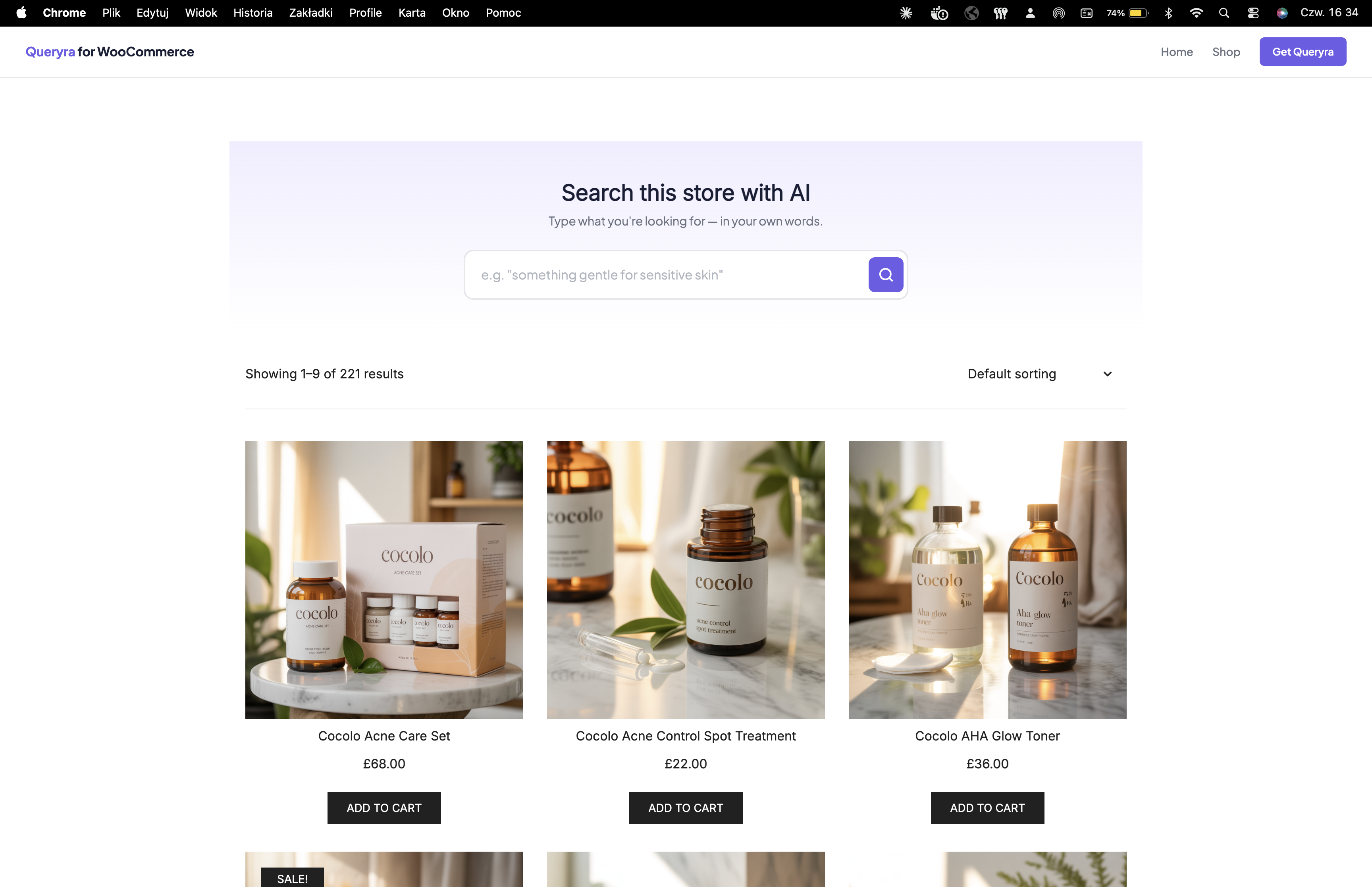
- Natural Language Search – Customers type like they think, AI search finds what they need
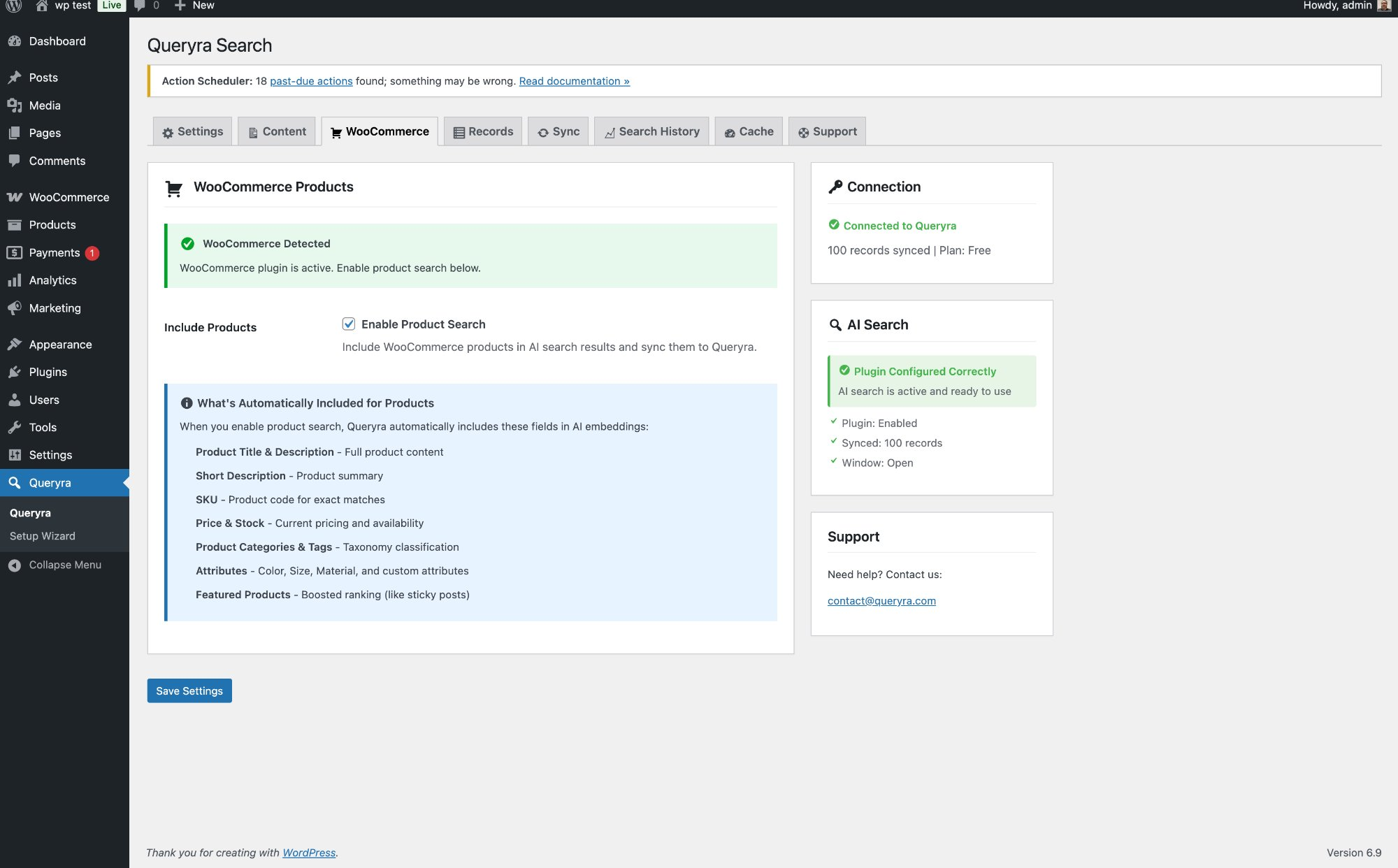
- WooCommerce Product Search – Indexes titles, descriptions, SKUs, categories, tags, and attributes
- Semantic Search Ranking – AI ranks results by meaning, not alphabetical order
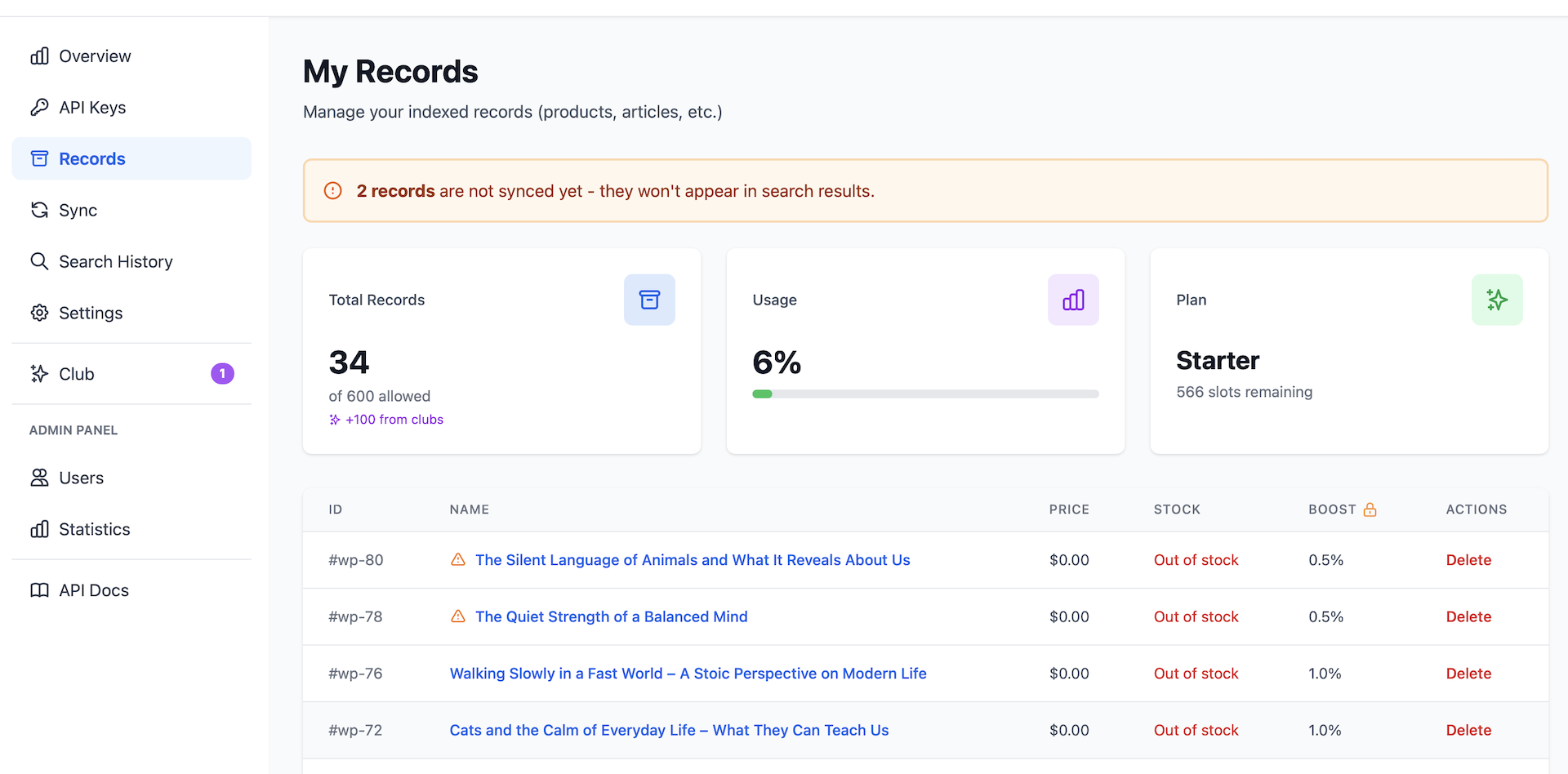
- Boost Controls – Promote products you want to sell more of
- Live Product Search – Instant AJAX-powered suggestions as customers type
- Auto-Sync – New WooCommerce products indexed automatically on publish
- Smart Context Detection – AI search activates on WooCommerce shop pages automatically
- Search Analytics – See what customers search for, including zero-result queries
- Page Builder Support – Indexes content from Elementor, Beaver Builder, Breakdance, Oxygen automatically
- Custom Field Indexing – Reads ACF and Meta Box custom fields out of the box
- Beauty & Skincare – "my skin looks tired" finds night creams
- Fashion – "something for a summer wedding" finds dresses
- Electronics – "good laptop for video editing" finds the right specs
- Home & Garden – "cozy living room" finds rugs, lamps, pillows
- Food & Beverage – "healthy snacks for kids" finds the right products
- "warm jackets for winter — bulk order"
- "shirts in cotton, breathable, wholesale pricing"
- "keychains and accessories — high quantity"
安装:
- Install: Plugins → Add New → Search "AI Search Queryra" → Install → Activate
- Setup Wizard: Follow the guided AI search wizard that appears automatically
- Get API Key: Create free account at queryra.com/signup
- Import Products: One-click import syncs all WooCommerce products into AI search index
- Enable: Turn on AI search and semantic search is ready
- WooCommerce products, variations, and virtual products
- WooCommerce product SKUs, categories, tags, and custom attributes
- Regular WordPress posts, pages, and custom post types
- Any WordPress theme — AI search works without template changes
- Page builders: Elementor, Breakdance, Beaver Builder, Oxygen, Gutenberg, WPBakery, Divi
- Custom fields: ACF (Free + Pro), Meta Box
- Custom taxonomies: any public taxonomy registered with
public => true
- WordPress 5.8 or higher
- WooCommerce 5.0 or higher recommended
- PHP 7.4 or higher
- Free API key at queryra.com — no OpenAI account required
屏幕截图:
常见问题:
Is Queryra a WordPress AI search plugin, or only for WooCommerce?
Yes. Queryra indexes posts, pages, custom post types, and WooCommerce products. The plugin name mentions WooCommerce because that is the most common use case, but Queryra is a full WordPress AI search connector — well-suited for blogs, knowledge bases, documentation sites, news sites, and any WordPress content type.
Does AI Search work for B2B and wholesale stores?
Yes. AI Search includes a native B2BKing integration starting in version 1.4.1. The bulk order form's keyword search is replaced with semantic AI product search — B2B buyers can search "warm winter jackets bulk", "cotton shirts wholesale under bulk pricing", or "high-volume keyrings" and find relevant products by meaning, not just exact keywords. All B2BKing visibility rules (B2B groups, category restrictions, per-product permissions) are fully respected. AI Search works equally well for B2C and B2B WooCommerce stores.
Can AI Search understand price filters and brand exclusions?
Yes — this is one of AI Search's signature capabilities. Customer queries like "wireless headphones under $80, not Beats" automatically apply the price filter AND exclude the brand. Most semantic search plugins only match meaning by vector similarity; AI Search adds LLM-based intent parsing on top. It understands price ranges ("under $50", "between $100 and $200"), brand exclusions ("not Apple", "without Beats"), attribute requirements ("blue cotton breathable"), and use-case contexts ("for hiking", "gift for mom"). This makes AI Search closer to ChatGPT-style search than to traditional keyword or vector-only search plugins. Learn more →
How is AI Search different from vector search plugins?
Vector search alone matches concepts by mathematical similarity, but it ignores customer intent — it can find products related to "wireless headphones", but doesn't understand "under $80" or "not Beats" as filters. AI Search combines vector search with LLM-based intent extraction. It knows that "under $80" is a price filter, "not Beats" is a brand exclusion, and "for working out" is a use-case context. The result: AI Search returns products customers actually wanted, not just lexically related ones. Pure vector search plugins (Pinecone-based, ChromaDB-only) miss these intent signals — AI Search parses them automatically.
Can I migrate from Relevanssi, FiboSearch, or SearchWP to AI Search?
Yes. AI Search runs alongside existing search plugins during testing — switch between them via Settings → Queryra → Enable AI Search. There's no data migration needed; AI Search builds its own semantic index from your WooCommerce products and WordPress content directly. Most stores migrate in under 10 minutes: install, one-click product import, enable AI Search. If the results aren't right for you, switch back instantly. Many stores keep their old search plugin as fallback while testing.
Can I customize AI Search results to match my theme?
Yes. AI Search uses your theme's existing search results template — no HTML or CSS changes needed. AI search results render through your theme's standard search.php / archive-product.php template, so they automatically match your store's design. For deeper customization, use developer filters documented at queryra.com/docs/queryra-developer-filters — including custom result ordering, indexable meta content, and search query rewriting. Most themes work out of the box; advanced themes can override individual template parts.
Does Queryra work as a WordPress 7.0 connector?
Yes. Queryra registers as a native WordPress 7.0 AI search connector. After activation on WordPress 7.0 or newer, Queryra appears in Settings → Connectors alongside the default AI providers (OpenAI, Anthropic, Google). You can manage your Queryra API key from the standard Connectors screen instead of (or in addition to) the Queryra settings page.
Does Queryra support the WordPress 7.0 Abilities API?
Yes. Queryra registers the queryra/semantic-search ability via the Abilities API. AI agents, chatbots, and other plugins running on WordPress 7.0 can discover and invoke Queryra's semantic search programmatically — natural-language search results are returned as a discoverable WordPress ability with input and output schemas.
Does Queryra work on older WordPress versions?
Yes. Queryra fully supports WordPress 5.8 through 7.0+. The Connectors API and Abilities API integration activates automatically on WordPress 7.0 sites; on older versions, Queryra continues to work through its own settings page (Queryra → Settings) with no feature loss for end users.
How is Queryra different from OpenAI, Anthropic, and Google connectors?
OpenAI, Anthropic, and Google are LLM providers — they generate text and images from prompts. Queryra is a search engine connector. Where LLM connectors create new content, Queryra finds existing content in your site by semantic meaning. They complement each other: an LLM connector can write a product description, then Queryra makes it findable. You can use Queryra alongside LLM connectors in WordPress 7.0 Settings → Connectors.
What is AI Search for WooCommerce?
AI Search is a semantic search plugin that replaces the default WooCommerce product search with AI-powered search. Instead of matching exact keywords, AI Search understands what customers mean — so "gift for mom who loves candles" finds candles, not zero results.
How is this different from default WooCommerce search?
Default WooCommerce search matches exact words only. AI Search uses semantic search to understand customer intent. A query like "my skin looks tired" returns night creams and recovery oils — products that match the meaning, not the words.
Does AI Search work with WooCommerce products?
Yes. AI Search indexes WooCommerce product titles, descriptions, SKUs, categories, tags, and attributes. It supports product variations, virtual products, and any WooCommerce-compatible theme.
Can AI Search handle natural language queries?
Yes. Customers can search using natural language — "something warm for winter", "gift for dad who likes coffee", "wireless headphones not Beats under $80". AI Search extracts intent, price filters, and brand exclusions automatically.
What is semantic search and how does it work?
Semantic search understands the meaning behind a query, not just keywords. AI Search converts your products into AI embeddings and matches them against the customer's query using vector similarity — this is how it finds relevant products even when no keywords match.
Is an OpenAI account or API key required?
No. AI Search is powered by Queryra's backend — no OpenAI account, no API key management, no per-request costs. One free API key at queryra.com covers everything.
Can a customer search in a different language than my products?
Cross-language search. A shopper types in one language and finds products described in another. Your catalogue can stay in Finnish while a customer searching in English still finds the part, with no translation layer and no synonym list to maintain. This is not the same as supporting many languages. A search can index English, French and German perfectly well and still refuse to let a French query reach a German product. Queryra does not work that way: meaning is matched across languages, not within one.
Will AI Search slow down my WooCommerce store?
No. Search runs on Queryra's servers, not on your hosting, so the work never lands on the machine serving your shop. Indexing happens in the background, and results are cached — a repeated search costs nothing at all.
How do I set up WooCommerce product search?
Install and activate the plugin, follow the Setup Wizard, get a free API key at queryra.com/signup, and run a one-click product import. AI Search is ready in under 5 minutes. No coding required.
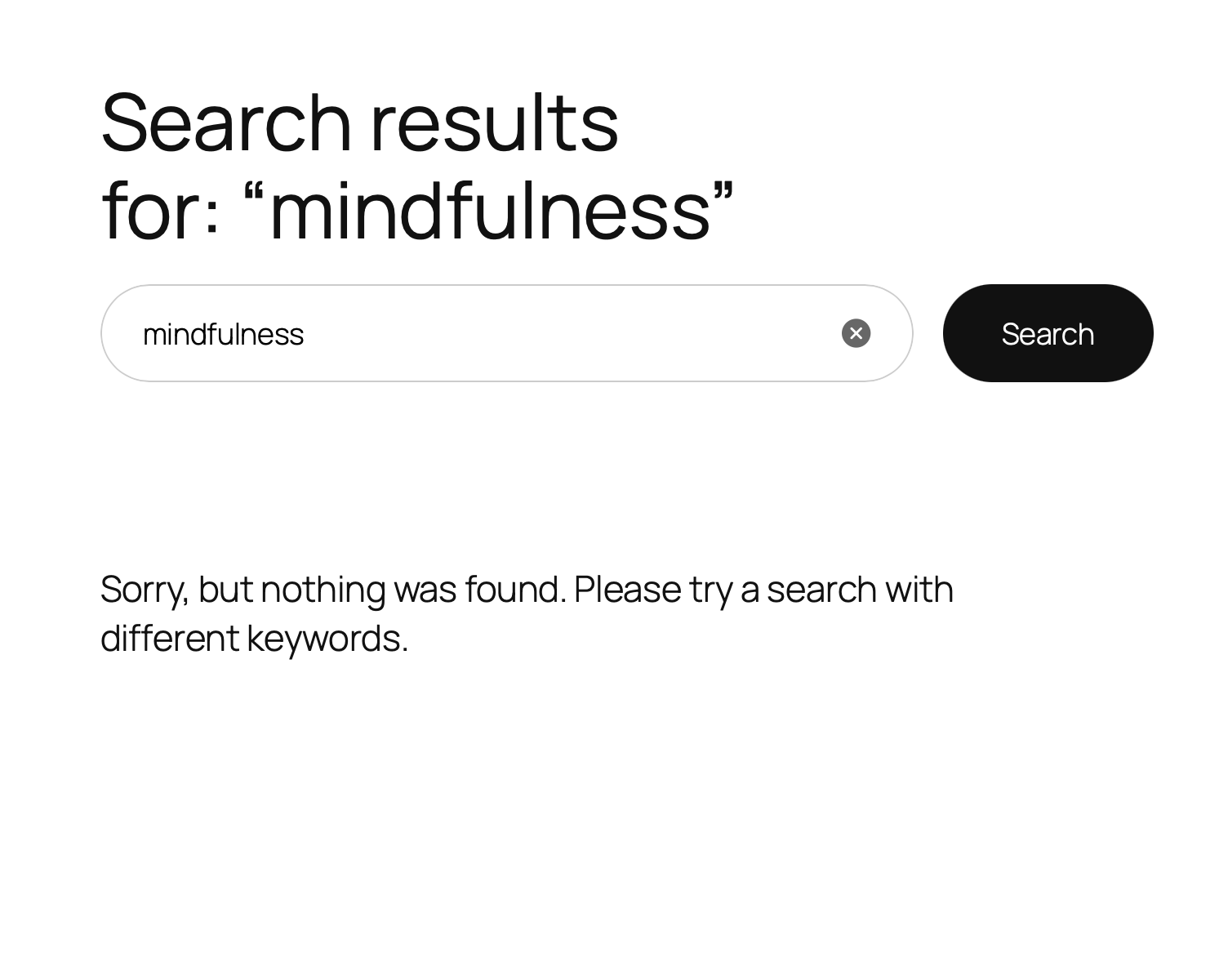
What happens when AI Search finds no results?
AI Search falls back automatically to WordPress default search so customers always see something. You can also use Search Analytics to identify zero-result queries and fix gaps in your product catalog.
Does it support WooCommerce product variations?
Yes. Product variations are fully indexed including variation-specific SKUs, prices, and attributes. AI Search handles simple products, variable products, and virtual products.
Can I control which products appear first in search results?
Yes. AI Search includes Boost Controls — you can promote specific products or categories to appear higher in results. Useful for high-margin products or seasonal inventory.
Does AI Search work with Elementor / Beaver Builder / Oxygen page builders?
Yes. AI Search automatically extracts content from Elementor (_elementor_data),
Breakdance, Beaver Builder, and Oxygen (both legacy shortcodes and JSON v2). No
configuration needed — page builder content is indexed the same way as standard
post content.
Does AI Search index ACF and Meta Box custom fields?
Yes. AI Search reads ACF (Free + Pro) text, textarea, WYSIWYG, repeater, and
group fields automatically. Meta Box text and group fields are also supported.
For Pods, JetEngine, and Bricks Builder, use the developer filter
queryra_indexable_meta_content to specify which fields to index.
Can I search by custom taxonomies (not just categories and tags)?
Yes. Queryra sends all public custom taxonomies (e.g. book_genre, material,
property_type) to the AI search index in a taxonomies field, keyed by slug.
Categories, tags, and the WooCommerce brand taxonomy continue to work as before.
更新日志:
- Fixed: a site that used up its monthly search allowance was treated as a service outage and retried once a minute for the rest of the billing period. Searching itself kept working — WordPress search takes over whenever the AI service cannot answer — but the site made tens of thousands of pointless requests a month. The pause between retries now grows with each failure (one minute, five, thirty, then six hours) and resets as soon as a request succeeds.
- Changed: the search request now waits up to 8 seconds instead of 5, so slower ranking models are not cut off mid-answer and dropped to keyword search. Only the first search for a phrase waits; results are cached after that. For the full changelog history, see changelog.txt.