
QuestionPunk
| 开发者 | questionpunk |
|---|---|
| 更新时间 | 2026年10月24日 06:01 |
| PHP版本: | 7.4 及以上 |
| WordPress版本: | 7.1 |
| 版权: | GPLv2 or later |
| 版权网址: | 版权信息 |
详情介绍:
QuestionPunk runs surveys and AI interviews. In an interview, an AI asks each person follow-up questions about their answers, by text in 130+ languages or by voice in 25. This plugin puts your QuestionPunk surveys on your WordPress site.
- Pick surveys from your account. Connect your QuestionPunk account in Settings → QuestionPunk, then choose a published survey from a searchable list in the block and in the settings. The block previews the survey's first question in the editor.
- Block and shortcode. Add the QuestionPunk Survey block, or use
[questionpunk survey="…"]. Without a connected account, paste the survey's share link. - A block for each style. Survey, Survey Button, Chat Button, Feedback Tab and Full-Page Survey are separate blocks in the inserter, and you can switch between them.
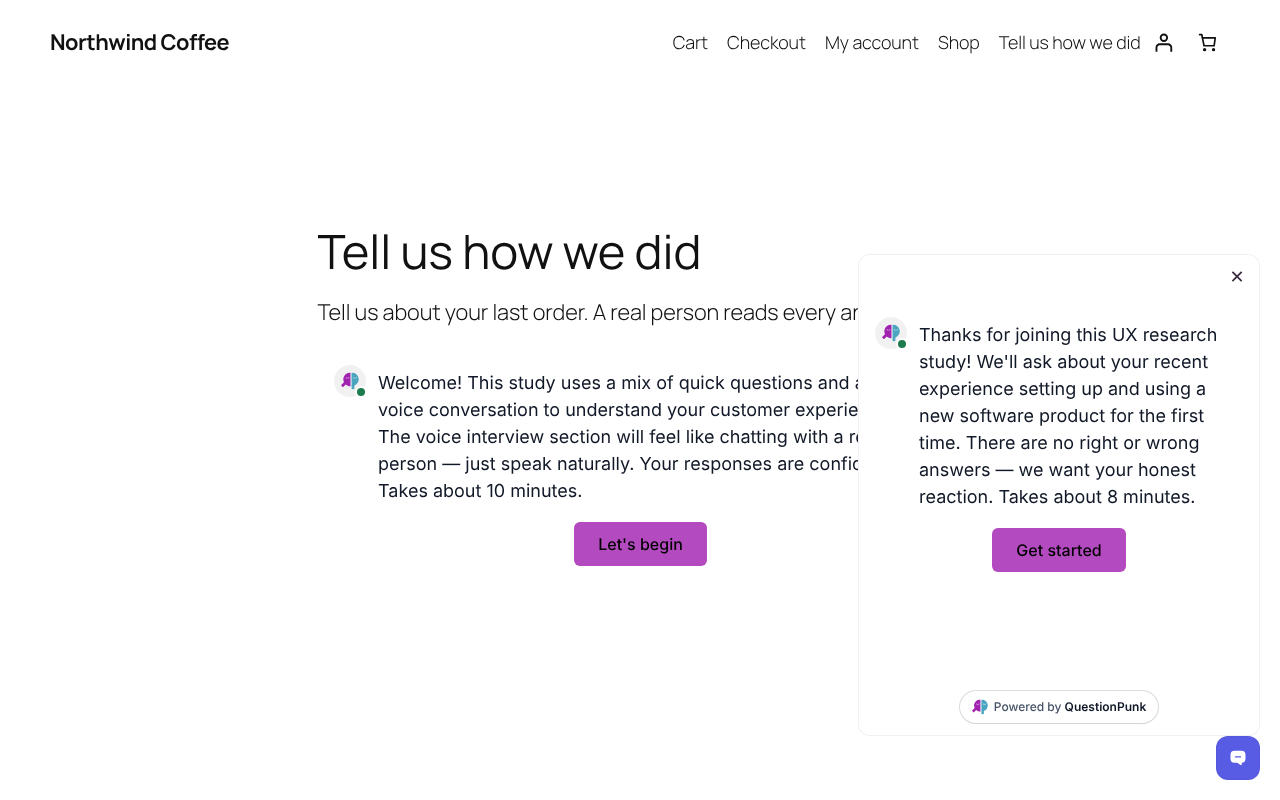
- Five styles. In the page, a button that opens a popup, a chat button bottom right, a feedback tab on the right edge, or full page.
- A chat button or feedback tab on every page. Turn it on in Settings → QuestionPunk.
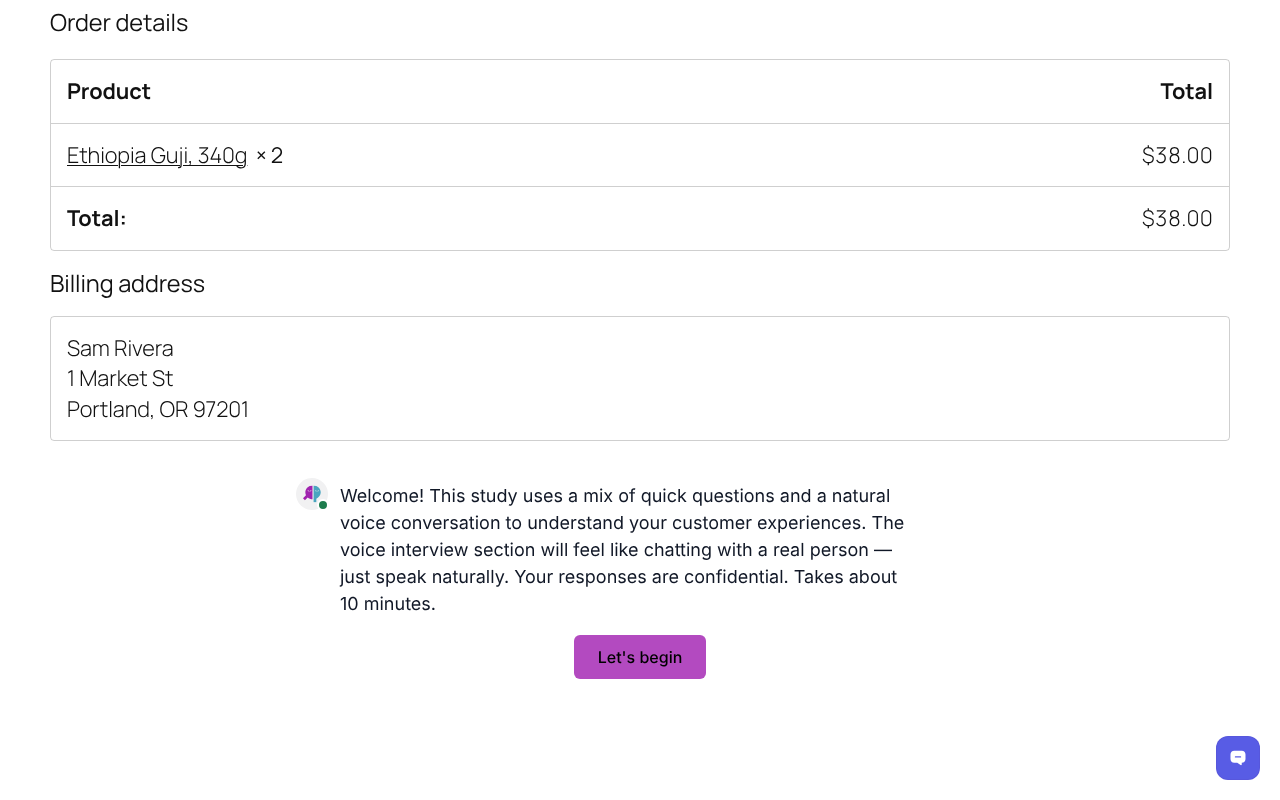
- A survey after WooCommerce orders. Choose the survey in Settings → QuestionPunk and it shows on the order confirmation page. The order number comes with each response, so you can match answers to orders. No name or email is sent.
- Popups and widgets load when opened. The script loads asynchronously, and the popup, chat button and feedback tab load the survey only when a visitor opens it.
- Free: No credit card required. Includes up to 5,000 AI text follow-ups per month on standard models, plus 3,000 AI credits per month, templates and report export, with QuestionPunk branding.
- Pro: $29/month or $290/year. Includes 25,000 AI credits per month, all AI models, no QuestionPunk branding, premium PowerPoint reports and priority support.
- Team: $79/month or $790/year. Includes everything in Pro, shared workspaces for your team and 50,000 AI credits per month. Not priced per seat.
- Enterprise: Custom pricing, AI usage and support.
[questionpunk survey="ID" mode="standard" width="600" height="500" transparent="true"]
survey: your survey id or share link (required)mode:standard,popup,popover,sliderorfull-pagewidth,height: pixels; leave out for automaticparam_<name>="value": sent with each response as the URL parameter<name>, for exampleparam_source="pricing-page"
安装:
- Install and activate the plugin.
- In Settings → QuestionPunk, select Connect to QuestionPunk and approve read access. (Sites not served over https paste an API key from QuestionPunk's Settings → Developer instead.)
- Add the QuestionPunk Survey block to a page and choose a survey, or set up the widget and post-purchase survey in Settings → QuestionPunk.
屏幕截图:


常见问题:
Does it slow my site down?
The script loads asynchronously, and the popup, chat button and feedback tab styles load the survey only when a visitor opens it.
Can I pass my own data into responses?
Yes. Add param_<name>="value" to the shortcode. Each one is stored with the response as a URL parameter.
更新日志:
0.2.0
- Connect your QuestionPunk account and pick surveys from a list in the block and in the settings.
- Editor preview of the chosen survey's first question.
- A block variation for each style: Survey, Survey Button, Chat Button, Feedback Tab and Full-Page Survey.
- Surveys keep loading from QuestionPunk when an optimization plugin re-serves the embed script.
- First release: block, shortcode, site-wide widget and WooCommerce order confirmation survey.