
Quick Social Login
| 开发者 | andreiigna |
|---|---|
| 更新时间 | 2022年4月30日 23:44 |
| PHP版本: | 7.0 及以上 |
| WordPress版本: | 5.8 |
| 版权: | GPL-3.0-or-later |
| 版权网址: | 版权信息 |
详情介绍:
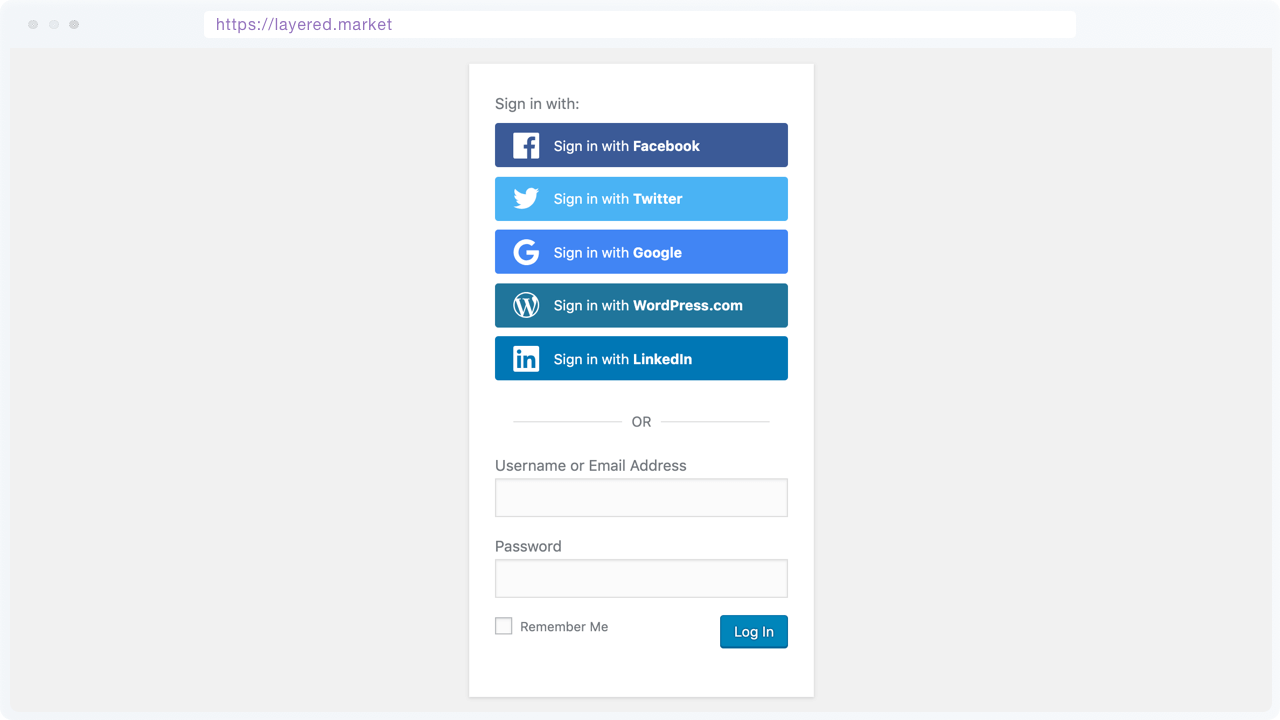
- WordPress.com
- Slack
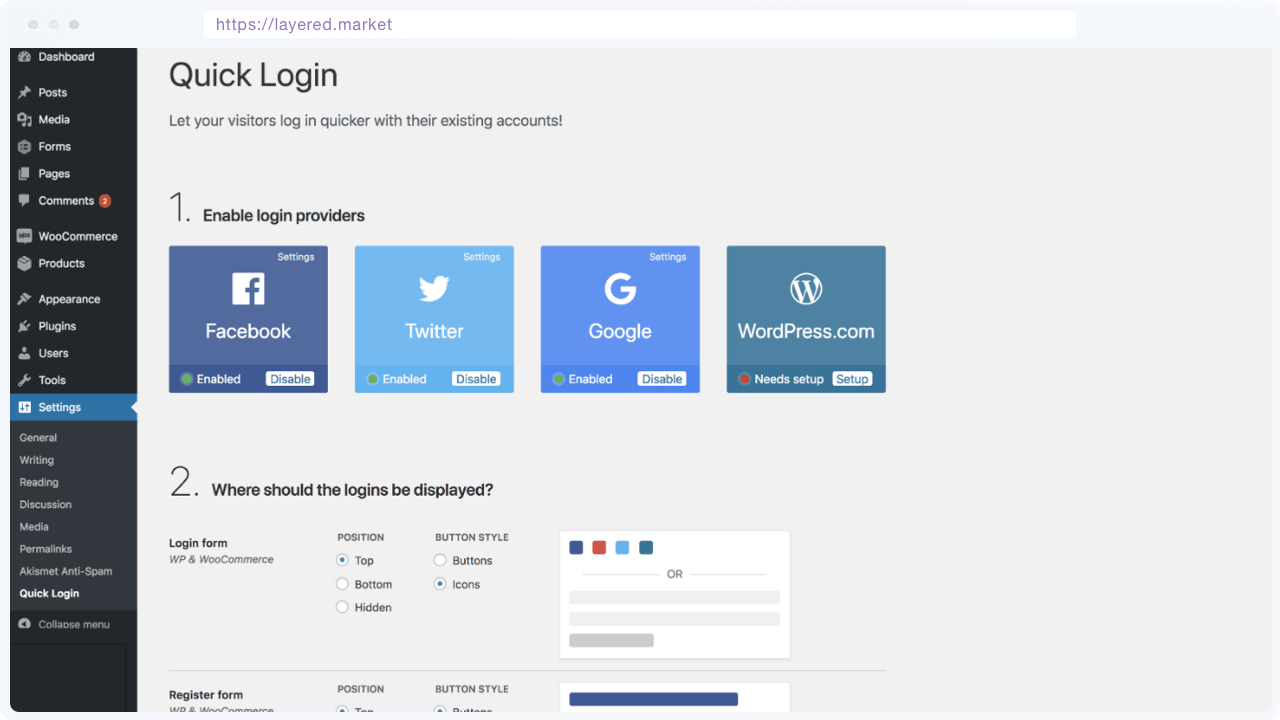
- Login form
- Register form
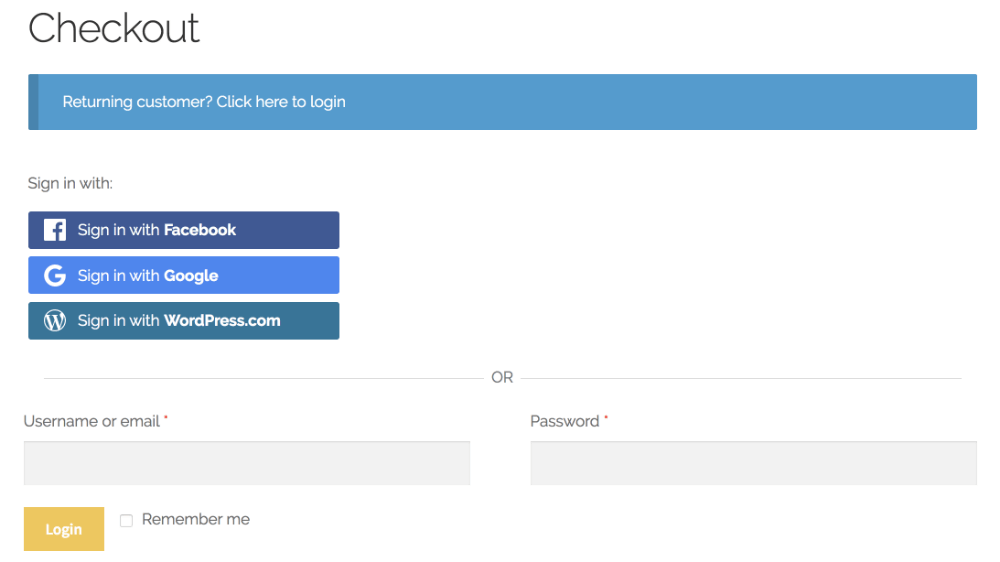
- WooCommerce pages: My account, Login, Register and Checkout
- Comment form
- Any page, with
[quick-login]shortcode
- Button style options - Choose the style of login buttons for your site
- Icons
- Buttons with icon & text
- Secure authentication - User details are verified by the selected platform
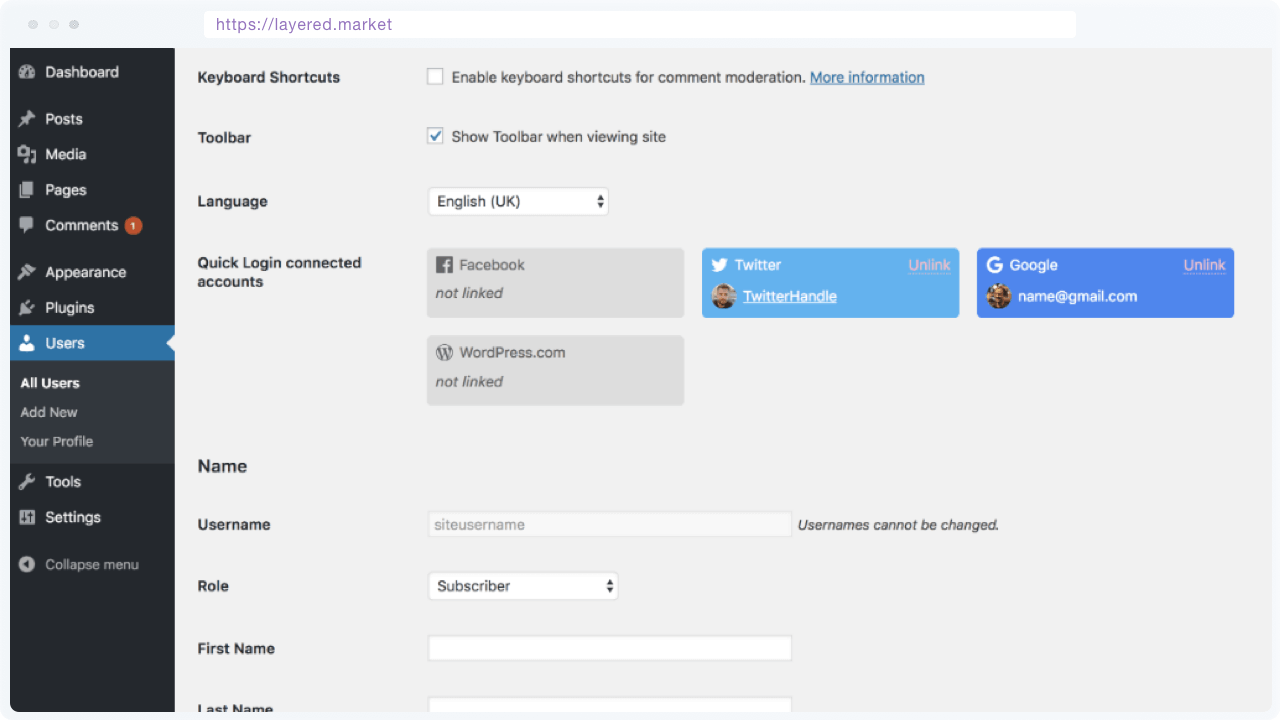
- Link / Unlink provider - Button on Users' profile page to link/unlink login provider
Subscriber.
Be aware that Quick Social Login requires the PHP version to be at least 7.0
屏幕截图:
常见问题:
How to enable login providers?
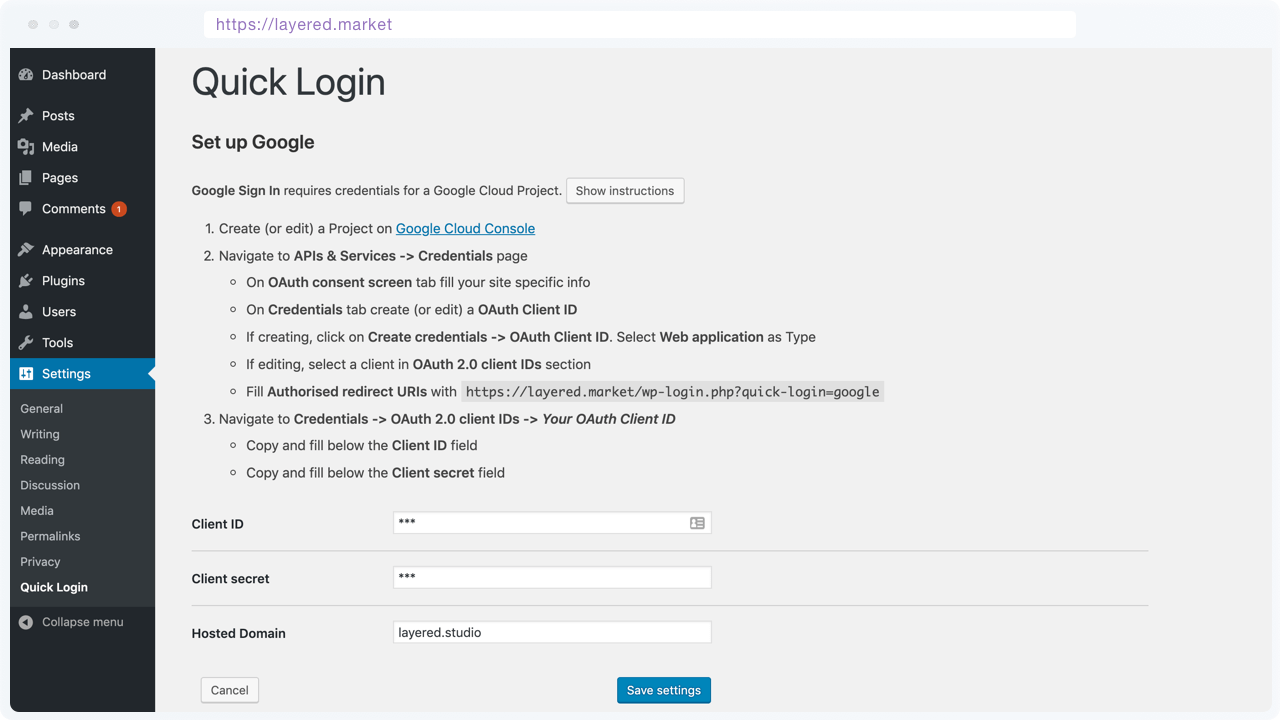
All login providers are available on “WP Admin -> Settings -> Quick Social Login” page. Each provider has detailed instructions for set up, including info on how to create or edit specific integrations and adding the cutom codes on your site.
How to embed login buttons on a page, article or widget?
Quick Social Login can add buttons on Login, Register, Comment and WooCommerce pages through plugin options.
Login buttons can be added in pages, articles or widgets with [quick-login] shortcode. There are more details on how to embed this shortcode in “WP Admin -> Settings -> Quick Social Login -> Embed section” on your site.
How the login or register process works?
When a site visitor clicks on a Quick Social Login button, ex: Login with Google, the following process takes place:
- User is redirected to Google to authorise your website to read account info
- If authorised, user is sent back to your WordPress site
- If Google account is already linked to WordPress user, the WordPress user is logged in
- If Google account is not linked to a WordPress user AND the email matches a WordPress user, the Google account is linked to WordPress user and the user is logged in
- If Google account is not linked AND email doesn't match a WordPress user, a new WordPress is registered with details (username, email, name) from Google account
Quick Social Login doesn't work, with errors on pages or logins not showing up
Because of newer functionality & security in PHP, this plugin requires the PHP version to be at least 5.6. If the website server already has PHP >= 5.6 and the plugin still doesn't work, please send a support request either on WordPress support forum or plugin GitHub page
更新日志:
- Updated - Compatibility with WordPress 5.7
- Updated - Google OAuth library, fixes OAuth token URL
- Fixed - Sanitize & escape user provided data
- Updated - Dependencies for OAuth code libraries and requirement for min PHP v7
- Removed - Logos from plugin icon
- Updated - Compatibility with WordPress 5.6
- Updated - Dependencies for OAuth code libraries
- Updated - Compatibility with WordPress 5.5
- Updated - Dependencies for Google/Facebook OAuth code libraries
- Updated - Instructions text for Twitter integration
- Fixed - Error for Google Login when logging in without a G Suite account
- Updated - Texts & WP version compatibility
- Updated - Version of Facebook OAuth API used
- Updated - Texts to be more descriptive
- Updated - Added close button to Quick Login notices in WordPress Admin
- Added - Slack provider. Enable login with Slack for your team
- Updated - Plugin name is changed from "Quick Login" to "Quick Social Login" to better reflect what feature it adds to a website
- Updated - LinkedIn integration text, to specify the correct scope needed for OAuth app
- Fixed - If specified, properly set Domain for Google G Suite
- Updated - LinkedIn provider to use v2 API and scope
- Updated - Compatibility with WordPress 5.2
- Updated - Blacklist common bad usernames (admin, office, mail, etc) when creating new accounts
- Updated - When creating a new account, name is converted to username
- Added - Support for Google G Suite domain. Thanks Jeffrey
- Updated - Register user with built-in WordPress functions. Thanks Jeffrey
- Updated - Register user through WooCommerce functions, when installed
- Updated - Facebook integration to use latest Facebook Graph API & fields
- Added - Filter users in WP Admin by the linked provider
- Updated - Security & functionality updates for login providers
- Updated - Do not allow registration for users without email address
- Added - LinkedIn provider
- Updated - Show info & scope for each connected provider
- Updated - Display connected providers on Users list page
- Fixed - Login form in comments only if user is logged out
- Added - Link / Unlink accounts from User edit page & WooCommerce account page
- Added - More WP hooks
- Added - Users' conected providers on Users page
- Plugin release. Includes Twitter, Google, Facebook and WordPress.com providers