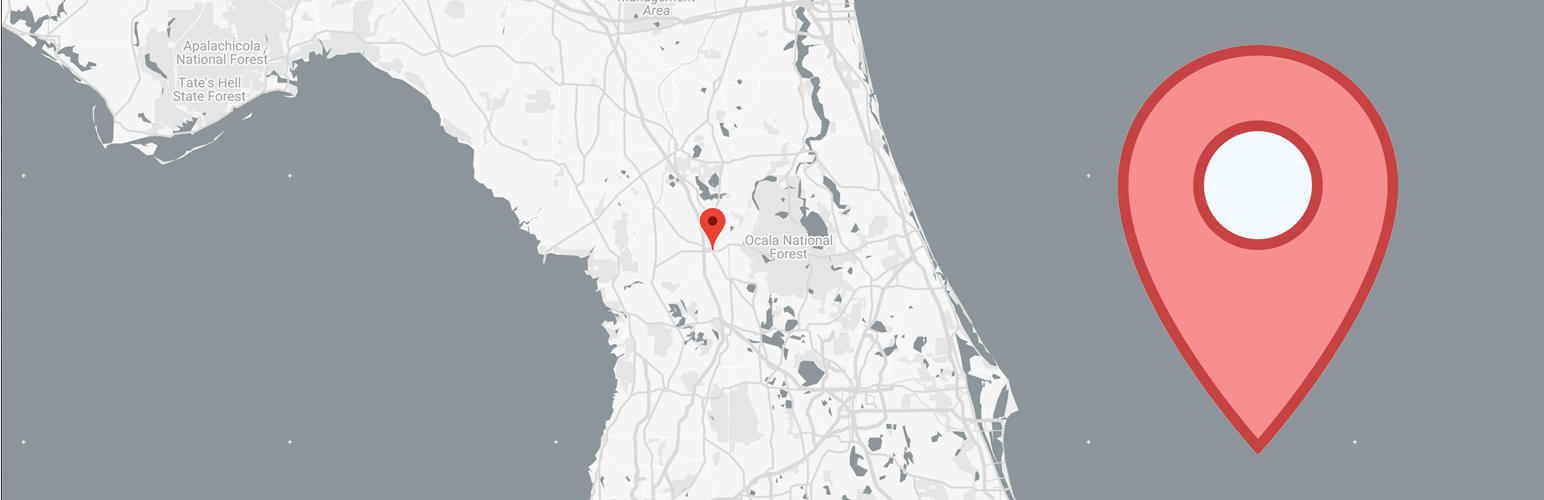
Quick Maps – Google Maps Without API Key
| 开发者 |
quickmaps
rnzo ivanharmat |
|---|---|
| 更新时间 | 2026年11月2日 07:45 |
| 捐献地址: | 去捐款 |
| PHP版本: | 7.4 及以上 |
| WordPress版本: | 7.1 |
| 版权: | GPLv2 or later |
| 版权网址: | 版权信息 |
详情介绍:
[quick-maps] shortcode. Basic maps use a standard Google Maps embed, so they do not require a Google Maps API key, a Google Cloud project, or a billing account.
Enter an address, business, landmark, or coordinates inside the shortcode. Optional attributes control width, height, zoom, map type, language, and driving directions. The embed uses native lazy loading, so an off-screen map is deferred until the browser approaches it.
[quick-maps]Orlando, Florida[/quick-maps]
[quick-maps type="satellite" zoom="16"]Grand Canyon[/quick-maps]
[quick-maps from="Orlando, FL" to="Miami, FL"][/quick-maps]
Google Maps Shortcode for WordPress
Each feature below links to a full how-to guide in the Quick Maps documentation.
- No API key for basic maps - use the standard Google Maps embed without creating a Google Cloud project or enabling billing. Full guide.
- Add a map with one shortcode - place an address, business name, landmark, or coordinates inside
[quick-maps]. Full guide. - Responsive map output - maps fill their container width by default, with configurable
widthandheight. Full guide. - Roadmap, satellite, hybrid, or terrain - choose the map style with the
typeattribute. Full guide. - Control zoom (0-21) with the
zoomattribute. Full guide. - Show the map in any language with the
langattribute. Full guide. - Show driving directions between two places with the
fromandtoattributes. Full guide. - Native lazy loading - off-screen map embeds are deferred using the browser's native loading behavior. Why it matters.
- Use where shortcodes run - add maps to posts, pages, widgets, and compatible page builders.
- Color Schemes: dark, muted, grayscale, and sepia presets.
- Custom Markers: your own pins, brand colors, and marker images.
- Advanced Lazy Loading: click-to-load and scroll-to-load facades.
- Custom JS and Custom CSS: extend and fine-tune your maps.
安装:
- In your WordPress dashboard, go to Plugins → Add New and search for "Quick Maps", or upload the plugin ZIP under Plugins → Add New → Upload Plugin.
- Click Install Now, then Activate.
- Edit any post, page, or widget and add the shortcode with the address or place you want to show:
[quick-maps]Orlando, Florida[/quick-maps] - Publish or update. Your map is live, with no API key or configuration needed for the basic embed.
常见问题:
How do I add Google Maps to WordPress without an API key?
Install Quick Maps and place an address or location inside the [quick-maps] shortcode. Basic maps use a standard Google Maps embed and do not require a Google Maps API key, Google Cloud project, or billing account.
How do I add a Google Map shortcode in WordPress?
Add [quick-maps]Your address or place[/quick-maps] to a post, page, widget, or compatible page-builder shortcode element. See the step-by-step guide.
How do I change the size of the map?
Use the width and height attributes. Width defaults to 100% (responsive):
[quick-maps height="500px" width="75%"]Magic Kingdom, Florida[/quick-maps]
Can I show a satellite or terrain map?
Yes. Add the type attribute with satellite, hybrid, or terrain. The default is the standard road map. See the map type guide:
[quick-maps type="hybrid"]Golden Gate Bridge[/quick-maps]
Can I set the zoom level?
Yes. Use the zoom attribute with a value from 0 (the whole world) to 21 (street level):
[quick-maps zoom="17"]Willis Tower, Chicago[/quick-maps]
Can I show the map in another language?
Yes. Add the lang attribute with a language code, e.g. lang="es" for Spanish. See the map language guide:
[quick-maps lang="fr"]Paris[/quick-maps]
Can the shortcode show Google Maps directions?
Yes. Use the from and to attributes to display a route between two locations. See the directions guide:
[quick-maps from="Orlando, FL" to="Miami, FL"][/quick-maps]
Can I disable the product heartbeat?
Yes. Go to Settings → Quick Maps, clear Send privacy-safe aggregate product signals, and save. Your choice remains saved through plugin updates and reactivation.
Can I use it inside a widget or page builder?
Yes. Quick Maps works anywhere WordPress shortcodes run, including text/HTML widgets and most popular page builders. The documentation has builder examples.
Where can I get help?
Start with the Quick Maps documentation, or contact us directly and the developers will answer you.
Is Quick Maps free?
Yes, the plugin is free. The Pro version at quickmaps.io adds color schemes, custom markers, custom JS/CSS, and advanced lazy-loading controls.