
Radio Player Page
| 开发者 | sjimhdez |
|---|---|
| 更新时间 | 2026年8月3日 06:59 |
| PHP版本: | 7.4 及以上 |
| WordPress版本: | 7.0 |
| 版权: | GPLv2 or later |
| 版权网址: | 版权信息 |
详情介绍:
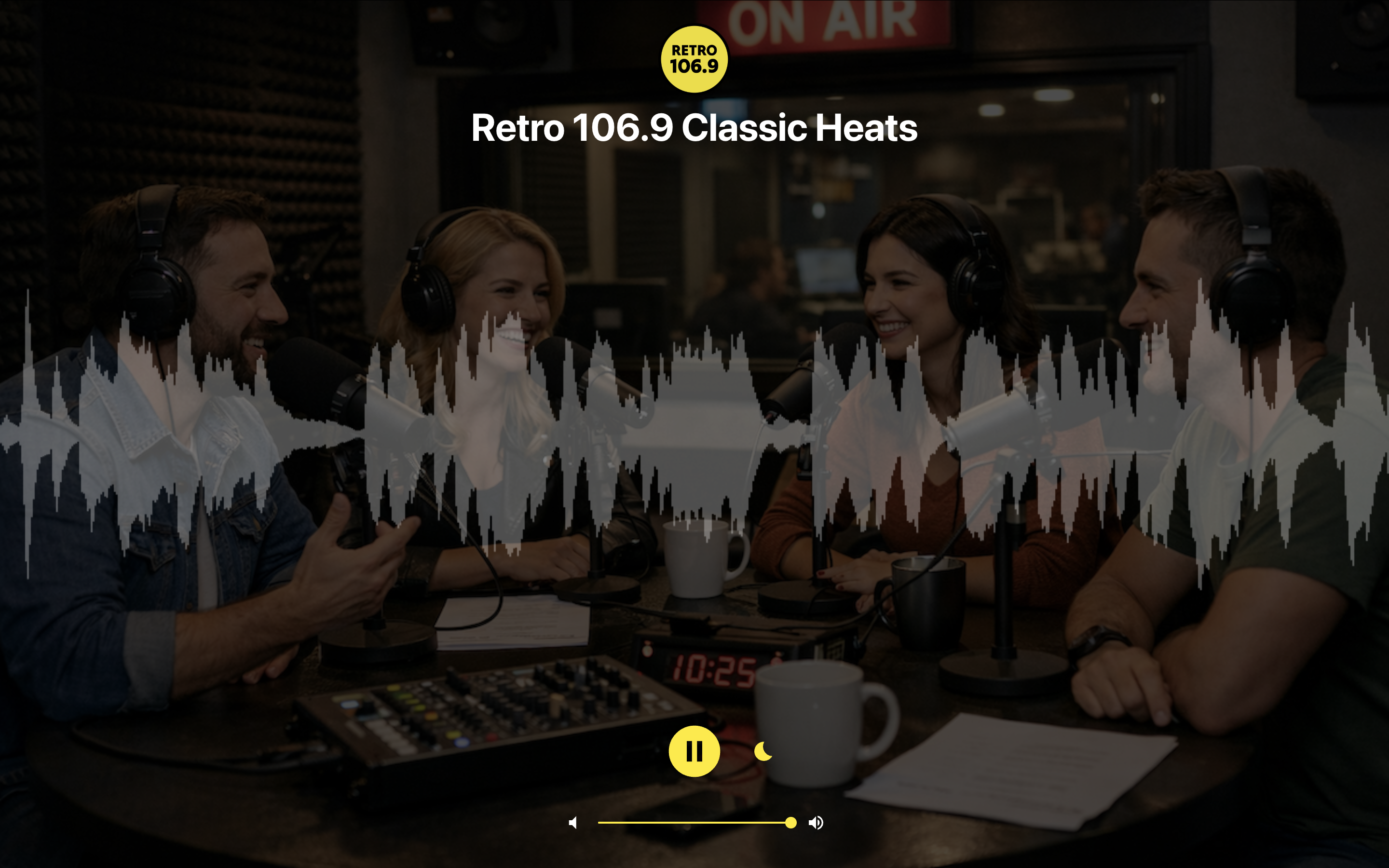
- Standalone Listening Pages – Every station has its own independent HTML page, bypassing your WordPress theme entirely. This guarantees reliable playback, excellent performance, and a dedicated URL for every station.
- Reliable Playback – Listeners always access the same optimized player page without theme conflicts, page builder issues, or unnecessary front-end overhead.
- Universal Stream Compatibility – Supports Icecast, Shoutcast, HLS (.m3u8), DASH (.mpd), and MP3 streams with automatic protocol detection and native HLS support on iOS Safari.
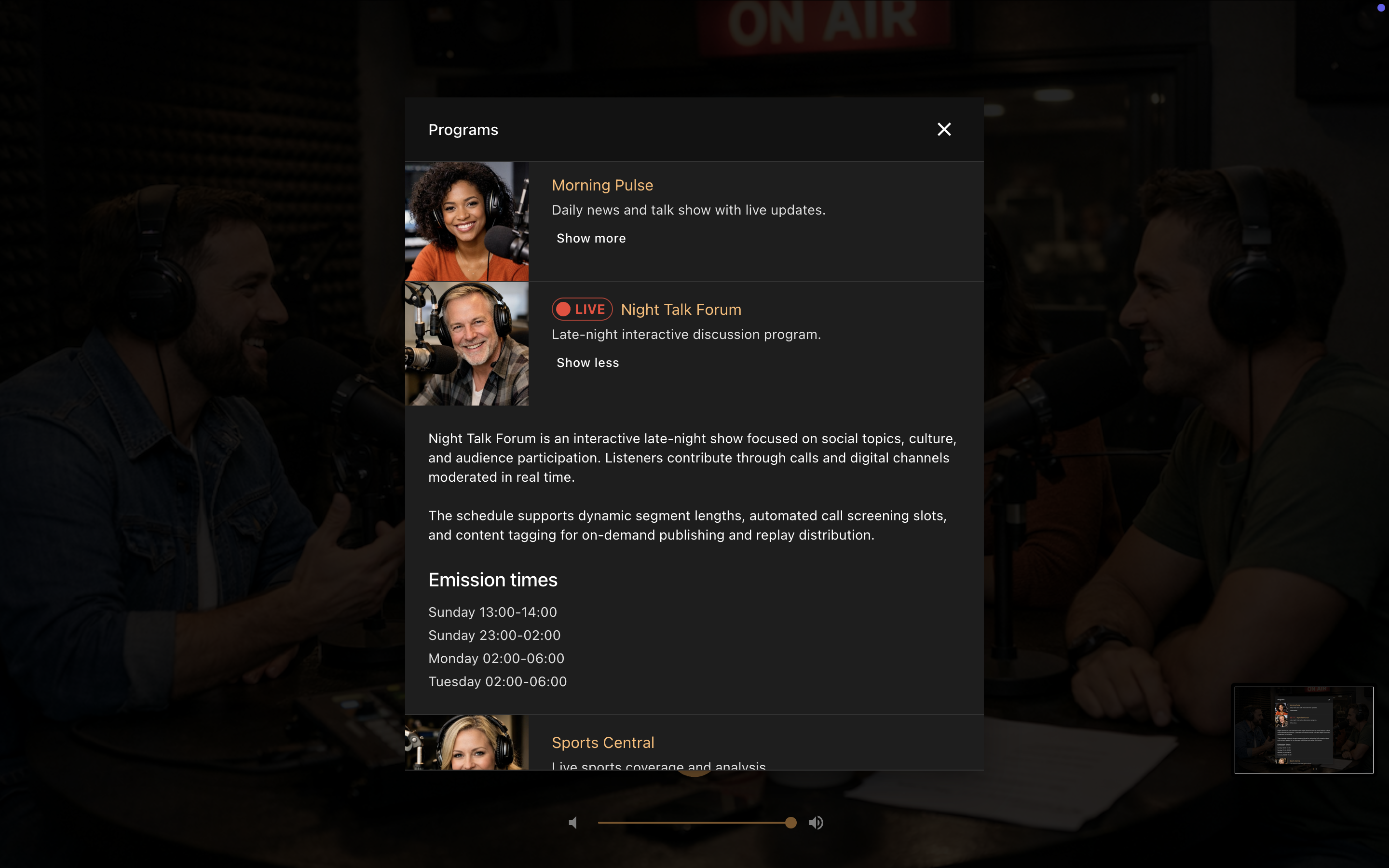
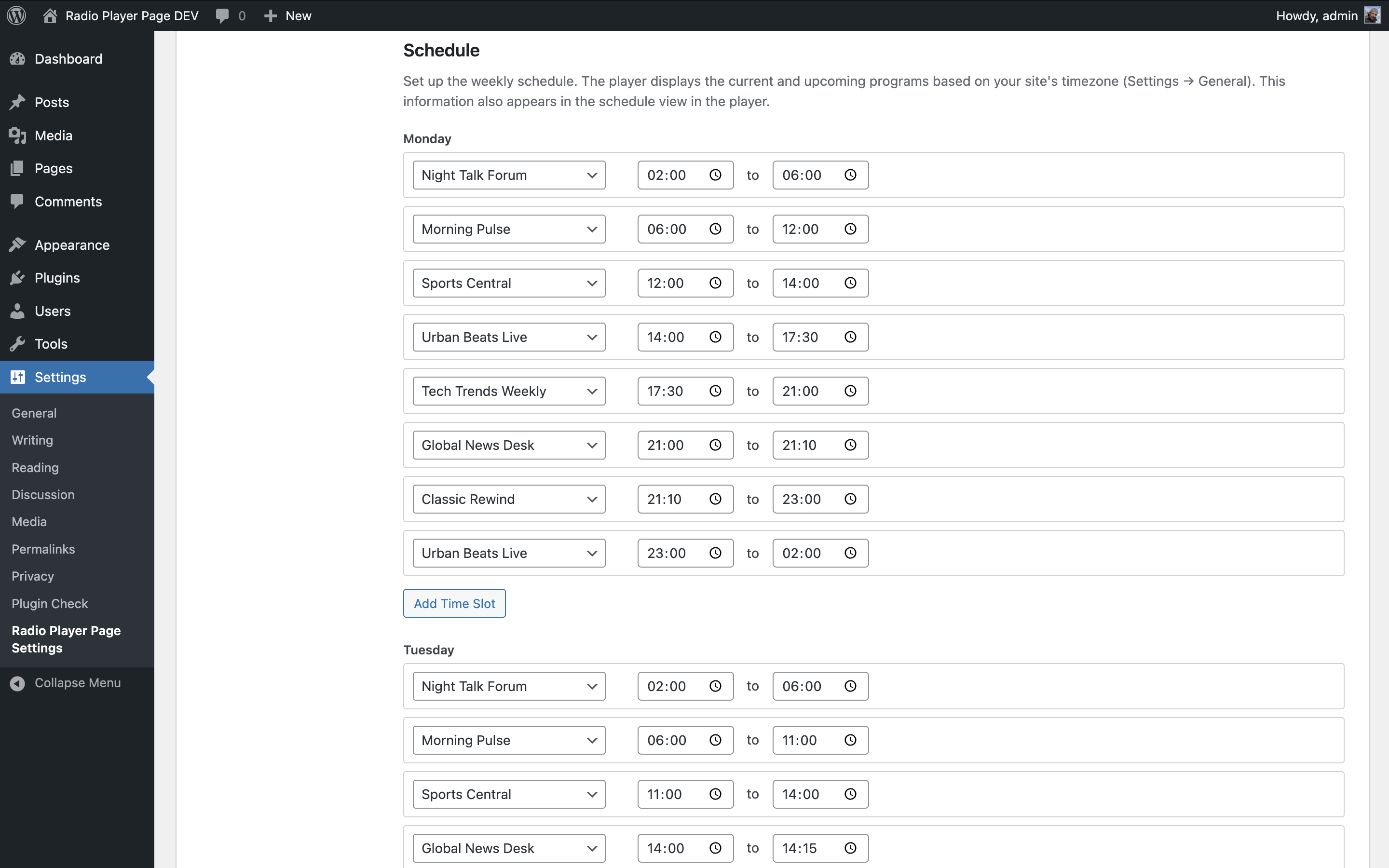
- Weekly Schedule – Build a complete weekly schedule with named radio shows, optional logos, timezone-aware calculations, and overlap prevention.
- Now & Next Information – The player automatically displays the current radio show and the next scheduled show.
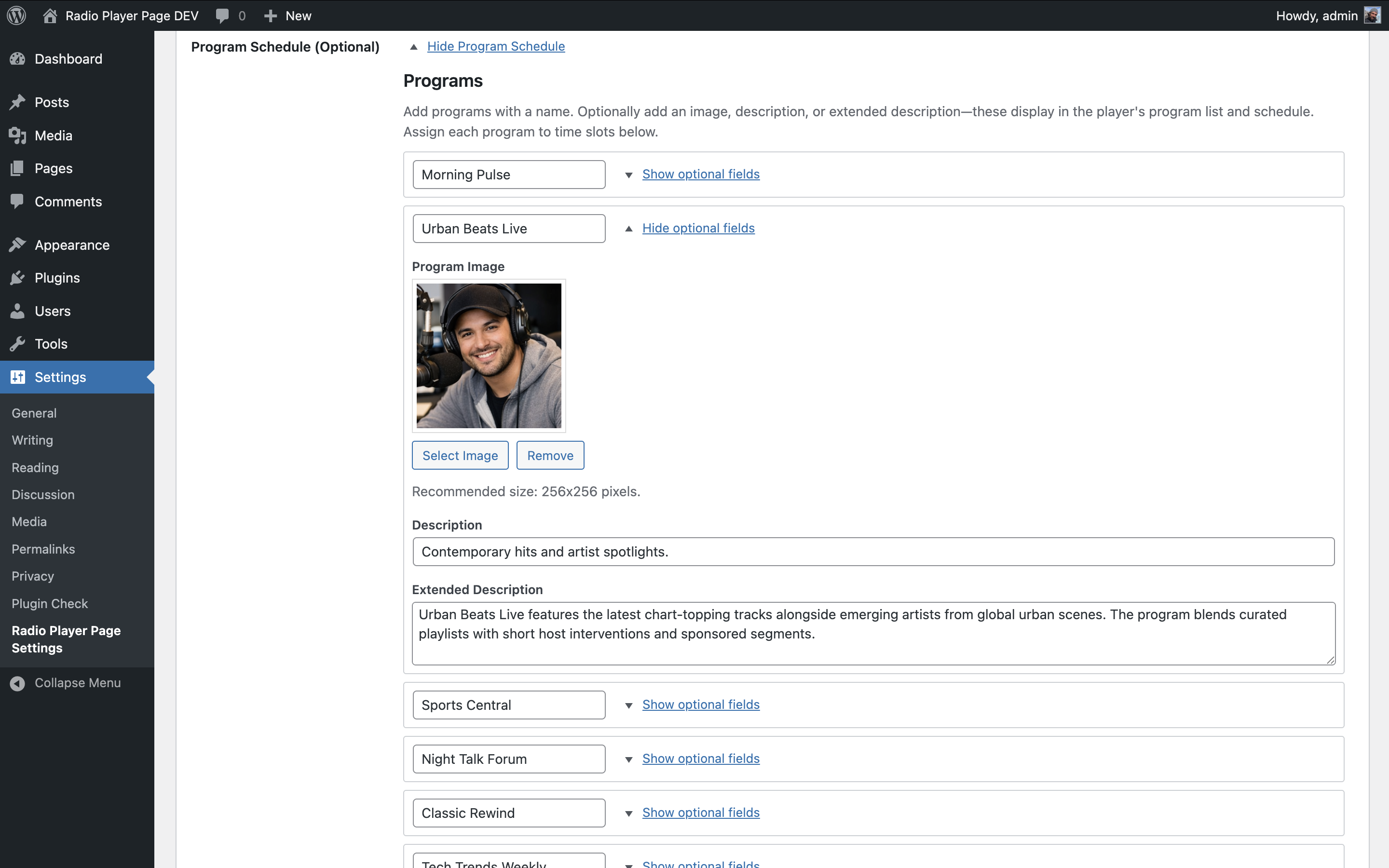
- Radio Shows Library – Create reusable radio shows with featured images, descriptions, and broadcast times.
- Rerun Marker – Mark any schedule time slot as a rerun, shown to listeners in the schedule and now-playing displays.
- Multi-Station Support – Manage multiple independent radio stations from a single WordPress installation.
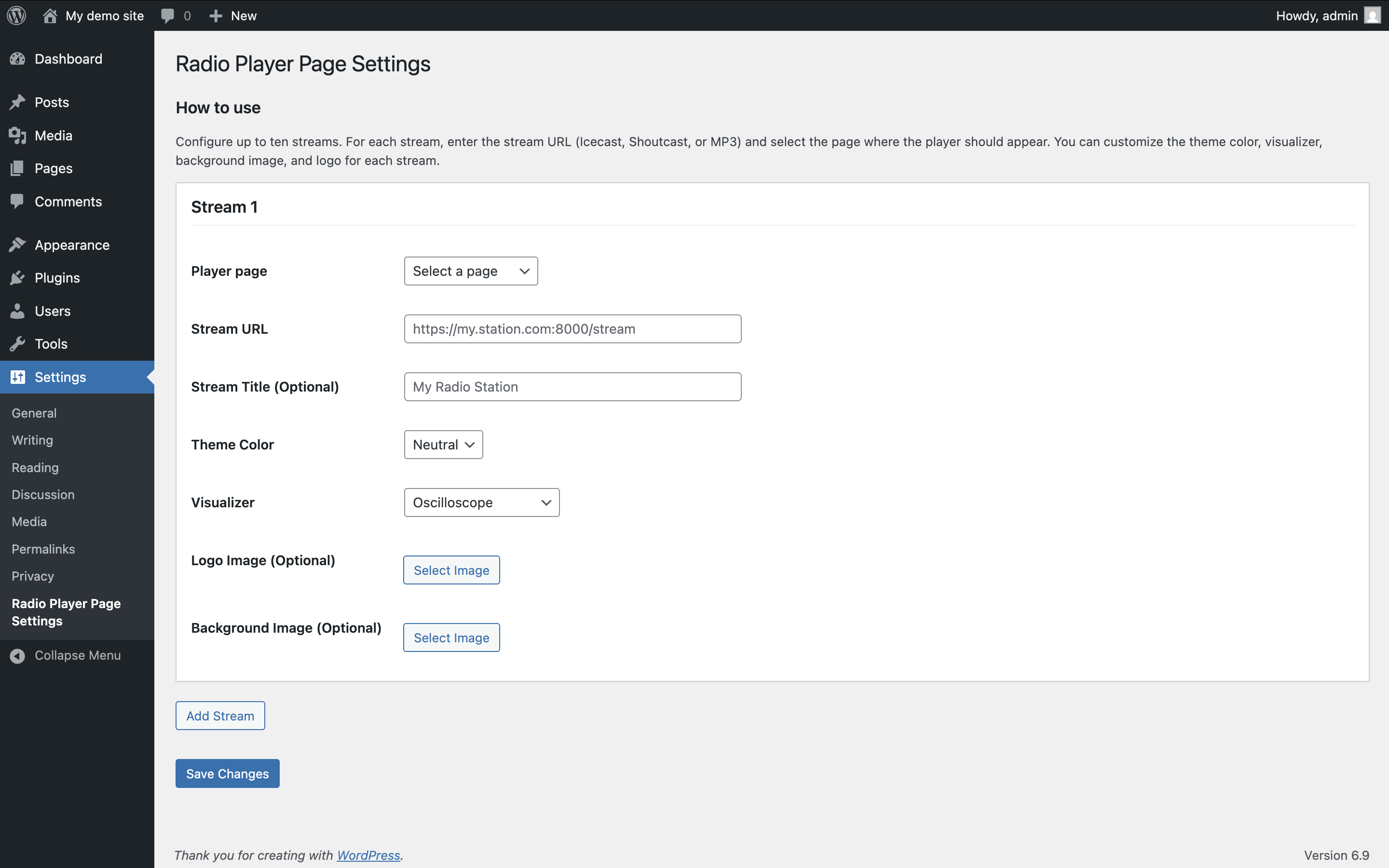
- Station Branding – Customize each station with its own logo, background image, and color theme.
- Welcome Audio – Optionally upload an MP3 that plays once before the live stream starts, the first time a listener presses play.
- Broadcast Timezone Clock – Display your station's local time whenever it differs from the listener's timezone.
- Visual Themes – Choose from eight color themes.
- Audio Visualizers – Four real-time visualizers powered by the Web Audio API.
- Media Session API – Integration with lock screens and hardware media controls, including artwork and metadata.
- Convenience Features – Sleep Timer, responsive layout, and Open Graph metadata for social sharing.
- RPP: Weekly Schedule Block – Display the complete weekly schedule for any station anywhere on your site using the Block Editor.
- RPP: Radio Shows List Block – Display a list of radio shows including featured images, descriptions, and broadcast schedules.
- RPP: Now Playing Block – Display the radio show currently on air for a station, with its schedule, and the next show if it starts within 10 minutes.
安装:
- Upload the
radio-player-pagefolder to the/wp-content/plugins/directory, or install the plugin through the WordPress Plugins screen. - Activate the plugin.
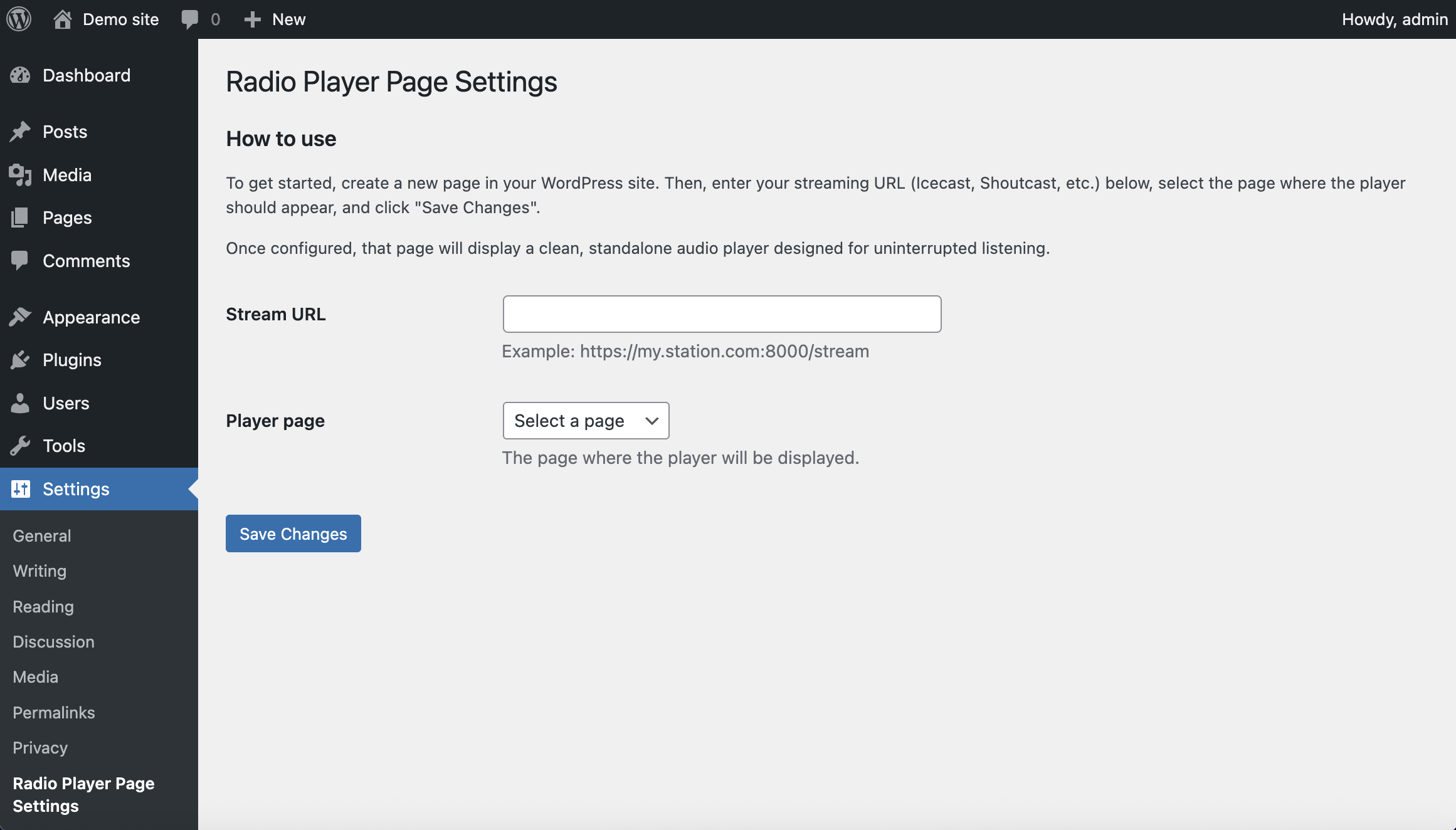
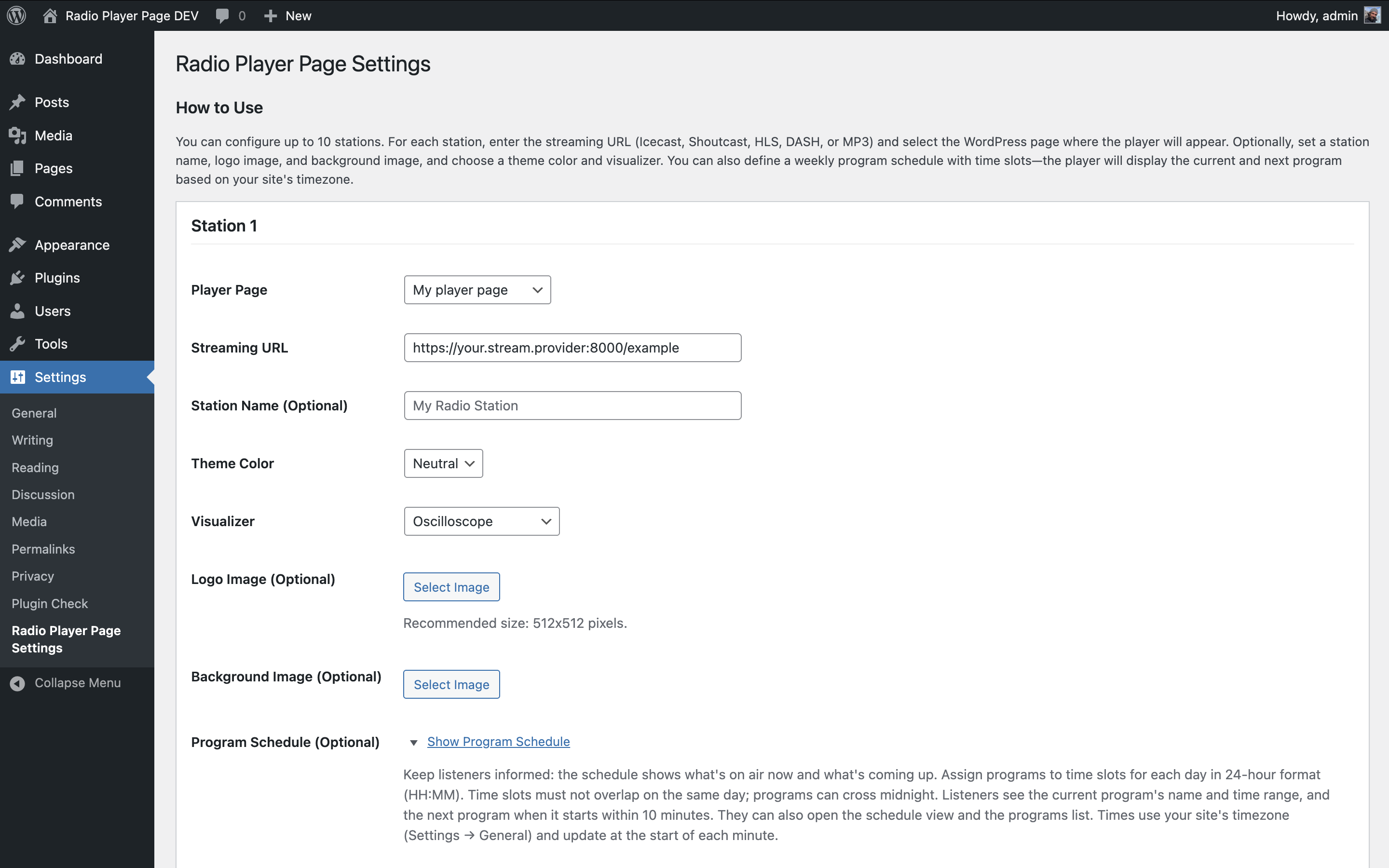
- Open RPP → Stations and create your first station.
- Configure:
- Streaming URL (Icecast, Shoutcast, HLS, DASH, or MP3)
- WordPress page
- Station title
- Branding options (logo, background, color theme)
- Audio visualizer
- Publish the station.
- Optionally create radio shows from RPP → Radio Shows and build the station's weekly schedule.
- Every station requires a valid streaming URL and an assigned WordPress page.
- Stations and radio shows are stored as WordPress custom post types.
- Deactivating the plugin preserves your data.
- Uninstalling the plugin permanently removes stations, radio shows, and schedules.
屏幕截图:
常见问题:
Do I need to configure anything on the WordPress page?
No. Once you assign a page to a station on the RPP → Stations edit screen, no additional configuration is needed on the page itself. The plugin intercepts page requests using WordPress template redirect hooks and serves a standalone HTML page with the player. The normal page output (content, template, blocks) is bypassed for that URL, so the player always loads reliably without page-level setup.
Where can I get support or report issues?
Visit the WordPress Support Forum for help, feature requests, and to report any bugs.
Can I use this for commercial radio stations?
Yes. The plugin is free and open-source (GPLv2 or later), suitable for both commercial and non-commercial radio stations.
Where can I view the full source code?
The source code is hosted on GitHub.
What is Welcome Audio?
Welcome Audio is an optional MP3 clip you can upload for a station. When a listener presses play for the first time, this clip plays once before the live stream starts, and can't be paused or skipped until it finishes. It's useful for a short station ID, a welcome message, or a legal notice. It's completely optional, plays only once per page visit, and if it can't play for any reason the live stream starts normally instead.
更新日志:
- Fixed rerun marker position in the Weekly Schedule dialog to appear below the broadcast time instead of next to the radio show name.
- Fixed layout of the Live/Active badge and radio show name in the Weekly Schedule and Radio Shows dialogs to stack correctly instead of overlapping on narrow screens.
- Fixed active radio show logo cropping on the player page so it fills its frame instead of leaving empty space.
- Added Now Playing block.
- Added optional Welcome Audio: an MP3 that plays once before the live stream starts, the first time a listener presses play.
- Added rerun/repeat marker for schedule time slots.
- Fixed errors in the player's Dutch translation (thanks marcelgremme).
- Fixed errors in the player's Swedish translation.
- Raised minimum requirements to WordPress 6.6 and PHP 7.4. Required for blocks (Block API v3 and modern JSX runtime). Sites below these versions can keep the installed plugin but cannot update until they upgrade.
- Tested up to WordPress 7.0.
- Modernized PHP codebase for PHP 7.4+ (typed classes, short array syntax, null coalescing).
- Aligned terminology across the admin area, player, and blocks around consistent concepts such as Radio Station, Radio Show, Weekly Schedule, Broadcast Time, and On Air.
- Updated player translations across all supported languages.
- Improved empty states and block editor settings labels for the Weekly Schedule and Radio Shows List blocks.
- Improved radio show featured image layout in the player weekly schedule and radio shows dialogs.
- Added Weekly Schedule block.
- Added Radio Shows List block.
- Radio stations and radio shows now use CPTs.