Raina Image Compression
| 开发者 | rainafarai |
|---|---|
| 更新时间 | 2026年5月29日 02:54 |
| 捐献地址: | 去捐款 |
| PHP版本: | 7.4 及以上 |
| WordPress版本: | 7.0 |
| 版权: | GPLv2 or later |
| 版权网址: | 版权信息 |
详情介绍:
Raina Image Compression is a powerful WordPress plugin that automatically optimizes images during upload while giving full control over compression, output format, and metadata. It is designed for site owners who want fast-loading pages, SEO-friendly images, and a reliable system that prevents users from uploading huge, unoptimized files.
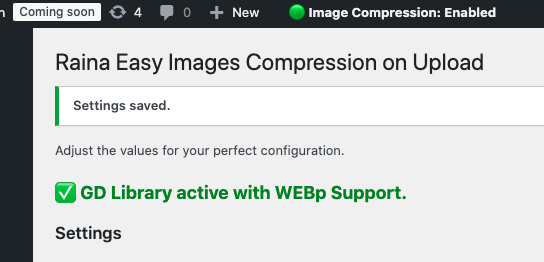
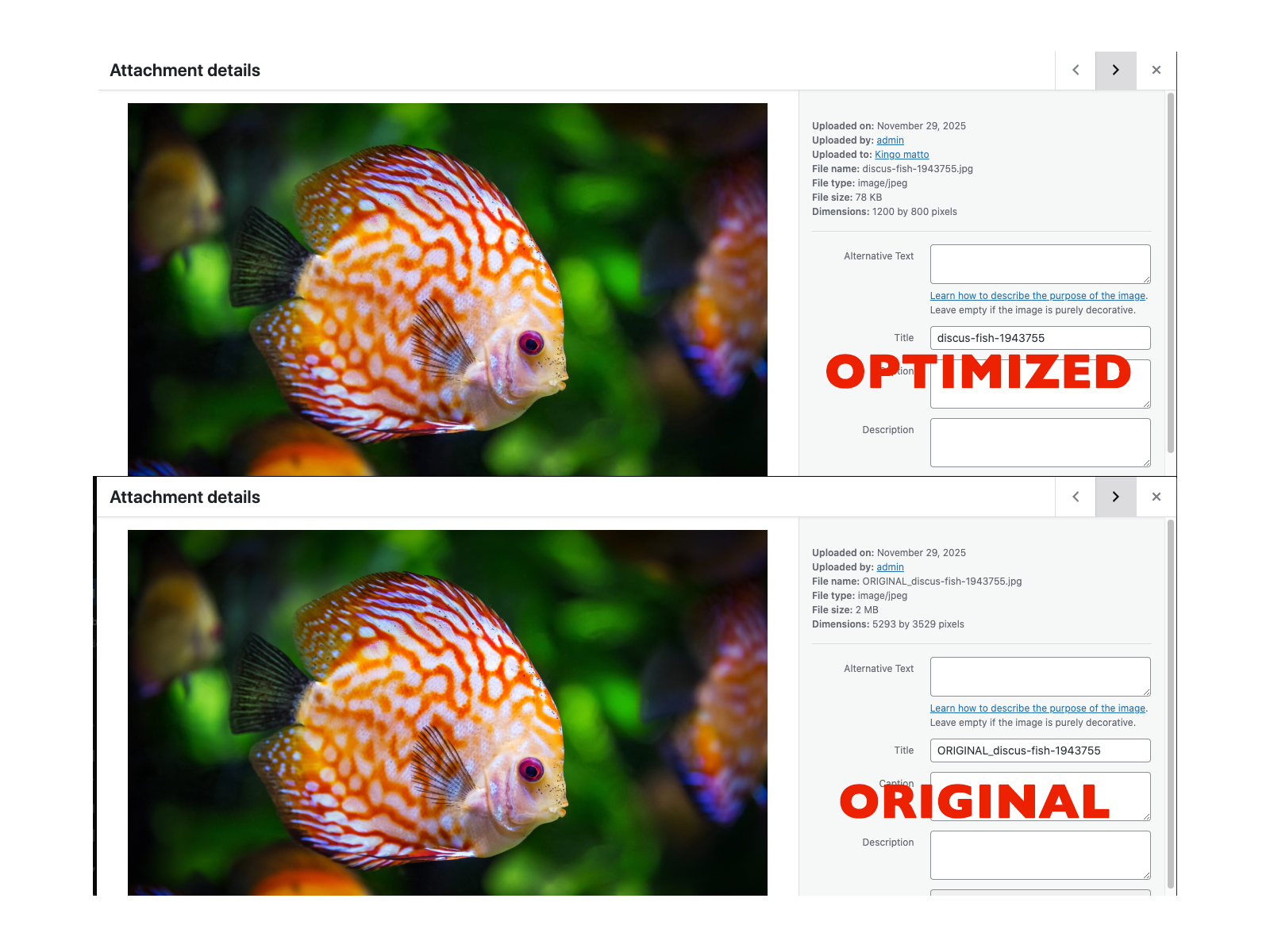
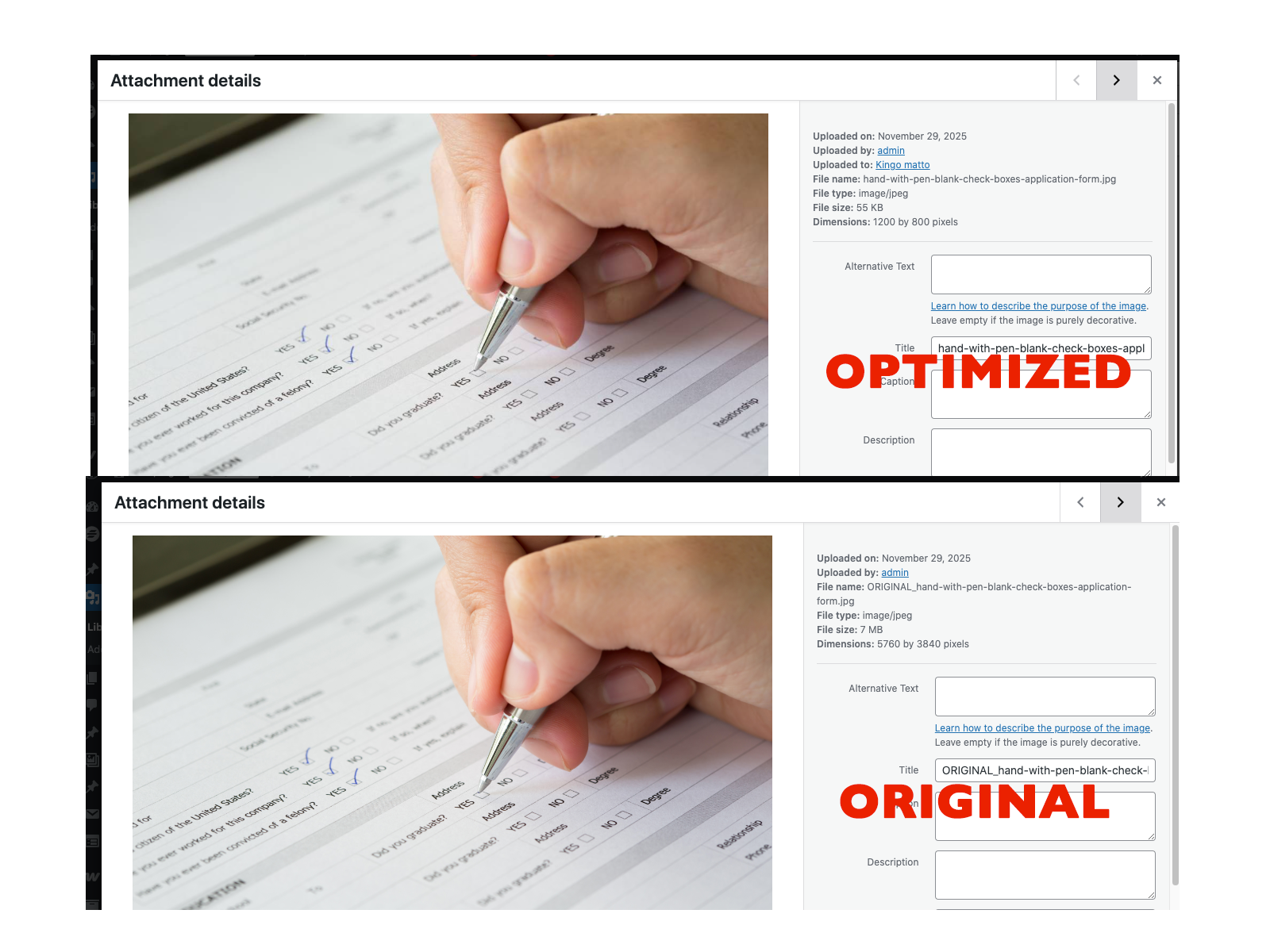
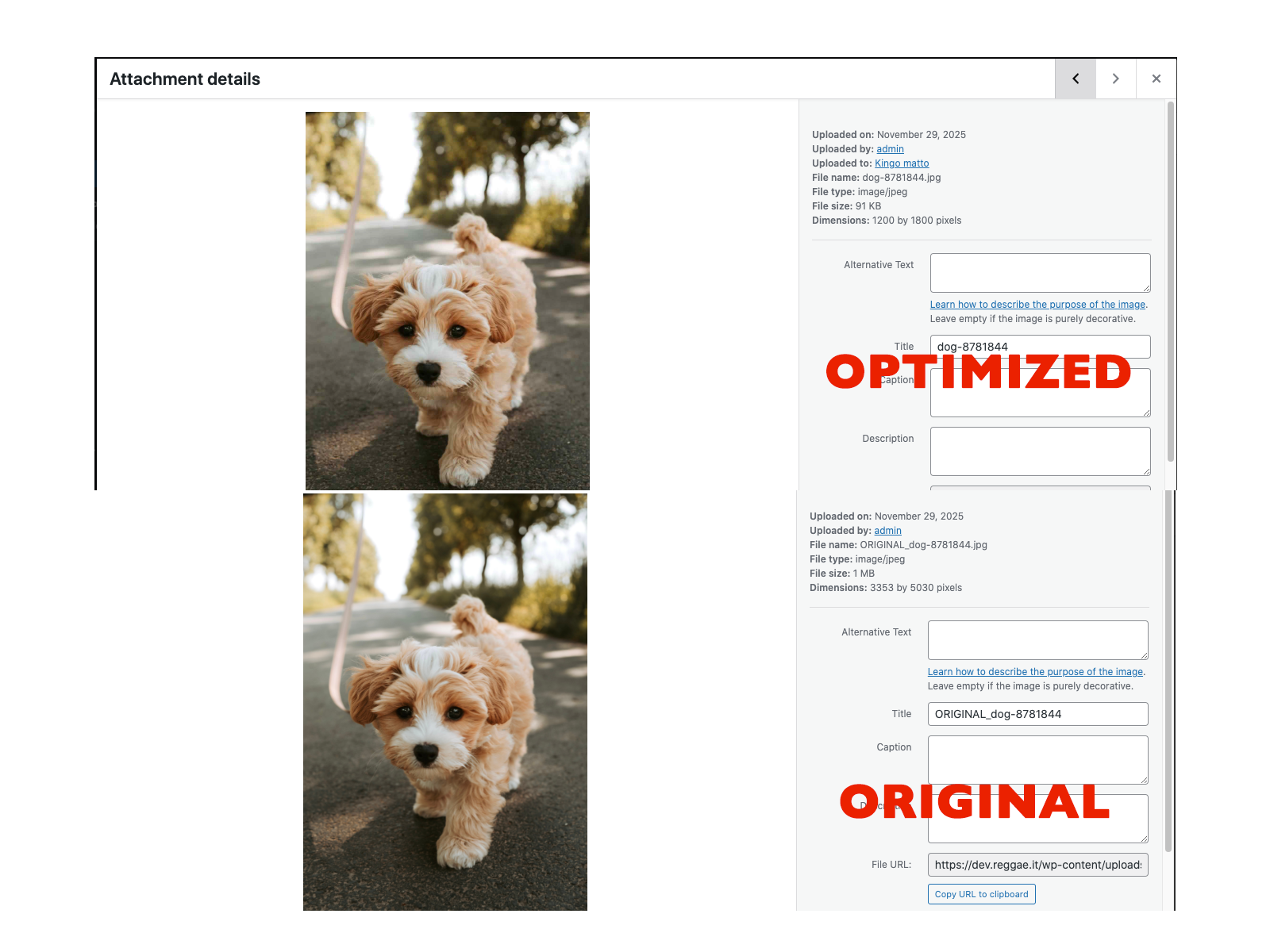
The plugin works with the built-in GD library and intelligently handles JPG, PNG, and WebP formats. It can also convert non-transparent PNGs to JPG, achieving better compression without visible quality loss.
Ideal for multi-author sites or blogs managed by non-technical users, Raina Image Compression operates automatically in the background, optionally sends Telegram notifications, and keeps your image sizes under control.
Key Features
Smart Image Optimization
- Automatically compresses JPG and PNG images.
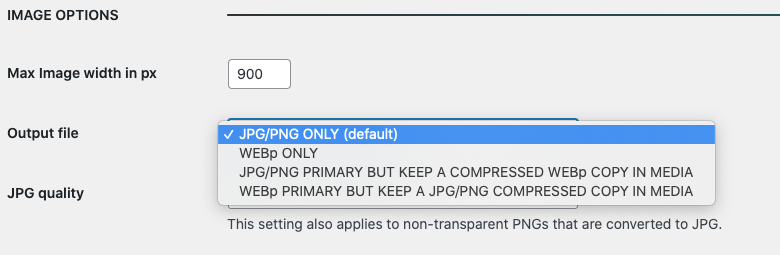
- Converts non-transparent PNGs to JPG for better performance. Output Mode Selection (4 available modes) Choose how your images are generated after upload:
-
- JPG/PNG ONLY Compresses only JPG and PNG files.
-
- WEBP ONLY Creates only a WebP version.
-
- JPG/PNG PRIMARY + WEBP COPY Keeps the original JPG/PNG as the main file and creates a WebP copy in the media library.
-
- WEBP PRIMARY + JPG/PNG COPY Sets the WebP image as the primary file while retaining a JPG/PNG copy for compatibility. Maximum Width Control\ Set a maximum pixel width for uploaded images to automatically resize large photos from cameras or smartphones.
- File name
- Format
- Compression ratio
Logging\
Can Records all compression events to the WordPress debug log (
wp-content/debug.log) for debugging or performance tracking.
- Works entirely on your server with no external API, CDN or remote requests.
- Fully compatible with shared hosting environments.
- No third-party dependencies.
- Websites managed by non-technical users who often upload large, unoptimized images.
- Site owners and developers who want full control over compression settings.
- Blogs or news sites that require consistent image optimization without external services.
安装:
- Upload the plugin files to the
/wp-content/plugins/raina-image-compression/directory, or install it directly from the WordPress Plugin Directory. - Activate the plugin through the Plugins screen in WordPress.
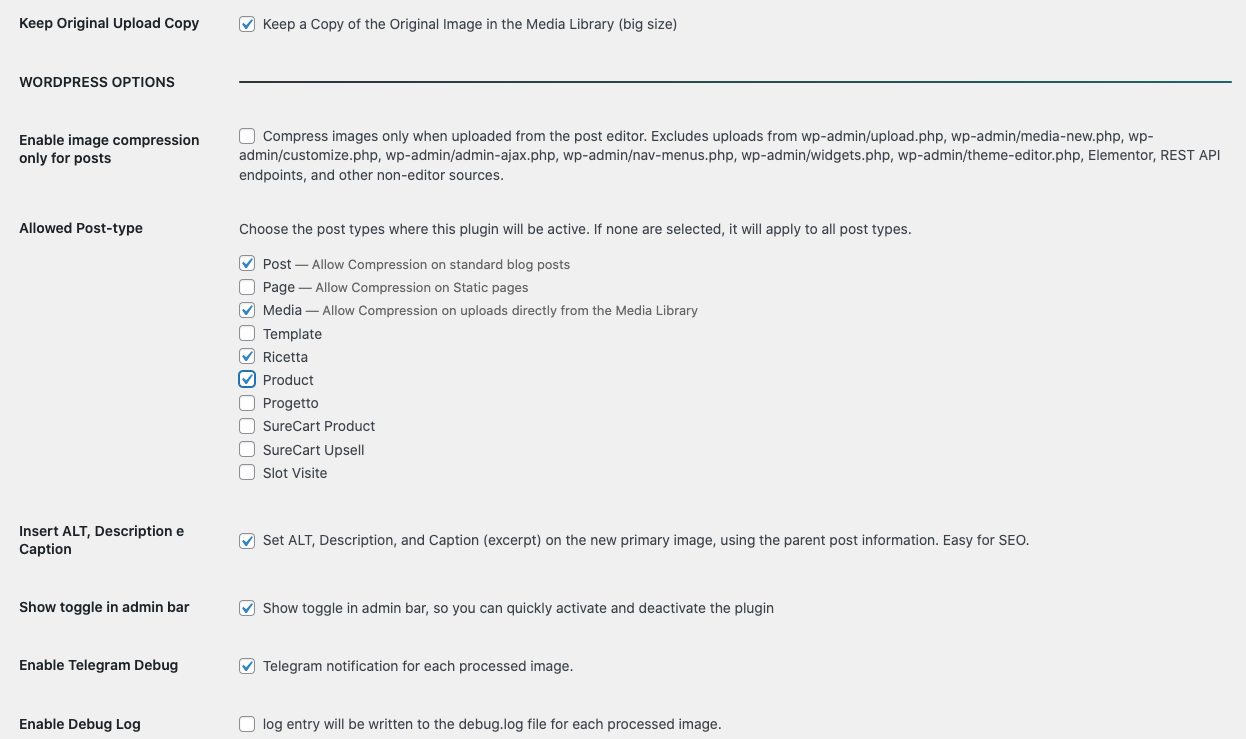
- Go to Settings → Raina Image Compression to configure your compression options.
- Optionally, install the Notifications for Telegram plugin to receive Telegram alerts for image compression events.
屏幕截图:
常见问题:
Does this plugin require an external API or cloud service?
No. Raina Image Compression works entirely on your own server using WordPress’s built-in GD library. No data leaves your site.
Does it support WebP?
Yes. You can choose between JPG/PNG, WebP only, or hybrid modes that create both versions.
Can it automatically fill ALT text and captions?
Yes. When enabled, the plugin automatically sets ALT, Description, and Caption fields using the parent post title.
Will it change existing images?
It only compresses new uploads.
Does it work on shared hosting?
Yes. The plugin is lightweight and compatible with all common hosting environments that support the PHP GD library.
How does the Telegram notification feature work?
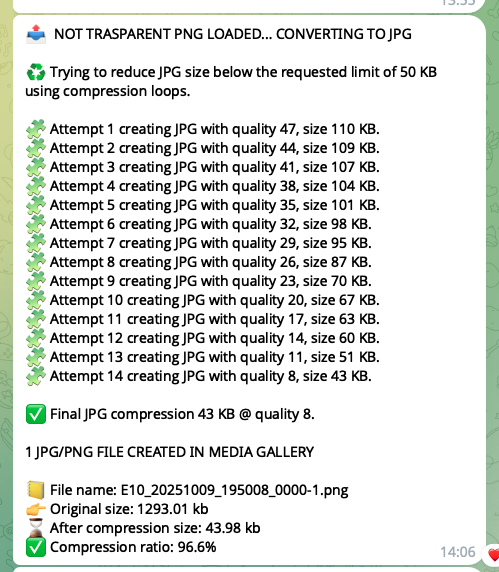
If you have the “Notifications for Telegram” plugin installed and configured, Raina Image Compression will send a Telegram message each time an image is processed, showing the filename, format, size reduction.
更新日志:
1.8.2
- Fixed an issue where non-transparent images were incorrectly detected as transparent.
- Updated some Text in Option Page
- Added a new option to select which post types the plugin should apply to.
- Added a new option to create a copy of the original uploaded image.
- Added a new option to disable WP Auto-Generated Thumbnails.
- Removed some unuseful Telegram logs
- FIX some Warnings on option page.
- Removed all inline CSS in admin option page
- Header & Donation button
- Initial release.
- Added Output Mode selection with 4 formats (JPG/PNG only, WebP only, dual modes).
- Added JPG compression by target KB limit.
- Added PNG-to-JPG automatic conversion for non-transparent images.
- Updated description and compliance with WordPress coding standards.
- Added optional Telegram notifications.
- Added admin bar toggle for compression control.
- Improved metadata automation (ALT, caption, description).