
Read More Login
| 开发者 | arildur |
|---|---|
| 更新时间 | 2021年7月31日 19:56 |
| 捐献地址: | 去捐款 |
| PHP版本: | 5.5 及以上 |
| WordPress版本: | 5.8 |
| 版权: | GPLv3 or later |
| 版权网址: | 版权信息 |
详情介绍:
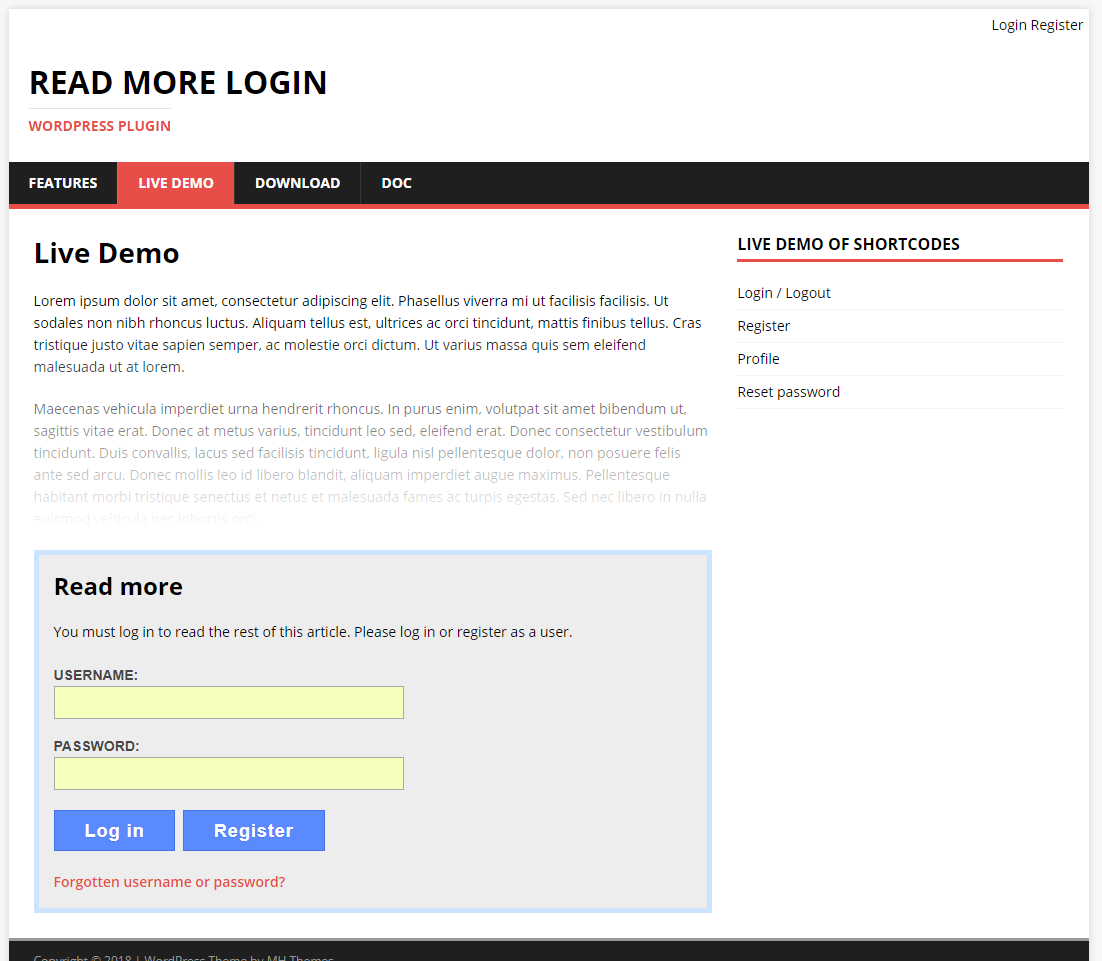
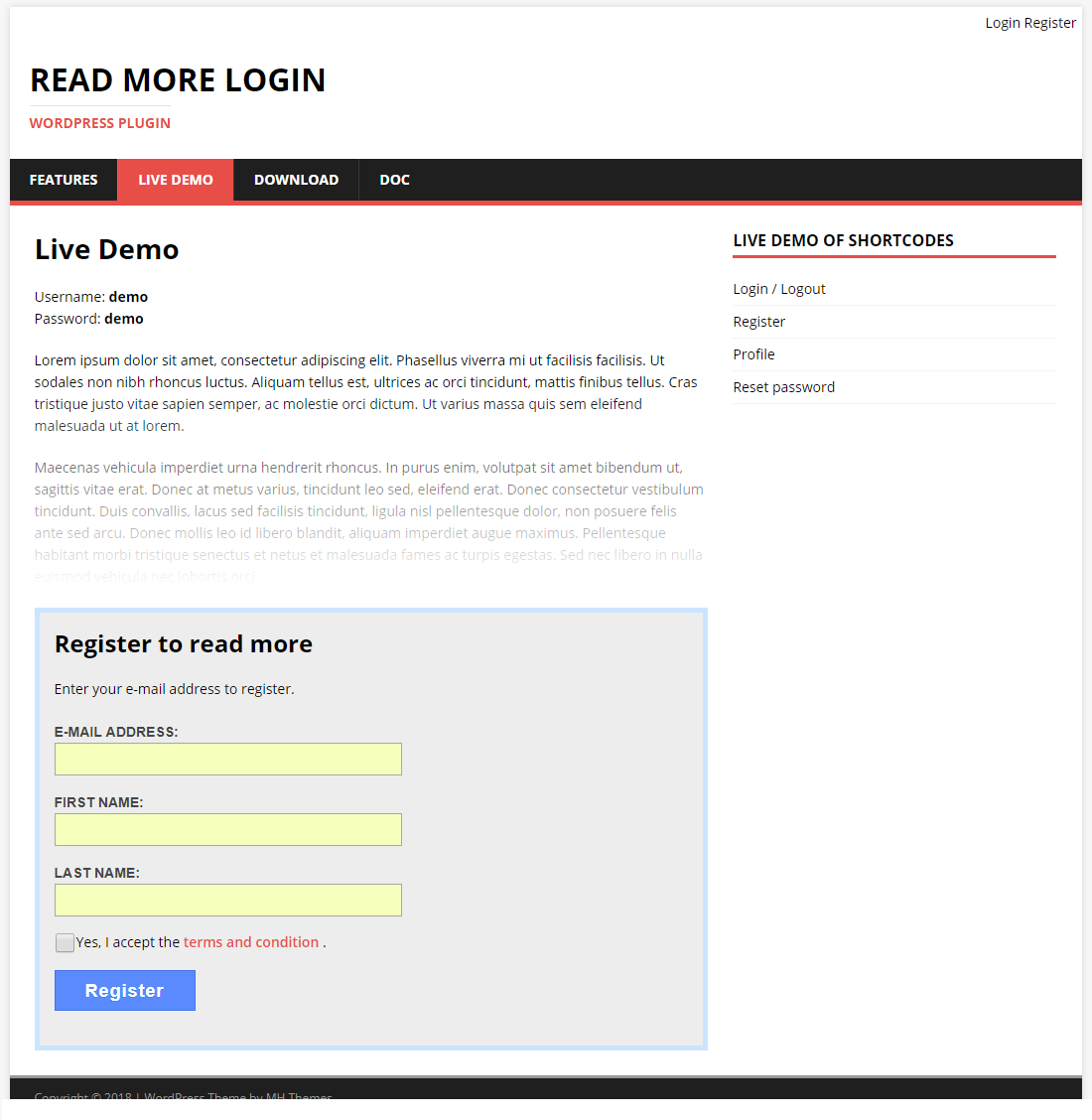
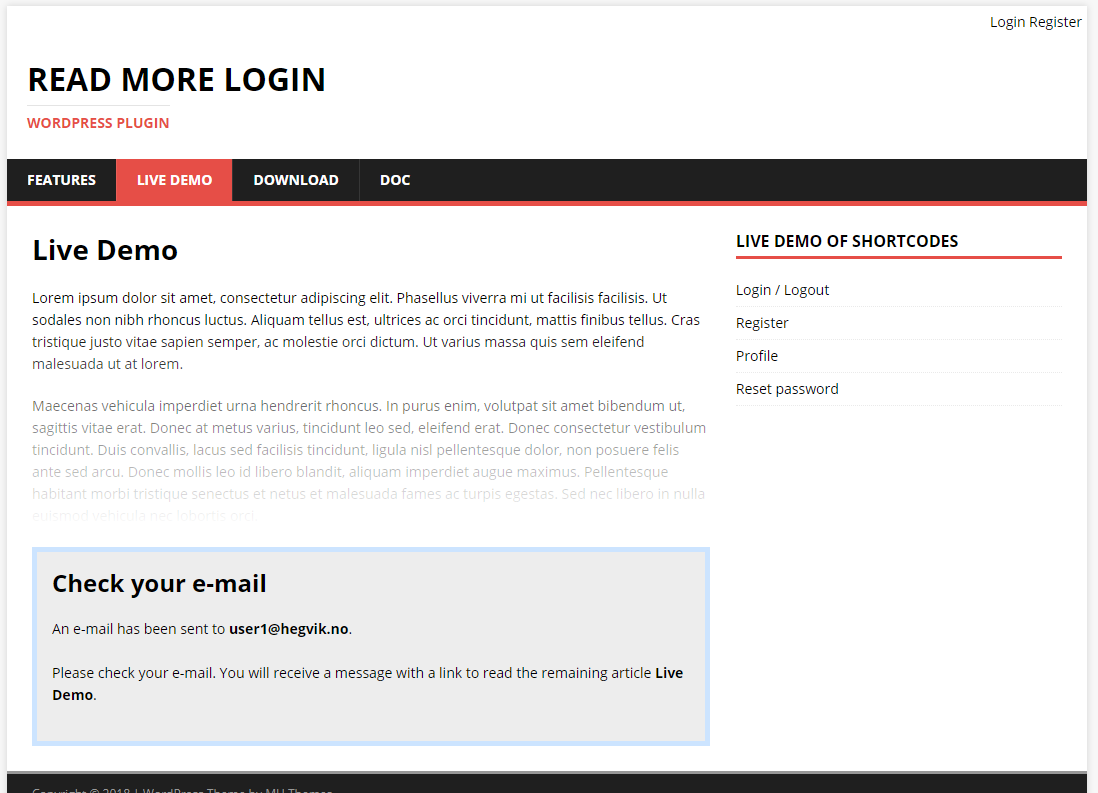
This plugin puts a combined read more/login/registration form in your posts and pages. The visitors must log in or sign up to read more. Remaining text will be protected and hidden from non-logged in users. Visitors can sign up and log in from inside articles and don't need to leave the page. Text fades out above the login form and will indicate more text can be read. This could increase conversion rate.
Live demo: readmorelogin.com/live-demo
Main features
- Creates login/register form inside articles on posts and pages
- Visitors can log in from inside the articles, remaining text loads automatically
- Text will fade close to login form, this indicate more text be to read
- Easy access to register button to sign-up new visitors
- The e-mail confirmation link sends the signed up user right back to the article
- Works with both pages and posts
- SEO friendly, Google search engines can read without login
- Login/registration forms inside articles
- Registration page
- Login/logout page
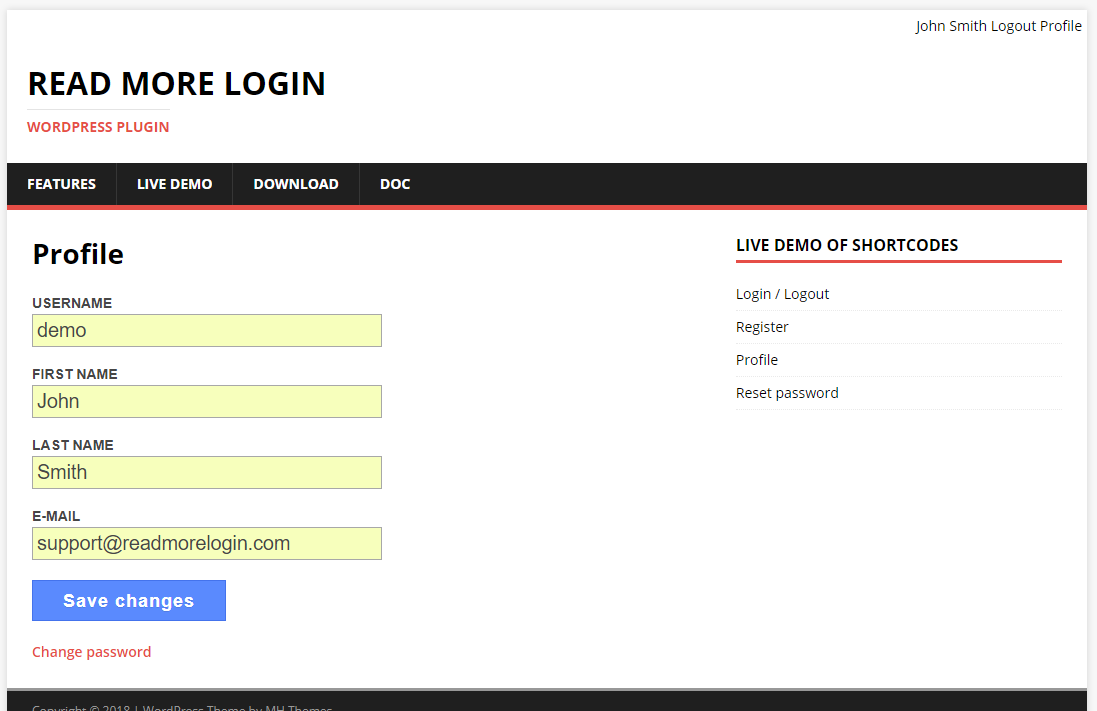
- Profile page
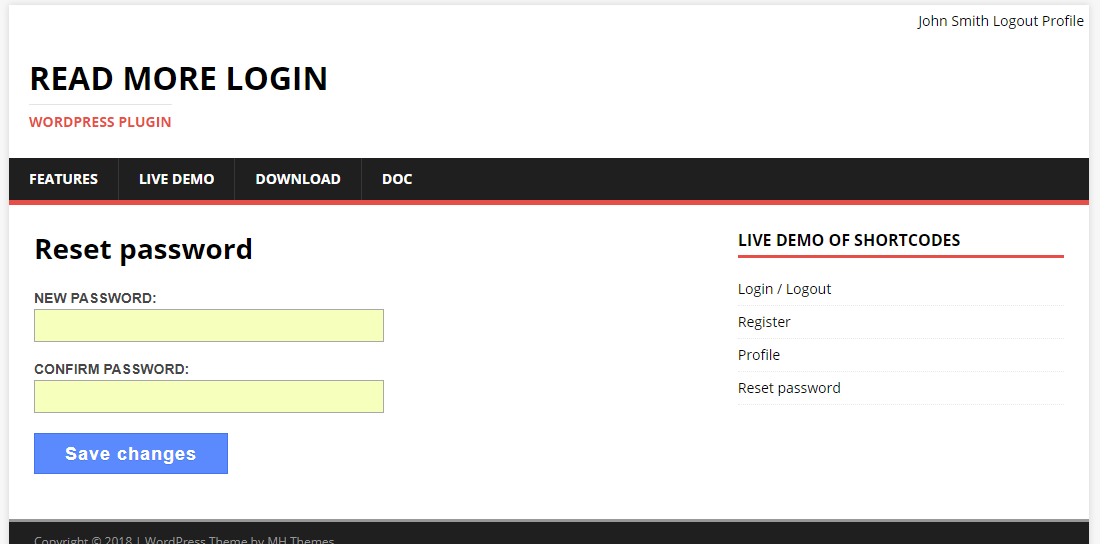
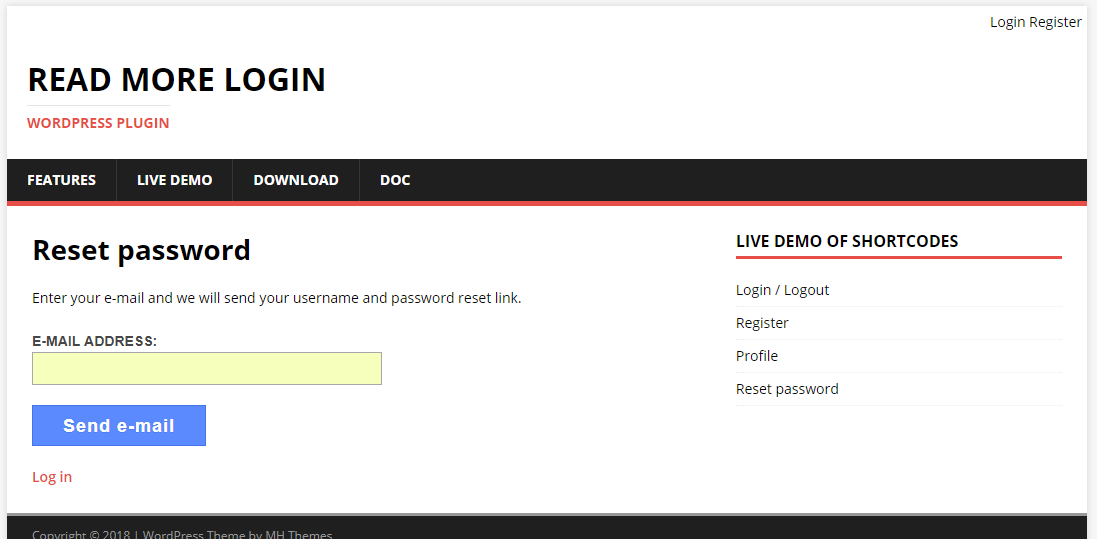
- Password recovery page
- E-mail confirmation
- E-mail notifications for registered users and admin
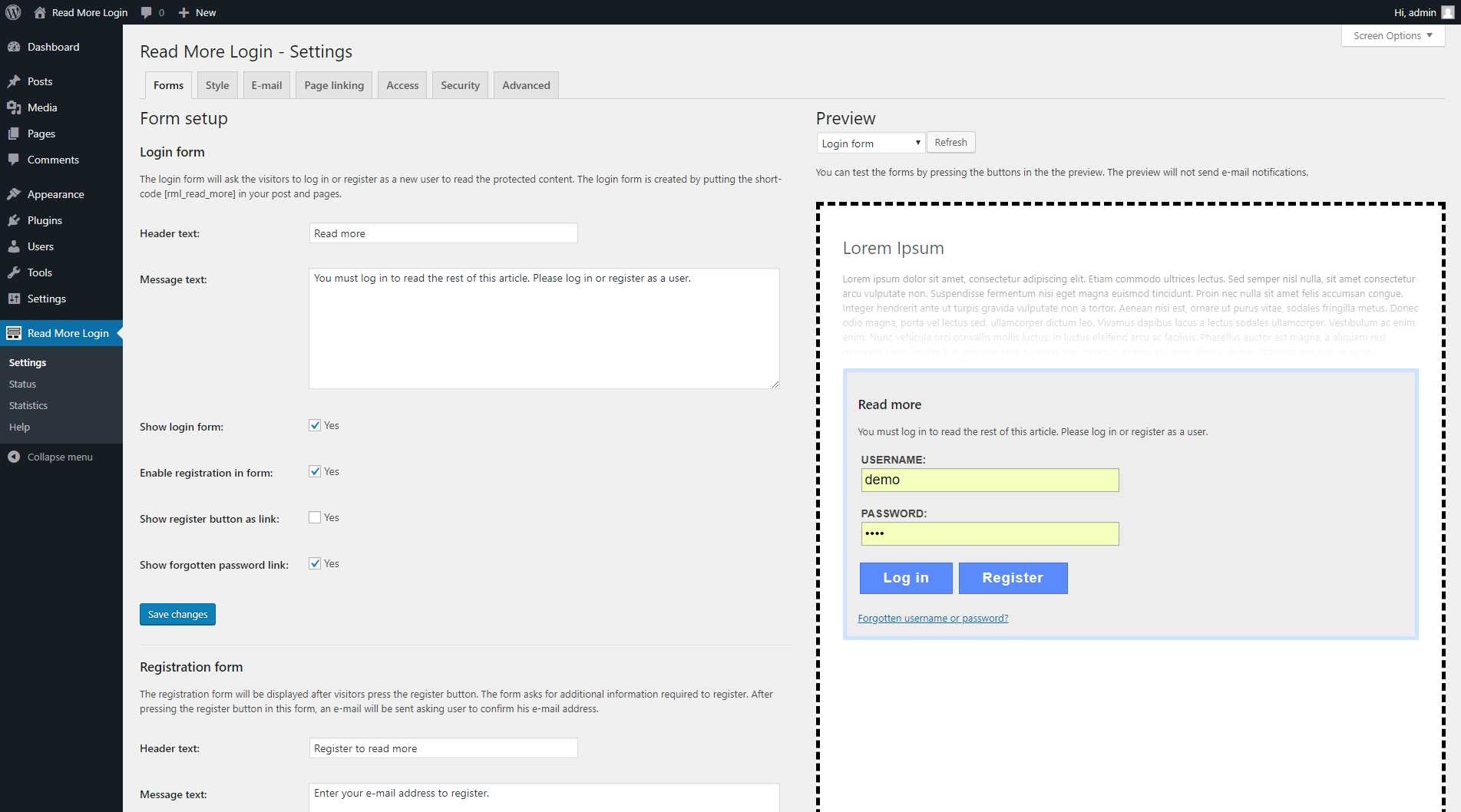
- Configurable forms and text messages
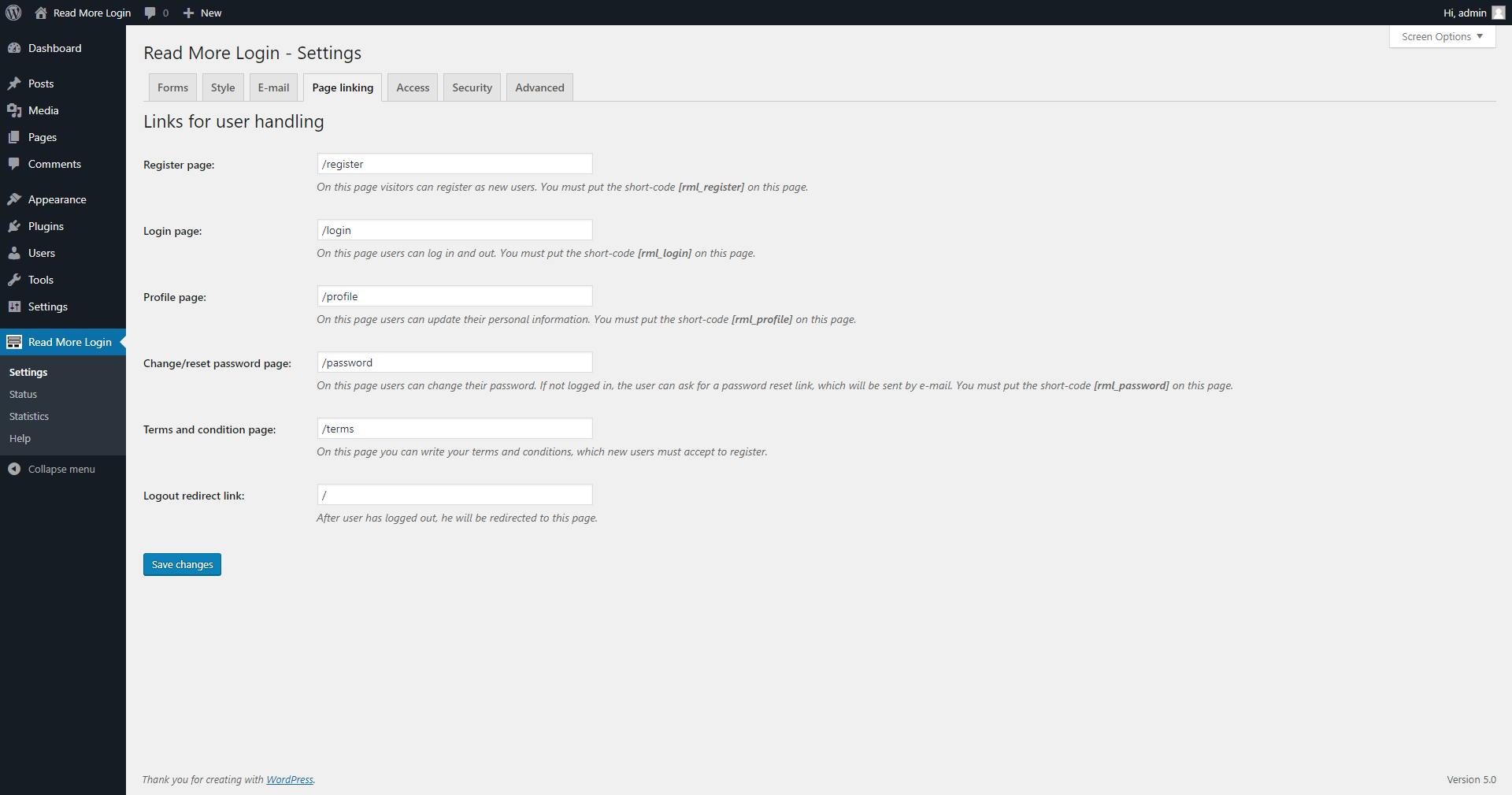
- Configurable linking
- Login/logout/register/password page redirect
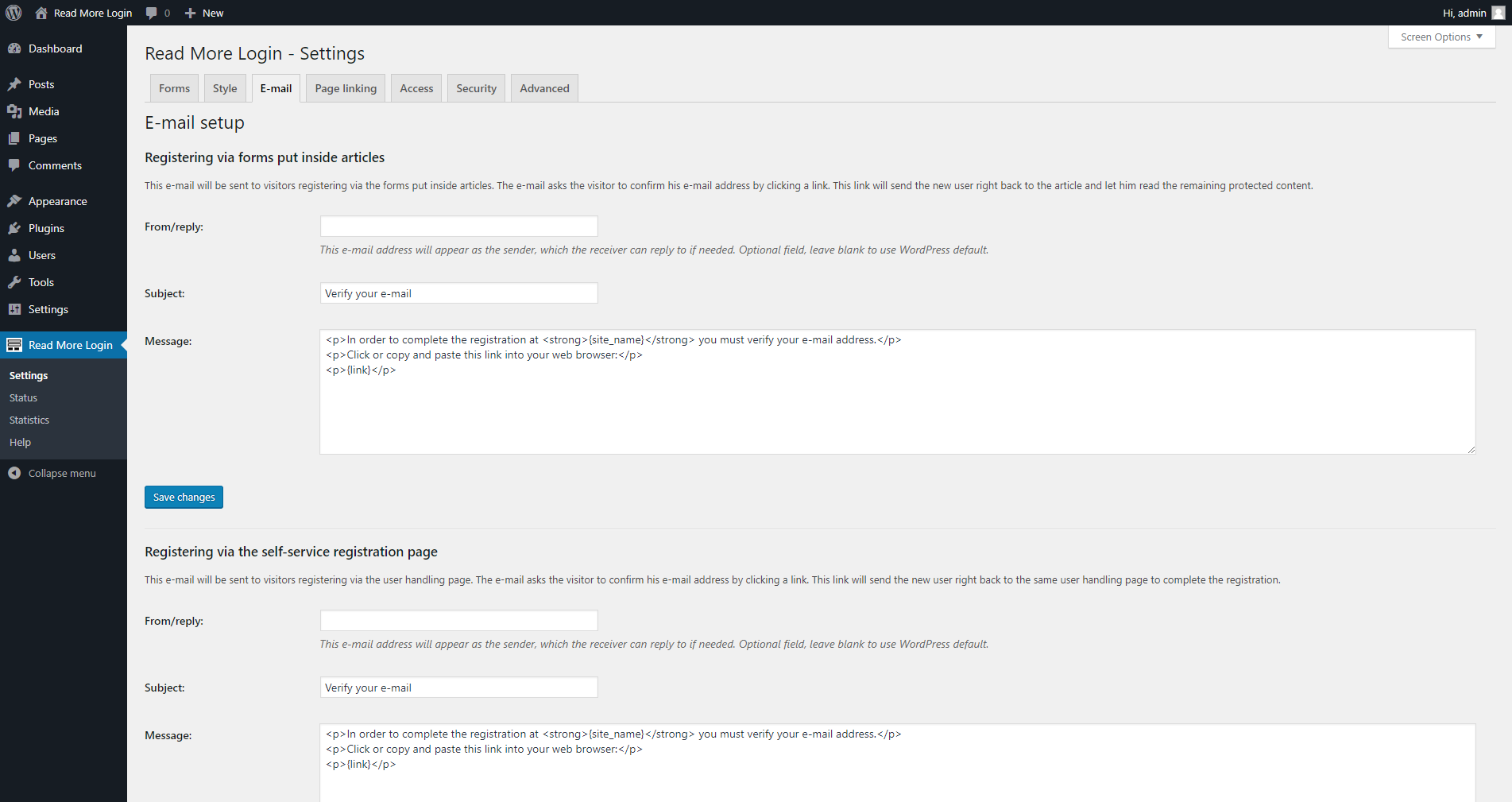
- E-mail customization
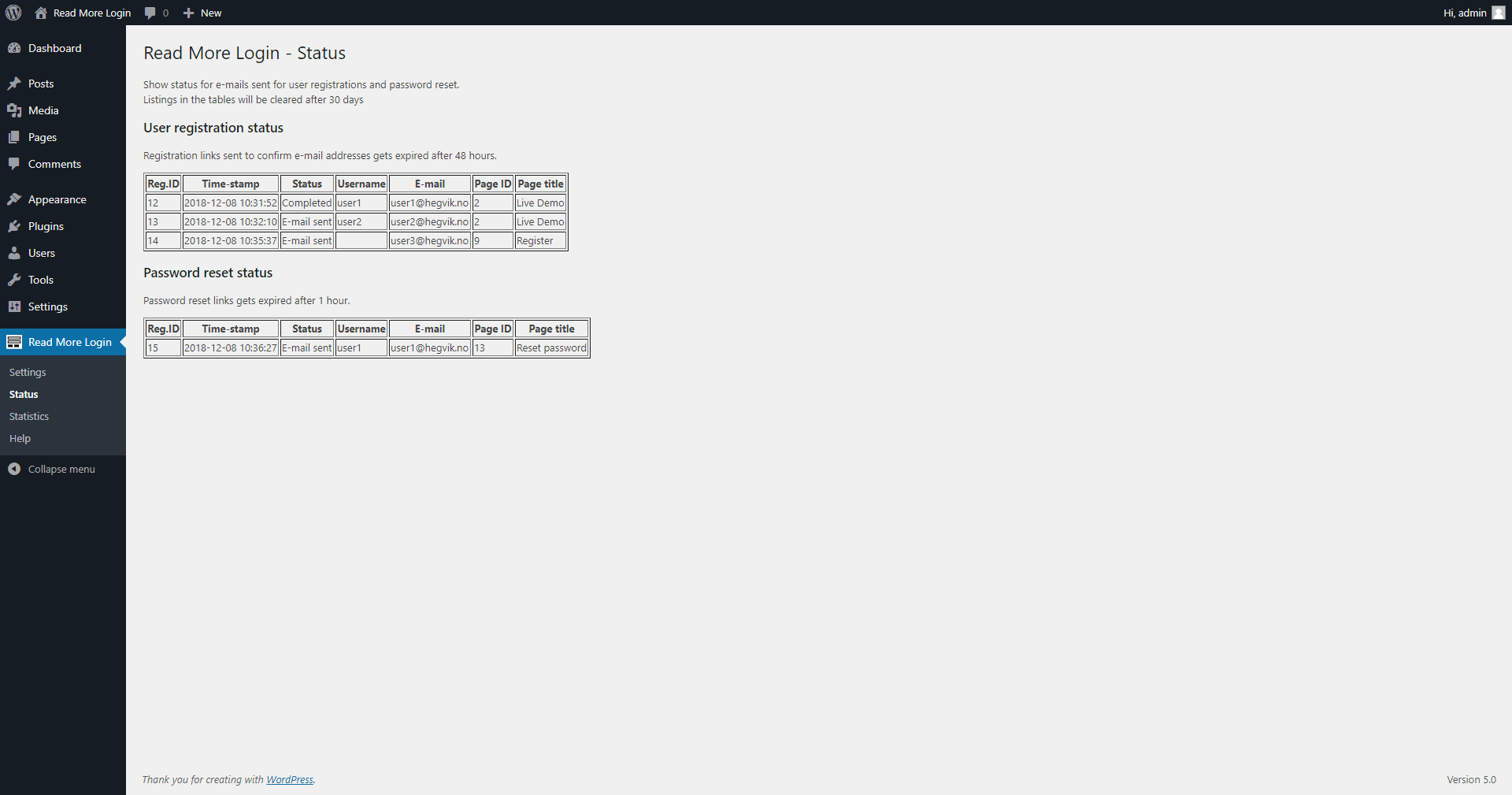
- Registration status
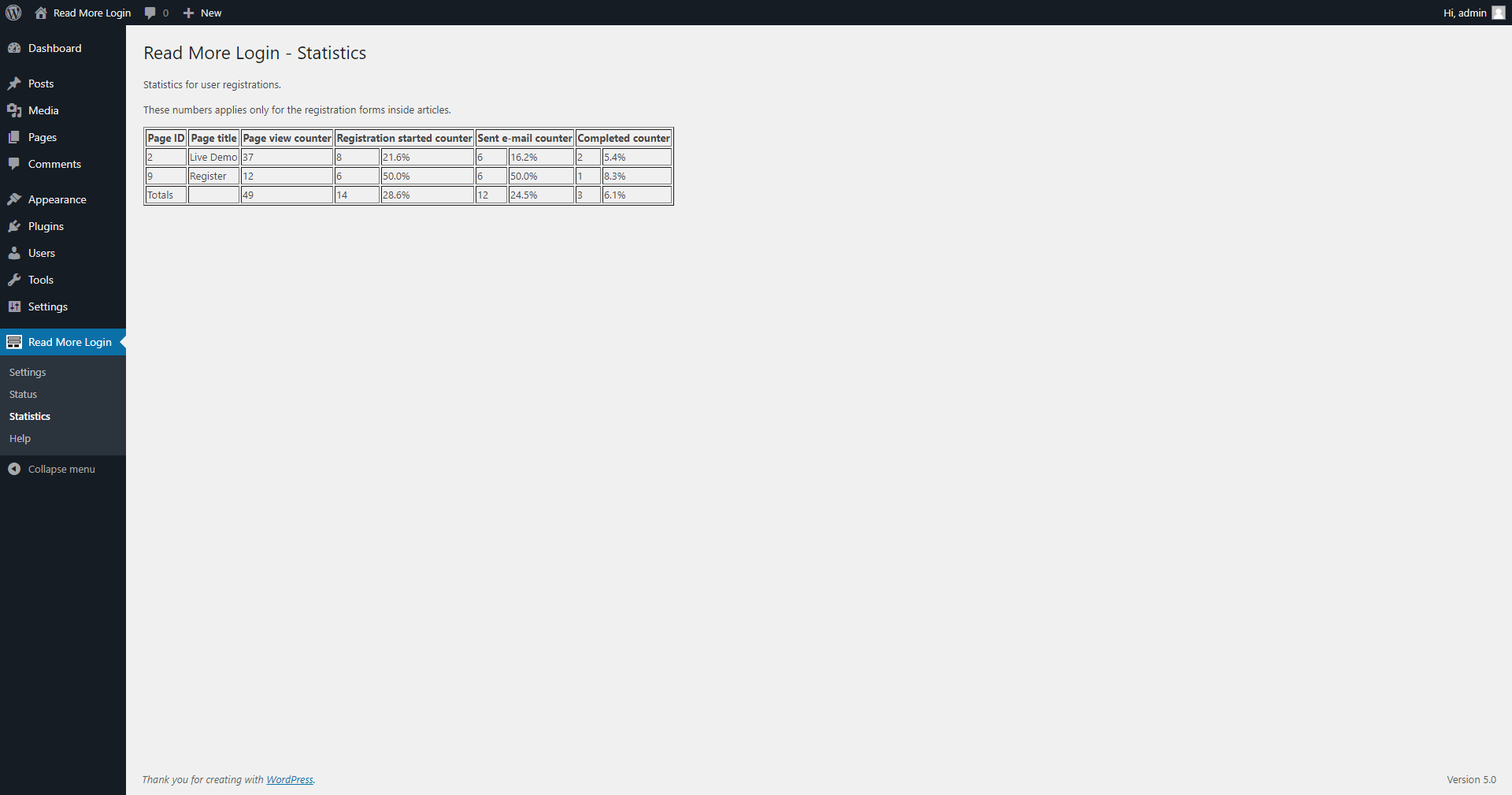
- Sign-up statistics More info, live-demo, user guides, documentation, support: readmorelogin.com
安装:
The plugin is installed from your WordPress admin panel.
To put a login form in your posts and pages, put the shortcode [rml_read_more] on that page in between the text.
The admin page for the plugin lists more shortcodes available for membership handling.
Plugin has Configuration Wizard, which will guide you through the setup. The wizard will appear when you enter the plugin's admin page.
屏幕截图:
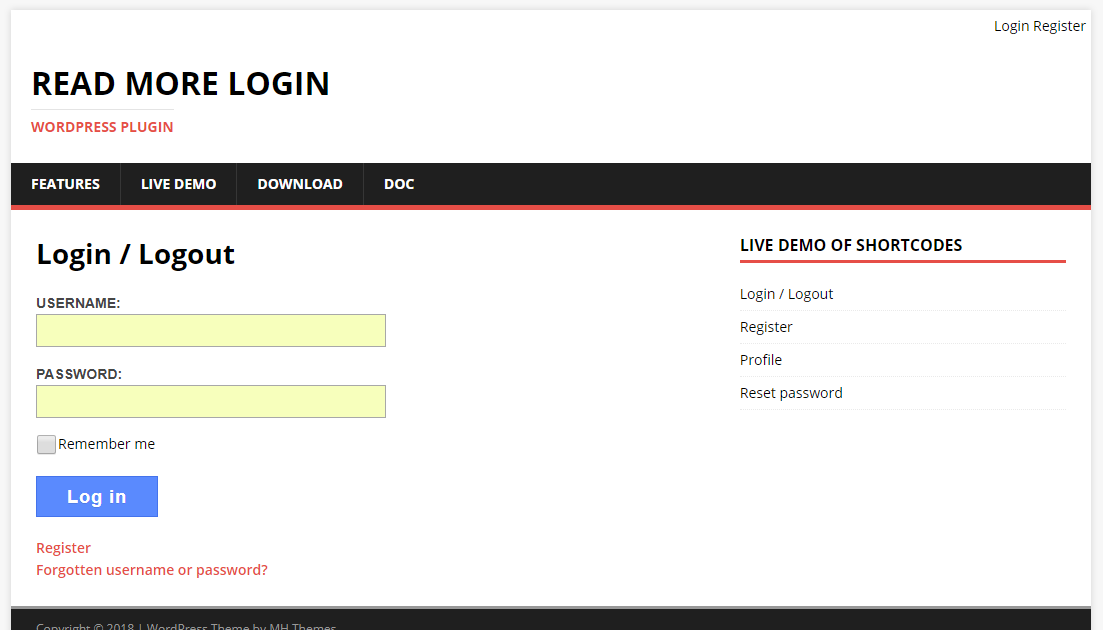
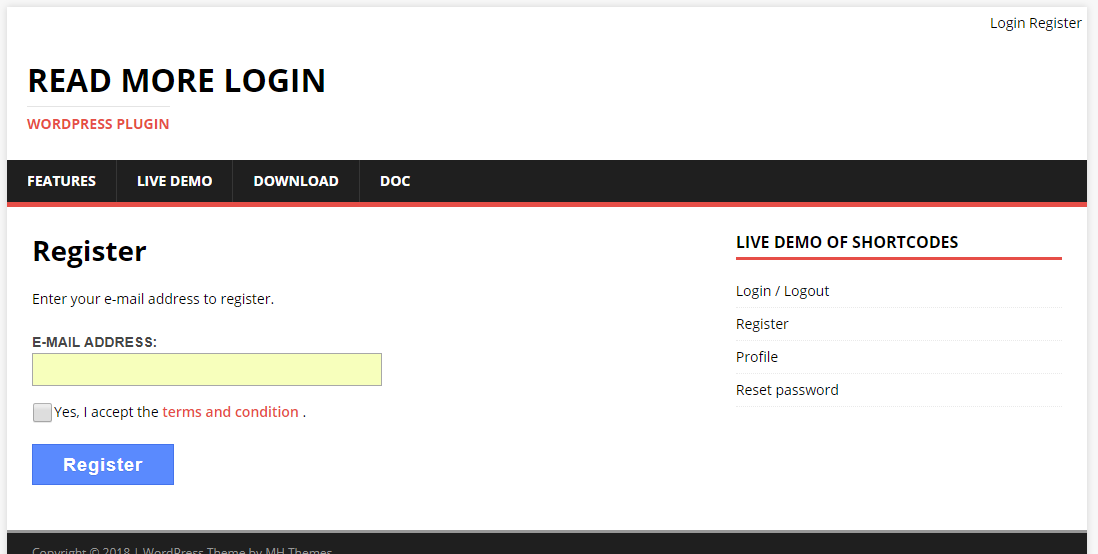
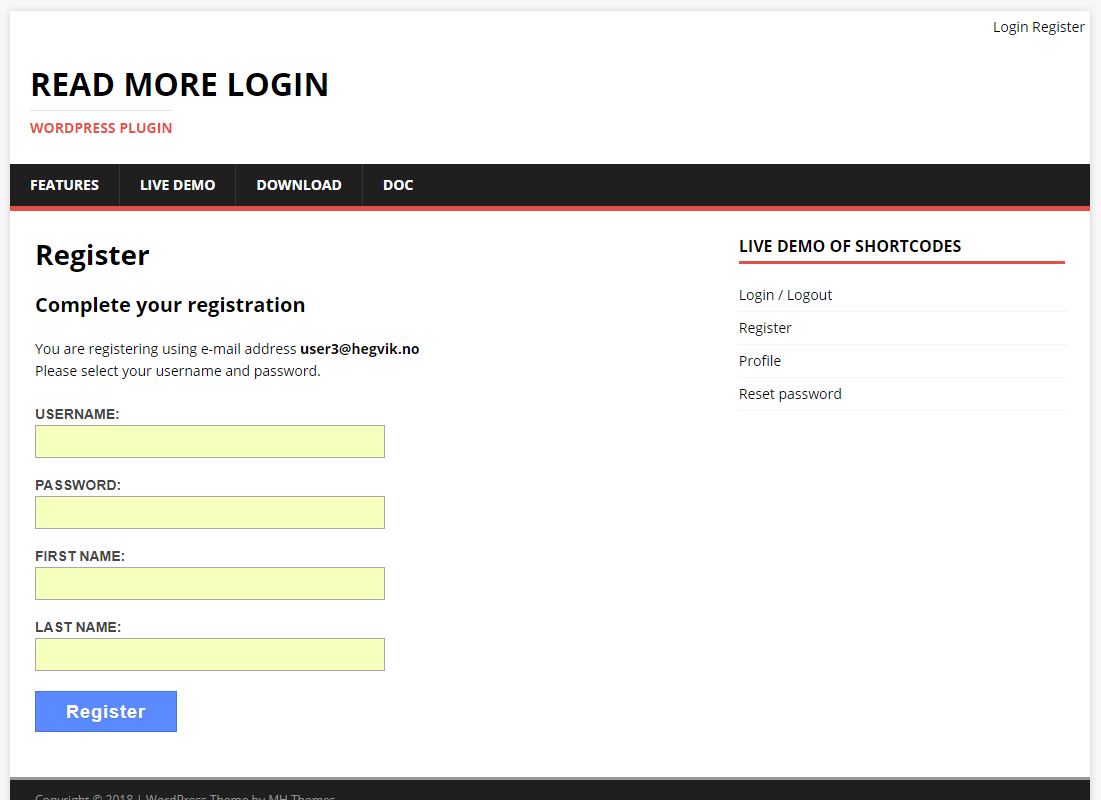
更新日志:
2.0.3
- Improved compatibility with Elementor and other content building plugins. Added end block shortcode and optional settings for page reloading. See https://www.readmorelogin.com/docs/ for details.
- Added option to reload whole page when logged in from inside articles.
- Fixed bug in e-mail verification link, which sometimes could have invalid access code.
- Fixed e-mail sender's name. When sending e-mails to users, the name was stuck to "WordPress".
- Fixed a missing CSS class in a placeholder table, which could cause conflict with some themes.
- Fixed issue with Gutenberg placeholder for shortcode blocks, it sometimes was copied to the front page.
- Fixed Screen Option in Admin Settings not able to enable or disable the Configuration Wizard.
- Fixed php 8 compatibility issues.
- Tested up to WordPress 5.8.
- Fixed short code not filtered on static front pages.
- Fixed e-mail variables not handling certain characters slashes and quotes.
- Fixed various page redirect errors. Redirect can now accept complete urls.
- Fixed registration not correctly handled when e-mail address existed.
- Fixed right-to-left styling.
- Fixed potential ajax security hole.
- Fixed potential security hole, visitor could flood debug logs.
- Fixed profile not giving error on wrong data.
- Fixed tittle variable in e-mail not set.
- Fixed a typo in form text.
- Improved error message due to invalid nonce, due to time-out.
- Improved registration. Log out existing user when clicking registration link in e-mail.
- Missing user handling pages now redirects to WordPress default.
- Fixed plain permalink not correctly handled.
- Fixed non-checked accept terms for registration not handled.
- Fixed various uncommon registration scenarios not handled.
- Fixed missing required registration user input not giving red border.
- Improved texts and language translations.
- Added configurable text for the forms.
- Added flexibility to forms, it can take html code too.
- Added optional fields to ask for first name and last name during registration.
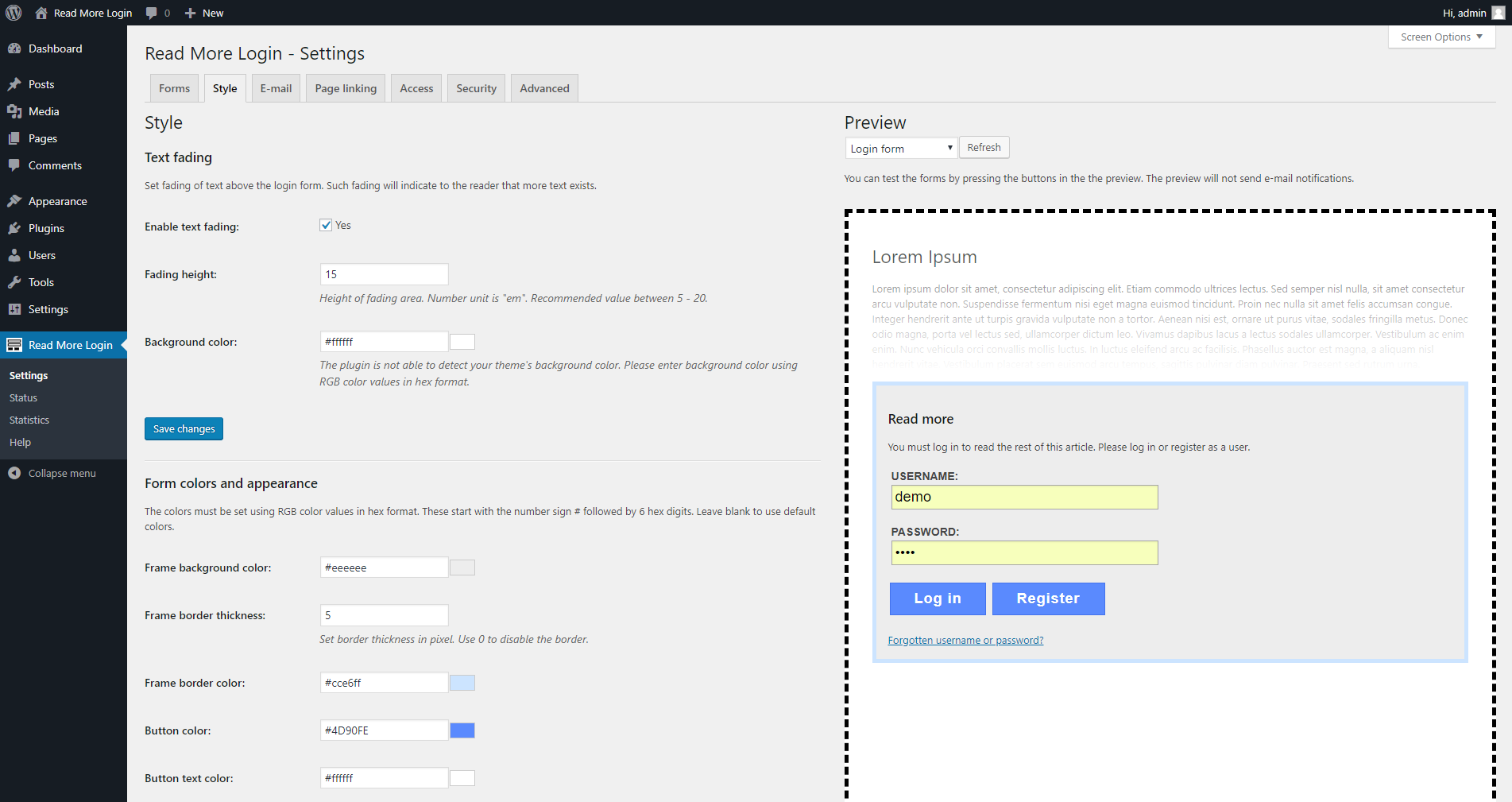
- Added configurable styles and colors for the forms.
- Added options for animation effects for forms and text loading.
- Added more variables for forms and e-mail messages.
- Added configuration wizard to the admin panel.
- Rewrote plugin for better and more efficient code.
- Made plugin ready for internationalization and language translations.
- Fixed login error when used with some other plugin.
- Fixed error when reloading login form after successful login
- Added improved installation instructions in admin panel.
- Fixed various css issue causing forms to be wrongly rendered in some themes.
- Added link in the profile form to password change page.
- Added check if e-mail already in use when register.
- Fixed logout failing after login after registration completed.
- Fixed input data was reset if update failed.
- Fixed e-mail not correctly set in form after update.
- Fixed visitor unable to log out without confirm question after password change.
- Fixed missing handler for login if login form empty.
- Fixed bug mini widget wrongly changed.
- Added mini widget with login status and links.
- Added login, logout, register and password redirect.
- Improved text labels for forms.
- Added debug levels to plugin debug log, can be set in admin panel.
- Fixed broken logout/login due to changed session nonce.
- Rewrote membership handling to improved code.
- Fixed bug in registration statistics and added percent and totals.
- Fixed embedded links like youtube not expanded to iframes.
- Improving registration forms.
- Fixed problem with remaining text sometimes incorrectly loaded from wrong post after login.
- Added background color to read-more login form.
- Fixed expiration for registration and password recovery e-mail links.
- Fixed typos and improved text in admin panel.
- Removed unused option in admin panel.
- First version.