
Real Simple Avatar
| 开发者 | avsalexandra |
|---|---|
| 更新时间 | 2026年9月27日 22:50 |
| PHP版本: | 7.4 及以上 |
| WordPress版本: | 7.1 |
| 版权: | GPLv2 or later |
| 版权网址: | 版权信息 |
详情介绍:
- A local alternative to Gravatar — avatars live on your own site. No account required, no external request per avatar, no email hash sent to a third party.
- No Media Library clutter — the old avatar attachment is removed automatically on replacement, on deletion, and when a user account is deleted. Saves disk space.
- Automatic SVG initials — lightweight vector avatars with a background colour that stays the same for each user. As of 1.0.2 they are inlined into the page, with no extra request.
- Front-end form — the
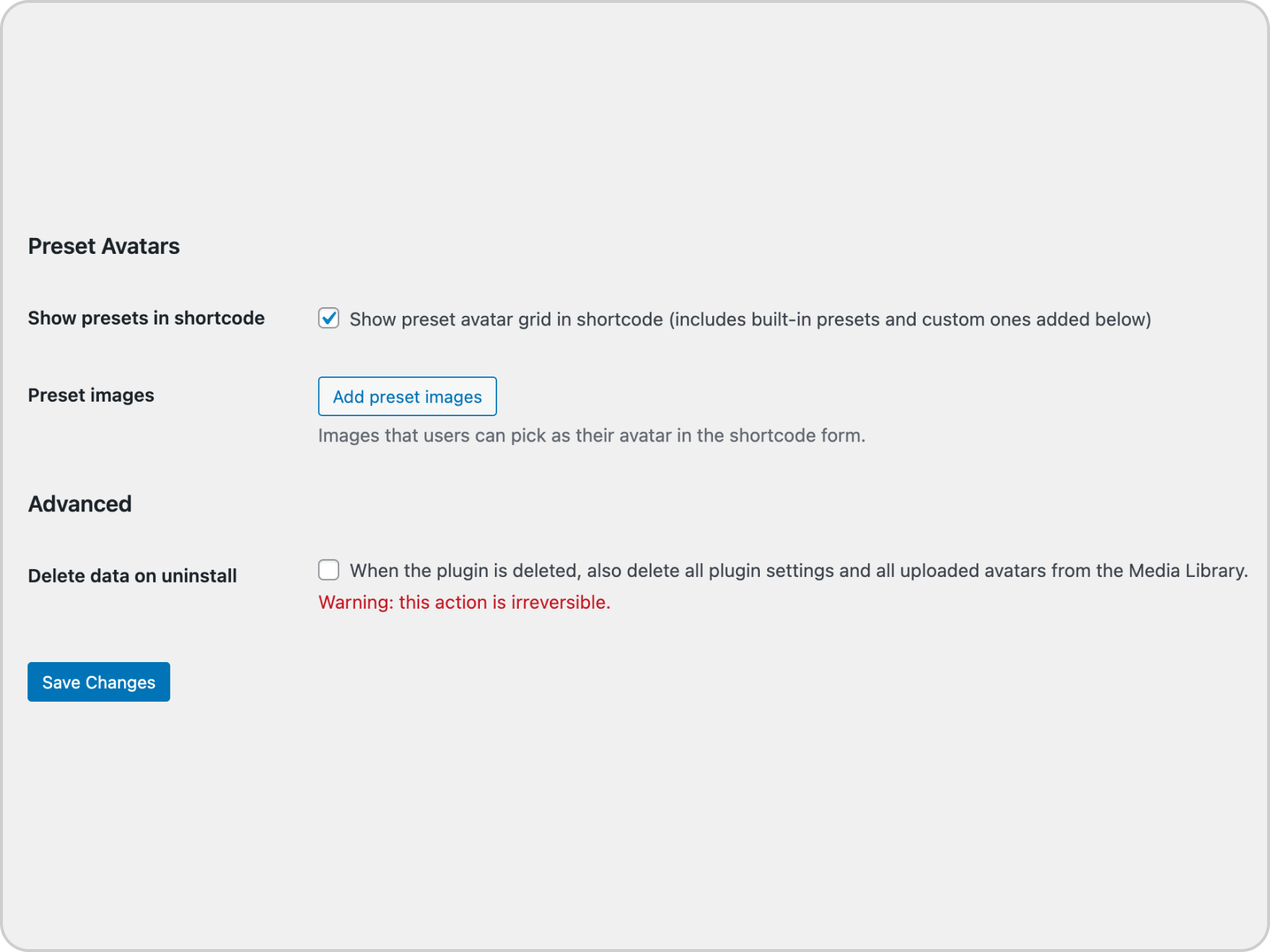
[rsava_avatar_form]shortcode lets logged-in users change their avatar instantly (AJAX, no page reload, no admin access). - Preset avatars — show a grid of ready-made pictures. Replace the built-in set with your own, or disable photo uploads entirely and let users pick a preset only.
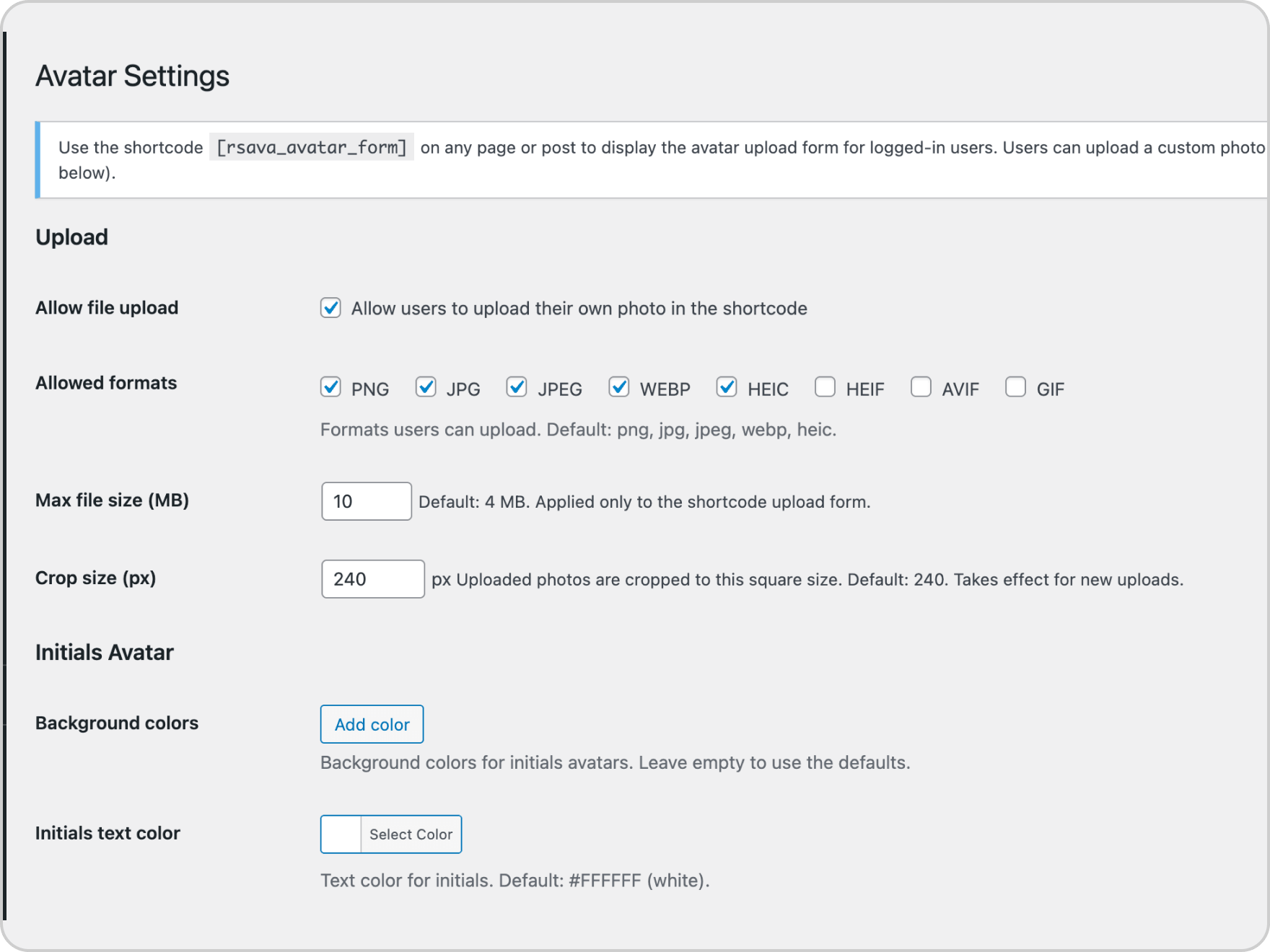
- Strict size control — set the crop size (e.g. 240 × 240 px). Uploaded images are stored only at that size.
- Configurable — allowed formats (PNG, JPG, JPEG, WebP, HEIC, HEIF, AVIF, GIF), maximum file size, initials palette and text colour.
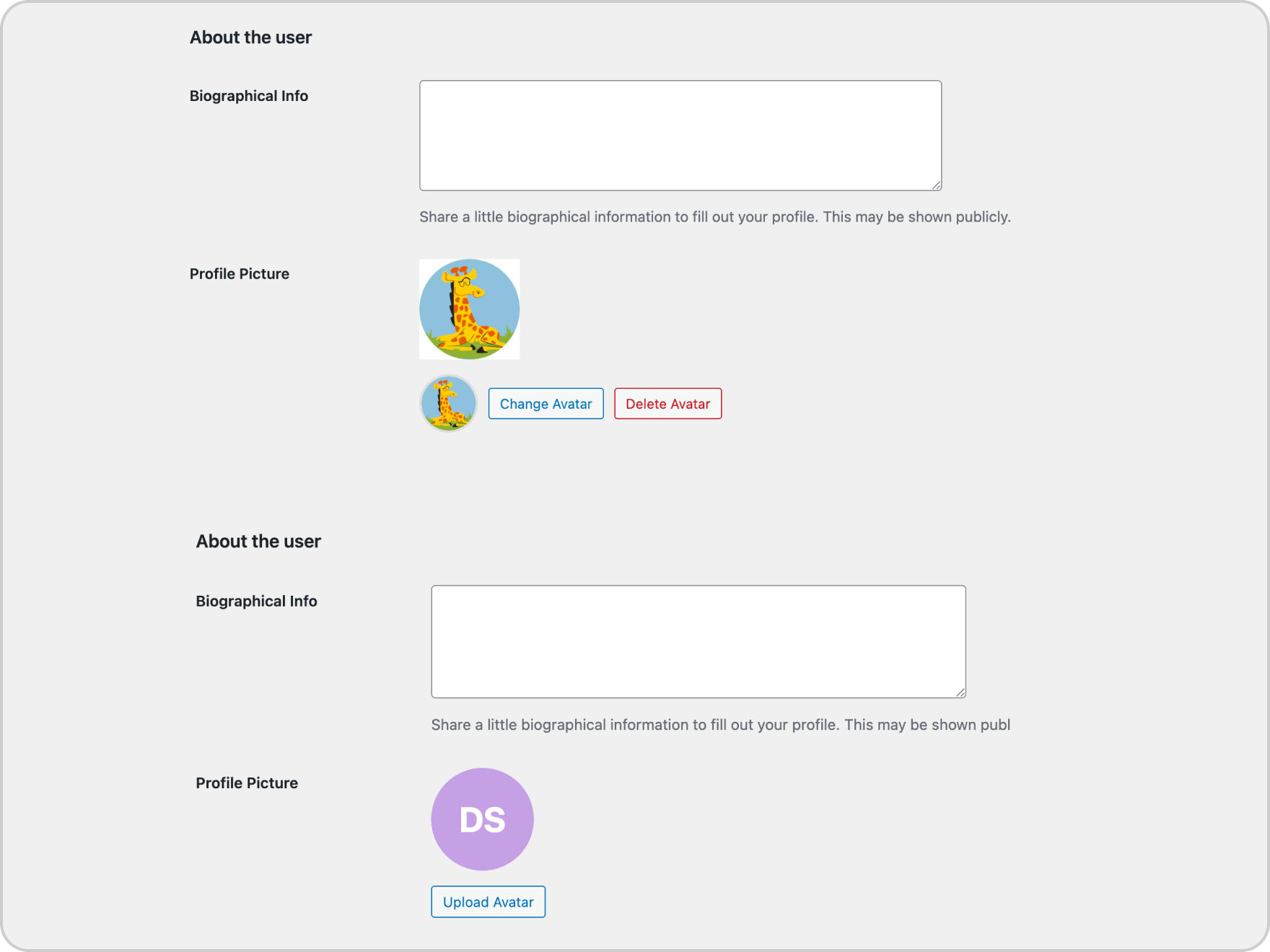
- Admin control — upload or remove any user's avatar from the Edit User screen.
- Clean uninstall — optionally remove all settings and uploaded avatars when the plugin is deleted.
安装:
- Install the plugin from Plugins → Add New (search for "Real Simple Avatar"), or upload the plugin folder to
/wp-content/plugins/. - Activate the plugin through the Plugins menu in WordPress.
- Go to Settings → Avatar to configure the plugin.
- Add the shortcode
[rsava_avatar_form]to any page or post where you want users to manage their avatar.
屏幕截图:
常见问题:
Does Real Simple Avatar work without Gravatar?
Yes. Avatars are stored locally on your own site, and initials are shown when no avatar is set. Gravatar is not used and no external request is made to load an avatar. Since 1.0.4, the "Default Avatar" choice under Settings → Discussion also has a local, non-Gravatar option, and the "change your picture on Gravatar" link is gone from the user profile screen.
Does it delete old avatar files?
Yes. When a user replaces or removes their avatar, the previous file is deleted from the Media Library automatically. The same happens when a user account is deleted.
Can I replace the built-in preset avatars with my own?
Yes. In Settings → Avatar → Preset Avatars, upload your own images. You can also disable the built-in presets entirely and show only your custom ones.
Can I stop users from uploading a custom photo and only let them choose from presets?
Yes. In Settings → Avatar → Media, uncheck "Allow file upload". The upload button is hidden and users can only pick from preset images.
What image formats are supported?
By default: PNG, JPG, JPEG, WebP, HEIC. You can add or remove formats (including AVIF and GIF) in Settings → Avatar → Media.
Where is the avatar stored?
Uploaded photos are stored in the WordPress Media Library as a regular attachment. Each user has at most one avatar attachment; the old one is deleted automatically when a new photo is uploaded or the avatar is removed.
What happens to avatar files when a user is deleted?
The avatar attachment is automatically removed from the Media Library when a user account is deleted.
How do I completely remove all plugin data?
In Settings → Avatar → Advanced, check "Delete data on uninstall", save, then delete the plugin from the Plugins screen. All plugin options and uploaded avatar media are removed in batches.
更新日志:
- Initials avatars now take initials from the Display Name first, falling back to First/Last Name only if the display name is empty.
- Preset avatars (built-in and admin-added) are now available directly on the user profile screen in wp-admin, not only through the
[rsava_avatar_form]shortcode. - Added a local, non-Gravatar option to Settings → Discussion → Default Avatar, so the site-wide fallback avatar for unmatched/guest emails no longer requires Gravatar.
- Removed the "You can change your profile picture on Gravatar" link from the profile picture field, replacing it with the plugin's own local upload UI.
- Rewrote the description and refined the tags for clarity and discoverability. No functional changes.
- Tested with WordPress 7.1.
- Initials avatars are now rendered inline (data URI) in the standard avatar output, removing one admin-ajax request per avatar. The admin-ajax endpoint is kept for the REST API and other callers that need a real URL.
- Bug fixes and minor improvements. Plugin version updated to 1.0.1.
- Initial release.