
Really Simple Featured Video for Posts, Pages & WooCommerce Products - Auto Generate Videos
| 开发者 |
lushkant
smalltowndev jetixwp |
|---|---|
| 更新时间 | 2026年10月1日 03:46 |
| PHP版本: | 8.0 及以上 |
| WordPress版本: | 7.1 |
| 版权: | GPLv2 or later |
| 版权网址: | 版权信息 |
标签
下载
详情介绍:
屏幕截图:
常见问题:
Is there a Pro version for this?
Yes, and is available for purchase from our site. If you wish to get a lifetime deal for our plugin please visit our website here.
Will this plugin work with any theme?
Yes, as long as the theme you use follows standard WordPress/WooCommerce way of handling post thumbnails, this plugin should work without any problems.
Where can I get help?
For the free version of this plugin, support is limited to support forums here. And if you're a Pro user, you can send a support ticket via the account page from our site for any query you may have, and we will get back to you at the earliest.
Is the Featured Video block added to my site automatically?
No. Updating the plugin does not change any post or template. Add the block yourself where you want it, or keep using the featured image spot, shortcodes or your builder as before.
Do I need the block to show featured videos?
No. Featured videos still show where your theme shows the featured image. The block is for when you want to place a video somewhere else, such as a Site Editor template, a Query Loop or inside a post, or show the video of a different post.
Can I show the featured video of another post?
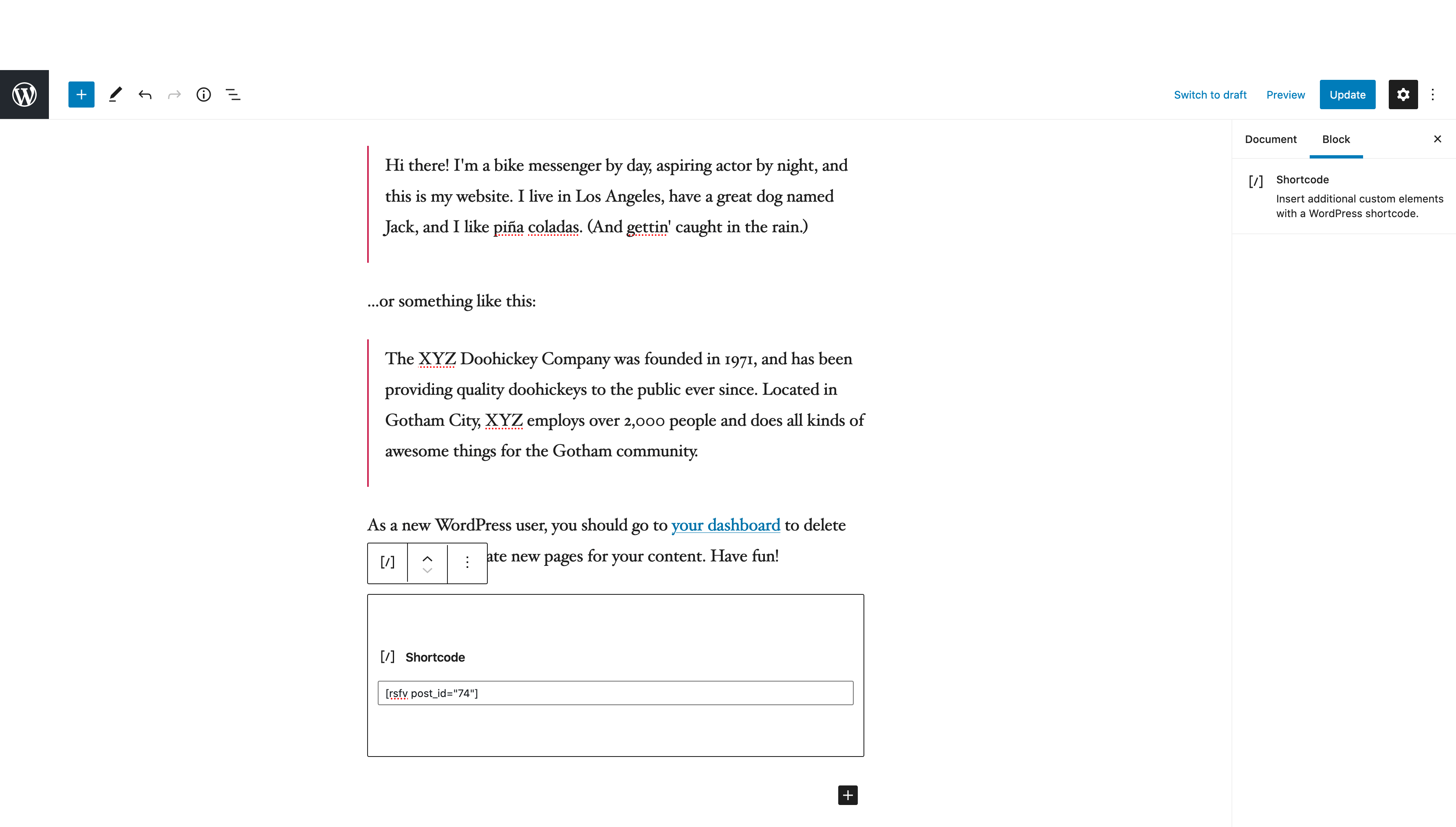
Yes. Add the block, choose "Another post" and pick a post, page or product that has a featured video. The shortcode [rsfv_by_postid post_id="281"] does the same. The video is only shown to people who are allowed to see that post.
Can I upload many videos at once?
Yes. Open Video Tools and use the Bulk upload tab. You can add files or embed links by hand, or import a CSV or TXT file. Each row needs a post. A row without a post is discarded, and its file is not uploaded.
Does Video Studio send my content to another service?
No. Templates are played and recorded into a video file by your own browser, then uploaded to your own Media Library. Nothing is sent anywhere else.
Why can't I make a video in Safari?
Safari doesn't let a web page read back the picture Video Studio draws, so it can't record the video. You can still pick a template and preview it. Use Chrome, Edge or Firefox to make the video.
What does Video Analytics count?
A view is a player actually on screen. A play is someone starting the video. Hover preview does not count. Counts stay in your own database. See the Privacy section.
更新日志:
- New: Featured Video block for the block editor and Site Editor. Shows the featured video of the entry it is in, including inside Query Loops and templates, or of any other post you pick
- New: Per block player settings: controls, autoplay, loop, mute, picture in picture, download and autoplay on hover, plus a featured image fallback and alignment, margin, border radius and shadow
- New: [rsfv] and [rsfv_by_postid] accept controls, autoplay, loop, mute, pip, download and hover attributes
- New: Analytics count block views and plays as Block
- Improvement: Requires WordPress 6.3 or newer
- Fix: [rsfv_by_postid] no longer shows the video of draft, private or password protected posts to people who cannot see them
- Fix: Featured video of one post no longer shows in the featured image of a different post that a theme or plugin lists on the same page
- New: Video Studio. Auto generate featured videos from templates inside WordPress. It fills itself from the post or WooCommerce product, is made in your browser and is saved to your Media Library with a poster image
- New: 7 templates: Text reveal, Image slideshow, Product card, Quote, News headline, Testimonial and Kinetic type, with live thumbnails of your entry in each
- New: 16:9 in 720p or 1080p, and 1:1 square. Videos are kept under your site's upload limit
- New: Video Studio page under Video Tools. Pick an entry and Auto Generate Video in one step or Make in Studio, or show only entries without a video
- New: Auto Generate Video and Edit in Video Studio in Video Tools > Manage Featured Videos
- New: The Featured Video box tells you when a post changed after its video was made
- Improvement: License is now GPLv2 or later
- Fix: Saving an edit screen that was opened earlier no longer puts back an old video after the video was changed in Video Studio, Video Tools or another tab
- Fix: Video Tools now shows videos saved before a video source was stored, as the site already plays them
- Improvement: 9:16 listed in the aspect ratio setting
- Improvement: The Sticky Video link field lists the supported video sites
- Improvement: Video Studio turns itself off on WordPress older than 6.2 instead of loading blank screens
- Fix: A fatal error with the Codeixer product gallery when no product was loaded, and a PHP warning with Woostify
- New: Bulk upload tab in Video Tools for video files, embed links, and CSV or TXT import
- New: Analytics report in Video Tools, with views and plays for the last 14 days
- New: Analytics settings tab. Longer retention is a Pro option
- Improvement: Existing videos, settings, and player URLs are left unchanged on update
- Improvement: Admin labels now say Sticky Video instead of Floating Video
- Improvement: Settings Version Control tab renamed to Rollbacks
- Improvement: Help tab and PRO upgrade copy in admin
- Improvement: Refresh WordPress.org banners and icons
- Improvement: Uninstall removes analytics tables and scheduled cleanup
- Fix: Rollback version GET parameter sanitization
- Fix: Escaping and sanitization in video metabox and settings admin views
- Fix: Embed URL validation and restrict to Youtube, Vimeo and Dailymotion across metabox, shortcode, WooCommerce, and floating video
- Fix: Permission checks at settings save, theme compatibility AJAX, and Tools REST API
- Fix: Tools page Important Note card button layout and spacing
- Improvement: Remove Jetix Store Toolkit sidebar promo card
- Improvement: Update Freemius SDK
- Improvement: Other minor changes
- Improvement: Add Lodestar theme engine promo
- Improvement: Update Freemius SDK
- Improvement: Other minor changes
- New: Added Woostify Theme Compatibility engine
- Improvement: Update languages file
- Improvement: Other minor changes
- New: Added Divi (Free) Theme compatibility engine
- Fix: Divi Compatibility settings missing in some cases
- Improvement: Show PROMO theme engines conditionally
- Improvement: Other minor changes
- Fix: Autoplay on hover issue with embedded videos and url params
- Improvement: Make autoplay on hover css selectors extensible
- Improvement: Make floating video layouts extensible
- Improvement: Update languages file
- Improvement: Other minor changes
- New: Floating Video Elements - Display floating videos conditionally on any page or sitewide
- New: Elementor widget for Really Simple Featured Video
- Improvement: Other minor changes
- Fix: Video Status now correctly reflects selected source type
- Improvement: Post Type and Per Page filters now persist across sessions
- Improvement: Add Featured Video Management panel links throughout the Plugin
- Improvement: Other minor changes
- New: Added Tools page with Manage Featured Videos feature
- New: Video preview, poster, and thumbnail management from one place
- New: Search functionality with instant search for posts
- New: Deep linking support for Tools page tabs via URL hash
- New: Extensibility system with filters and actions for developers
- Improvement: Hide admin notices on Tools page for cleaner UI
- Improvement: Update translation files
- Improvement: Other minor changes
- Fix: Flatsome theme support for when no Woo gallery images
- Improvement: Update translation files
- Improvement: Other minor changes
- New: Adds Flatsome Theme's Product Vertical Layout support
- Improvement: Update translation files
- Improvement: Other minor changes
- New: Adds Youtube Shorts Video support
- Improvement: Update translation files
- Improvement: Other minor changes
- New: Added New settings PROMO page
- Improvement: Update settings components and styles
- Improvement: Update translation files
- Improvement: Other minor changes
- New: Re-written Rollback feature
- Fix: Early translation calls throwing warnings
- Improvement: Hide submit button at version control tab
- Improvement: Removed old plugin settings menu for good
- Improvement: Hide all notices and other things at plugin settings page
- Improvement: Remove dormant/unused code
- Improvement: Other minor changes
- New: Added Download control toggle for Self-hosted videos
- Fix: Self-hosted videos Picture-in-Picture control toggle not working as expected
- Improvement: Theme compatibility engine status auto-refresh at settings
- Improvement: Use one self-hosted video controls getter for the whole plugin
- Improvement: Rename option labels for better discovery at settings
- Improvement: Autoplay on hover out of beta
- Improvement: Updated promo form at settings sidebar
- Improvement: Removed Get Pro tab from settings
- Improvement: Other minor changes
- New: Brand update
- Fix: Keep old Freemius files to avoid fatal errors on update
- Improvement: Update Freemius SDK
- Improvement: Load Freemius SDK via Composer
- Improvement: Other minor changes
- New: Added Electro theme support engine
- Improvement: Update translation files
- Improvement: Other minor changes
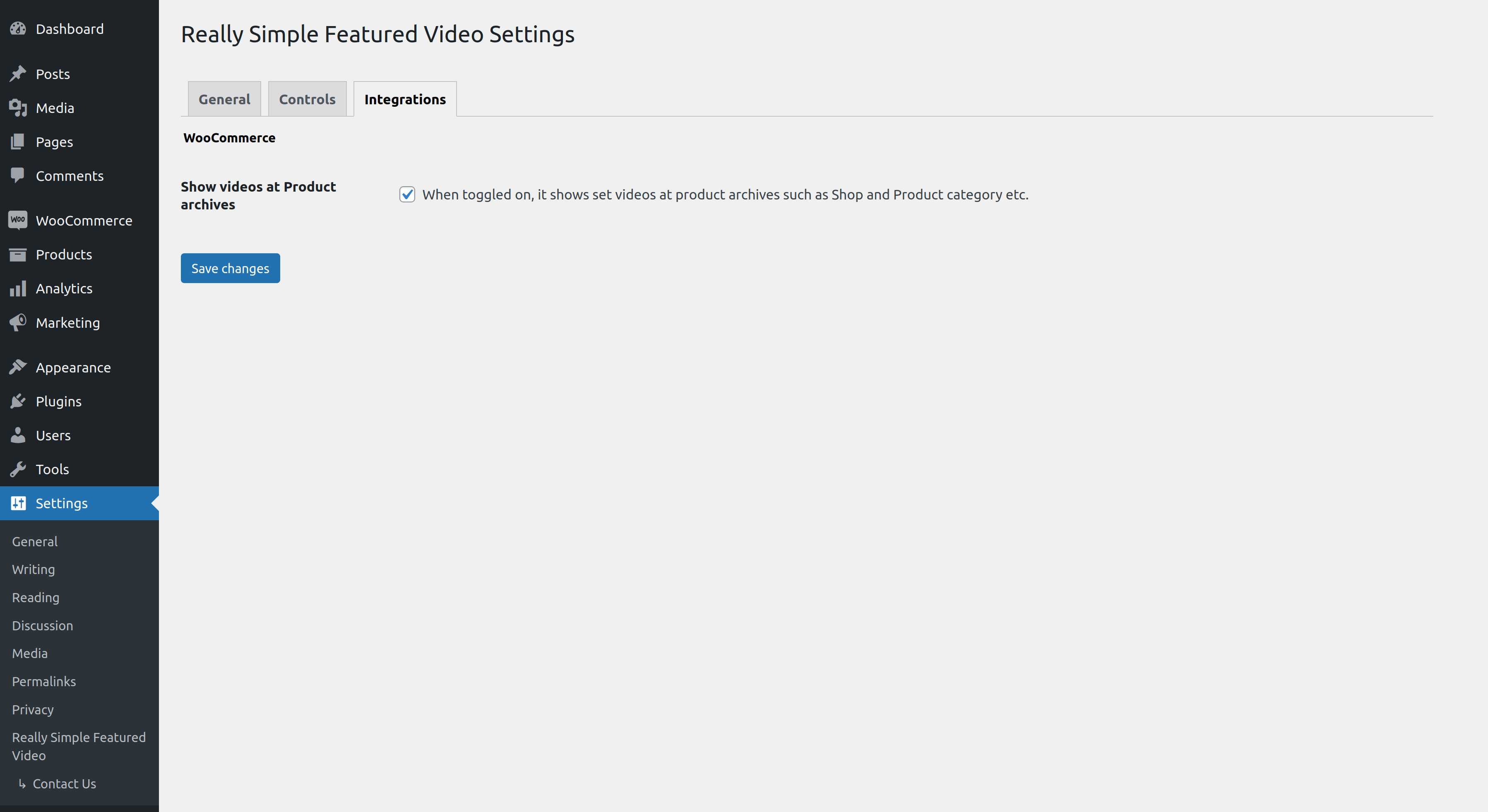
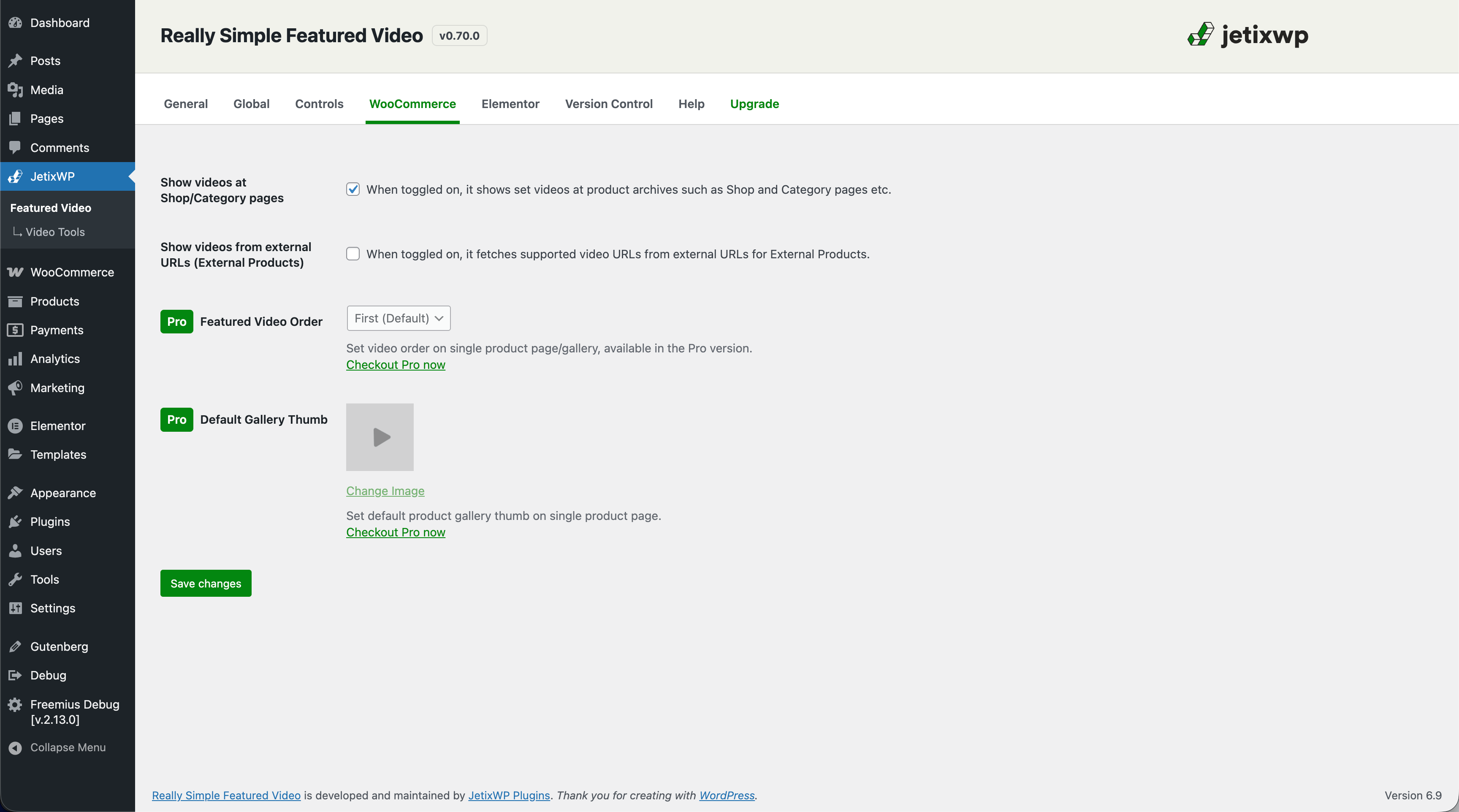
- New: Add external video url support for External products
- New: Add external video url support for External products toggle at settings
- Improvement: Update translation files
- Improvement: Other minor changes
- Fix: Autoplay on Hover not working for Youtube Embeds on Multisite Subdirectory
- Fix: Autoplay on Hover script not taking in Video type toggles
- Improvement: Logo size at settings
- Improvement: Update translation files
- Improvement: Other minor changes
- New: Video Autoplay on Hover feature
- New: Add New Menu structure and redirect for old menu
- New: Add Plugin Rollbacks feature
- New: Add Version Control settings tab for Rollbacks
- New: Add Video poster support for self-hosted video
- Improvement: Update old logo at settings
- Improvement: Hide submenus under settings page sidebar menu
- Improvement: Update Freemius SDK
- Improvement: Updated translation files
- Improvement: Other minor changes
- Improvement: Minor bug fixes
- Fix: Hotfix remove unused function call
- New: Added support for Bricks builder
- Improvement: Updated translation files
- Improvement: Other minor changes
- New: Registers a WP Script localize handler class
- Improvement: Update CIX Woo Product Gallery slider overrides
- Improvement: Other minor changes
- Hotfix: Last release didn't bump the primary plugin version
- New: Added support for Ollie and respective theme compatibility engine
- Improvement: Updated translation files
- Improvement: Other minor changes
- New: Added support for Savoy and respective theme compatibility engine
- Fix: In The7 theme getting Video flipped with alt image on hover at Woo Shop
- Improvement: Updated translation files
- Improvement: Other minor changes
- New: Added support for The7 and respective theme compatibility engine
- Fix: Flatsome theme compatibility issues at Woo Single Product Gallery
- Improvement: Updated translation files
- Improvement: Other minor changes
- Fix: Incorrect Controls toggle output at WooCommerce videos
- Improvement: Updated translation files
- New: Flatsome theme compatibility engine
- Improvement: Child themes causing Parent themes to get ignored via Theme Compatibility engine selector
- Improvement: Improved Twenty-Twenty Five theme compatibility
- Improvement: Other minor changes
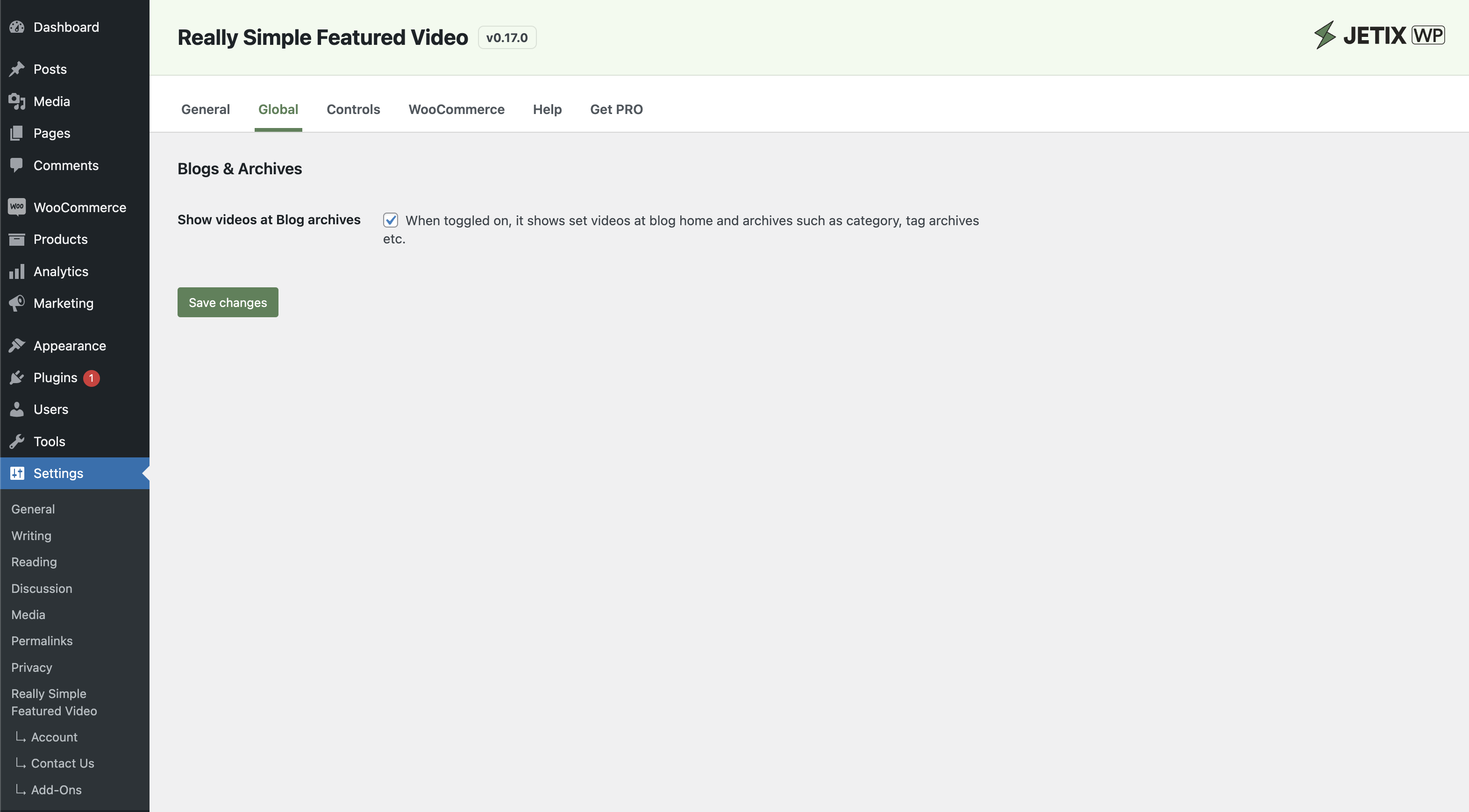
- New: Setting to toggle videos at Blog single posts
- Fix: Setting to toggle videos at Blog archives
- Improvement: Other minor changes
- Improvement: Update Freemius to latest version
- Improvement: Other minor changes
- New: Add support for Twenty-Twenty Five theme
- Improvement: Other minor changes
- Improvement: Updated translation files
- New: Add support for Lay theme
- Improvement: Update Freemius SDK to v2.9.0
- Improvement: Other minor changes
- New: Add support for Hestia, Neve, Go, Kadence, Astra, GeneratePress and Storefront themes
- New: Add select2 and use at Theme compatibility engine selector
- Fix: TPProductImageFlipper products loop not working right with Video toggles
- Fix: Incorrect theme slug variable at Theme Provider
- Improvement: Add video shortcode wrapper class
- Improvement: Other minor changes
- Improvement: Updated translation files
- New: Add Support for Product Image Flipper by TP Plugins
- New: Add support for Product Gallery Slider plugin by Codeixer
- New: Help Tab at Settings page
- New: Shows Theme Engines from Pro plugin for Promo
- Fix: Filter for wp_kses overriding existing allowed_html tags
- Improvement: Improve plugin provider for function based loading
- Improvement: Improved settings page
- Improvement: Redirect to settings page on first install
- Improvement: Other minor changes
- Improvement: Updated translation files
- New: Divi compatibility settings tab
- New: Plugin Banner and logo
- Fix: FSE Blocks at WooCommerce Shop and Archive pages not working right
- Improvement: Renamed WooCommerce default gallery video thumbnail filter
- Improvement: Update Freemius SDK to v2.7.4
- Improvement: Other minor changes
- Improvement: Updated translation files
- New: Elementor compatibility settings tab
- New: WooCommerce Product CPT support enabled by default
- Improvement: New and improved Settings Page UI
- Improvement: Other minor changes
- Improvement: Updated translation files
- Fix: Elementor template header logo getting replaced in some cases
- Improvement: Other minor changes
- Improvement: Update Freemius SDK to v2.7.2
- Improvement: Updated translation files
- New: Global settings tab for options that apply sitewide
- New: Add
rsfv_allowed_htmlfilter at allowed html array for easy mods - Improvement: Restructure plugin and theme providers
- Improvement: Other minor changes
- Improvement: Compatibility with WordPress v6.5.x
- Improvement: Update Freemius SDK to v2.7.0
- Improvement: Updated translation files
- New: WooCommerce settings now migrated to its own tab
- New: Promo settings for supporting active development
- Improvement: Updated translation files
- Improvement: Other minor changes
- New: Support for Elementor and Elementor Pro Posts/archive widgets
- New: Override wp_kses_post allowed html array for videos
- Fix: Shortcode output markup for spacing between attributes
- Improvement: Updated translation files
- New: Support for Salient Theme WPBakery Builder with Post Loop Builder element
- New: Hide all plugin notices from Settings page
- Fix: Hide WooCommerce product page placeholder thumbnail when with featured video only
- Improvement: Default featured video markup getters
- Improvement: Updated translation files
- New: Support for Astra Pro WooCommerce module with Vertical and Horizontal product galleries
- New: Featured video checkers and getters
- Improvement: Featured video display checks
- Improvement: Major code changes
- New: RSFV Pro announcement at sidebar
- Improvement: Minor code changes
- New: Support for Pro add on
- Fix: Warning at reading $product
- Fix: Warning at reading post_type
- Fix: Empty $url variable warnings
- Improvement: Improve supported CPT options
- Improvements: Improved markup handlers
- Improvement: Minor code changes
- New: Add TwentyTwenty Four Theme support
- New: Support for PHP 8.1
- New: Bumped min required WordPress version to v6.0
- Fix: Settings checkbox not being respected when saved
- Fix: Duplicate thumbnails being shown at Woo product single pages
- Fix: Embed URLs not being shown when directly copy/pasted
- Fix: Core themes support
- Improvement: Update Freemius SDK to v2.6.1
- Improvement: Minor code changes
- Improvement: Compatibility with WordPress v6.4.x
- Improvement: Update Freemius SDK to v2.5.10
- Fix: Default self hosted video controls
- Fix: WooCommerce placeholder images appearing below featured video
- Improvements: Other minor code improvements
- New: Custom post types support (Available via settings)
- Fix: Default video playback controls
- Fix: Default Theme Compatibility engine throwing error at frontend
- Improvement: Update Freemius SDK to v2.5.8
- Improvements: Code improvements
- New: Theme Compatibility Engine and controls at settings
- New: Integrations and controls at settings
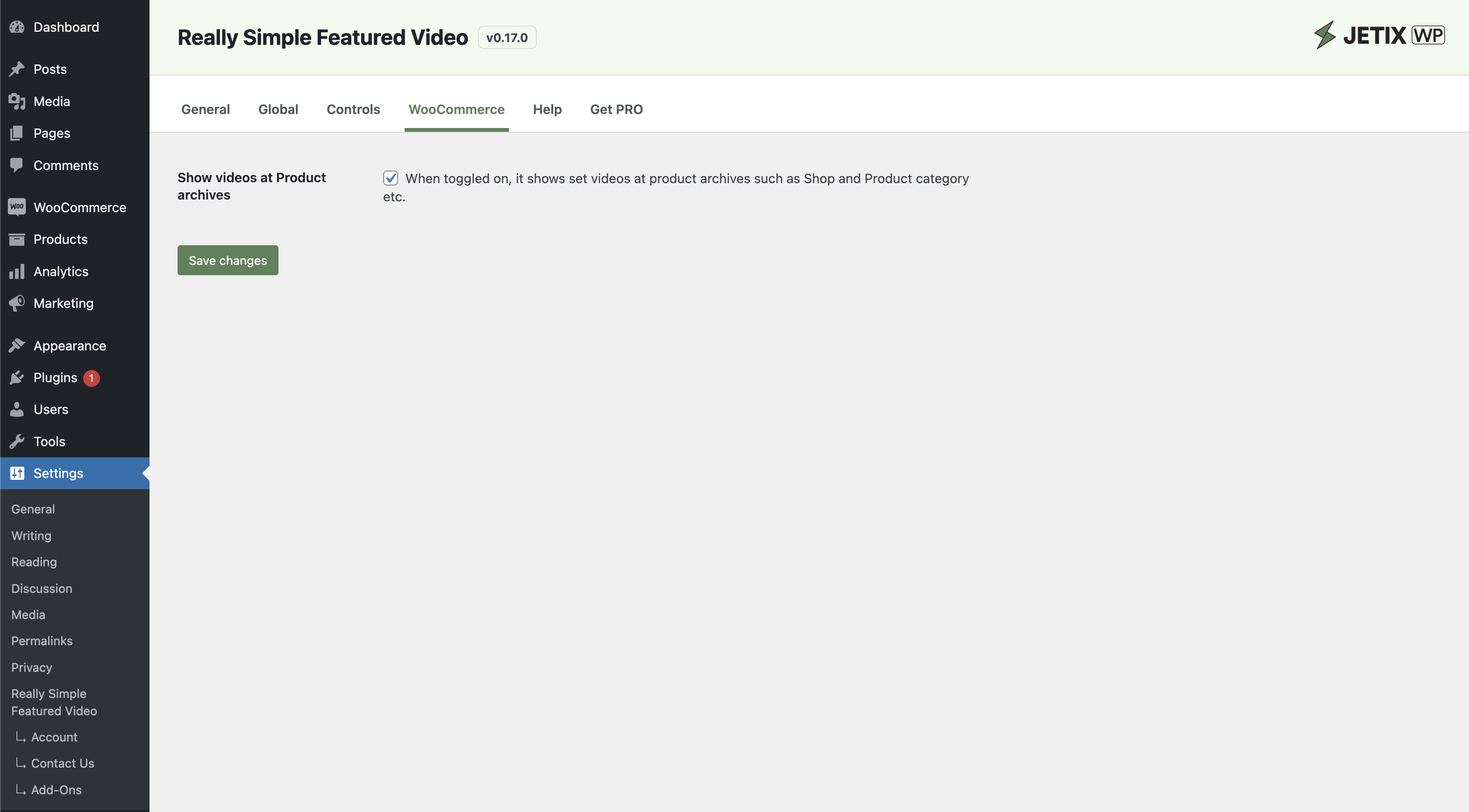
- New: WooCommerce shop archives now supported
- New: Directly copy and paste Youtube, Vimeo and Dailymotion video urls at embeds
- Fix: Video autoplay in iOS devices
- Fix: Settings page throwing error in some cases
- Fix: Other minor fixes
- Fix: Missing textdomain in strings
- Improvement: Update Freemius SDK to v2.5.6
- Improvement: Remove settings sidebar
- Improvement: Core FSE themes support and fallback for classic themes
- Improvement: Compatibility with WordPress v6.2.x
- Compatibility up to WordPress 6.0.1
- Minor code improvements
- Update settings sidebar
- Fix styling issue at edit screen
- Update translation .pot file
- Fix shortcode issues
- Improve security issues as per WPCS standards
- other code improvements
- Update Freemius version to v2.5.0rc-2 for security issue
- Improve code as per WordPress Coding Standards
- Fix metabox not showing as per Enabled CPT types at settings
- Other code improvements
- Fix missing updater file
- Adds Youtube, Dailymotion & Vimeo support
- Update settings page
- Other code improvements
- Add option for Video controls, loop, mute & picture-in-picture at Settings
- Added Freemius for better customer feedback & support
- Other minor improvements
- Fix array_keys throwing error when post_types option empty
- Add Settings action link at plugins page
- Initial release