
Recent Posts by Category (RCP)
| 开发者 | uptixa |
|---|---|
| 更新时间 | 2026年1月29日 05:27 |
| PHP版本: | 5.0 及以上 |
| WordPress版本: | 6.9 |
| 版权: | GPLv2 or later |
| 版权网址: | 版权信息 |
详情介绍:
安装:
- Upload the plugin to your
/wp-content/plugins/directory. - Activate the plugin through the 'Plugins' menu in WordPress.
- Configure plugin settings from the Settings menu.
屏幕截图:
常见问题:
How do I display recent posts from a specific category?
To display recent posts from a specific category, go to the plugin settings page, select the desired category, and then generate the shortcode. Copy and paste the generated shortcode into your post, page, or widget area.
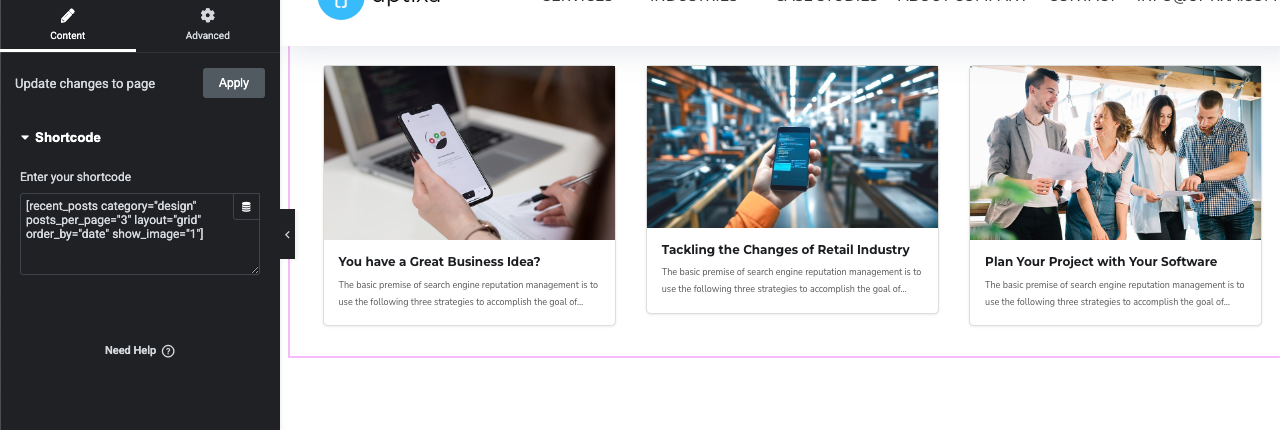
Can I use this plugin with page builders like Elementor or WPBakery?
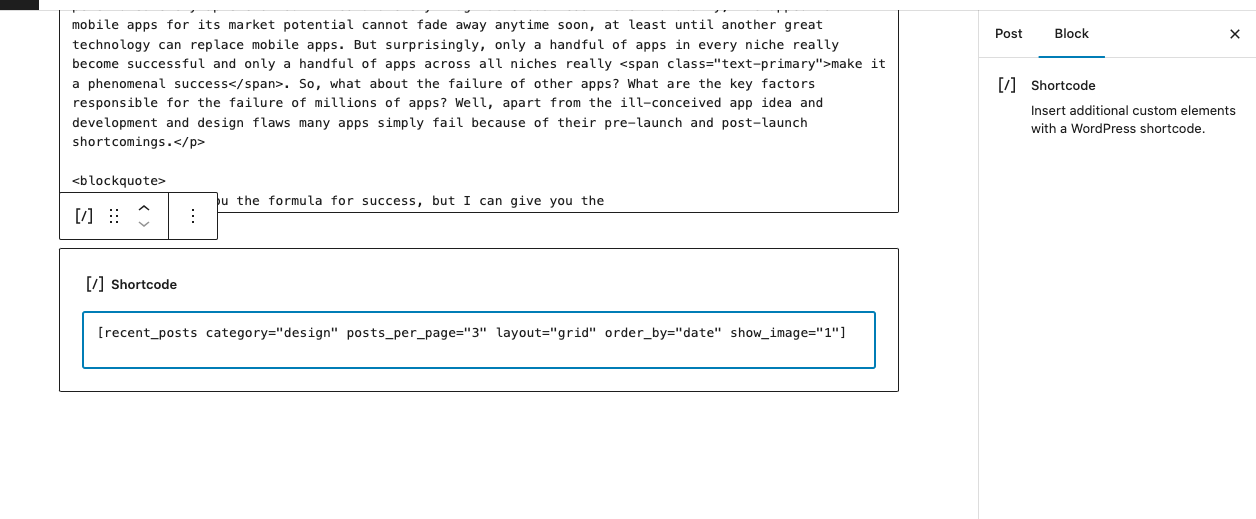
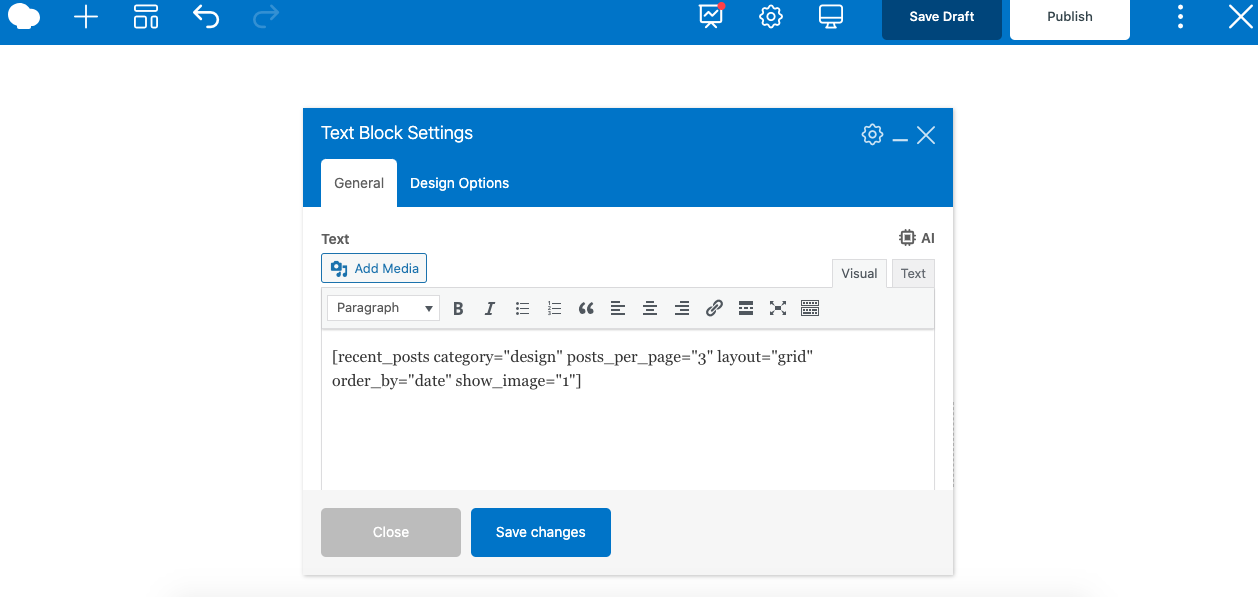
Yes! The plugin is fully compatible with Elementor, WPBakery, and the default WordPress Gutenberg editor. You can easily add the generated shortcode to these page builders.
Do I need to know how to code to use this plugin?
No coding is required! The plugin is designed to be easy to use. Simply generate a shortcode from the plugin settings and paste it into your desired location.
Is this plugin responsive and mobile-friendly?
Yes! The widget is designed to be fully responsive, ensuring it looks great on all devices, including desktops, tablets, and smartphones.
Can I customize the layout of the recent posts widget?
Yes, the plugin offers customizable layout options. You can adjust the widget’s appearance to suit your website's design preferences.
Will this plugin slow down my website?
No, this plugin is lightweight and optimized for speed, ensuring it doesn't impact the performance of your site.
Is the plugin compatible with multilingual sites?
Yes, the plugin is compatible with multilingual WordPress sites. However, you may need a translation plugin (like WPML or Polylang) for full translation support.
How do I get support if I run into issues?
If you encounter any issues or have questions about the plugin, please visit the support forum and we’ll be happy to help.
更新日志:
- Initial release.