RefRef – Referral Program & Refer a Friend for WooCommerce
| 开发者 | refref |
|---|---|
| 更新时间 | 2026年11月10日 13:07 |
| PHP版本: | 8.3 及以上 |
| WordPress版本: | 7.1 |
| 版权: | GPLv2 or later |
| 版权网址: | 版权信息 |
详情介绍:
- Welcome referred friends with discount offers applied as native WooCommerce coupons.
- Reward qualifying referrals with percentage discount coupons that only the customer who earned them can use.
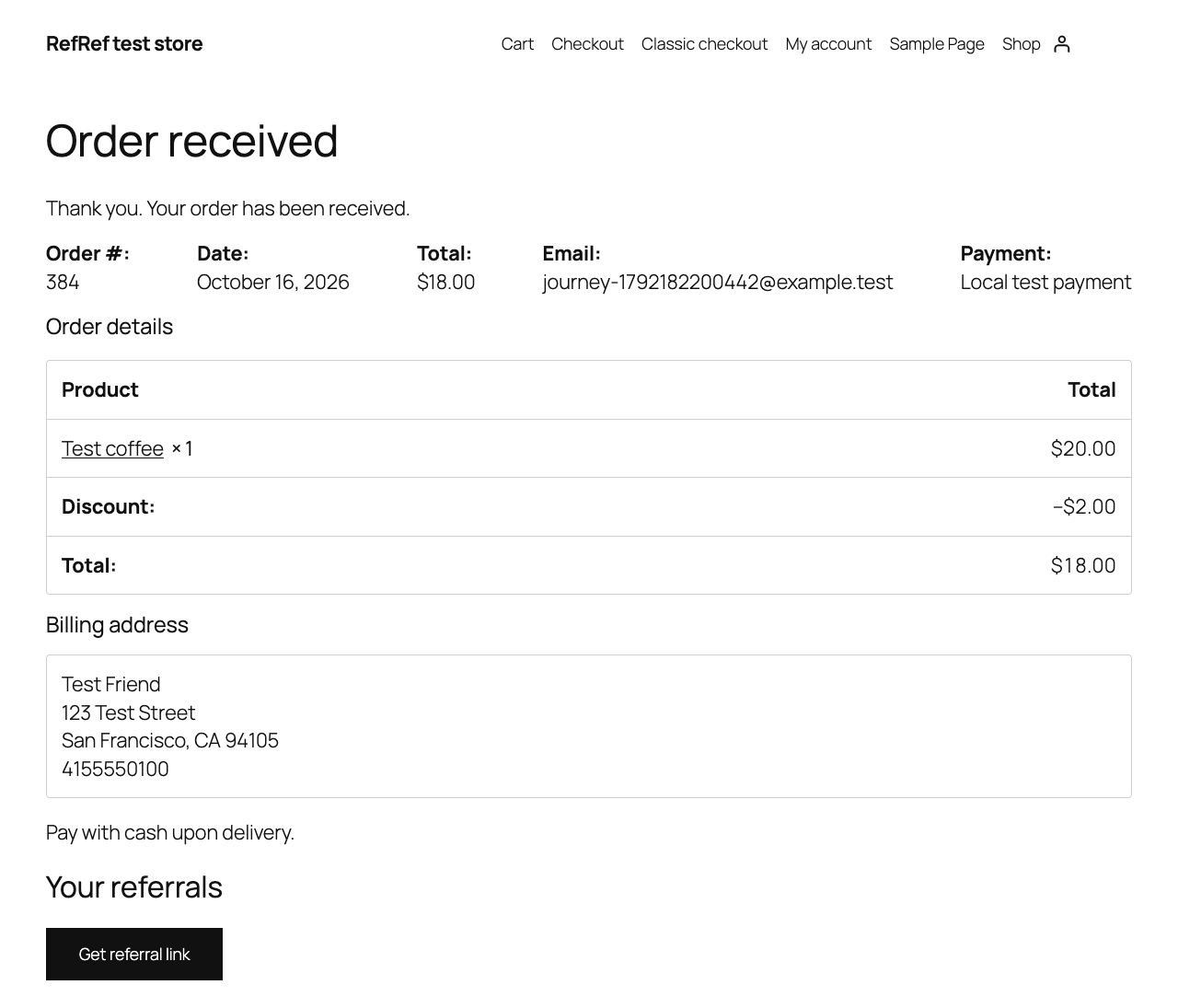
- Let signed-in customers get a referral link and see their referral and reward history in My Account, after checkout, or on a page with the [refref] shortcode.
- Set a reward delivery hold to allow time for returns. A full refund before coupon issuance cancels the pending coupon; coupons already used cannot be recovered.
- Configure your referral program, publish its terms, and manage reward delivery in RefRef Console.
安装:
- Install and activate WooCommerce, then install and activate RefRef.
- Open WooCommerce > RefRef and choose Connect RefRef.
- Sign in to RefRef Console and approve the intended Workspace and a Project dedicated to this store.
- In the Project's integration settings, select a referral Program and its coupon delivery hold. Configure and publish its terms in Console.
- Test referral links and payment/refund handling before opening the Program to customers.
屏幕截图:
常见问题:
Do customers need an account to share referral links?
Yes. Customers sign in to their account on your WooCommerce store to get a referral link and view their history. They do not need a RefRef Console account. Guest friends can use eligible offers, but cannot qualify when the Program requires verified first-purchase history.
Where do I manage billing?
Use Open RefRef Billing in WooCommerce > RefRef. Plans and payments are managed in Console. There is no checkout or billing configuration in this plugin.
What happens when RefRef is unavailable?
Checkout remains available. Background notifications retry. Referral offers and account history may be temporarily unavailable.
What happens when I deactivate the plugin?
Deactivation expires RefRef coupons so they cannot outlive the plugin's ownership checks. Order metadata and hosted records remain for accounting. Use normal WordPress deactivation before removing plugin files.
Is the plugin source available?
The ZIP includes the complete editable PHP and JavaScript source; no build step or minified bundle is required. Plugin files are licensed under GPLv2-or-later. This license does not apply to the separately hosted RefRef service.
更新日志:
- Initial release candidate: store connection, referral tracking, native coupon rewards, payment/refund synchronization, and hosted privacy callbacks.