Rename Taxonomies by WebMan
| 开发者 | webmandesign |
|---|---|
| 更新时间 | 2025年12月9日 22:36 |
详情介绍:
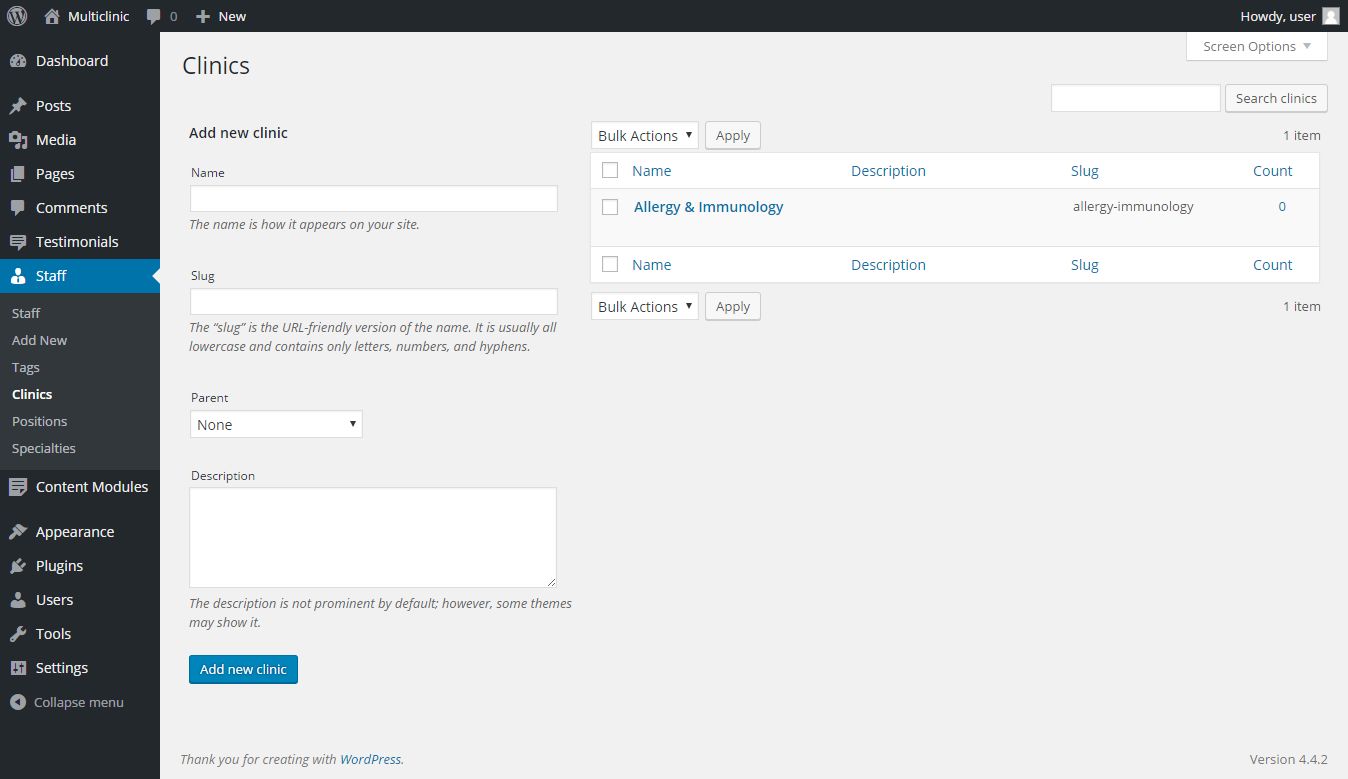
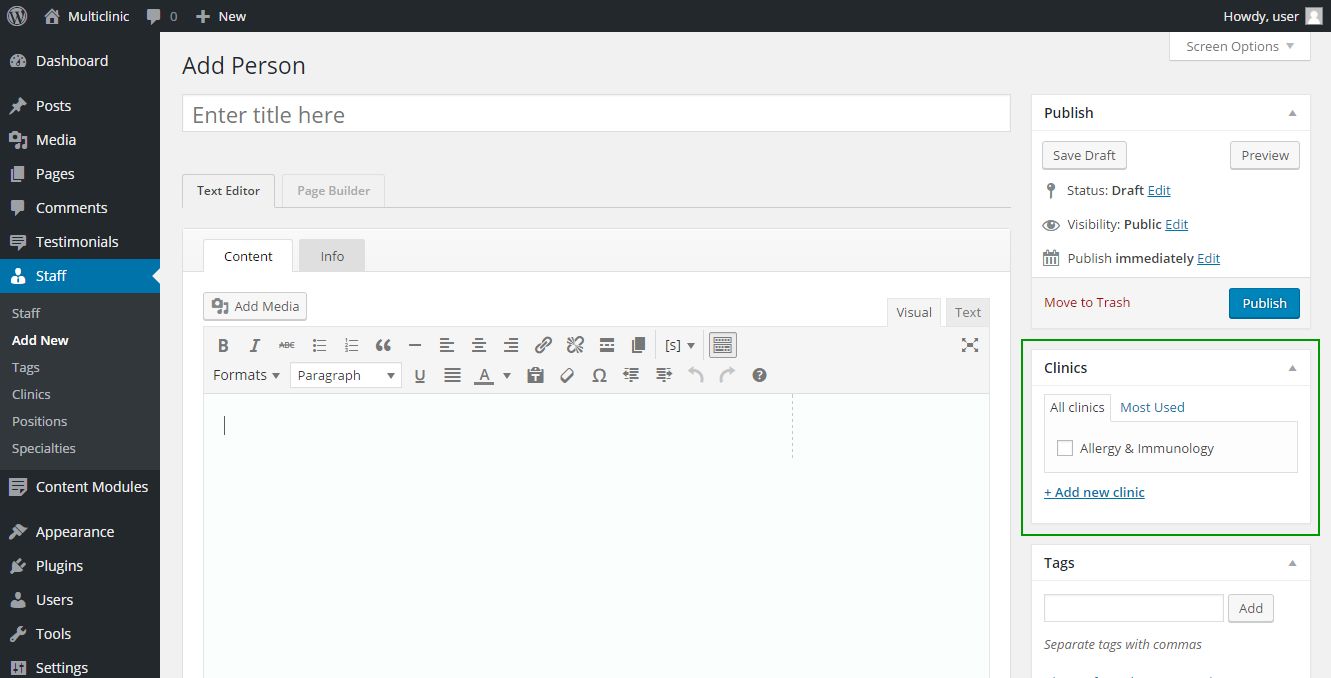
- Easily rename any taxonomy (for example, rename "Categories" to "Topics")
- Renames custom taxonomies as well (added by 3rd party plugins)
- Simple, intuitive user interface
- No coding required
- Translation ready
- Multilingual plugins compatible
安装:
- Unzip the plugin download file and upload
rename-taxonomiesfolder into the/wp-content/plugins/directory. - Activate the plugin through the "Plugins" menu in WordPress.
- Rename taxonomies under Tools → Rename Taxonomies.
屏幕截图:
常见问题:
How can I rename taxonomy labels?
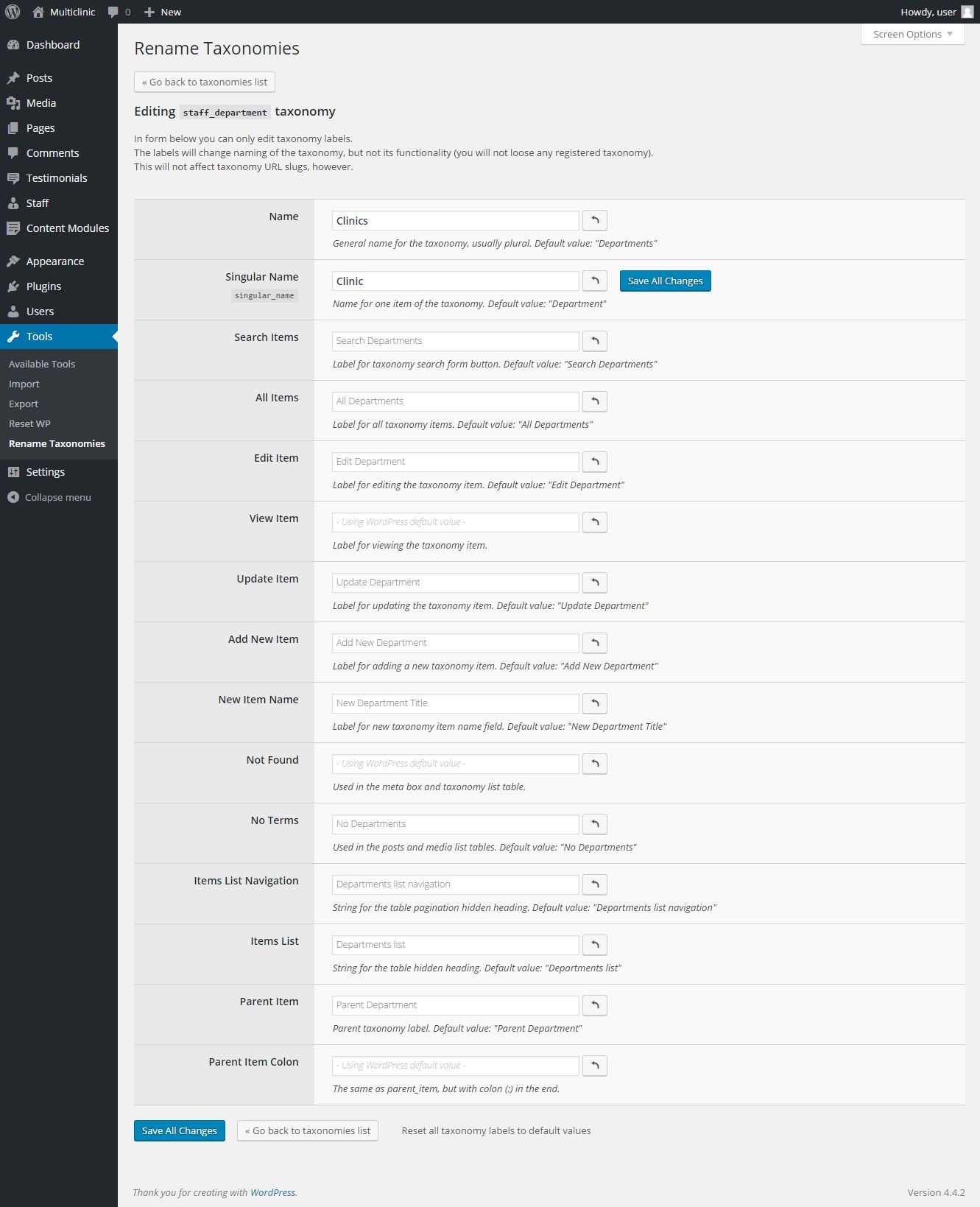
Navigate to Tools → Rename Taxonomies in your WordPress dashboard. Then click the taxonomy you want to rename and fill the form fields displayed. That's it. (Note that you might need to refresh the WordPress dashboard once the form is saved to preview the changes.)
My taxonomies are renamed in admin but not in front-end of my website!
Well, this is most likely caused by your theme (or a plugin) hard-coding the taxonomy names on the front-end. Please contact your theme (or plugin) developer to update their code and use WordPress taxonomy labels instead of hard-coding them.
Is this plugin translation ready?
Yes, the interface of the plugin is translation ready and you are perfectly fine to use it on a single-language website. For multilingual website please read below (the other FAQ question). You can translate the plugin directly in WordPress repository. Thank you!
Does the plugin work with multilingual website (and plugins)?
If you are building a multilingual website and want to translate the customized taxonomy labels, this is possible using WPML or Polylang multilingual plugins. Please note that if you have already customized your taxonomy labels, you need to re-save your customizations to register them for translation with the multilingual plugins. Other solution would be to use WordPress multisite approach to build a multilingual website.
But there is no setting for post_format! How can I change that?
The plugin disables customization for certain WordPress native taxonomies. The list consists of nav_menu, link_category, post_format, wp_theme, wp_template_part_area, and wp_pattern_category.
In case you want to edit this list, use a rename_taxonomies_skipped_keys filter hook via your (child) theme or plugin PHP code:
`add_filter( 'rename_taxonomies_skipped_keys', function( $taxonomy_keys ) {
unset( $taxonomy_keys['post_format'] );
return $taxonomy_keys;
} );`
The taxonomies that have no admin edit UI will be skipped too.
更新日志:
changelog.md file for details.