
Reorder by Term
详情介绍:
We consider Reorder By Term a developer tool. If you do not know what
menu_order or custom queries are, then this plugin is likely not for you. This is an add-on to Reorder Posts and requires Reorder Posts 2.1.0 or greater.
Out of the box, WordPress does not support the ability to reorder posts within a term. There are other plugins out there that do term ordering, but they usually create custom tables (which require crazy custom queries and filters) and/or add a column or two to core tables, which is not sustainable in the long-term should WordPress core decide to update its schema.
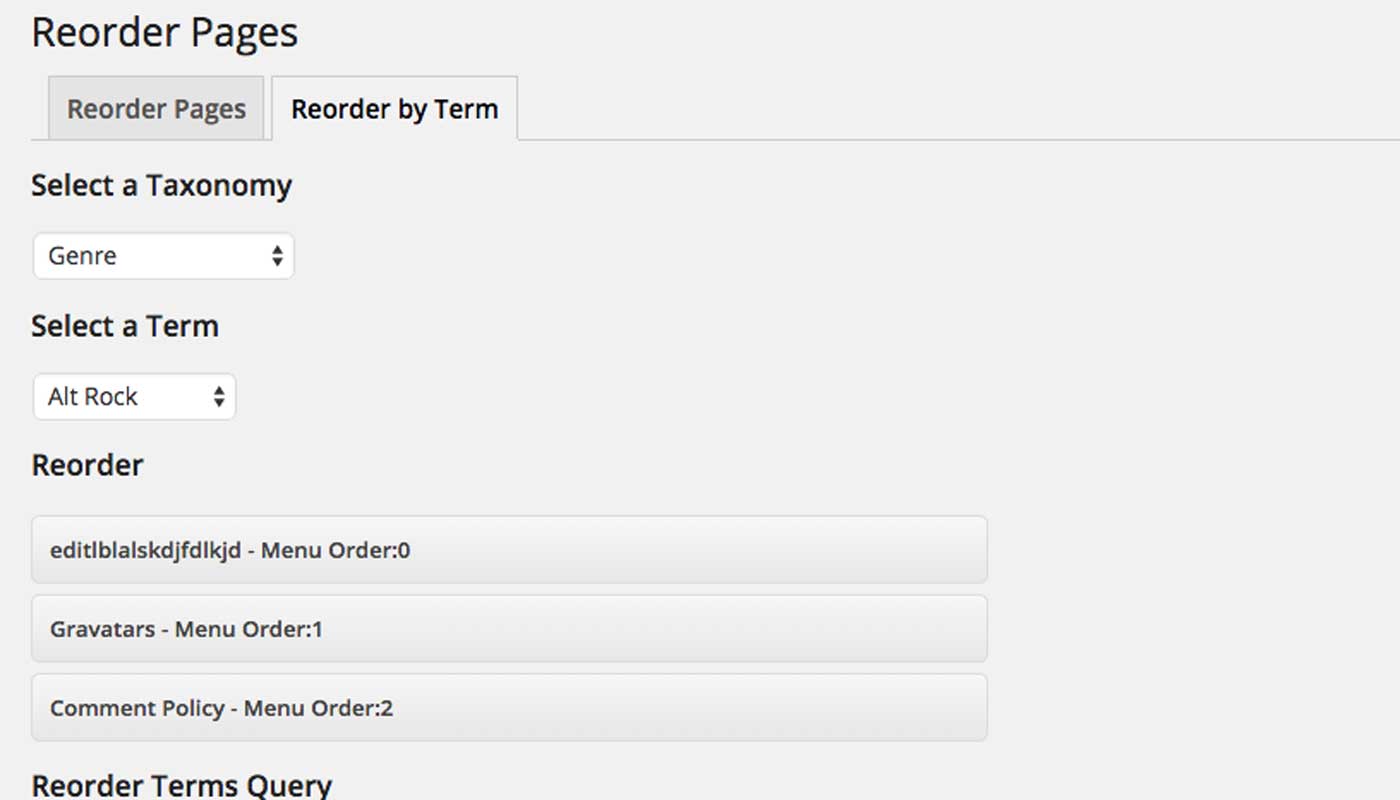
Reorder by Term uses custom fields, which means you can reorder by term within each taxonomy AND post type. This is insanely flexible.
Since WordPress doesn't support this by default, when you install the plugin, you'll have to build the term data. For a lot of posts and terms, this can take a while, but you can limit the build to post types and taxonomies if, for example, you don't want to touch regular blog posts (with categories and tags).
产品特点
- Provides a convenient build-terms tool to add the term data to your existing posts.
- Automatically modifies/adds the term data when you save a post, change a term slug, or delete a term.
- Reorder based on post type, taxonomy, and then term.
- Uses custom fields to save data, so you can use get_posts, WP_Query, or pre_get_posts to order your query correctly.
安装:
Either install the plugin via the WordPress admin panel, or ...
- Upload
reorder-by-termto the/wp-content/plugins/directory. - 通过 WordPress 的“插件”菜单激活插件。
Tools->Build Post Term Data. From there, you can build the term data based on the taxonomies you select. You can also start over and clear the existing term data.
Please note that this plugin does not change the order of items in the front-end. This functionality is not core WordPress functionality, so it'll require some work on your end to get the posts to display in your theme correctly.
You'll want to make use of WP_Query, get_posts, or pre_get_posts to modify query behavior on the front-end of your site.
See usage for some examples.屏幕截图:
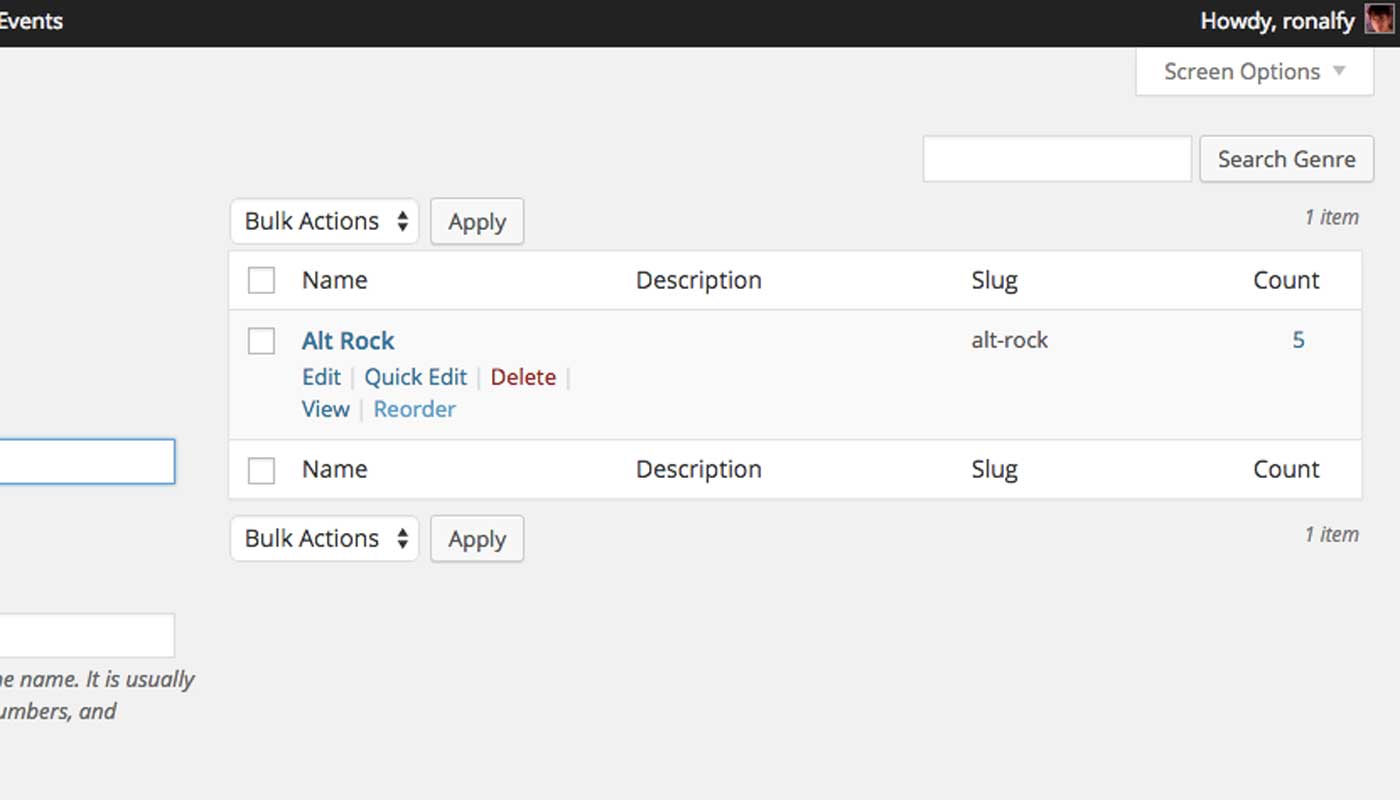
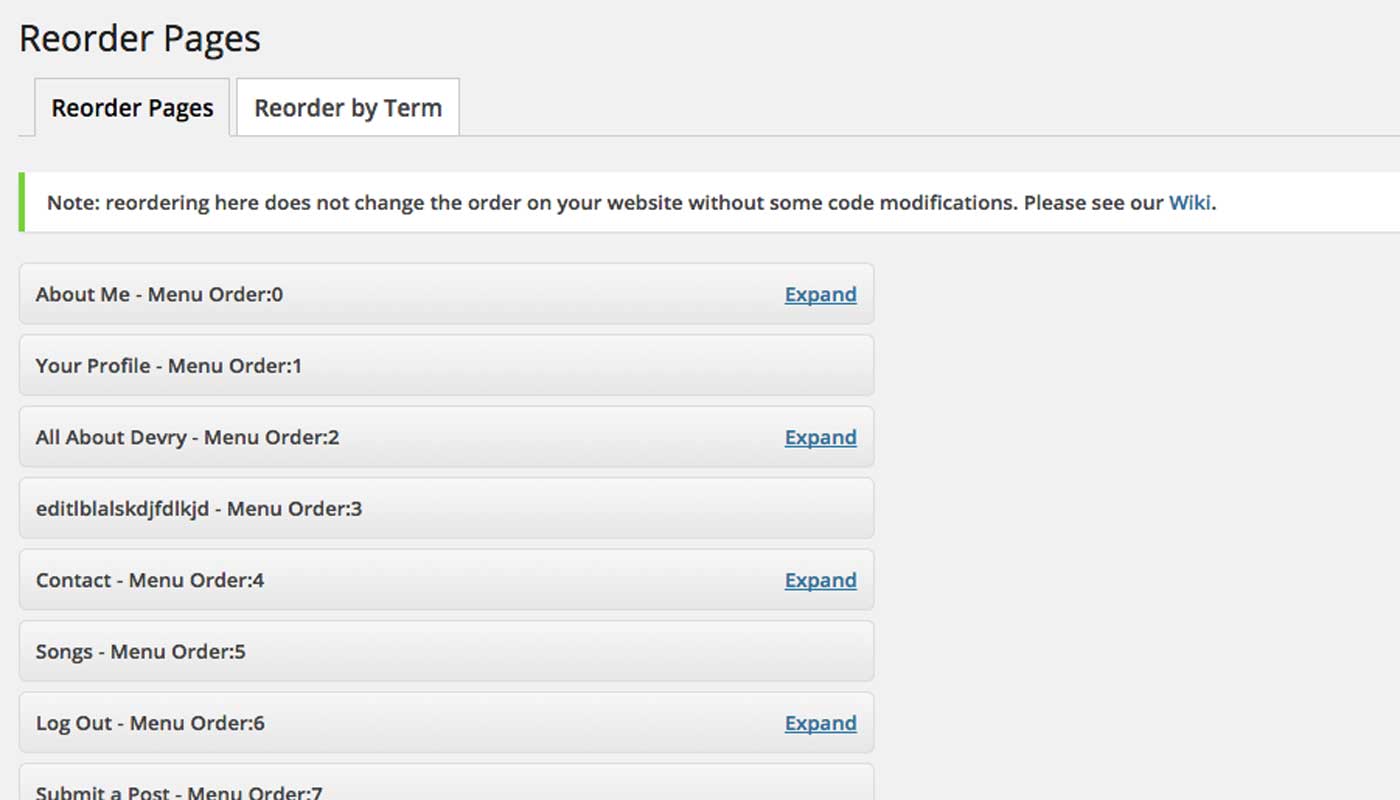
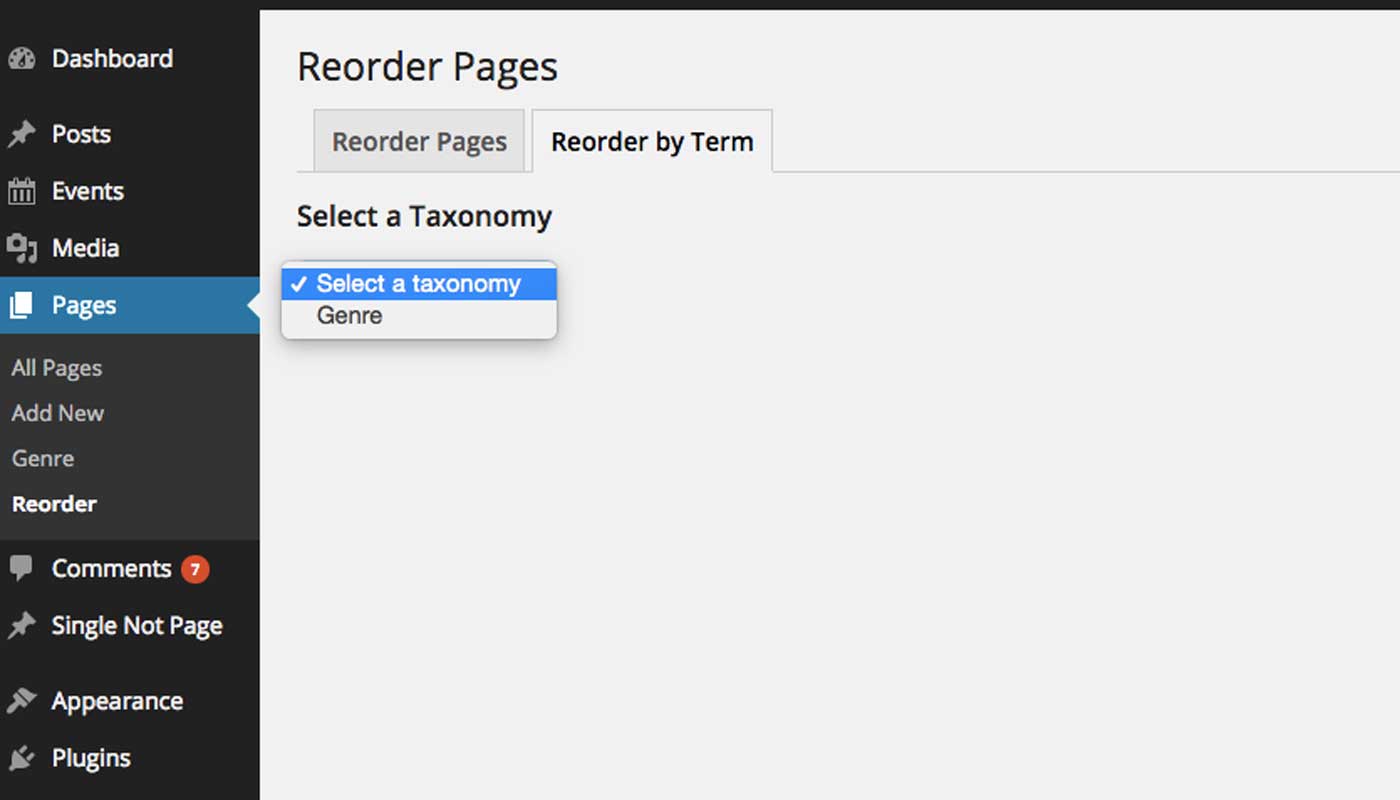
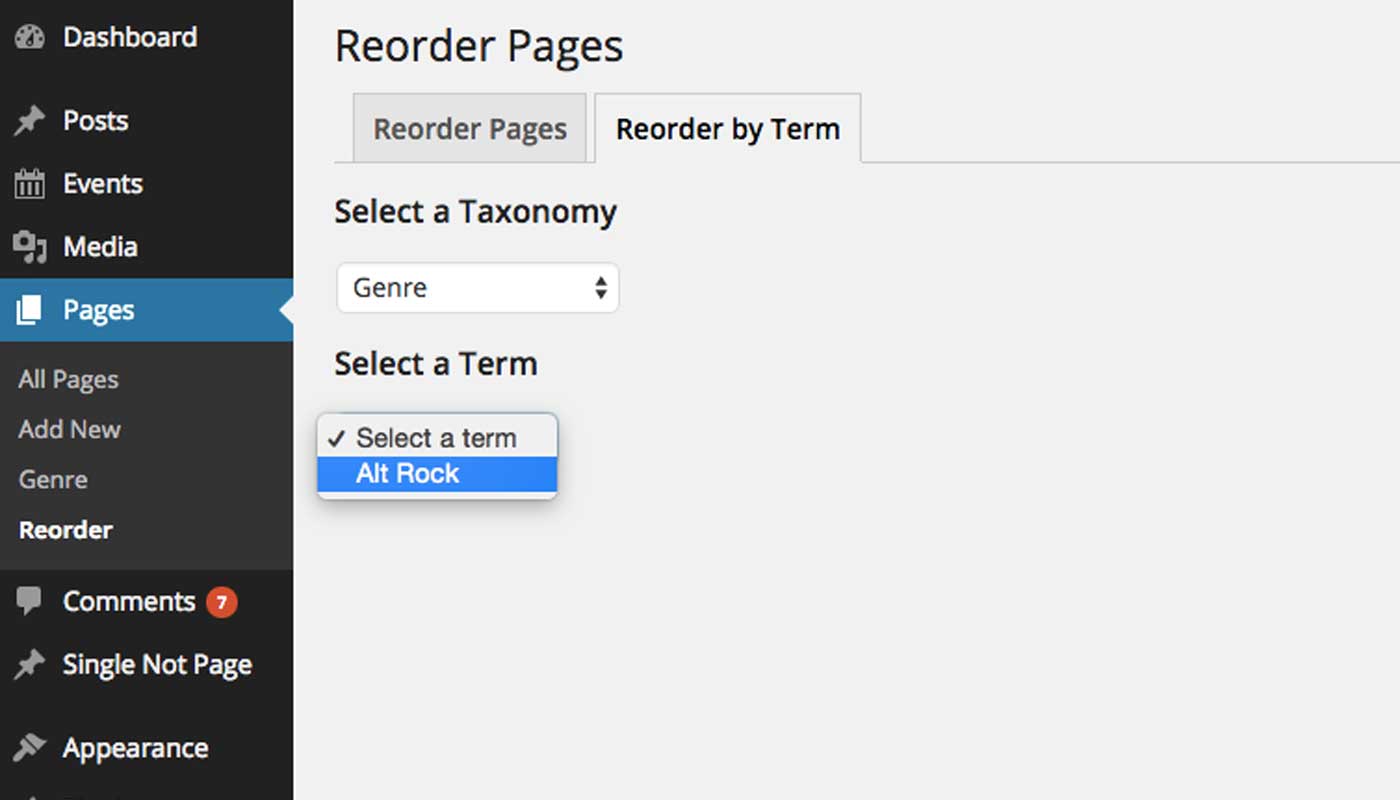
常见问题:
Why must I build term data?
For the plugin to work, there must be the correct custom fields present for each post you want reordered by term. Since this data doesn't exist natively, we must build this data. The build process should only have to happen once, so start the build, get a cup of coffee, and then start reordering your posts by term.
Where is the "save" button when re-ordering?
There isn't one. The changes are saved automatically.
Do I need to add custom code to get this to work?
Yes. Can we theoretically build this into the plugin to get it work automatically? Sure. But we won't.
Does the plugin work with hierarchical post types?
Of course, but by the nature of terms, all post structures are flat, regardless of hierarchy.
Does it work in older versions of WordPress?
This plugin requires WordPress 3.7 or above. We urge you, however, to always use the latest version of WordPress.
更新日志:
1.3.1
- Released 2026-03-23
- Fixed order reset issue when saving posts.
- Released 2025-02-15
- Fixing "term builder" where building terms often resulted in a mismatch, preventing reordering.
- Resolving PHP fatal error when loading the plugin.
- Released 2019-02-16
- Updating terms query in the back-end for better usability
- Released 2016-08-14
- Major CSS overhaul
- Released 2016-08-12
- Added screen options to set posts per page
- Released 2016-08-08
- Added option in
Settings->Reorder Poststo disable the term query from displaying. - Added better support for the post object.
- Updated 2015-04-25 - Ensuring WordPress 4.2 compatibility
- Released 2015-01-27
- Initial Release. Feedback is much appreciated!