Repeater Fields for Elementor Forms
| 开发者 |
wpformsaddons
Rednumber addonsorg |
|---|---|
| 更新时间 | 2026年9月22日 10:11 |
| PHP版本: | 5.2 及以上 |
| WordPress版本: | 7.1 |
| 版权: | GPLv2 or later |
| 版权网址: | 版权信息 |
详情介绍:
[youtube https://www.youtube.com/watch?v=C-xoIp7lIAY]
DEMO: https://demo.add-ons.org/demo-repeater-fields/
Download Pro Version: https://add-ons.org/plugin/elementor-forms-repeater-fields/
Document: https://add-ons.org/document-elementor-foms-repeater-field/
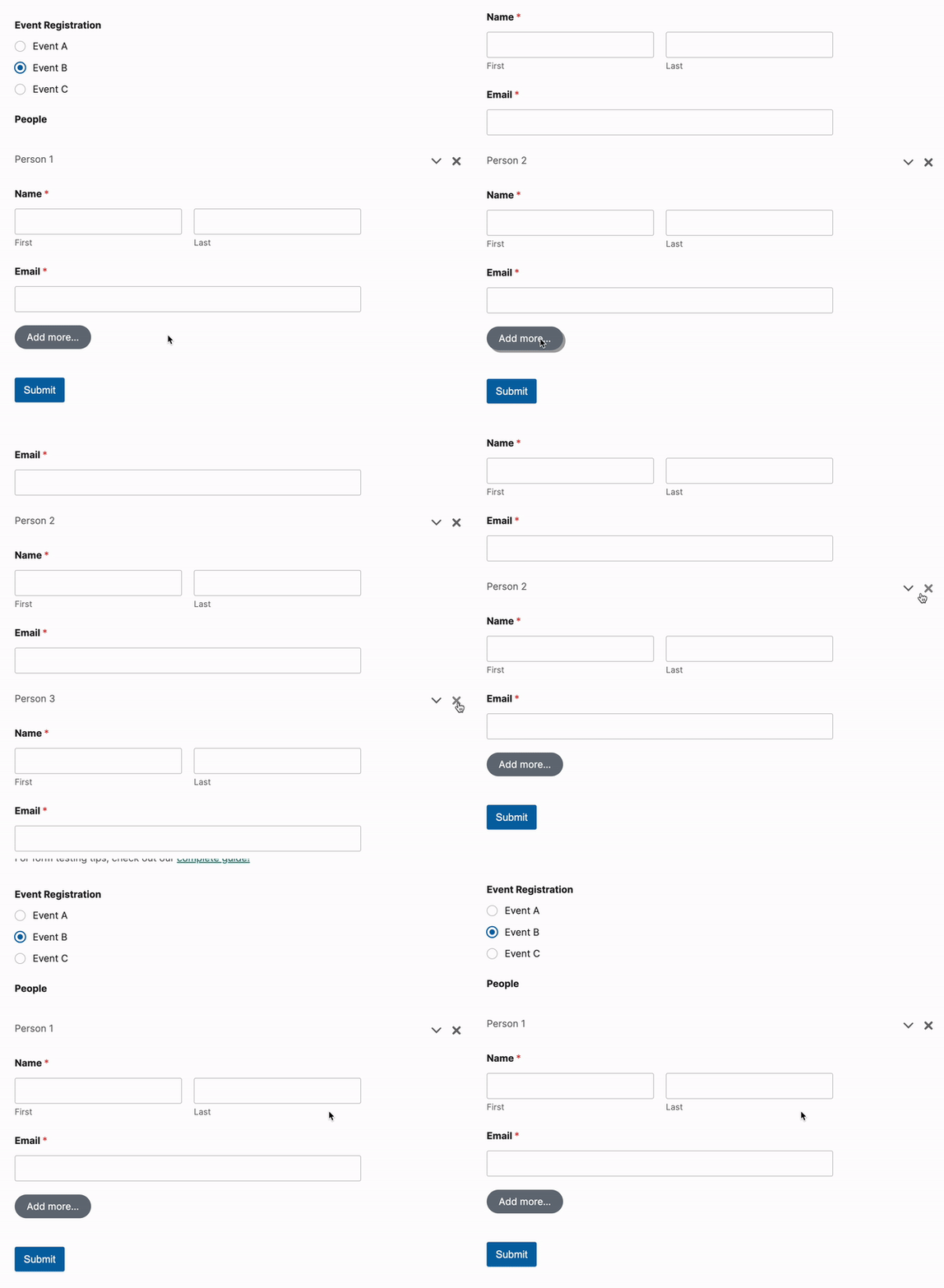
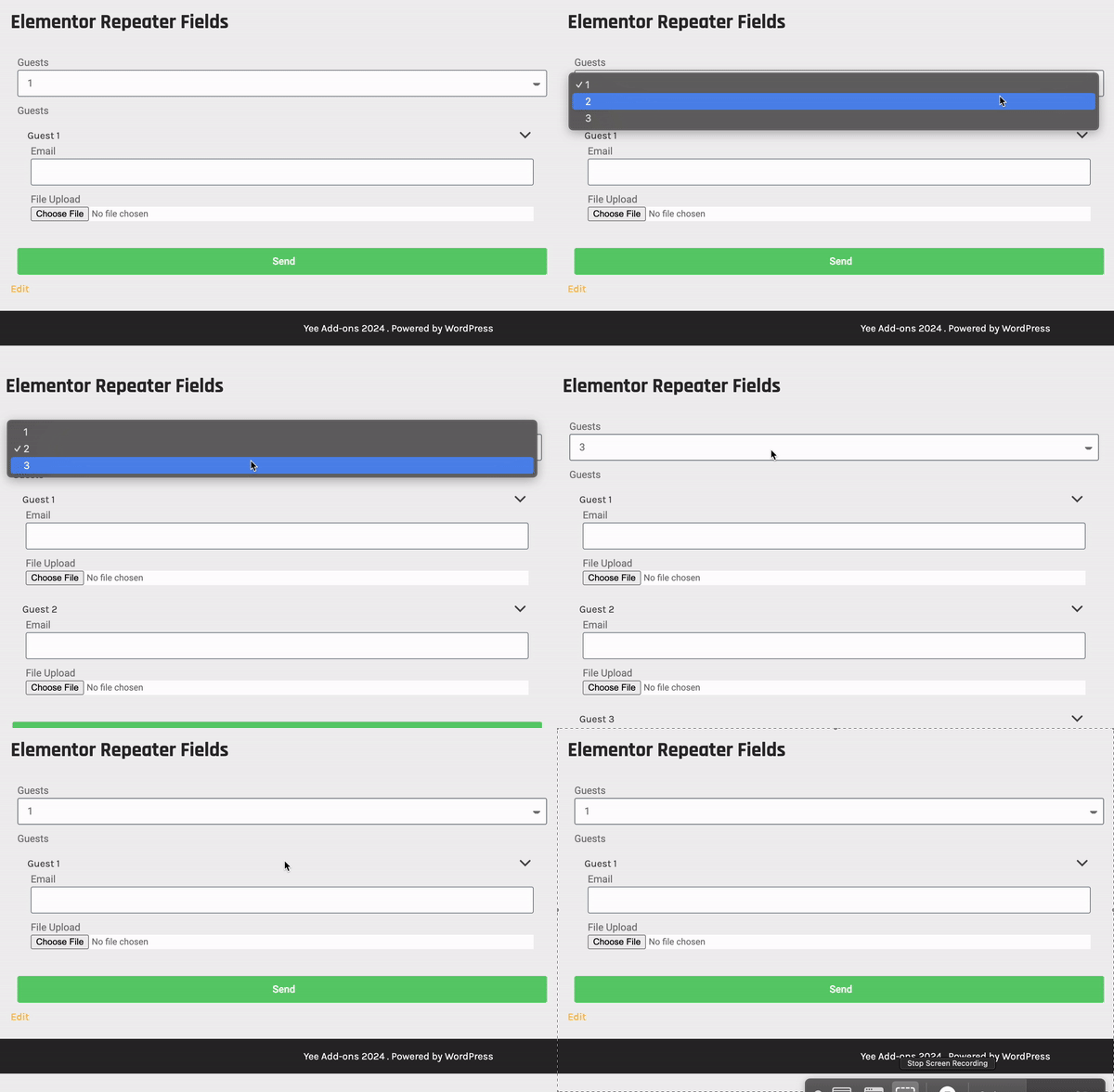
Repeater Field For Elementor Forms is a powerful add-on that brings the much-anticipated "Repeater" functionality to Elementor Pro Forms. It allows you to create complex, multi-row data entry sections within your forms, perfect for event registrations, team sign-ups, order forms, and more. Stop creating overwhelmingly long, static forms. By allowing users to dynamically add rows as needed, you improve user experience, reduce form abandonment rates, and collect exactly the data you need—no more, no less.
With a focus on performance and ease of use, this plugin integrates seamlessly with the Elementor editor, providing a native-like experience for both creators and end-users.
Ideal for Group Registrations and Orders: This plugin is a game-changer for event organizers, HR departments, and store owners. With our "Send to All Emails in Repeater" feature, you can now have one person register an entire team, and every member will instantly receive their own confirmation email.
安装:
Normal installation
- Download the repeater-field-for-elementor.zip file to your computer.
- Unzip the file.
- Upload the
repeater-field-for-elementordirectory to your/wp-content/plugins/directory. - Activate the plugin through the 'Plugins' menu in WordPress.
- Document: https://add-ons.org/document-elementor-foms-repeater-field/
屏幕截图:
更新日志:
2.3.0
- Fixed: Fix security vulnerabilities
- Fixed: upload file
- Added: Send email to repeater
- Fixed: Compatible with html type conditional
- Fixed: Smaill problem
- Fixed: Map field with Initial Rows
- Fixed: empty max min
- Fixed: date, time field in on mobile
- Fixed: Compatible with Conditional Logic plugin
- Added: Remove empty filed in the email tag and submissions
- Added: Style button
- Fixed: Checkbox field
- Fixed: Compatible with Condition logic
- Fixed: Compatible with Telephone field for Elementor Forms
- Fixed: Compatible with Condition logic
- Added: Big updated
- Fixed: Not Working with conditional hide
- Fixed: Purchase code
- Fixed: map field
- Fixed: Smaill problem
- Add: Support Date/time field
- Fixed: Condition logic
- Version 1.0 Initial Release