
Reputify.io – Review Widgets, Score and Review Requests
| 开发者 | cservit |
|---|---|
| 更新时间 | 2026年10月14日 16:41 |
| PHP版本: | 7.4 及以上 |
| WordPress版本: | 7.1 |
| 版权: | GPLv2 or later |
| 版权网址: | 版权信息 |
详情介绍:
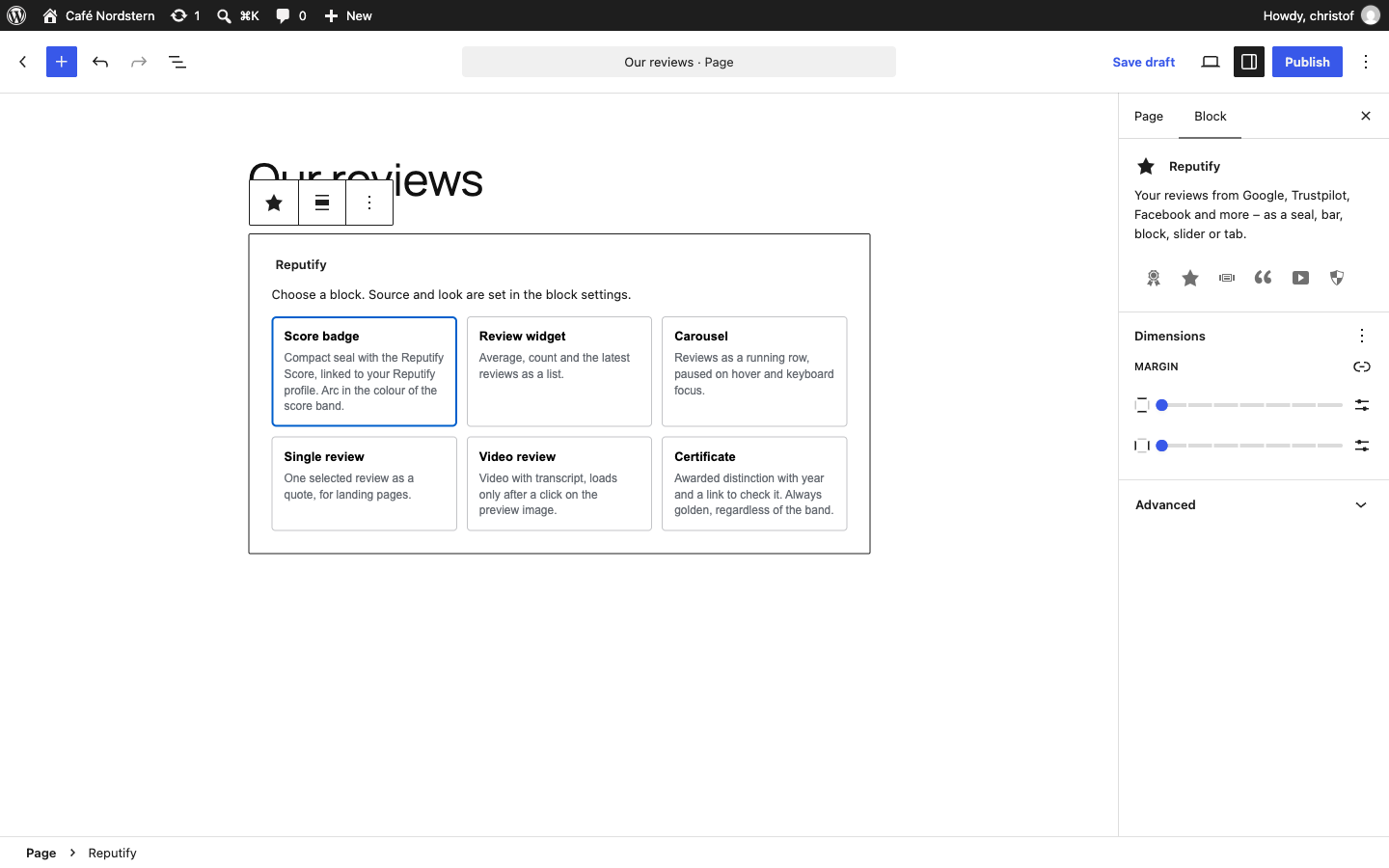
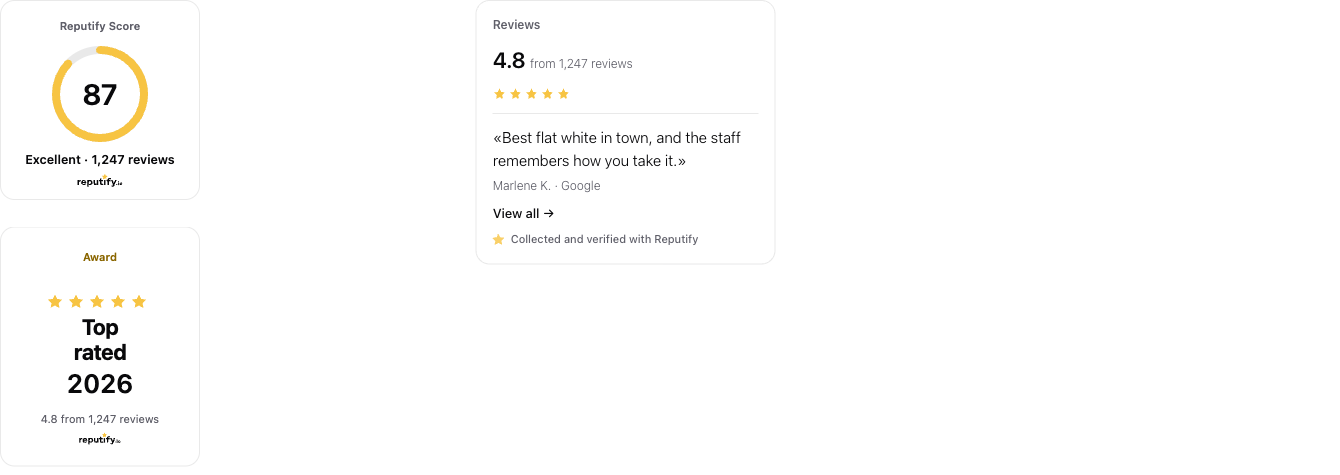
- Score badge – compact seal with the Reputify Score, linked to your Reputify profile.
- Review widget – average, count and the latest reviews as a list.
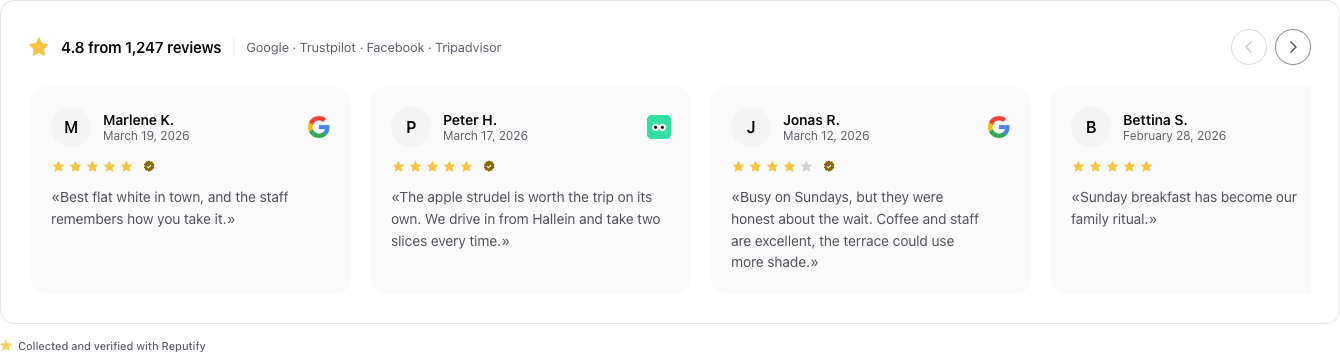
- Carousel – reviews as a running row.
- Single review – one selected review as a quote, for landing pages.
- Video review – video with transcript, loaded only after a click.
- Certificate – your awarded distinction with year and a link to check it.
安装:
- Install and activate the plugin.
- Go to Reputify → Setup, choose your platform and create your account – or connect an existing one.
- Add a block from the Reputify category, a shortcode, or the "Reputify reviews" widget.
屏幕截图:
常见问题:
Do I need a Reputify account?
Yes – the plugin shows what your Reputify project contains. It is created on the setup screen; the free plan is enough to start.
Do I have to paste an API key?
No.
Will my site get slower?
No. Blocks are cached on your server and revalidated in the background; seals have a fixed size, so nothing jumps while loading.
Which shortcodes are there?
[reputify_badge], [reputify_widget], [reputify_carousel], [reputify_review id="…"], [reputify_video], [reputify_certificate]. Attributes: form (another form of the block), loc or group (source), reviews (number), min_rating (from stars), product (SKU or auto), theme (light, dark, auto), locale (de, en).
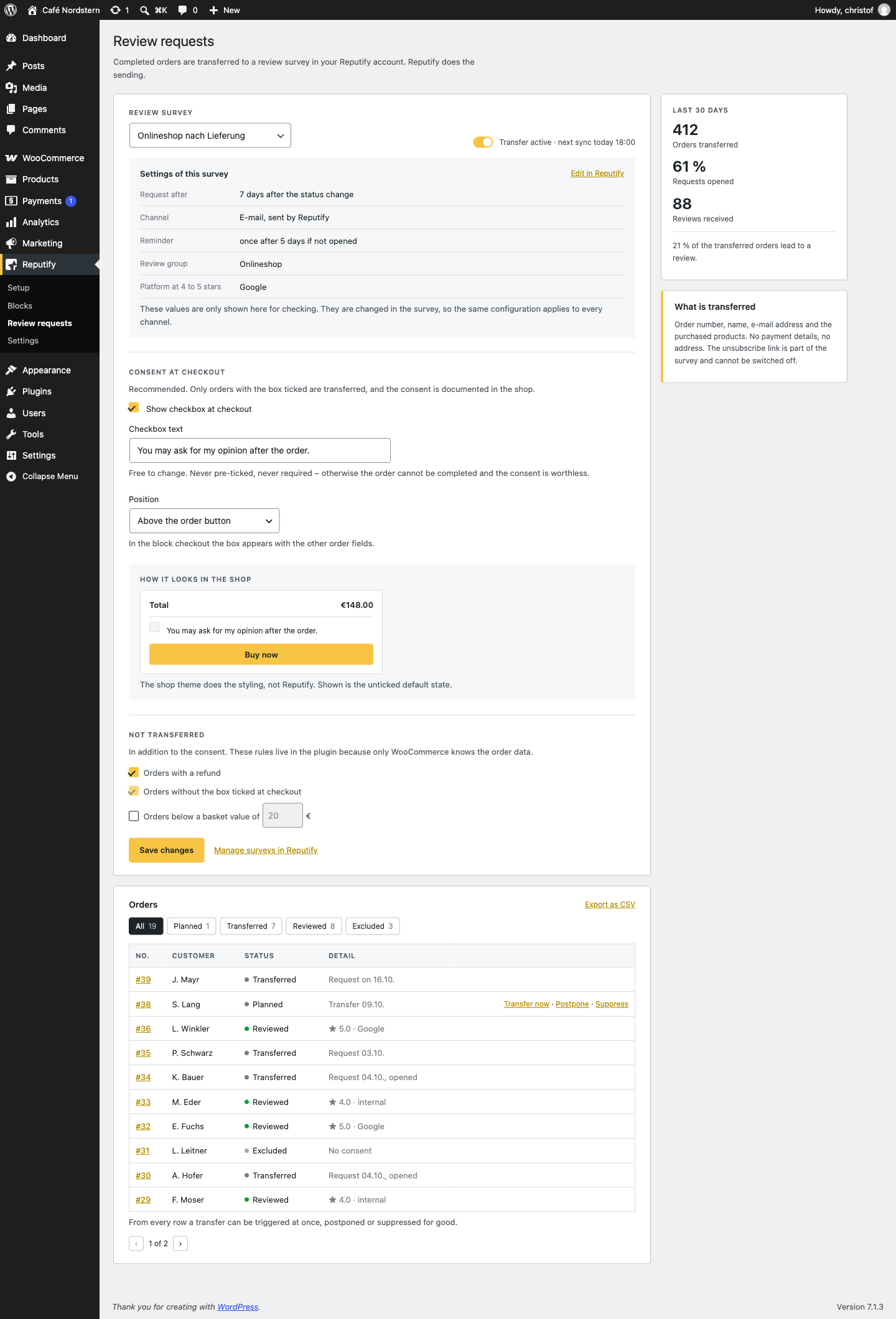
Are review requests by e-mail allowed?
They count as advertising in parts of the EU. That is why the transfer is off by default and only orders with the consent checkbox ticked are transferred. Whether you may send them is up to you as the shop owner.
更新日志:
- The tab at the edge of the screen can now be switched on for the whole website, like the two bars. It floats above every page and opens summary and reviews without leaving it.
- The three site-wide placements have their own settings card with a drawing of where each one sits – instead of two checkboxes between the appearance settings.
- Look, source (whole account, one location or one review group) and, for the tab, the number of reviews can now be set per placement.
- The
reputify_site_barfilter also receives'tab'now, next to'top'and'bottom'.
- First public release.