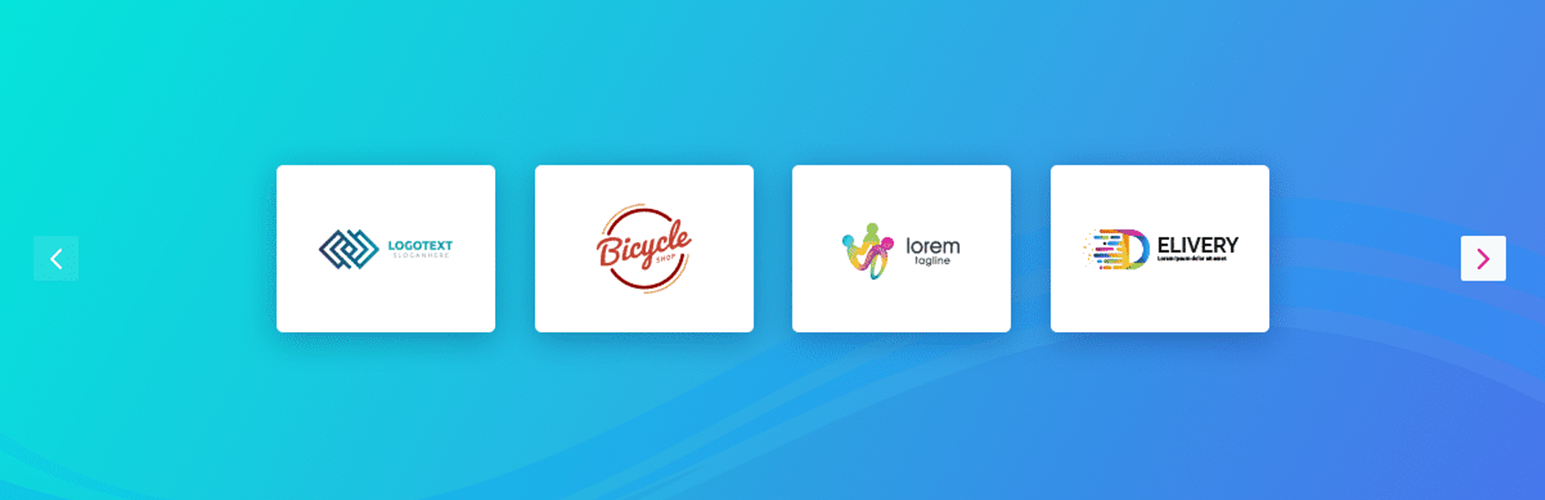
Logo Carousel – showcase client logos professionally
| 开发者 |
abuhayat
shehabulislam bplugins shehab24 |
|---|---|
| 更新时间 | 2026年9月3日 13:40 |
| 捐献地址: | 去捐款 |
| PHP版本: | 4.7 及以上 |
| WordPress版本: | 6.8 |
| 版权: | GPLv2 or later |
| 版权网址: | 版权信息 |
详情介绍:
Turn your client list into instant social proof – display client logos in a smooth, responsive carousel anywhere on your site.
Plugin Demo | Documentation
Why Logo Carousel?
Logo Carousel is an easy-to-use and versatile WordPress plugin that showcases a responsive carousel slider of your clients' logos or images. An engaging, professional display of the brands you've worked with helps build trust with your visitors from the very first scroll.
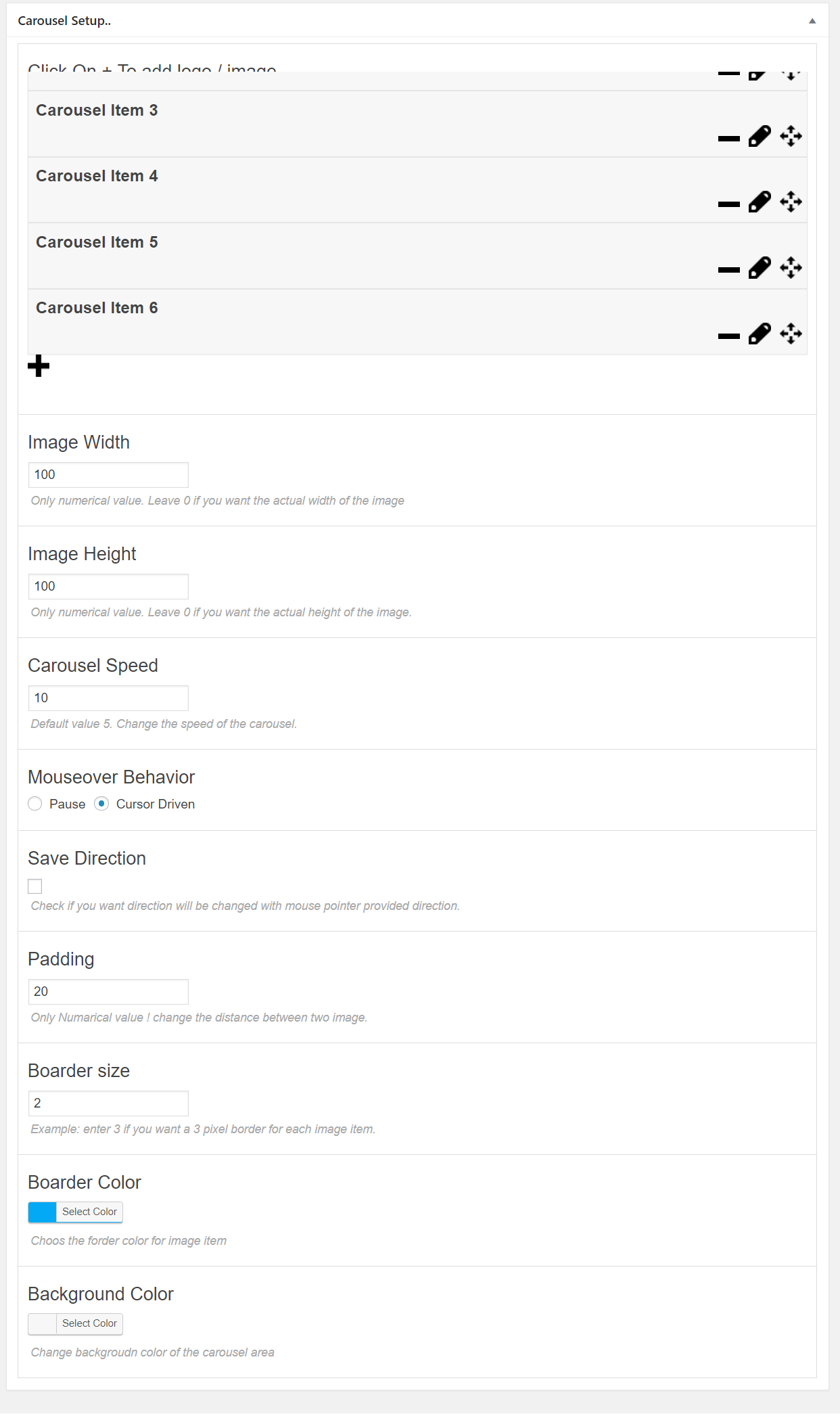
The plugin comes with a range of customizable settings, so your carousel seamlessly matches your site's branding and design. Control the animation style, speed, and the number of images to display, and add links to each logo that send visitors to your clients' websites or pages.
Logo Carousel is fully responsive and mobile-friendly, so your slider looks great on all devices and screen sizes. Upload images from your media library or import them from an external URL, and the plugin automatically generates the carousel for you – fine-tune the appearance further with the built-in style editor or your own CSS.
Free Features
- Unlimited Carousels: Create as many logo carousels as you need.
- Any Image Type: All common image formats are supported.
- Shortcode Driven: Place carousels anywhere in WordPress – posts, pages, widgets, and templates.
- Pointer Direction Control: Control the slide direction with the mouse pointer.
- Deep Customization: Control speed, behavior, width, height, border, background, and more.
- Logo Links: Link each image to a client website or any page.
- User-Friendly Interface: Add and manage logos with ease.
- Broad Browser Support: Works on all major browsers.
- Lightweight & Fast: Minimal footprint for quick page loads.
- Install and activate Logo Carousel.
- Open the plugin's admin menu and create a new carousel.
- Upload your client logos and adjust speed, size, and style options.
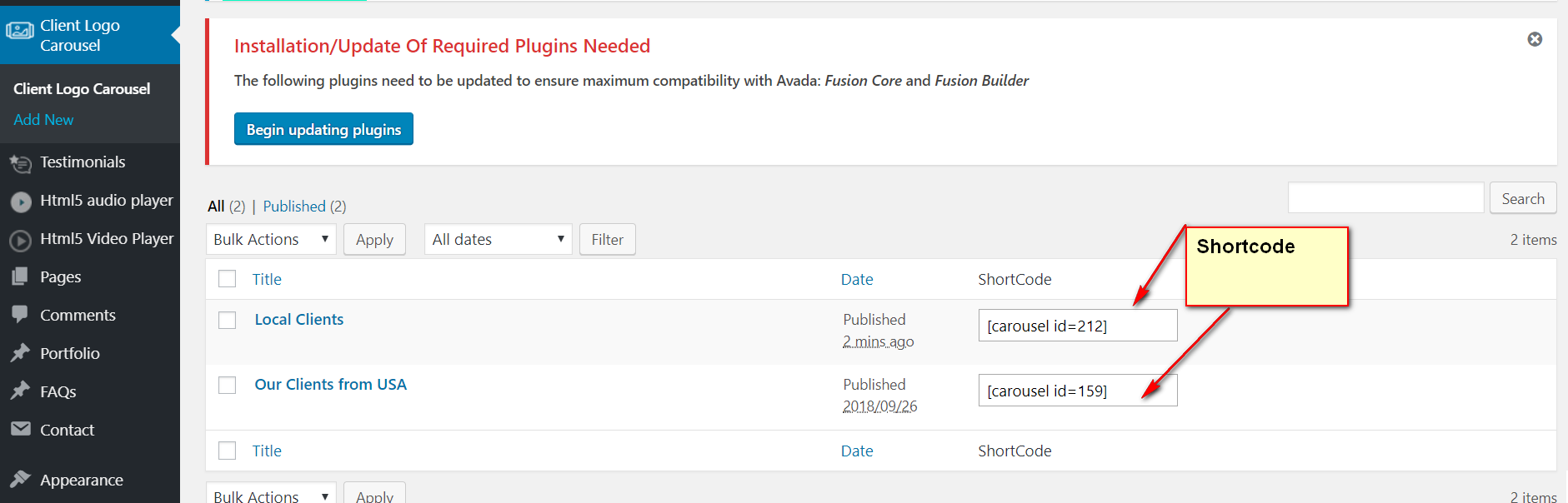
- Copy the generated shortcode and paste it into any post, page, or widget.
- Client & Partner Logos: Show the brands you work with to build credibility.
- Sponsor Showcases: Display event or community sponsors in a rotating strip.
- Portfolio Highlights: Present your own work or product images in a carousel.
- Testimonial Branding: Pair customer logos with your testimonial sections.
安装:
From your WordPress dashboard (recommended):
- Go to Plugins → Add New.
- Search for "Logo Carousel".
- Click Install Now, then Activate.
- Create a carousel from the plugin's admin menu and place its shortcode anywhere.
- Upload the plugin folder to the
/wp-content/plugins/directory. - Activate the plugin through the Plugins menu in WordPress.
- Use the shortcode in any page, post, or widget.
- To embed in theme PHP, place
<?php echo do_shortcode('YOUR_SHORTCODE'); ?>in your template.
屏幕截图:

常见问题:
How do I display the carousel on a page or post?
Create a carousel from the plugin's admin menu, copy its shortcode, and paste it into any post, page, or widget. You can also embed it in theme templates with do_shortcode.
Can I link each logo to a client's website?
Yes. You can add a link to each image, redirecting visitors to your clients' websites or pages.
How many carousels can I create?
There is no limit – you can create unlimited carousels, each with its own logos and settings.
Can I customize how the carousel looks and behaves?
Yes. You can control the animation style, speed, direction, number of visible images, width, height, border, and background, and further customize the appearance with the built-in style editor or your own CSS.
Is the carousel mobile-friendly?
Yes. Logo Carousel is fully responsive, so it looks great and functions smoothly across all devices and screen sizes.
更新日志:
1.3.0 - 5 Sep 2024
- Improved: Security
- fix position issue
- Initial Release
- Fix isuue and make compatible with Wordpress 5.5 Version
- Fix other php warning
- Add Shortcode on Logo Carousel View page